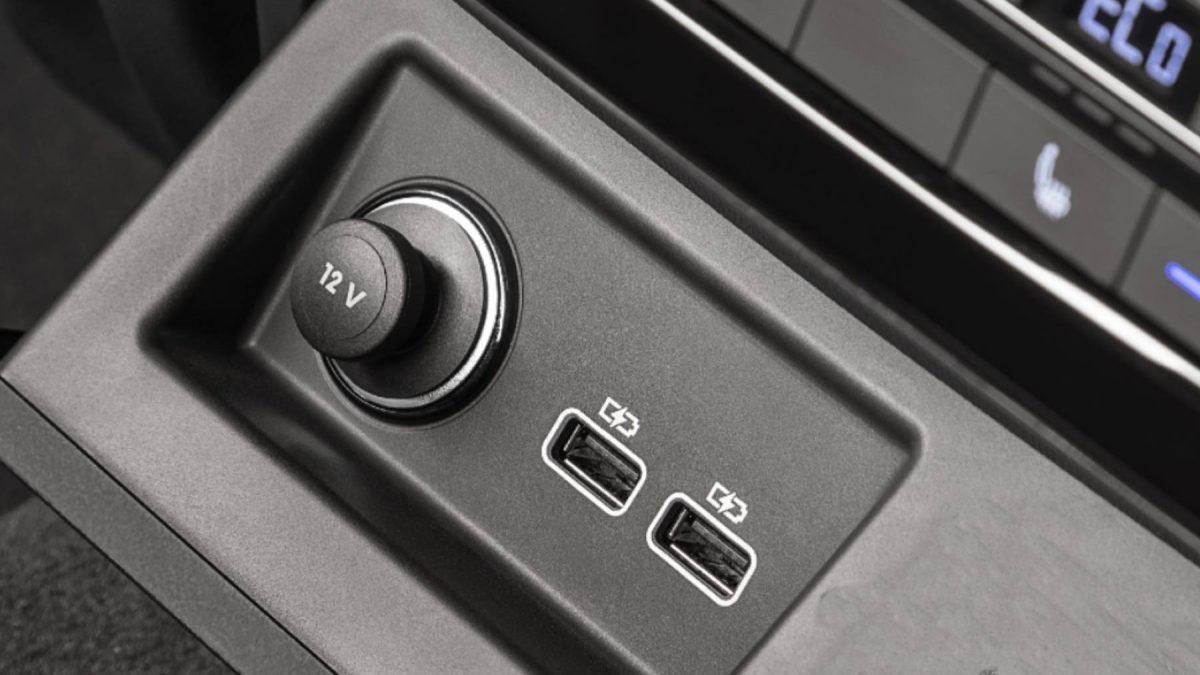
Today we use our phones for everything, and the car is no exception: we plug them into the first USB port we find to charge, play music, or use the navigation system. What almost no one considers is that this seemingly innocent connection can open the door to privacy problems and battery drain if not done carefully.
When you connect your phone to your vehicle's system, it doesn't always just provide power. Depending on the model, it can activate the synchronization of contacts, calls, or recent routes, and even store some of that information on the car's system. This means that if you don't carefully manage the settings, your data could be saved and become visible to others later.
Why your car's USB port can expose your personal data
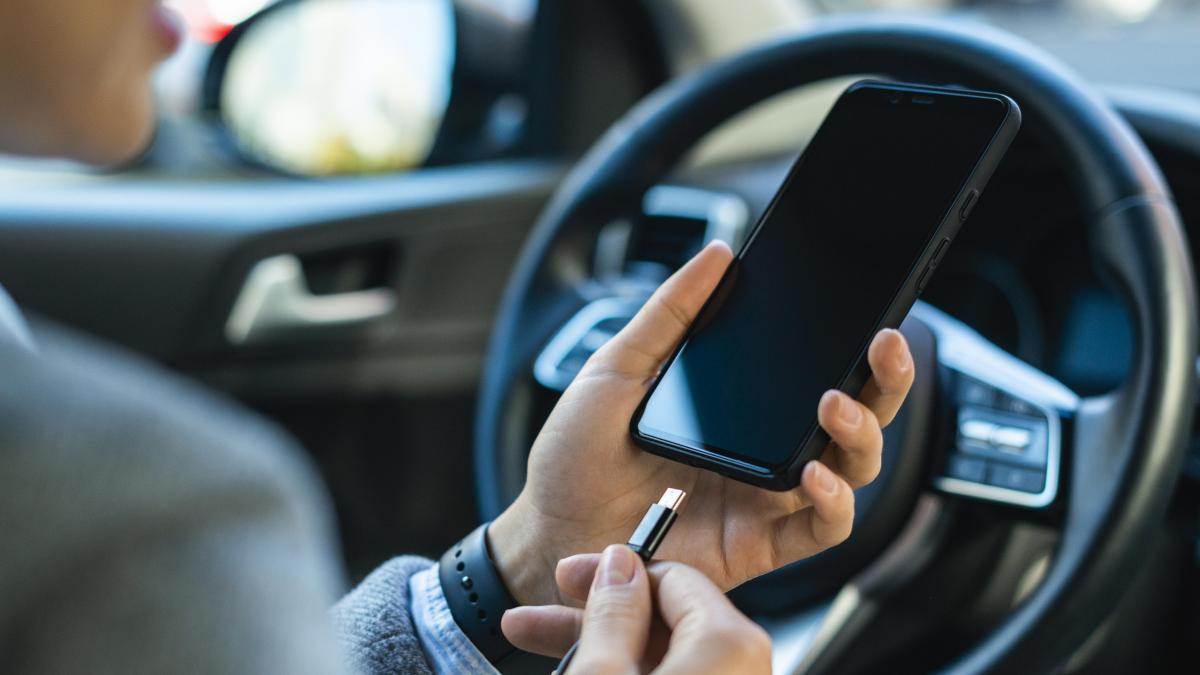
Wired connections often trigger automatic pairing or device reading processes. In many cars, especially if the phone is permanently paired or the system has internal storage , records such as contacts, calls, or destinations may remain. The problem is that not all manufacturers offer easy deletion, and if you don't check the menus, this information can stay in the car's memory for months.
Consider two very common situations: you rent a car on vacation, connect your phone for convenience, and when you return it, the next person sees part of your contacts or driving history; or you sell your vehicle and, by not checking the multimedia system, leave saved credentials and routes that could be accessed later. This isn't science fiction: it's exactly what happens when the pairing isn't properly removed.
An independent investigation cited by leading media outlets uncovered something even more disturbing: among the 25 car brands analyzed, the vast majority admit to sharing personal data with third parties, and a significant number explicitly state that they may sell it. Only a few, such as Renault and Dacia, claim to offer clear mechanisms for its deletion, protected by the European GDPR framework. In markets with more lenient regulations, these data collection and exploitation practices are carried out with even less transparency.
What role does USB play in all of this? Although these studies don't always mention USB extraction, the techniques described (device synchronization, contacts copying, interaction logging) are fully compatible with what happens when you connect your phone via cable . Metadata such as the device name, contacts, recent calls, locations, and, in some cases, usage patterns are exposed through the port.
To maintain control, it's advisable to take simple but effective preventative measures. Use a cigarette lighter socket or an external battery when you only need power, activate "charge only" mode on your mobile phone, and, most importantly, thoroughly clean the devices connected to your car before selling it or returning it after a rental.
- Avoid connecting your mobile phone via USB unless absolutely necessary.For charging, a car charger adapter or a power bank is best.
- When using a cable, activate the mode "just charge" on the phone instead of file transfer.
- Remove all linked devices and/or reset the system to factory settings before selling or returning the car. Typical steps that can guide you (they vary depending on the version and screen):
- Volkswagen Group (VW, SEAT, CUPRA, Audi)Settings > Factory data reset > User data. On models with an app (MyCUPRA, MyAudi), also see Vehicle settings > Paired devices > Remove.
- Stellantis (Peugeot, Citroën, Opel)Options > System settings > Reset settings.
- Renault/DaciaThey usually include privacy sections. Look for "Privacy," "Erase my data," or "Factory reset" in the main menu.
- If it exists, use the guest mode or private mode when you leave the car with someone else or take it to the garage.
- When renting a vehicle, check upon returning it that no phone or account information remains stored in the system.
As a general rule, if you drive other people's or shared cars, consider a very inexpensive accessory: a USB data blocker . This physical adapter completely cuts off data transfer and only allows current to pass through for charging, ideal when you don't want to risk losing a single byte.
The landscape will continue to grow in complexity: studies predict that nearly 95% of new cars will be connected to the internet in the coming years, multiplying the capacity for data recording and cross-referencing. In this context, a simple decision like activating "charge only" or deleting pairings can make a huge difference to your privacy.
Android Auto and Apple CarPlay versus the "classic" USB connection
It's important to distinguish between these concepts. They project a simplified interface onto the car's screen that runs on the phone, while the traditional USB connection can allow the system to read and save certain data to "enhance" the experience.
- Android AutoIt projects the mobile interface. The logic runs on the phone, and the car shouldn't persistently store your personal information.
- Apple CarPlayIt works the same way, with real-time projection and without direct access to the storage of iPhone.
- Traditional USBIt can trigger automatic synchronizations of calendar, call history, messages or locations, and many systems leave a trace beyond the disconnection.
And what do its policies say? Android Auto requests explicit permissions (contacts, location, microphone, etc.) that you can revoke at any time from your phone's permissions manager. Check if your phone is compatible with Android Auto.
To reduce risks, if you use Android Auto or CarPlay, review and limit permissions for sensitive apps , prevent automatic launch in shared cars, and disable message notifications that may appear on the screen. If you can only use a traditional USB connection, enable "charge only," delete paired devices, and perform a system reset before handing the car over to someone else. Also, check if it's possible to use Android Auto without USB when you need to minimize wired connections.
Charging your mobile phone in the car: real impact on the battery
The other side of the coin when it comes to car USB ports is battery health. Many built-in ports are designed to read music from memory sticks or provide basic power and typically offer between 0,5 A and 1 A, significantly less than a modern wall charger. Technical organizations have pointed out that this difference in current means slower and longer charging times , a condition that, over time , is not ideal for lithium-ion batteries.
When your phone stays plugged in longer to reach the same charge level, it's exposed to more heat, and repeated heat accelerates the battery's chemical degradation. If you can charge from 20% to 80% at home in under an hour, you might get stuck halfway through your trip in the car, extending the charging cycle. This longer cycle, at a higher temperature, is one of the factors that shortens the battery's lifespan.
The situation worsens if, in addition to charging, you use resource-intensive apps: real-time map navigation, Bluetooth calls, poor signal strength… several manufacturers (Apple, Samsung, Xiaomi, among others) recommend avoiding CPU and GPU-intensive applications to prevent increased power consumption and heat generation. These practices, repeated daily, take their toll in the medium term.
Common references in the battery world, such as Battery University (in its guide BU-808), suggest not keeping the battery at 100% for extended periods, as this increases electrochemical stress. Experts like physicist David MacKay recommend prioritizing partial charges and, whenever possible, keeping the phone within a healthy range (approximately 20% to 80%). Getting into the habit of "fully charging and leaving it plugged in" can noticeably reduce battery capacity over time, making partial charges healthier for everyday use.
Small habits make a big difference: don't cover your phone while charging (let it dissipate heat), use certified chargers and cables (MFi for iPhone, USB-IF for USB-C ), and if you're plugging it into a wall outlet, connect the cable to your phone first and then the charger to the power source. The quality of the accessories and good ventilation make a real difference in charging temperature and stability .
USB types, Power Delivery and why to choose the car cigarette lighter
Many cars still primarily use USB 2.0 and 3.0 ports. In general terms: USB 2.0 operates at 5V with 500mA (up to about 2,5W), while USB 3.0 delivers up to 900mA (approximately 4,5W). This power is sufficient for basic accessories, but it falls short of what a modern smartphone requires. When the device demands more than the port can provide, charging takes longer, and in some cases, the increased power consumption isn't even worthwhile if you're using demanding apps.
The USB Power Delivery (USB-PD) standard dynamically negotiates voltage and current and can reach high profiles (for example, up to 20V and 5A, with power outputs from 60W and, in modern versions, up to 240W). This is fantastic for compatible chargers, but not all cars offer PD in their ports. If your vehicle doesn't support it, plugging in a device that "waits" for PD won't do the trick: you'll likely be stuck with the basic profile and, in the worst-case scenario, subjected to inefficient charging. For these situations, the sensible recommendation is to use a quality car charger adapter with USB-A/USB-C outputs of 12W, 18W, 45W, or more (depending on your needs), compatible with USB-PD or Quick Charge.
Don't forget the car itself: charging high-consumption devices with the engine off and from an unsuitable port can drain the vehicle's battery. Furthermore, some ports remain active for a while after the ignition is turned off. As a precaution, use the cigarette lighter socket with a good charger and avoid leaving accessories plugged in when not in use; this is the best way to protect both your phone's and the car's battery.
The latest models already include USB-C with fast charging profiles and even integrated wireless charging. This reduces some of the drawbacks, provided the thermal environment is controlled (no direct sunlight or areas that accumulate heat). Even with these improvements, it's worth checking the menus and verifying your car's capabilities to avoid assuming it offers the same power as a home charger.
Beyond charging: features and accessories that take advantage of the car's USB port
Your car's USB port is good for much more than just charging your phone. Several manufacturers publish multimedia system updates on their websites that you can install from a USB drive: simply connect the drive, follow the on-screen instructions, and update without needing to visit a mechanic. Keeping your software up to date fixes bugs, improves compatibility, and sometimes adds new features, which enhances the system's security and stability.
You can also use USB to power dashcams . This is convenient because they turn on and off with the car, avoiding more complex installations and unwanted power consumption when you're not driving. However, it's important to make sure the available power is sufficient for the camera you choose, so you don't run out of power when you need it most.
Another useful feature: playing music directly from a USB drive. Most devices recognize formats like MP3 or WMA, allowing you to enjoy playlists without relying on mobile data or subscriptions. It's a great option for long trips and for those who prefer to always have their offline copy with them, with the added convenience of it working even without a network connection.
LED strips with USB connectors have become popular for improving interior lighting without modifying the car. They are quick to install, powered by the USB port itself, and removed without leaving a trace. As always, common sense prevails: use quality models and don't overload the port if other accessories are already connected; the goal is to add comfort without compromising the vehicle's electrical system.
If you're traveling with multiple passengers, a small hub or multi-charger in the cigarette lighter socket allows you to power several devices simultaneously. Carrying a set of cables (USB-C, Lightning, micro-USB) will come in handy. Just remember that with hubs, the power is shared: prioritize the port used by your navigation phone and, whenever possible, opt for a high-output cigarette lighter charger to avoid bottlenecks.
Tech media outlets have highlighted the versatility of car USB ports, and alongside these recommendations, they often include links to other tech news (for example, battery advancements or warnings about accessories that can damage your phone's camera). These are just contextual curiosities, but they don't change the essential point: when used properly, a car USB port is useful; without proper guidance, it can be a source of risk to your data and your battery.


Passionate writer about the world of bytes and technology in general. I love sharing my knowledge through writing, and that's what I'll do on this blog, show you all the most interesting things about gadgets, software, hardware, tech trends, and more. My goal is to help you navigate the digital world in a simple and entertaining way.