- The USB-C connector is common, but capabilities vary depending on the cable, charger, and device.
- For high speed and video, choose USB 3.x, USB4 or Thunderbolt; for portable, 100W cables.
- Apple uses PD; Android It combines PD, Quick Charge and proprietary protocols, with effects on fast charging.
- Expensive cables integrate advanced controllers; buy according to your needs and certifications.
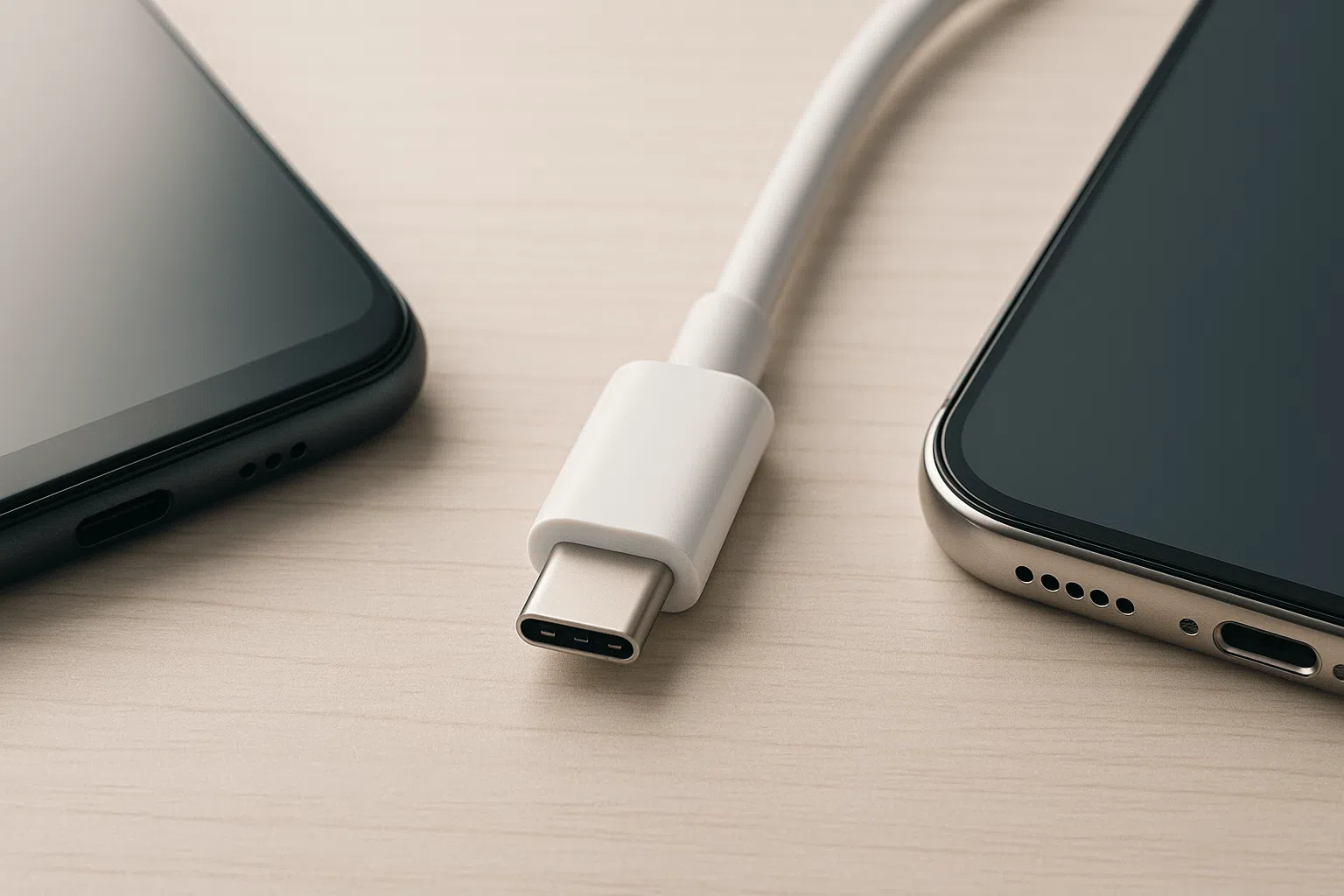
Since the arrival of the iPhone 15 with a USB-C port, the big question is inevitable: can I use Apple and Android cables interchangeably? At first glance, all the connectors fit, but what really matters is inside the cable : its electronics, the conductors, the power it supports, and the protocols it understands.
The short answer is yes, you can mix and match them without fear of breaking anything, although performance and functionality will change. In practice, charging speed, data transfer, and fast charging compatibility depend on the charger-cable-device trio. If any of the three falls short, you'll experience a bottleneck.
Apple and Android USB-C cables: real compatibility and nuances
First: the USB-C connector is universal in shape, so a USB-C cable fits any USB-C port on phones, tablets, and laptops. However, this doesn't guarantee they will all perform equally. If you connect a basic cable to a high-end phone, it will charge, yes, but perhaps at standard speed; if it's USB 2.0, the data transfer will be limited to 480 Mbps.
With a better cable and a compatible charger, the results change completely: USB 3.x, USB4, or Thunderbolt cables reach speeds from 5 Gbps to 40 Gbps , and in the case of USB4, even more in specific scenarios. This makes a difference when streaming 4K video, using a dock, or connecting an external SSD.
In terms of power, most decent cables handle 60W without breaking a sweat, which is sufficient for phones and tablets. For a demanding laptop, consider cables and chargers rated at 100W or higher . Using one with lower wattage won't damage the device, but it will slow down charging.
In addition, each brand's own technologies come into play. Manufacturers like Huawei (SuperCharge), Xiaomi (HyperCharge), or Vivo/iQOO (FlashCharge) reach 120W, 210W, or more , but only if you use their compatible charger and cable; a standard cable will work, albeit at a lower power.
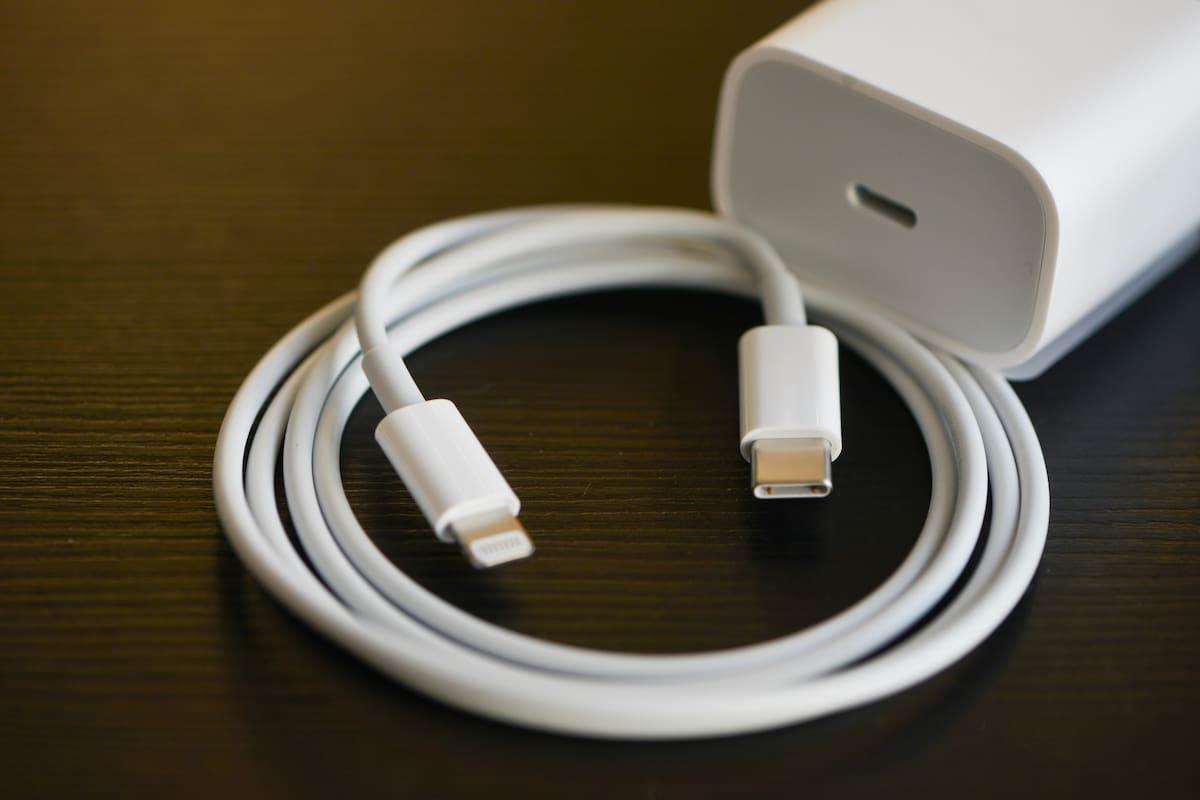
USB-C: same connector, very different capabilities
All USB-C cables look similar, but internally they can be worlds apart. Many cables included with mobile phones, both Apple and Android, are USB 2.0 (480 Mbps) ; they're only good for charging and transferring small files. If you're going to record ProRes, transfer entire libraries, or use external monitors, choose USB 3.x, USB4, or Thunderbolt.
To give you an idea of the USB generations: USB 1.0/1.1 reached 12 Mbit/s; USB 2.0, 480 Mbit/s; USB 3.0, 4,8 Gbit/s; USB 3.1, 10 Gbit/s; and USB 3.2, 20 Gbit/s. USB 4 specifications were published allowing peak speeds of up to 80 Gbps in advanced configurations. All of this coexists with Thunderbolt (3, 4, and the recent 5), which uses the same USB-C connector and adds high-rate video (DisplayPort HBR3) , data, and power over a single cable.
A historical note helps to understand this: before USB-C there were USB-B (square, typical of printers), mini USB, and micro USB. USB-C, launched in 2014, solved the orientation problem and made the leap to more power and more bandwidth in a single reversible format.
Charging power: USB Power Delivery and watts that actually matter
USB Power Delivery (PD) is the company's standard for dynamically negotiating voltage and amperage. Thanks to this technology, a PD charger can deliver 20W to an iPhone or 100W to a laptop , depending on the device's requirements. Safety is managed through this negotiation, preventing overheating and maintaining a stable charge.
If you have a phone, a 60W cable is more than enough; if you're carrying a laptop in your backpack, you should look at cables and power supplies of 100W or higher (EPR in USB PD) . The device will never "push" itself beyond its capacity, but an undersized cable will definitely make you wait longer than necessary.
Fast charging protocols: PD, Quick Charge and proprietary systems
Several charging systems coexist on Android. Qualcomm Quick Charge was very popular and increases the voltage to reduce charging times, but it's not universal . Many manufacturers have migrated to PD (Power Distribution) to ensure compatibility with laptops and accessories, while maintaining their own technologies to achieve record-breaking figures within their ecosystem.
Apple uses PD-based fast charging. This means that a certified PD-enabled USB-C charger delivers optimal performance for modern iPhones and iPads . A Quick Charge-oriented charger without PD support can still charge, but at slower speeds. The reverse is also true: some Android phones get more out of their own proprietary PD protocol than a generic PD charger.
Therefore, although USB-C allows for "plug and play," protocol compatibility affects charging time and efficiency. With third-party chargers and cables, if they are not certified or properly specified, the results may not be as expected.
What does an Apple USB-C cable offer?
Apple's USB-C cables meet international standards, are made with high-quality materials, and are well-assembled. They can be used safely with Android phones and devices from other brands: they will charge and transfer data . The difference lies in the specifications of each individual cable (USB 2.0 vs. 3.x, power output, etc.).
On the iPhone 15 and 15 Plus, the port is USB 2.0, so the transfer speed is limited to 480 Mbps . On the iPhone 15 Pro and Pro Max, the port is USB 3 (up to 10 Gbps theoretically), but the charging speed on the iPhone is around 20-27 W. If you add a basic cable to this, you'll see design limitations.
Apple includes a 1-meter USB-C 2.0 cable in the box, rated for approximately 30W, and sells higher-speed cables separately. However, it's not essential to buy the Apple cable : there are perfectly valid and certified third-party cables available, often at a better price.
Practical examples and common myths
Typical scenario: You connect a random USB-C cable between an Android and an iPhone 15, and you don't see the fast charging you expected. The cable is probably USB 2.0 without high-power support , or the charger isn't negotiating PD at the appropriate power level. Switch to a 20W or higher PD charger with a quality cable, and things improve.
Another common scenario: a third-party charger that promises "fast charging" but doesn't mention PD. On many iPhones, the speed will be normal, since iPhones prioritize PD . On Android, if the phone relies on its proprietary protocol, you'll get better performance with its official charger/cable.
A rumor also circulated that "Android" USB-C cables had a different number of pins than those for the iPhone 15 and could damage them. This is false. A USB-C connector has 24 contacts (12 on each side) to allow for reversibility and various functions. A cable using fewer internal lines limits speed or power, but it won't damage the phone.
Apple's own support documentation states that you can charge an iPhone with a USB-C cable and adapter that meets the standard, including USB Power Delivery . In other words, if the charger and cable are compatible, the system will work as expected. For those who are more curious, there are USB-C testers that measure voltage and amperage in real time and help diagnose bottlenecks.
How to choose the right cable: three key points and some extras

First, think about what you're going to use it for. If you're just going to charge your phone on your nightstand, a standard USB-C 2.0 port is sufficient. If you're going to transfer large photos and videos, or connect a monitor or SSD, look for USB 3.x, USB 4, or Thunderbolt ports specifically indicated on the packaging.
Second, consider the wattage. For phones, 60W is fine; for laptops, 100W or higher cables and chargers are best . This will prevent long charging times and problems when powering high-power devices.
Third, confirm compatibility with your brand's fast charging technology if you want to take full advantage of it. If your Android boasts HyperCharge, SuperCharge, or similar features, you'll need a certified cable and charger to achieve those speeds. Otherwise, it will still charge, but more slowly.
Useful buying bonus: materials and certifications. Good nylon braiding, reinforced strain relief, and well-finished connectors increase durability . USB-IF certification is a plus. In the Lightning world, it made sense to look for MFi; with USB-C, focus primarily on USB-IF and ensuring the specifications are clear (power, USB version, video compatibility).
Length also matters. A short cable is tidier, but it can be limiting. Reputable brands offer cables ranging from 0,2 m for backpacks or power banks to 2-3 m for the living room. Keep in mind that very long cables can attenuate signal strength or integrity if they are not well-designed.
Price and internal electronics: why some cables are so expensive
There are USB-C cables that cost a fortune, and it's not just a marketing ploy. Under X-rays, some high-end models reveal circuit boards with complex microcontrollers in each connector, capable of accurately managing USB4, Thunderbolt 4, DisplayPort HBR3, and up to 100W of charging.
These controllers negotiate protocols, correct errors, and ensure optimal conditions between devices. At the other end, basic cables, such as some input cables, exhibit much simpler constructions , with fewer wires and no advanced electronics. They serve for basic data and charging, and little else.
Does that mean you have to pay for the most expensive cable? Not necessarily. The sensible thing to do is tailor your purchase to your needs: if you want 4K/60 video, fast data transfer, and high power through a single cable, Thunderbolt usually includes Power Delivery and DisplayPort. If you're only charging your phone, a good USB 2.0 cable from a reliable brand is sufficient.
iPhone 15, 15 Plus, 15 Pro and the role of the cable
The iPhone 15 and 15 Plus use USB-C 2.0, so data transfer is limited to 480 Mbps . They will charge at around 20-27 W with the appropriate charger. The 15 Pro and Pro Max do include a USB 3 port, with speeds up to 10 Gbps for transferring large videos or using professional accessories.
In terms of charging, Apple doesn't compete with brands that exceed 100W or even reach 300W. A recent iPhone prioritizes stability and battery conservation, reaching a maximum of around 27W . Samsung limits itself to 45W in several models; other manufacturers go higher with their protocols.
In the box of recent iPhones, you'll find a 1m USB-C 2.0 cable. If you want faster data transfer speeds, you'll need a separate USB 3 or Thunderbolt cable . As always, it doesn't have to be an Apple cable: any cable from a reputable brand with clear specifications will work.
Everyday compatibility: home, car and work
In homes with a mix of Android devices, iPhones, iPads, and laptops, the ideal solution is to centralize charging on PD chargers with enough ports and use cables labeled by wattage and version to avoid confusion. This way, you avoid juggling cables and get the most out of each device.
In the car, many vehicles still offer USB-A ports. A good car charger adapter with PD and a quality USB-C cable will do the trick . For laptops or monitors, a USB-C/Thunderbolt docking station with power and video outputs simplifies your desktop and reduces cable clutter.
All wireless and we can forget about it? Qi charging is incredibly convenient, but for now it's still slower and less efficient than a cable in most situations. The practical solution is to combine them: wireless for your nightstand and USB-C with PD when you're in a hurry.
European regulation and the future of the connector
The European Union has promoted the standardization of the USB-C connector in small and medium-sized devices, with an adoption schedule until the end of 2024. This aims to achieve several objectives: reducing electronic waste , making life easier for consumers, and improving interoperability between brands.
USB-C is here to stay because it's reversible, robust, and scalable: it allows you to charge everything from headphones to powerful laptops, transfer data at high speed, and output high-resolution video all in a single connection. This balance has made it the "all-rounder" connector for today's consumer electronics.
Quick tips for buying without making a mistake
– If you're only charging your phone, prioritize a well-made cable, with 60W support and solid connectors.
– If you are going to transfer video/photos or use docks, ask clearly USB 3.x/USB4/Thunderbolt in the box.
– For laptops, look for 100W or more and make sure the cable indicates E-marker and USB PD EPR.
– Be wary of extra-cheap cables without specifications. A couple of euros more will get you better value. security and reliability.
For reference, some manufacturers report durability using flexural strength tests (10.000, 20.000, 40.000 bends). It's not an exact science, but combined with good materials and certifications (USB-IF, CE, FCC, RoHS), it's a useful guide for making a better choice.
If you take away one key takeaway, let it be this: you can mix Apple and Android cables without fear, but the result depends on the overall setup. When the protocol (PD, Quick Charge, or proprietary), the charger's power, and the cable's actual capabilities are compatible , everything works flawlessly; otherwise, it will work, albeit at a snail's pace.

Passionate writer about the world of bytes and technology in general. I love sharing my knowledge through writing, and that's what I'll do on this blog, show you all the most interesting things about gadgets, software, hardware, tech trends, and more. My goal is to help you navigate the digital world in a simple and entertaining way.