How to master Instagram Favorites and beat the algorithm

Tired of Instagram's algorithm? Learn how to use Favorites and chronological order so you don't miss anything from your favorite accounts.
Explore our comprehensive guide to Instagram and its advanced features to master the ultimate visual social network. From profile optimization to strategic algorithm management, we offer practical tips to enhance your digital presence and connect effectively with your audience.
Learn to use content creation tools like Reels and Stories, maximizing the reach of your posts through the correct use of hashtags and current trends. We'll teach you how to manage your Instagram account to transform a basic profile into a powerful tool for personal or business growth.
In addition, we analyze the latest platform updates, integrating digital marketing concepts and metrics analysis to help you understand which content performs best. Whether you're a beginner or a seasoned creator, you'll find step-by-step tutorials and in-depth reviews to help you get the most out of every feature the app offers.
Tired of Instagram's algorithm? Learn how to use Favorites and chronological order so you don't miss anything from your favorite accounts.

Tired of the pressure for likes? Learn step-by-step how to hide likes on your posts and those of others. Reclaim your peace of mind here!

Don't panic over a mistake! Learn how to edit and unsend your Instagram Direct messages with these quick and easy tricks.

Discover how to activate silent mode on Instagram to pause notifications, schedule breaks, and reduce digital stress. Check it out now!

Learn how to clean up your Instagram: hide comments, filter words in your feed, and manage your privacy to avoid annoying content and trolls.

Learn how to make your Instagram account private and configure security settings to protect your data and followers. Secure your profile today!

Take back control of your Instagram! Learn how to view photos in chronological order and delete those annoying suggested posts today.

Learn how to control who tags you on Instagram, how to approve photos before posting them, and how to feature other people's content on your own profile.

Stop wasting your data! Learn how to disable autoplay on Instagram, Facebook, and X with these easy steps and optimize your data plan today.

Discover how to download all your Instagram photos, messages, and data step by step. Get your complete and secure backup today!

Discover how to disable active status and read receipts on Instagram Direct. Browse with complete privacy and avoid the green dot today.

Prevent theft and hacking on Instagram. Learn step-by-step how to activate two-step verification and protect your profile right now. Don't take risks!

Goodbye to short videos! Discover Features, Instagram's bet on the 90-minute long-form video to challenge YouTube. Enter and read more.

Is Instagram crashing on its own? Discover the ultimate tricks to fix the app on Android and iOS and repost your Stories without errors.

Give your profile a unique touch! Learn how to change the font of your Instagram bio, name, and posts with easy tricks and free tools.

Reclaim your peace of mind! Learn how to activate silent mode, hide likes, and easily manage your privacy on Instagram and Threads.

Stop wasting your budget on Meta Ads. Learn how to capture qualified B2B leads with a technical funnel, low cost, and high conversion rate. Join now!
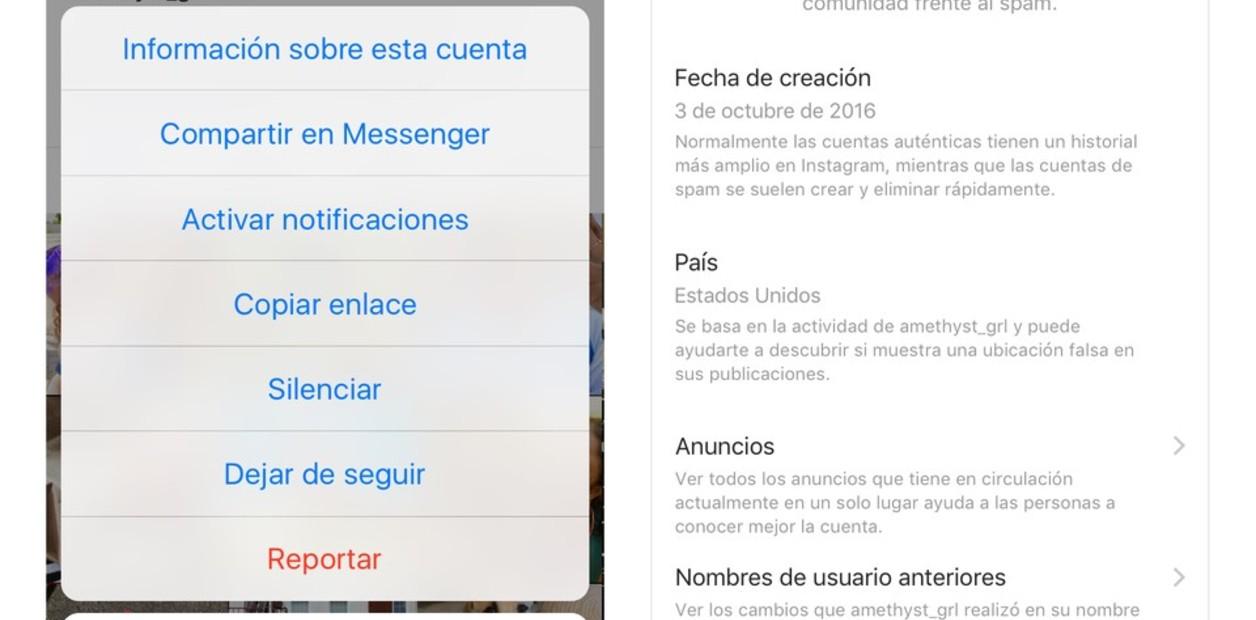
Protect your Instagram account today. Learn how to activate two-step verification and prevent hacking with our detailed and easy-to-follow guide.

Master the sizes of Stories, Reels, and Highlights on Instagram. Avoid cropping and pixelation with our detailed technical guide for Android.

Learn how to speed up your Instagram videos on Windows. Speed tricks, how to use CapCut, and how to upload Reels from your PC for maximum impact.
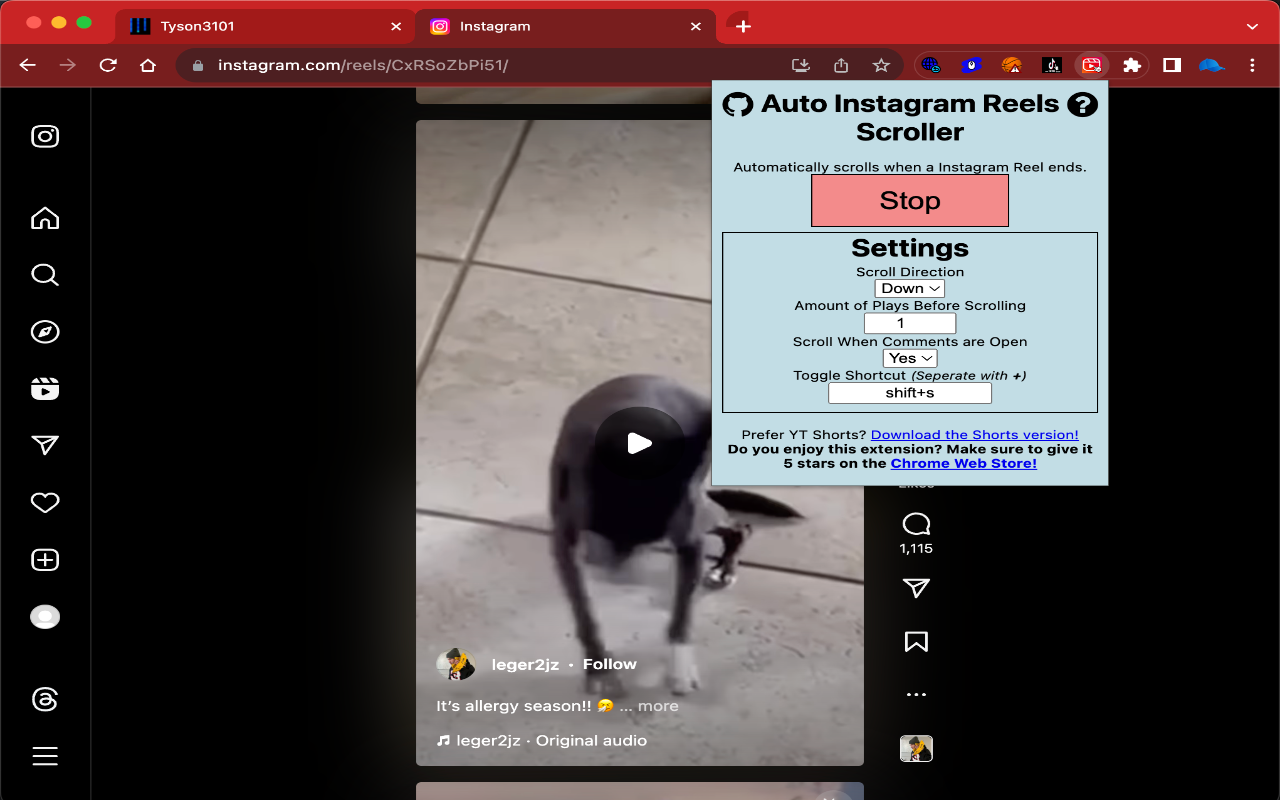
Learn how auto-scrolling works on Instagram Reels, why it's not appearing for you, and what options you have to activate it and get the most out of it.
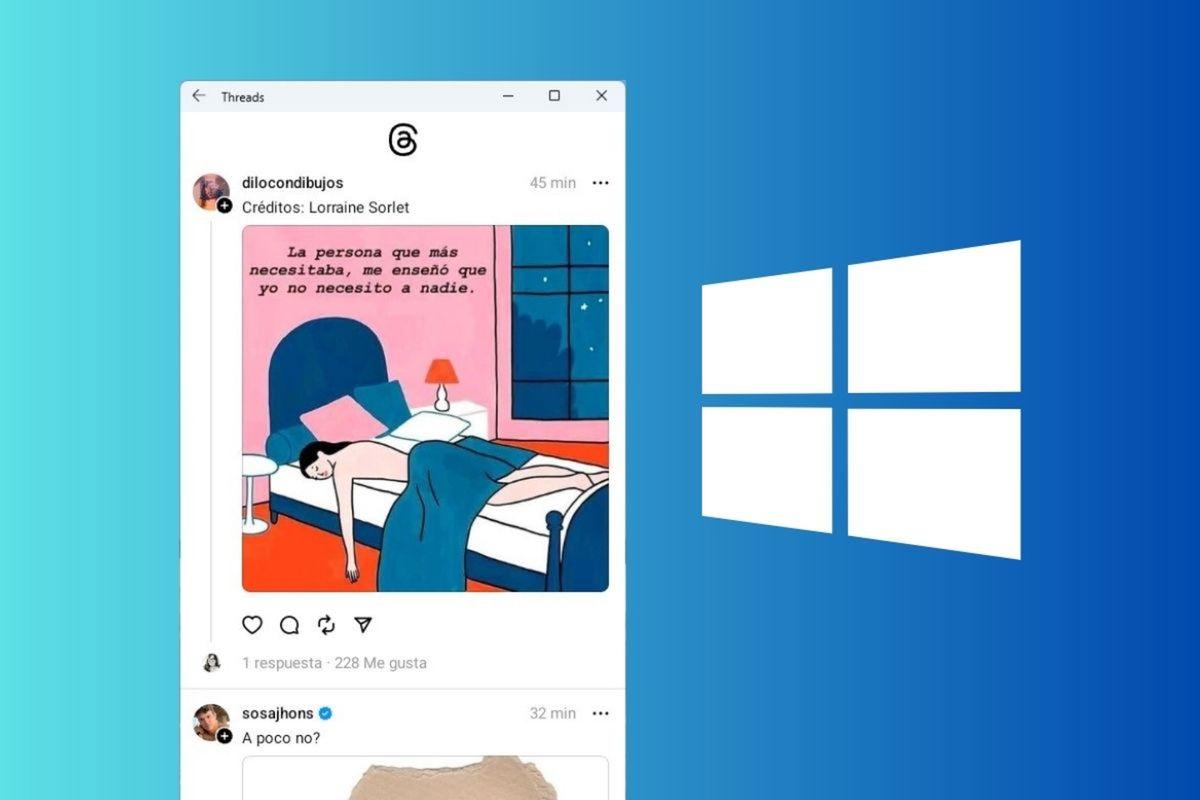
Complete guide to using Threads on your Windows 11 PC: web access, PWA, emulator, privacy, and tips to get the most out of it.

Meta removes end-to-end encryption on Instagram. Find out what this means for your messages, your privacy, and what alternatives you have.
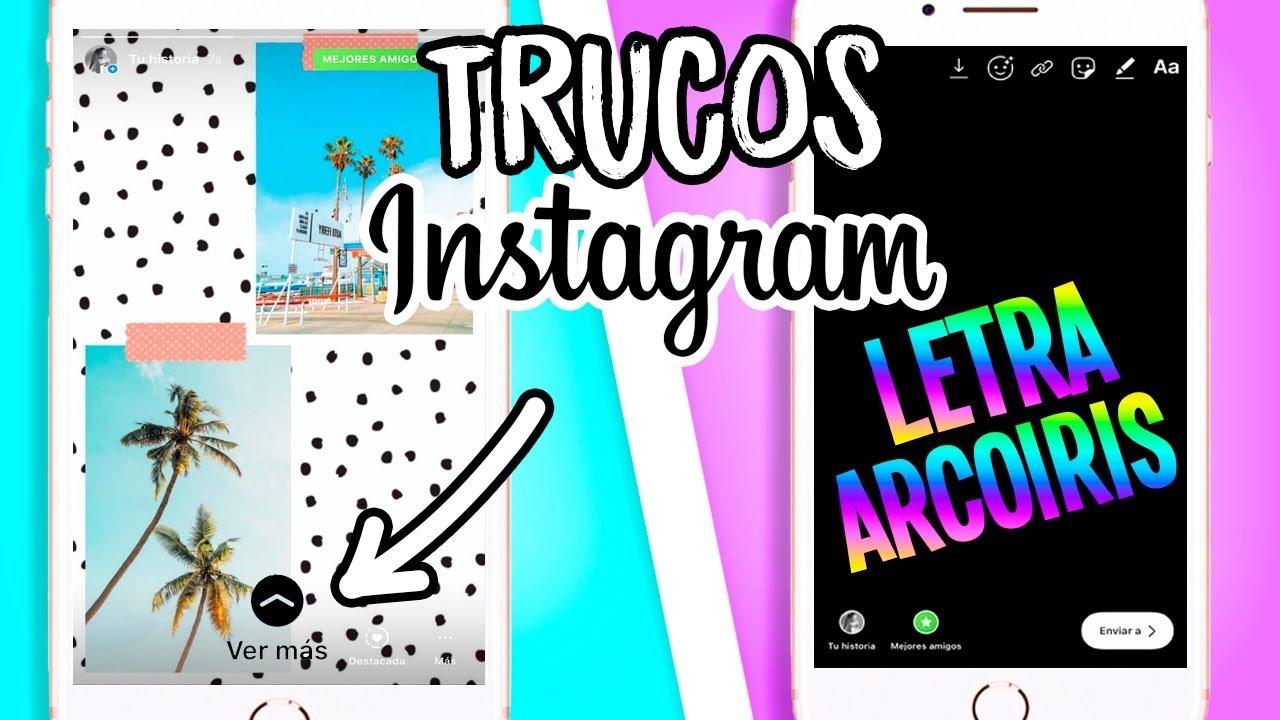
Learn the best Instagram tricks and tutorials: stories, Reels, profile, chat, and security to boost your account like a pro.

Personal, creator or business: differences, pros and cons and how to change your Instagram account type to get it right.
Instagram adds an algorithm editor and prioritizes Reels and DMs. Discover how it affects you and how to take advantage of it with practical tips.
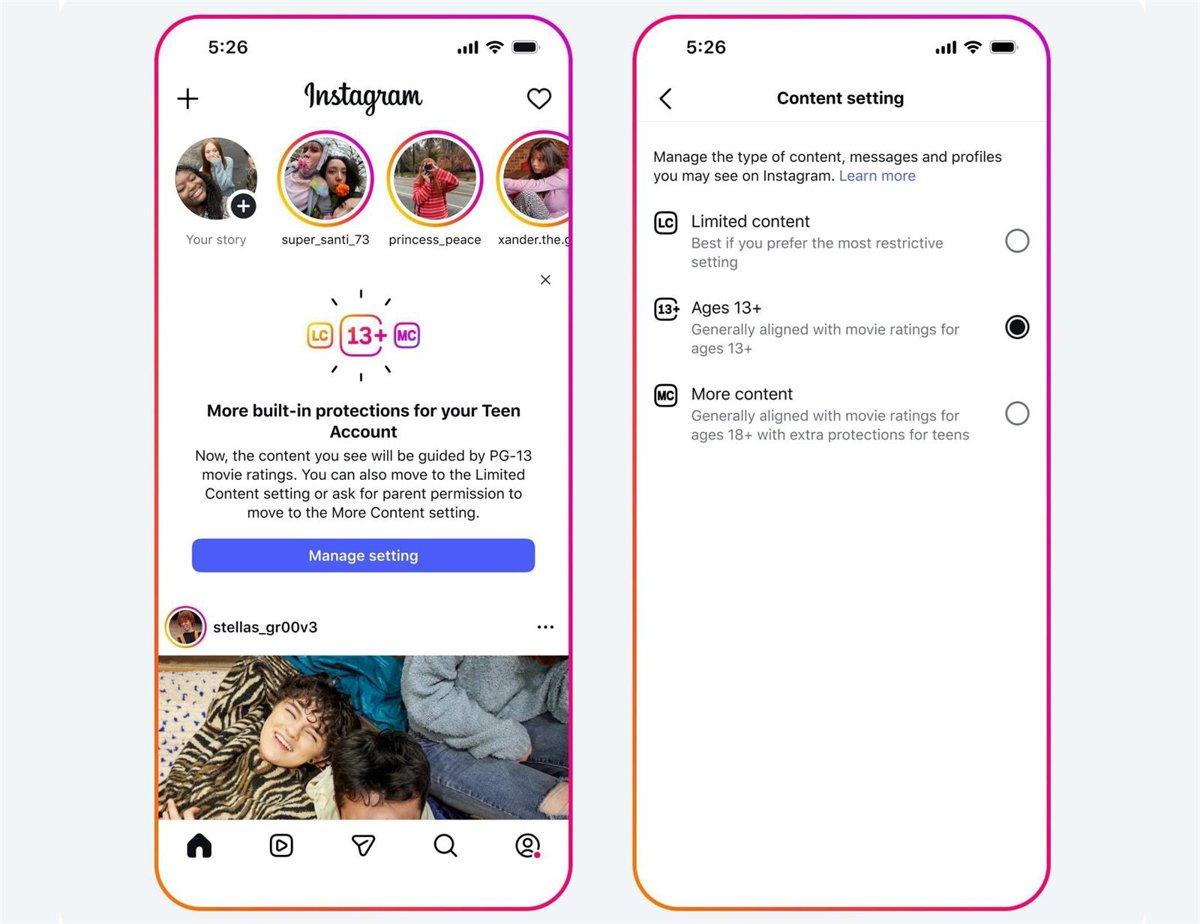
Instagram applies PG-13 for minors: changes, parental controls, and rollout dates. Learn how it will affect the feed, searches, and chats.

Activate Instagram's ephemeral mode: what it is, limits, warnings, and privacy. Clear guide with steps, availability, and security options.

Discover how to make your Instagram profile stand out using original fonts and simple tricks. Click and boost your image now!

Learn how to activate and use Meta AI on Instagram. We'll explain where to find it and what its features are.

Learn how Teen Accounts on Instagram work and what safety measures they include.

Find out how to upload long videos to Instagram. Learn the methods and tricks to share content without interruptions.

Learn how to activate Meta AI on Instagram and take advantage of its features to answer questions and generate images.

Meta abandons professional fact-checkers on Facebook and Instagram in favor of community-based reporting, sparking criticism over a potential surge in misinformation.

WhatsApp, Instagram and Facebook have suffered a global outage. Users reported problems sending messages and accessing them. Meta is working to fix it.

Find out how to upload Reels to Instagram in the highest quality by activating useful settings and following some key tips.
Learn how to use Instagram from your PC easily. Post photos and videos, send messages, and discover interesting tricks.

This is a guide to finding all the comments you've made on Instagram. It's simple, but finding your own comments is …

Superzoom is an Instagram tool that allows you to enlarge your photos. This feature is especially useful for taking photos …

There are a lot of people who want to know someone else’s best friends list on Instagram. If you have been wondering …
You may have read our previous blog post on how to find all the Instagram posts you …

Have you decided to give Instagram a try, but you don’t want to download the app from the App Store? Fine, then. …

If you want to share your location on Instagram, it’s pretty easy. Just upload a post and select the option …

Do you love the music feature on Instagram Stories? You can now add your favorite song to your post. However, …

Instagram Stories are a fun way to share updates with your friends. But sometimes you want them to last longer…

If you are wondering how to search for Instagram with phone number, you are not alone. Many of us have trouble connecting to …

Do you want to know what you can do with Instagram voice messages? As we know, there is no Instagram option to download voice messages…

In this article, we will teach you how to link YouTube to Instagram. Nowadays, people use the websites of …

Would you like to know how to listen to Instagram audios? As we know, there is no Instagram option to download Instagram messages.
Back in 2010, when Instagram was first launched, it only allowed users to post photos from their mobile devices. …