- Apple Diagnostics can detect hardware failures in the MacBook and generates reference codes useful for technical service.
- Specialized technical services offer free diagnostics, OEM or original spare parts, and warranties of between 6 and 12 months.
- Apple only covers repairs performed by Apple or Authorized Service Providers under its limited warranty and AppleCare.
- There are options for home collection, quick repairs, and refurbished Mac equipment when repair is not cost-effective.
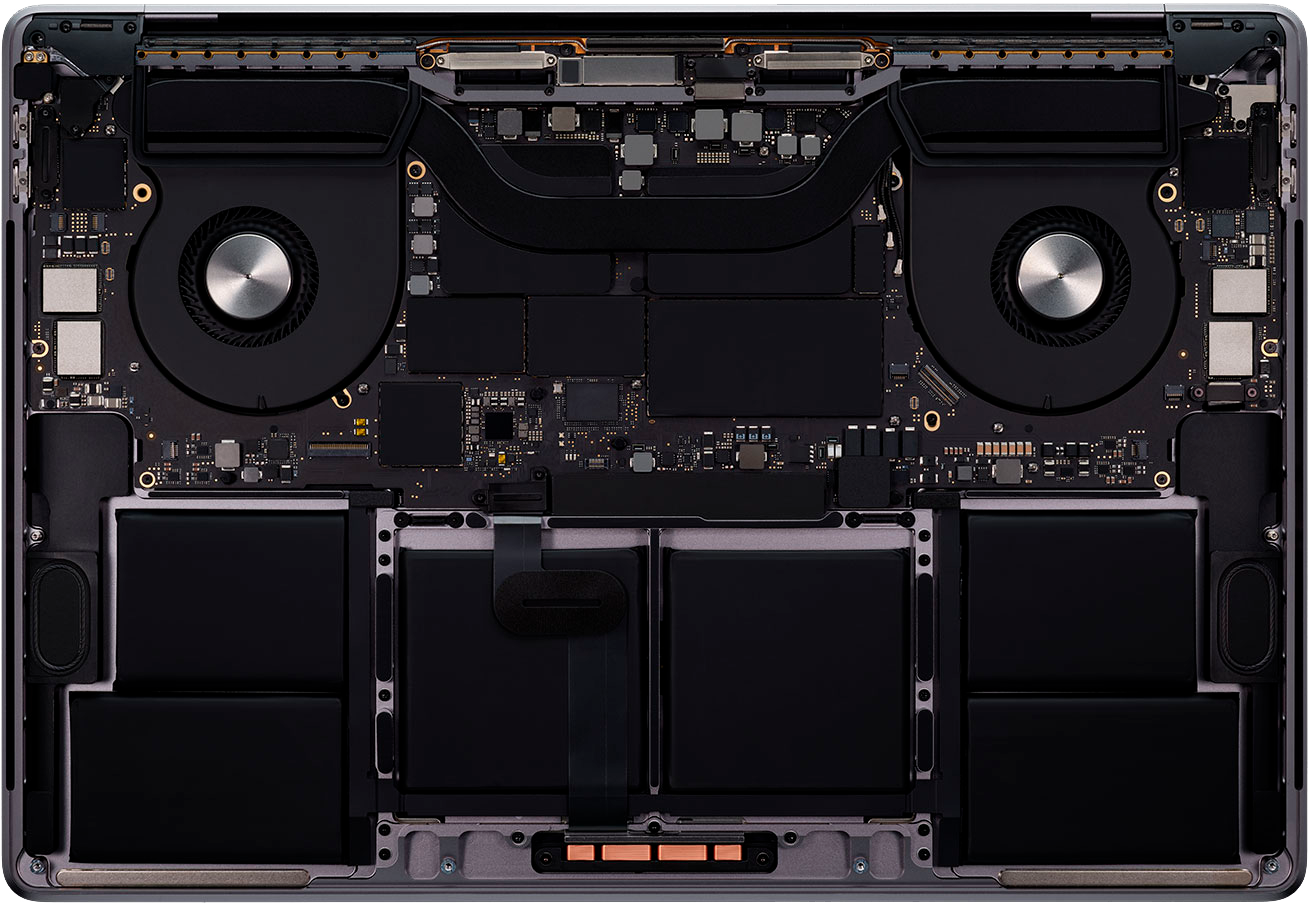
When your MacBook starts to run slowly, restarts on its own, or simply won't turn on, The normal thing to do is panic and not know where to start.The good news is that nowadays there are very reliable diagnostic methods and specialized technical services that allow the fault to be located with considerable accuracy and repaired in a short time.
In this article we will see, step by step, How to diagnose a MacBook, what tests Apple recommends, what specialized technical services offer, and what repair options you have Your team. Everything explained in Spanish (from Spain), with clear and straightforward language, so you can make the best decision without being swayed by fear or lack of information.
Basic preparations before diagnosing a MacBook
Before you start performing more advanced tests, there are a number of preliminary checks that Apple recommends and that any reputable technical service usually follows: They assure that the MacBook is in safe and stable condition to undergo a full diagnostic..
The first piece of advice is Install the latest macOS updatesProvided your computer allows it, keeping your operating system up to date corrects known bugs, improves stability, and sometimes fixes issues that appear to be hardware problems but are actually software-related. If your Mac can be updated without issues, it's a good idea to do so before proceeding with more in-depth testing.
The next step is completely shut down the MacBookIf the system is unresponsive, it is recommended to press and hold the power button for about 10 seconds until the computer shuts down. On laptops with Touch ID, the Touch ID button itself acts as the power button, so simply press and hold it for the same amount of time.
It is also essential disconnect all external devices Unplug non-essential devices such as hard drives, printers, USB hubs, adapters, etc. Only leave the keyboard and mouse (if they're not built-in), an external monitor if needed, an Ethernet cable if used, and the power adapter connected. This will rule out a faulty accessory as the cause of the problem.
Finally, place the equipment on a suitable surface. Apple insists that the Mac must be on a smooth, hard, stable, and well-ventilated base.No blankets, beds, or soft surfaces that could cover the ventilation grilles and cause overheating during testing.

Differences between Macs with Apple chips and Macs with Intel processors
Not all diagnostic steps are identical, since A MacBook with an Apple chip (M1, M2, M3, etc.) is not the same as one with an Intel processor.The boot process, recovery options, and how to access certain tools change depending on the type of hardware.
In the latest Apple chip-based models, many security and boot functions are integrated into the system-on-a-chip itself, making The procedure for entering the recovery and diagnostic menus may be different to that of older Macs. Although we won't be providing a step-by-step technical tutorial here, it's important to know what type of MacBook you have, because the on-screen instructions will vary.
In any case, when starting the official diagnostic system, Your Mac will guide you with messages tailored to your model, macOS version, and repair history.If you have at any point changed important components (screen, motherboard, etc.), the system may display specific indications related to those parts.
How Apple Diagnostics works on your MacBook
Apple integrates its own tool into its computers to check the hardware status, popularly known as Apple Diagnostics. This utility performs a series of automatic tests on the main components of the MacBook. to detect physical failures or abnormal behaviors.
Once you have correctly positioned the equipment and turned it off, you can start diagnostic mode by following the key combination appropriate to your model. When the diagnostic environment starts, you will see on-screen instructions that you must follow., and which may vary depending on your macOS version and Mac type.
The internet connection aspect must be kept in mind. If the MacBook is not connected to a Wi-Fi network or via Ethernet cableThe system will ask you to choose a wireless network or to plug in a network cable.With internet access, the device can communicate with Apple servers and use more comprehensive or up-to-date diagnostics.
In some cases, the system will show you the Apple Diagnostics terms and conditions. If you don't want to connect online by connection problems on macOSYou may see the option to run the test offlineIt is recommended to use offline mode unless an official technician or Apple support has specifically instructed you to use the online diagnostic session for that particular Mac.
In newer versions of the system, such as macOS Tahoe 26 and later, Apple Diagnostics itself will ask you to select what type of test you want to perform.For example, centered on the screen, on the keyboard, on the trackpad, on a RAM memory test or in other integrated components. In older systems, these checks were performed automatically without any option, but they have gradually become more specific.

Interpret the results and reference codes
At the end of the test, Apple's tool displays on the screen if it has detected any problems. In case of failure, one or more reference codes will appear that technically describe the type of fault found.Each code is associated with a specific component or fault family.
These codes may sound like "Chinese" if you're not familiar with Apple's terminology, but These are not just random numbers: they help technicians quickly identify where the problem might be.Apple provides an official list of Diagnostic Codes that explains the meaning of each one and the possible causes.
As an end user, you can consult that list to get a general idea of what's failing, but normally, when faced with a hardware error code, You may need the help of an authorized service center or a workshop specializing in Mac repairs.It is not reasonable to try to manipulate a motherboard or a complex module on your own with only that information.
If, despite the codes and the official description, you cannot solve the problem on your own, it's time to consider taking the equipment in for repair. Apple recommends seeking service at an Apple Store, an Apple Authorized Service Provider (AASP), or an Independent Repair Provider. that has access to original parts.
When you go to the technical service, it is key to provide all the data. Write down the reference code or codes obtained in the diagnostic testThis greatly speeds up the evaluation and can reduce the cost of repairs by shortening the time spent searching for the fault.
Official options: Apple Store, AASP, and independent providers
If you decide to use the official repair service, you have several options. On the one hand, Apple Stores and the Apple Authorized Service Provider network offer repairs certified by Apple itself. and they use genuine parts. Repairs performed through these channels are covered by Apple's limited warranty and AppleCare plans, provided the repair meets the established conditions.
In addition, Apple has Independent repair providers who, while not authorized service centers, have access to original parts and repair resourcesThese workshops may offer their own warranty on the repair they perform, although the work they do is not covered by Apple's limited warranty or AppleCare, unless local law requires otherwise.
It is important to understand this nuance: Repairs not authorized by Apple are not supported by the company. And in the event of subsequent damage resulting from this type of intervention, neither the limited warranty nor AppleCare plans cover it. That's why it's important to thoroughly research who will be working on your MacBook.
If you're unsure whether a workshop advertising itself as an Apple specialist is actually an Authorized Service Provider, Apple offers a tool on its official website to check this.Using it is recommended before leaving your device, especially if it is still under warranty or covered by AppleCare.
Finally, there is also the option of Purchase original parts for out-of-warranty self-service repairs, an alternative designed for advanced users or professionals who want to perform the intervention on their own, always assuming the risk and responsibility that this implies.
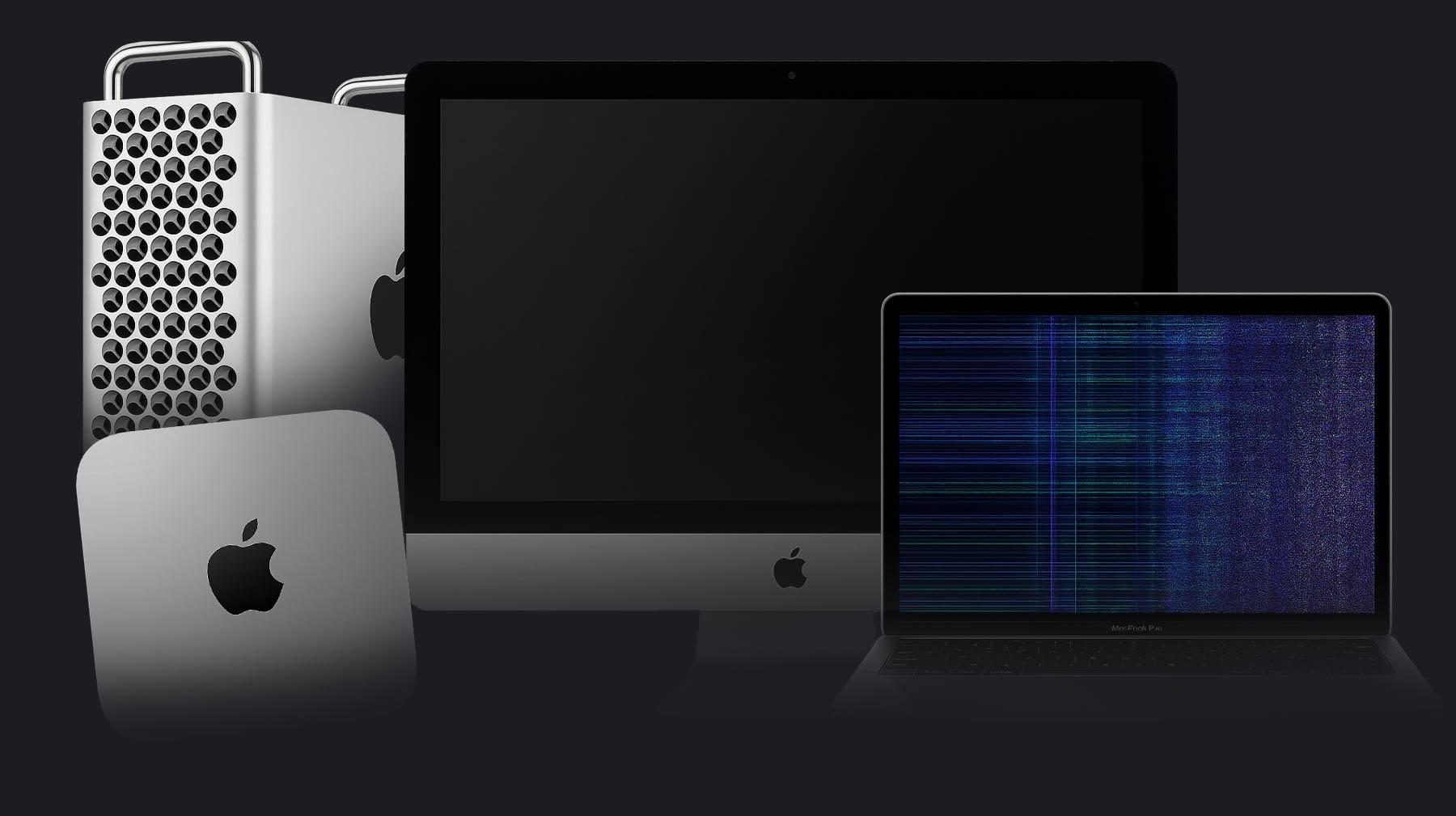
Specialized technical services for MacBook diagnosis and repair
Beyond Apple's official network, in Spain and the European Union there are companies very focused on the Mac world that have developed highly refined diagnostic and repair processes. They usually combine experience, speed and competitive prices, with guarantees of several months.which makes them a very interesting alternative when the equipment is no longer under official warranty.
An example of this type of technical service is that of companies that They dedicate themselves almost exclusively to the repair of MacBook Pro, MacBook Air, iMac, Mac mini, Mac Pro, iPhone and iPadSome of them have been working in the electro-computer sector for more than a decade and have specialized in both hardware and software problems.
These types of companies usually offer Coverage throughout the European Union and guarantees of up to 12 months on repairs carried outTheir standard services include collecting the device from your home, initial diagnosis, and preparing a detailed quote within approximately 24 hours of receiving the equipment.
It is also frequent that They commit to having your Mac diagnosed and repaired in less than a week.Provided the repair is completed and spare parts are available, these turnaround times make a huge difference compared to slower services. For those who use their MacBook daily for work or study, these timeframes are crucial.
In addition to repairs, some of these workshops offer their customers “Mac Second Life” or refurbished computersThat is, refurbished Mac devices that have been inspected, repaired, and come with a warranty, but at a more affordable price than a new computer. This is a very attractive option if repairing your current Mac isn't worthwhile or if you'd prefer to upgrade your computer without spending as much.
Local specialized workshops and free diagnostics
In large cities like Barcelona there are also Specialized Apple product workshops with their own facilities in central areaswhere you can take your MacBook, iPhone, or iPad directly for an in-person checkup. These centers typically combine local service with home pickup within the same city or province.
One of the advantages of many of these services is that They consider it crucial that the customer knows the price of the repair before making a decisionThat's why they offer completely free diagnostics and no-obligation quotes, so you can decide whether or not you're interested in repairing it without any upfront cost.
Furthermore, they usually Keep your prices updated frequently to adapt to the market and offer competitive ratesThis includes everything from battery or screen replacements to more complex repairs of the motherboard or other internal components.
Regarding the service, it is usually that They have technicians who can personally advise you on the best option for your situation.For example, if you have a MacBook that's several years old, they can advise you on whether it's worth investing in a new motherboard or if it might be more sensible to look for a refurbished computer.
In the hardware section, these specialized workshops work with OEM replacement parts (of equivalent quality to the originals) to guarantee maximum performance after repair. This includes keyboards, batteries, screens, trackpads, fans, motherboards, and other components that commonly fail over time or after an accident.
Common types of repairs for MacBooks and other Apple devices
At a technical service specializing in Apple products you will find a very wide catalog of repairs for MacBook, iMac, Mac mini, Mac Pro, iPhone or iPadSome interventions are relatively simple and quick, while others require a laboratory and advanced tools.
On MacBook and Mac desktop computers, the most common actions include battery replacement, keyboard replacementScreen replacement, trackpad refurbishment, and motherboard repairsIn many cases, motherboard failures are due to liquid spills, short circuits, or prolonged overheating that has damaged internal components.
In the case of the iPad, these technical services They service all types of models: basic iPad, iPad Air, iPad Pro and iPad miniAmong the most frequent repairs are the replacement of broken screens, the replacement of worn-out batteries, the repair of charging ports that have stopped working, the replacement of cameras or the solution of problems with physical buttons.
iPhones, on the other hand, usually enter the repair shop because damaged screens, batteries that no longer last the day, faulty cameras, broken back covers, or fractured camera lensesFaults related to network antennas, charging connectors, and microphones or speakers are also common.
Many centers also have laboratories equipped with state-of-the-art instrumentation for the repair of motherboards at the integrated component levelThanks to this, they can handle cases of water damage to iPhones or MacBooks, short circuits, or complex internal logic failures that other workshops simply dismiss.
Speed, guarantees and added services
One of the priorities of well-organized technical services is speed. Many have a large stock of spare parts for the most common Apple modelsThis allows them to drastically reduce waiting times. In fact, iPhone screen and battery repairs are usually done the same day, sometimes in a matter of hours.
In the Mac arena, things might take a little longer, but It is not uncommon to find services that promise repair times between 24 and 72 hours For many breakdowns, provided they are not very specific board problems or unusual lack of spare parts.
Another key point is the warranty. Reputable specialist workshops offer clear warranty periods, which usually range between 6 and 12 months. Depending on the type of repair and the component replaced, this coverage protects you against potential defects in the replacement part or assembly errors that may appear later.
Many centers, both official and independent, include Free diagnostic as an incentive to encourage the customer to purchase the deviceThis way you only pay for the repair if you ultimately decide to proceed with the estimate; otherwise, the equipment is returned to you free of charge or with a minimal cost that is very clear from the beginning.
Finally, it is becoming increasingly common that offer home collection and delivery servicesThis is especially useful if you don't have a repair shop nearby or if you can't travel to one. In some cities, certain services have several physical locations throughout the area for your convenience.
Apple Warranty, AppleCare, and repair coverage
When you're considering a repair, it's essential Check if your MacBook or other Apple device is still covered by the limited warranty or an AppleCare plan.This could mean the repair is free or much cheaper.
To check the status of a repair you've already started with Apple, you have the option to Log in to the “My Support” section of the company websitewhere you can see the progress, estimated deadlines and any issues associated with the case.
If you need to know if your device is under warranty, Apple offers a specific page to check coverage. Enter the device serial number. This will tell you if the limited warranty is still valid, if you have an active AppleCare plan, and what type of support you are entitled to.
As we have already mentioned, Only repairs performed directly by Apple or an Authorized Service Provider are covered Repairs are covered by the Limited Warranty and AppleCare, always within the established terms. Repairs performed by unauthorized independent providers are not covered, although they may have their own private warranty.
One delicate point is that Apple's limited warranty and AppleCare plans do not cover damage caused by an unauthorized repair providerIf a workshop without official certification performs an incorrect intervention and causes a bigger problem, Apple will not be responsible for that additional damage, unless the laws of your country state otherwise.
Privacy, cookies and user experience on repair websites
When browsing MacBook repair and technical service pages, you will almost always see cookie notices and messages about managing your dataThis is not a minor detail: many of these companies use tracking technologies to analyze visitor behavior and improve the web experience.
Consent to these cookies It allows processing information such as your browsing history or unique identifiers associated with the device.From there, they can optimize content, offers, contact forms, and chat systems to better serve you or to measure the effectiveness of their campaigns.
If you decide not to accept cookies or to withdraw them later, Some site functions may be limitedsuch as booking systems, quote reminders, or even advanced forms. In any case, companies are required to show you their privacy policies and give you the option to accept or reject the use of certain categories of cookies.
In some banners you will see direct buttons for Accept or reject cookies, as well as quick links to the privacy policy These documents detail what data is collected, for what purpose, and for how long it is stored. It's advisable to take a look if you're particularly concerned about the protection of your information.
From a practical point of view, most users Accept cookies to browse normallyBut it's worth being aware that your online behavior is used to improve and personalize the services these repair companies offer you.
After everything we've seen, it's clear that Diagnosing and repairing a MacBook combines official Apple tools, specialized technical services, and informed user decisions.Whether you use Apple Diagnostics to obtain reference codes or rely on a repair shop with free diagnostics and home collection, the important thing is to understand what options you have, what guarantees are behind each one, and how all of this will affect the lifespan of your device.


Passionate writer about the world of bytes and technology in general. I love sharing my knowledge through writing, and that's what I'll do on this blog, show you all the most interesting things about gadgets, software, hardware, tech trends, and more. My goal is to help you navigate the digital world in a simple and entertaining way.