- ASIO is a protocol created by Steinberg that allows low latency and high fidelity when communicating between audio software and hardware en Windows.
- Unlike DirectSound or WaveOut, ASIO bypasses system mixers, offers bit-for-bit identical outputs, and provides advanced input and output support.
- En Windows 11 It remains the preferred option for musical production and recording, especially with drivers Official ASIO drivers for each interface.
- Files like ASUS AsIO.sys are not ASIO audio drivers, but optional motherboard utility components that can be uninstalled.
If you work with audio on your computer and use Windows 11 , sooner or later you're going to come across the term ASIO . Many people hear it in music production tutorials, see the option in their DAW, or find files like asio.sys on their system and have no idea what it is or what it's for. The natural question is whether it's really necessary to install these drivers or if the ones that come with Windows are sufficient.
In the world of professional audio, ASIO drivers are practically a de facto standard, but in home environments or for users starting out with programs like Reaper, many still rely on WaveOut or DirectSound because they come configured by default. Understanding what ASIO offers, how it interacts with Windows 11, and when it's worth using will save you from latency issues, audio dropouts, and headaches when recording or playing back high-quality audio.
What exactly is ASIO and who created it?
The term ASIO stands for Audio Stream Input/Output , a digital audio protocol developed by Steinberg , a company well-known for its music production software. Its main purpose is to provide direct, high-quality communication between audio software (your DAW, player, or application) and sound hardware (sound card, external audio interface, etc.).
Unlike generic Windows audio models, this protocol is designed for low latency and high fidelity . This means that the time between playing a note (for example, on a MIDI keyboard connected to a virtual instrument) and hearing the sound through the speakers is minimal, and the audio is played back without intermediate mixing processes that could degrade the quality.
In practice, ASIO has become a kind of direct bridge between your audio application and the interface, bypassing operating system layers that, while useful for everyday use, fall short when you need immediate response and sound accuracy.
Another key aspect is that ASIO allows access to multiple independent inputs and outputs of the sound card. This is essential in home and professional studios, where you need to record several microphones simultaneously, send different mixes to different monitors, or perform advanced audio routing.
ASIO versus DirectSound, WaveOut, and other Windows systems
The Windows ecosystem offers several audio management methods, the most well-known being DirectSound and WaveOut . These methods are primarily intended for the average user : watching videos, listening to music, playing games—tasks where a slight latency or some extra processing isn't a major issue.
When you use DirectSound or WaveOut, the sound passes through different layers of the system, including, in older versions of Windows, the infamous KMixer , a kernel mixer that combined audio from various applications and adjusted it to the global configuration. This method offers convenience, but introduces higher latency and additional processes that are undesirable when you want to record or monitor in real time.
ASIO drivers, on the other hand, are designed to eliminate that intermediary . Communication is much more direct with the hardware, which reduces latency and improves stability when working with large projects or many tracks and effects.
Furthermore, with ASIO you can typically manage all the physical inputs and outputs of your audio interface separately . With DirectSound, everything often appears as a generic stereo pair, while with ASIO you'll see each channel clearly differentiated, which is vital for multitrack recordings.
In professional music and sound environments, this difference means that the vast majority of DAWs (Cubase, Reaper, Pro Tools, Studio One, etc.) recommend or even take for granted the use of interface-specific ASIO drivers to take full advantage of their potential.
The role of KMixer, WaveRT and the evolution of audio in Windows
Historically, one of the problems with Windows for professional audio use was the component called KMixer . This system core mixer was responsible for managing and mixing audio from different applications, adjusting volumes and sample rates to ensure everything sounded harmonious. The problem was that this process introduced extra latency and altered the original signal to some extent.
One of ASIO's greatest strengths was precisely its ability to bypass KMixer . By using an alternative path to communicate with the sound card, the audio was not subjected to the system mixer. This not only reduced latency but also allowed for what is known as bit-identical output.
When we talk about unmixed, bit-for-bit identical output , we mean that the bits sent to the sound card are exactly the same as those in the original audio file (for example, a WAV file), with no changes to volume, resolution, or sampling by the system. This detail is highly valued in both production and critical playback (mastering, audiophile listening, etc.).
With the arrival of Windows Vista , Microsoft decided to revamp the audio system and eliminated KMixer, replacing it with a more modern model that includes the WaveRT (Wave Real Time) driver. This new approach reduces latency compared to previous systems, but even so, for tasks requiring very precise synchronization between applications and devices, advanced users still prefer ASIO.
WaveRT improved the overall situation, but it has limitations: it doesn't offer a built-in mechanism for synchronizing with external clocks and isn't as geared towards advanced management of multiple independent audio streams as the ASIO ecosystem is in combination with professional interfaces.
Why is ASIO primarily associated with Windows?
Although ASIO support can be found in various contexts today, the protocol was born thinking especially about Microsoft Windows , where the system's audio layers presented more complications for real-time professional work.
In other operating systems , such as macOS or Linux , the low-level audio design is more focused on providing low latency by default and more flexible mixing without the need for so many shortcuts. In the case of the Mac , for example, the Core Audio architecture allows for reduced latency and simultaneous access to the hardware by multiple applications, making a "bypass" like ASIO less urgent.
Therefore, ASIO usage has become primarily established in Windows environments . Audio interface manufacturers typically provide their own ASIO drivers for this system, while on macOS, the standard system drivers are often sufficient to achieve similar results.
In Linux, the situation is different: although ASIO isn't integrated into the system kernel, powerful professional audio solutions like JACK are used , enabling very low latency and complex audio and MIDI routing. Even so, bridges have been developed that allow some applications designed for Windows and ASIO to run on Linux.
A curious example is the existence of an experimental ASIO driver for Wine (the compatibility layer that allows Windows software to run on Linux). This driver uses the JACK sound server as a back-end , enabling certain applications designed for ASIO to run with reduced latency on a Linux system.
ASIO drivers in Windows 11: what exactly are they for?
In the specific context of Windows 11 , ASIO drivers continue to fulfill the same essential function: to provide a low-latency, high-fidelity communication channel between your audio programs and your sound card or interface.
When you install the ASIO driver provided by the manufacturer, you're telling your DAW to use an optimized path for sending and receiving audio, bypassing part of the traditional Windows sound system. This means you can configure much smaller buffers , reduce noticeable latency, and work with virtual instruments or real-time recordings without experiencing annoying echo or excessive delays.
Furthermore, with ASIO, the driver's control panel typically allows you to adjust advanced parameters such as buffer size , sampling rate, or bit depth, adapting performance to the needs of your project: lower latency for recording, larger buffers for mixing projects with many effects without pops or dropouts.
In many DAWs, such as Reaper, Cubase, and similar programs, selecting the ASIO audio system in the preferences is the first recommended step. This allows the program to correctly detect all the physical inputs and outputs of the interface, and you can assign each channel to what you need (microphones, line, monitor outputs, headphone sends, etc.).
Even though Windows 11 has improved overall sound management compared to past versions, for those who really work with audio — musicians, producers, and technicians — ASIO drivers remain the key tool to get the most out of the equipment.
Practical example: using ASIO in Reaper with an integrated interface
A very common scenario is that of someone starting out in music production with a program like Reaper and an audio interface integrated into another device. A typical example is a guitar amplifier with a built-in USB interface , such as the Laney L5 Studio Amp, which also acts as a sound card.
Many Reaper tutorials recommend going to preferences and setting the audio system to ASIO , after downloading the corresponding driver for your interface. This raises a question: "My amp/interface doesn't seem to have a specific ASIO driver . What should I do? Should I stick with WaveOut or use the default Windows sound system?"
If your device doesn't offer its own ASIO driver, you have several options. The most straightforward is to use the modes built into Windows, such as WaveOut or WASAPI . For very basic use, like recording quick ideas or practicing with backing tracks, this might suffice, although you'll notice higher latency and less control over inputs and outputs.
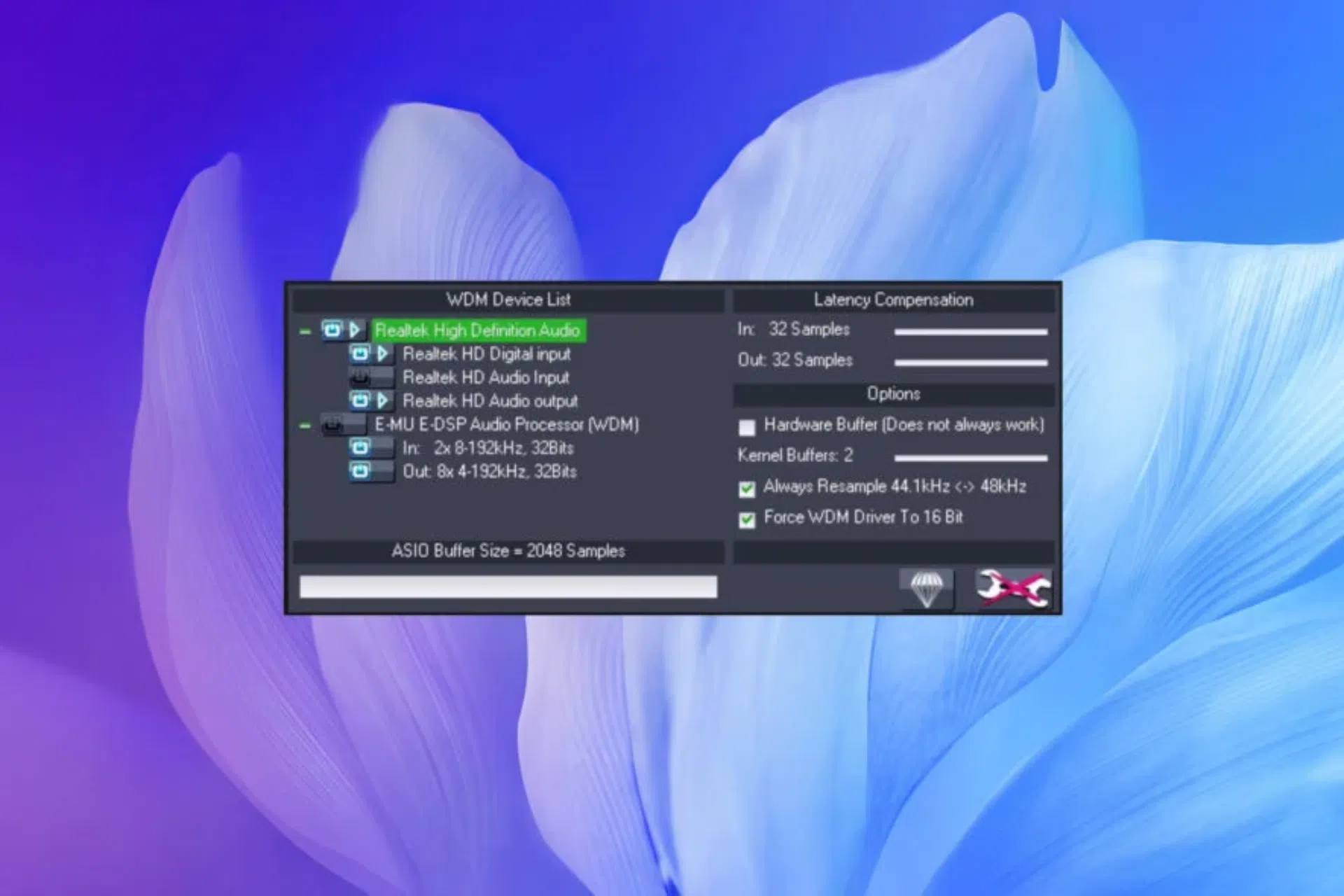
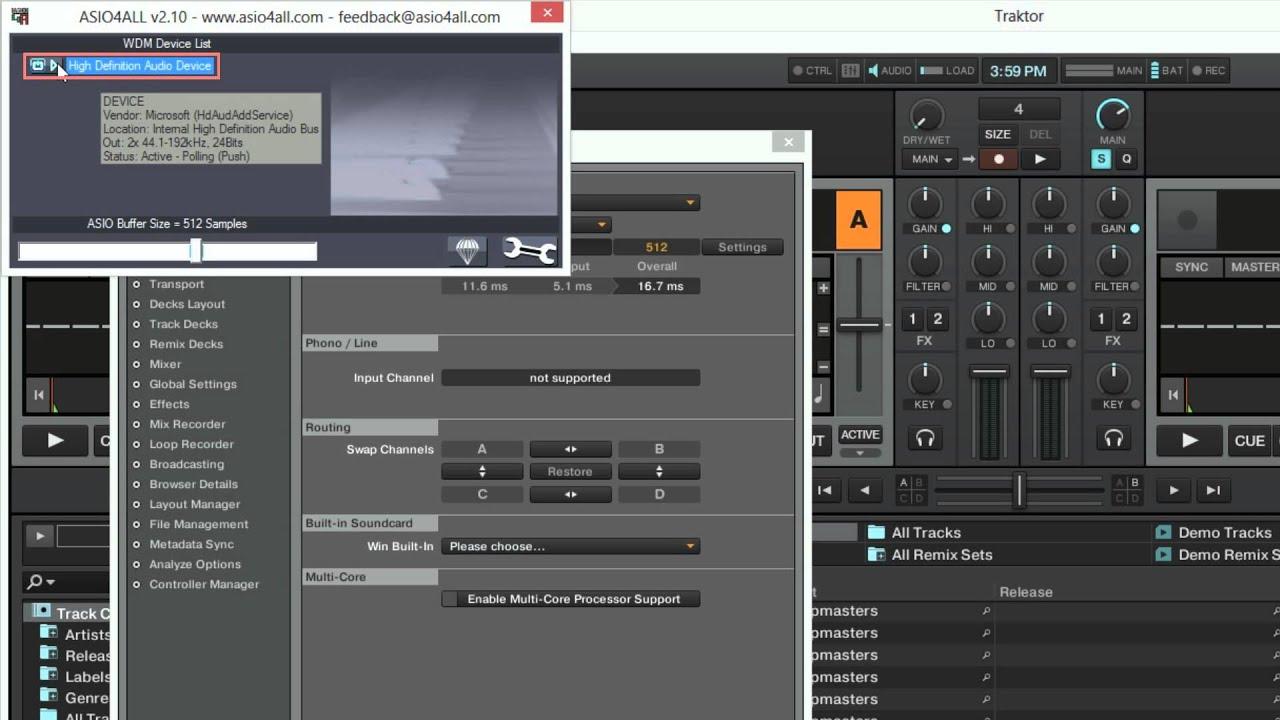
Another option, very common among users of interfaces without a dedicated driver, is to use generic solutions like ASIO4ALL . These tools act as a layer that attempts to provide an ASIO interface over hardware that only has standard Windows drivers. It's not the same as an official manufacturer's driver, but it can somewhat improve latency and flexibility compared to using WaveOut directly.
Is it a serious problem not using ASIO? It depends on what you want to do. For simple recordings, practice, or undemanding playback, you can work with standard Windows modes , although it's not ideal. If your goal is to record vocals or instruments with real-time monitoring, play virtual instruments with immediate feel, or mix complex projects, then the sooner you have a genuine ASIO driver , the better.
What does it mean for an ASIO output to be “bit identical”?
One of the phrases often associated with ASIO is that it offers outputs that are not mixed by the system and are therefore bit-for-bit identical to the original audio file. This may sound very technical, but it has clear practical implications.
When the signal doesn't pass through system mixers like the old KMixer, there are no automatic changes to volume, bit depth, or sample rate that could alter the content. In other words, what's sent to your sound card's digital-to-analog converter is exactly what's in your WAV file (or what your DAW generates internally).
For tasks like mastering , precise level measurement, or critical listening on high-fidelity equipment, this transparency is crucial. It ensures that the decisions you make are based on a signal that hasn't been tampered with by the operating system without your knowledge.
In a home environment geared towards entertainment, this may not be crucial, but for those who need absolute fidelity and total control over the audio chain, the ability to avoid any automatic system mixing is a major advantage of ASIO.

Table of Contents
- 1 What exactly is ASIO and who created it?
- 2 ASIO versus DirectSound, WaveOut, and other Windows systems
- 3 The role of KMixer, WaveRT and the evolution of audio in Windows
- 4 Why is ASIO primarily associated with Windows?
- 5 ASIO drivers in Windows 11: what exactly are they for?
- 6 Practical example: using ASIO in Reaper with an integrated interface
- 7 What does it mean for an ASIO output to be “bit identical”?
