- CipherPass acts as a physical encrypted book using personal mnemonic rules, useful as a secure offline backup.
- Passwords should be long, unique, and complex, ideally generated by managers using cryptographically secure algorithms.
- Password managers such as Kaspersky Password Manager, NordPass or Bitwarden use strong encryption (AES-256, PBKDF2, Argon2) and a zero-knowledge model.
- The combination of Secret Book, password managerMFA and access keys offer far superior protection against modern attacks.
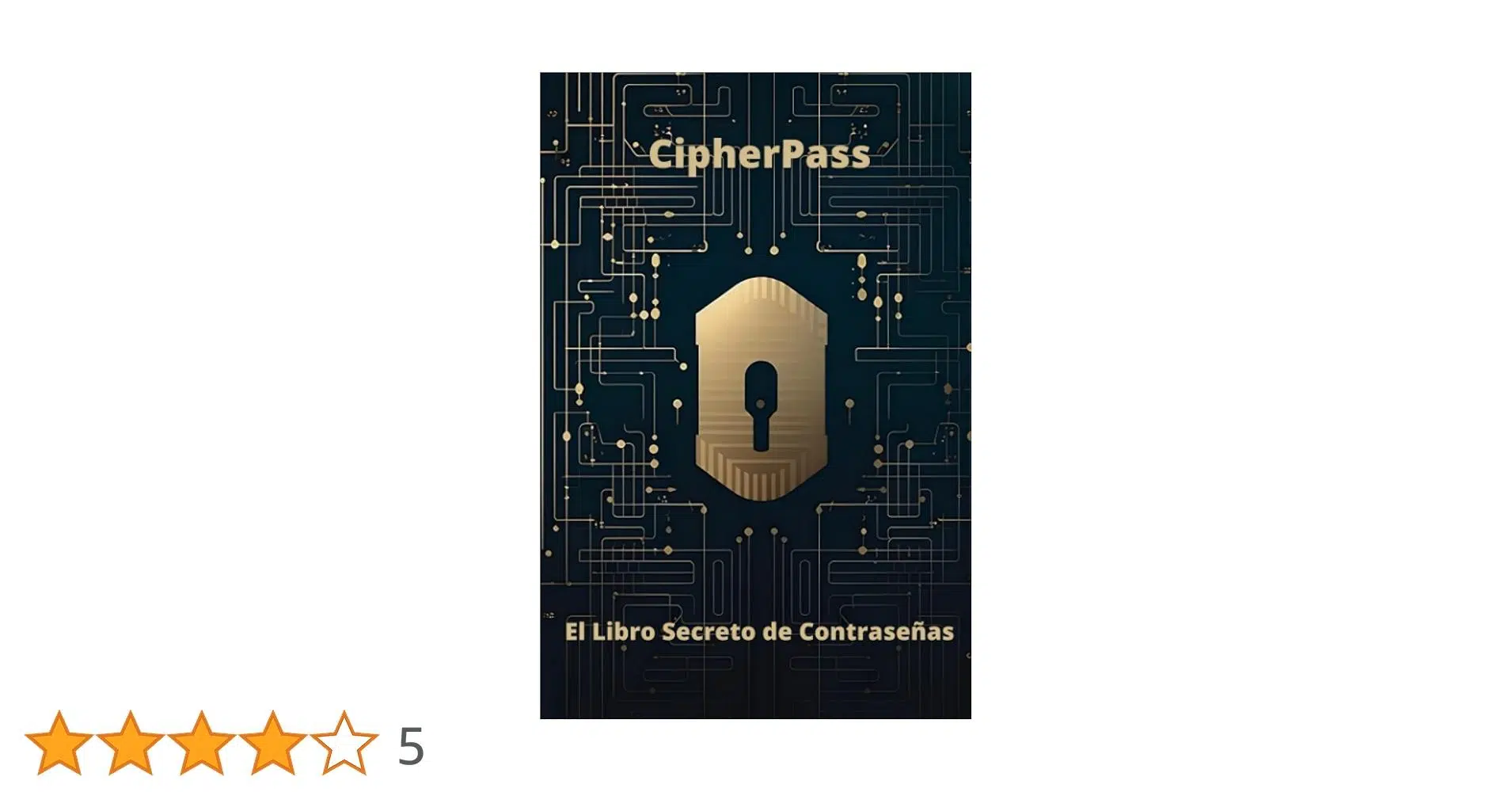
Remembering dozens of long, unique, and secure passwords It's practically impossible for anyone these days: bank accounts, social media, email, work, online shopping… and new services are added every year. In this context, CipherPass, the so-called “Secret Password Book,” emerges as a creative, analog way to organize your passwords so that even if someone flips through the book, they won't be able to understand anything they see.
At the same time, we live in a world where brute-force attacks, decryption algorithms, and password managers with military-grade encryption They're an everyday occurrence. To protect yourself properly, it's not enough to just write passwords down: you need to understand what makes a password strong, how cybercriminals think, the difference between PINs, passwords, and access codes, and how to combine tools like CipherPass with modern password managers such as Kaspersky Password Manager, NordPass, or Bitwarden.
What is CipherPass The Secret Book of Passwords and what is its security based on?
CipherPass is a physical journal designed to store your passwords without appearing "in plain text," meaning the actual key cannot be read directly. Instead of writing down the password exactly as it is, the system suggests you write an encoded version that only you know how to interpret thanks to some prior instructions.
The idea is that the notebook becomes a Encrypted index of your accounts, organized from A to Zwhere each service (bank, email, social media, etc.) has its assigned space and its own coding "trick." Even if someone else has the book in their hands, without knowing the system you've applied, what they'll see is a jumble of incomprehensible notes.
This Secret Book incorporates a encryption method that is easy to use but difficult to guess for a third party. We're not talking about complex mathematical cryptography, but about mnemonic rules and substitutions that you define yourself and always follow the same way: letter changes for Symbols, character shifts, removal of certain parts, etc.
Furthermore, CipherPass insists that the user have clear and easy to follow instructionsso that the process of encrypting and decrypting doesn't require any complicated calculations or remembering anything particularly difficult. The goal is to find a balance: complex enough for a stranger, but very simple for you.
Another strong point is that the book is structured alphabetically from A to ZThis allows you to locate any service in a matter of seconds. It avoids the chaos of loose notes, sticky notes, and scattered reminders that, sooner or later, end up getting lost or left in plain sight.
Why is it so easy to crack a weak password today?
One of the major problems today is that The amount of new information we handle keeps growingAnd our memory has a clear limit. We end up resorting to the same password for everything, to minimal variations, or to easy combinations. This is precisely what cybercriminals exploit.
Security experts have shown that Most passwords in the world can be cracked in a very short time when using modern brute-force algorithms, whether on very powerful graphics cards (like an RTX 4090) or on hardware cheap cloud storage. A recent study found that approximately 59% of all passwords analyzed could be cracked in less than an hour.
Automated tools test millions of combinations per second, and rely on dictionaries of leaked passwords, common patterns and typical substitutions (change letters to numbers, use birthdates, pet names, etc.). Your password doesn't have to look "bad"; it just needs to fall into one of these predictable patterns.
Therefore, rather than relying on the idea that “no one will attack me,” the sensible strategy is to make things so difficult and so expensive so that the attackers lose interest and move on to an easier target. That's where the combination of strong passwords comes into play. storage secure and additional authentication methods.
How to create and remember strong passwords without going crazy
Before discussing password managers or notebooks, it's crucial to understand what makes a password truly strong. The most widely accepted basic recommendations within the security community are: passwords of between 12 and 16 characters at a minimum, mixing uppercase letters, lowercase letters, numbers, and special symbols.
It is also strongly discouraged that the key contain obvious personal data, such as your name, your date of birth, and the names of your childrenYour ID, phone number, or address. All that information is relatively easy to find on social media, in data leaks, or with basic searches.
Each account must have a a unique password that is not repeated on any other serviceIf you use the same password on multiple platforms and one of them suffers a data breach, the attacker can try that password on your email, your bank, your social networks, and practically anywhere they imagine you might use it.
The problem is obvious: a very complex password is easy to forget, and a simple one is an easy target for a brute-force attack. To square the circle, there are mnemonic techniques that allow you to create long but easy-to-remember passwords starting from very vivid phrases, songs, or mental images.
At a basic level, you can create a password by combining several random words with no apparent relation (like a seed phrase), and add numbers and symbols at the end that are meaningful to you but difficult for others to guess. The more short words you mix and the more chaotic they seem, the better.
At an advanced level, one can take a a line from a song, a spell from a movie, or a famous quoteAnd apply a systematic pattern: replace every X letter with a symbol, insert numbers in specific positions, or alternate uppercase letters in a fixed way. By always applying the same rule, your memory strengthens the pattern and it becomes natural to type.
To use or not to use AI to generate passwords: real risks
With the rise of ChatGPT and other language models, many people have wondered ask the IA a secure password “and that’s it”The approach seems tempting: you don't have to rack your brains, you get a promising clue, and if you want, they can even generate a mnemonic phrase for you to memorize it. However, when evaluating tools, it's important to be aware of limitations such as those described in [reference/section/etc.]. Use ChatGPT to generate passwords.
However, studies show that AI-generated passwords are not as random as they seemAlthough they often meet the minimum length and mix uppercase letters, lowercase letters, numbers, and symbols, they tend to repeat certain favorite characters more frequently than a truly random generator.
By analyzing thousands of passwords created by different models (such as ChatGPT, Llama or DeepSeek), it was detected that Some characters appeared much more than othersand that certain combinations were repeated relatively frequently. This means that an attacker who is aware of these biases can significantly reduce the search space and speed up decryption.
Furthermore, there is a significant percentage of AI-generated passwords that They don't even include numbers or special characters.This is the exact opposite of what is recommended. And, in many cases, the models fall into dictionary word variants with typical substitutions (for example, “B@n@n@7”), which are easier to break than they appear.
In comparative tests, it was observed that Around 88% of the passwords generated by some models proved insufficiently secure. against advanced brute-force attacks. Although ChatGPT performed better than others, it still doesn't achieve perfect randomness, and it's possible that it could deliver the same password to several different users.
Therefore, it is advisable to use password generators specifically designedsuch as those incorporated into many password managers. AI can be helpful for creating mnemonic phrases, but it shouldn't be your only source of passwords.
Combined approach: secure generator + mnemonics + CipherPass
A very powerful strategy consists of use a cryptographically secure password generator (for example, Kaspersky Password Manager, NordPass or Bitwarden) to create the pure and simple combination, and then invent a crazy mnemonic phrase that helps you remember it without needing to see it written clearly.
Imagine that the generator gives you a password like this: VAVca*RV0Grr#CbbAt first glance, it's gibberish, but you can associate it with a short visual story: transform VAV into a "high-speed vehicle," "ca" into a "peak," the asterisk into a "star," "RV" into "virtual reality," "0G" into "zero gravity," "rr" into "king and queen," the pound sign into a "grid," and "Cbb" into a "white witch." The key ceases to be a meaningless jumble of letters and becomes a very concrete scene in your mind.
If you like to draw, you can even Capture that scene in your CipherPass, without writing the password itselfThese are merely visual reminders that mean nothing to others. In this way, anyone who opens the notebook will see scribbles or little notes that they will never associate with an actual password.
This combined approach makes it CipherPass works like an encrypted map of your mnemonicsThe digital password manager handles storing the specific keys in an encrypted vault. You'll only need to master the master password and, if you wish, a few mnemonic devices for the most critical access points.
Storing passwords in your browser: why it's not a good idea
Many people take the easy way out and let the browser do the work. save and automatically fill in passwords of all its services. It's convenient, certainly, but in terms of security it leaves much to be desired, because a browser isn't designed to be a complete password manager. If you want alternatives and practical advice, see how prevent browsers from remembering passwords.
Cybercriminals have developed Very simple scripts capable of extracting passwords saved in the browser in secondsIf your system is compromised, that database containing your login credentials becomes relatively easy for an attacker to access. Learn how. View passwords saved in browsers to better understand those risks.
In addition, the synchronization functions (for example, through an account of Google or similar) make that All your passwords travel and are stored in the cloud associated with a single account. If someone gets hold of that password or manages to trick you into revealing it, they suddenly have direct access to all the other services.
Compared to that, using a dedicated password manager or view and manage passwords in Edge supposes a huge leap in terms of protectionbecause your data is specifically encrypted for this purpose and is not exposed in plain text to a general-purpose tool. If you use Edge, check this Tutorial for viewing and managing passwords in Microsoft Edge.
Advantages of using a modern password manager
A serious password manager, such as Kaspersky Password Manager, NordPass, or Bitwarden, Create an encrypted vault where all your keys are stored.Bank card details, scanned documents, and sensitive notes are stored there. Access to this vault is protected by a single master password that only you know.
In the case of solutions like Kaspersky Password Manager, AES-256 encryption is usedIt's a symmetric algorithm also used by government agencies to protect classified information. The master password acts as the encryption key, and without it, the vault's contents are essentially unintelligible.
These managers usually offer very practical additional features: Automatic generation of random and unique passwordsThis includes form autofill on computers and mobile devices, secure synchronization between devices, and, in some cases, 2FA code generation for two-step authentication. You can also generate passwords from the console if you prefer local tools, as in this guide for Generate passwords from the console.
Another important advantage is that They can check if any of your passwords have appeared in leaks massive amounts of data. If they detect that a specific key is at risk, they notify you so you can change it as soon as possible, reducing There during which an attacker could exploit that vulnerability.
In practice, you just have to memorize the master password thoroughlyFrom there, the manager takes care of remembering the rest, suggesting new, secure passwords, and filling them in for you where necessary. If you combine this with CipherPass to securely record your most sensitive logins, you have a doubly robust system.


Passionate writer about the world of bytes and technology in general. I love sharing my knowledge through writing, and that's what I'll do on this blog, show you all the most interesting things about gadgets, software, hardware, tech trends, and more. My goal is to help you navigate the digital world in a simple and entertaining way.