- Implementation of end-to-end encryption and open source to ensure total data privacy.
- Use of two-factor authentication (2FA) using TOTP tokens and physical keys to prevent unauthorized access.
- Integration of advanced tools such as the Bitwarden CLI for secure secret automation in Linux environments.

If you're familiar with the Linux world, you already know that security isn't something to be left to chance. Managing a multitude of different keys for each service we use can become a real headache, and blindly trusting your browser's password manager is, frankly, playing with fire. This is where Bitwarden comes in, an open-source, end-to-end encryption tool that lets you sleep soundly knowing your credentials aren't exposed, not even to the software developers themselves.
But it's not just about storing strong passwords; the real leap forward comes when we implement two-factor authentication (2FA) . This extra layer of protection acts as an additional barrier: even if a hacker manages to discover your master password, they'll find they need a dynamic token that only you possess on your device. In this sense, managing your passwords with Bitwarden on Linux isn't just a matter of convenience, but an active defense strategy to protect your digital life.
What exactly is 2FA and why is it vital?
For those who aren't very familiar, two-step login is a technique that requires you to verify your identity using a token or temporary verification code (known as an OTP) in addition to your usual username and password. It's like having a lock that requires both a physical key and a secret code that changes every thirty seconds.
Typically, the most sensitive platforms, such as online banking, use various methods to send you this code: via text message (SMS) , through specific applications like Aegis or 2FAS, or even using physical security keys like YubiKey. The idea is that, without physical access to your second device, it's virtually impossible for a third party to access your data.
Securing your Bitwarden vault
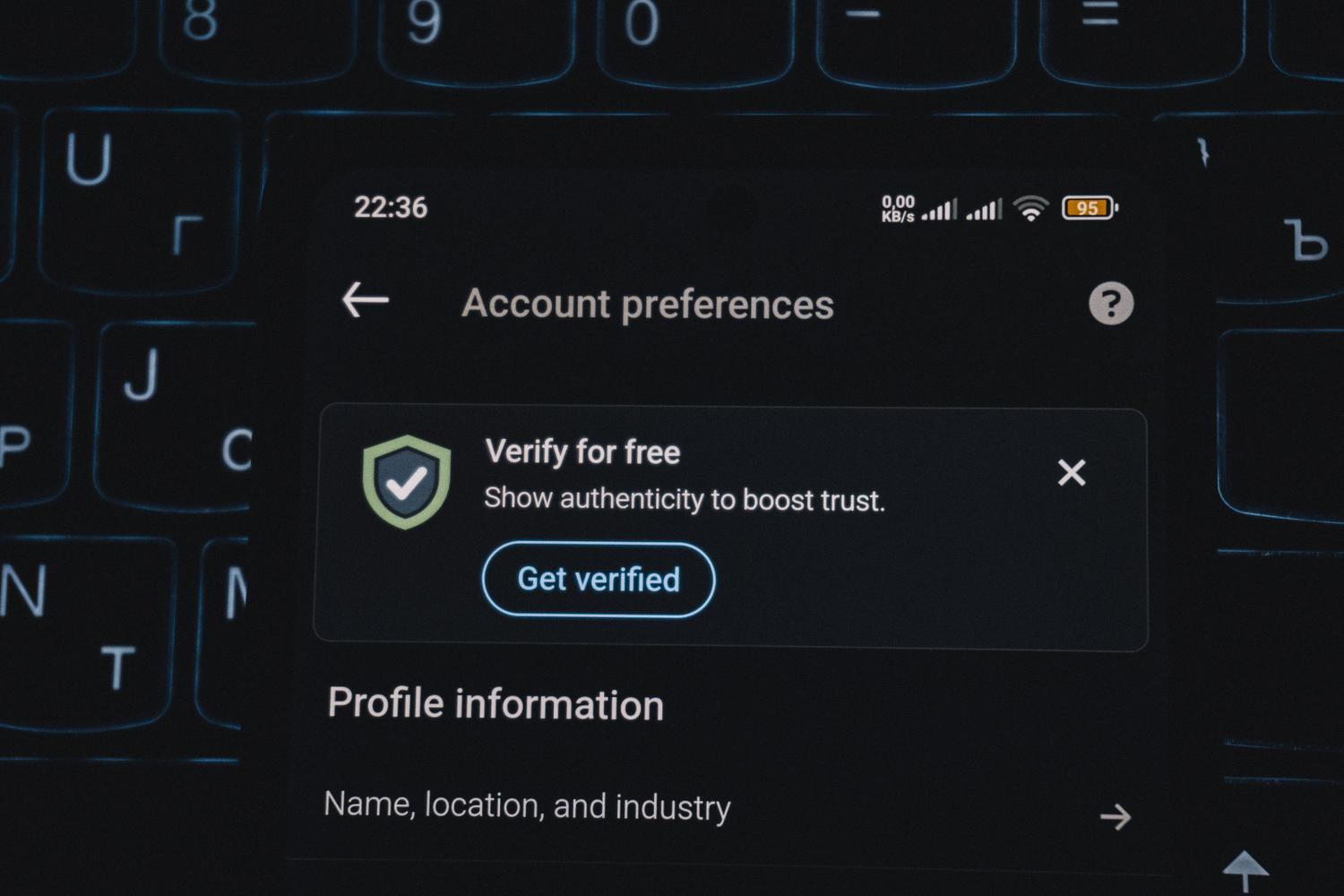
Given that your password manager is the "holy grail" of your information, protecting it is a top priority. Bitwarden lets you set up two-step verification from the Settings menu, in the Security section. You can activate multiple methods at once so you're not locked out if you lose one of your devices.

Among the most notable free options are email authentication and the use of authentication applications based on the FIDO2 WebAuthn protocol. For those seeking a professional level of protection, there are premium options such as Duo Security or full integration with YubiKey, which offer superior robustness against sophisticated phishing attacks.
The integrated authenticator: Convenience and Power

One of the crown jewels for Premium users is Bitwarden's built-in authenticator. Instead of switching between two different applications, you can store and generate TOTP codes directly in the same vault where you keep your password.
This offers a significant advantage in terms of workflow. When using the browser extension on Linux, the system automatically copies the verification code to the clipboard while you enter your username and password. This way, with just a couple of keyboard shortcuts, accessing your accounts is incredibly fast without sacrificing any security. Furthermore, for team managers, it's the ideal solution for sharing passwords across teams without compromising security by generating shared tokens.
Implementation on Linux: From the desktop to the console

Installing Bitwarden on Linux is a piece of cake. There's the graphical version, which can be installed via Flatpak (very common on distributions like Linux Mint), and for purists, the powerful Bitwarden CLI (bw utility) . The latter is fantastic for automating tasks on servers or CI/CD pipelines like GitHub Actions.

If you use the terminal, you can connect the CLI to your server (even if it's a self-hosted server like Vaultwarden) and manage your secrets using environment variables like BW_SESSION , which allows you to decrypt data in memory without having to type the master password in every command. It's crucial, however, to clear local caches by running a logout after scripting to avoid leaving traces.
Setup tips for a secure environment
For the system to be truly effective, simply installing it isn't enough; it needs to be configured. Setting a short automatic lock time (around 5 minutes) is strongly recommended to prevent unauthorized access to your vault if you leave the device powered on. Additionally, creating a derived encryption password is highly advisable to add an extra layer of protection to the local device.
Another critical point is the management of recovery codes . When you activate 2FA, Bitwarden will give you a series of emergency keys. Don't just save them on your PC; ideally, print them out and store them in a secure physical location , such as a safe, to avoid the dreaded "circle lock" (when you need your email password to log into Bitwarden, but your email password is stored on Bitwarden). To further improve your security, you can audit your passwords and enhance your credential hygiene regularly.
Software comparison and transparency
Unlike closed password managers such as Dashlane or 1Password, Bitwarden prioritizes complete transparency thanks to its open-source code . This means any security expert can audit the code to ensure there are no backdoors. This philosophy, combined with its high scores for customer experience and ease of deployment, positions it as a leading solution for enterprise environments and home users who don't want a company managing their browsing habits.
Integrating an open-source password manager with multi-factor authentication and terminal access turns your Linux system into a digital bunker. By combining a strong master password, two-step verification, and organized folder and label management, you eliminate the need to memorize complex passwords and neutralize most common attack vectors, ensuring your credentials remain private regardless of the device you use.

