- Always activate location services on Android and iOS so you can find, lock, or erase your phone remotely.
- Block the SIM and IMEI as soon as possible and file a complaint to reduce the risk of fraudulent use.
- Use cloud backups and a good screen lock to minimize the impact of data loss.
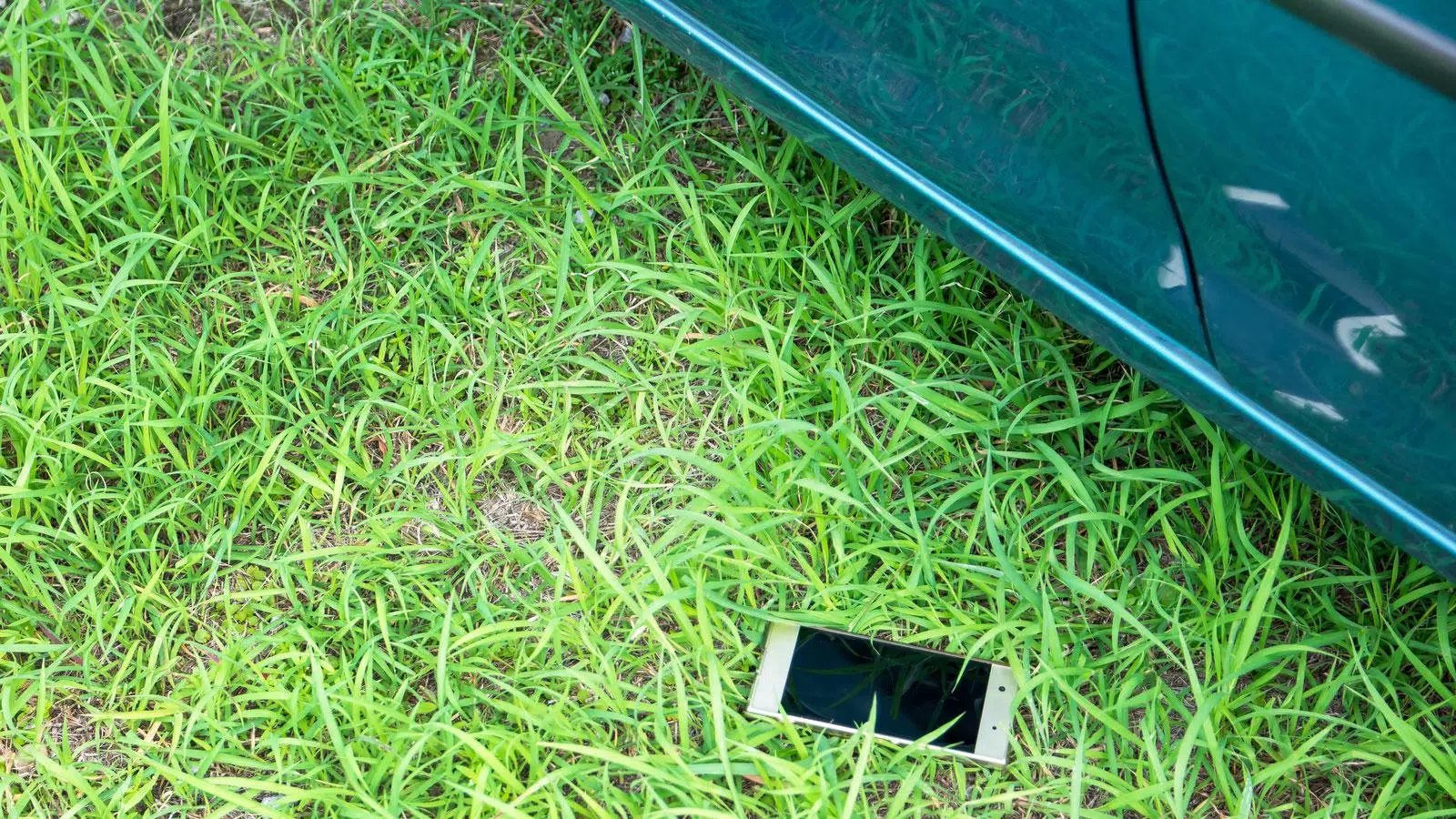
Losing your phone or having it stolen is one of those things that can ruin your day. It 's not just an expensive device that disappears; photos, contacts, and access to a ton of apps you use for work, payments, or communication vanish too. Plus, a stranger could mess with your personal information if you don't react quickly.
The good news is that, if you're well-organized and have certain features enabled, you still have a real chance of locating a stolen or lost phone, whether it's an Android or an iPhone . And even if you don't ultimately recover it, you can lock it, erase your data, and leave the thief with a nice paperweight. Let's take a step-by-step look at everything you can do before and after your phone disappears.
First steps when your mobile phone disappears
As soon as you realize your phone isn't where it should be, the first thing to do is stay calm and do a couple of quick checks . Sometimes the scare is nothing because you've simply left it in another room, in the car, or at a friend's house.
Before you panic, try calling your own number from another phone . If it rings nearby or someone answers it in a bar, office, or someone else's house, you can get it back in no time, especially if the other person means well and found it lying around.
If after several attempts no one answers, or if it has been snatched from your hands or you have lost it in the street, it's time to take serious action: protect your personal data, lock the device and activate the location tools that come standard on Android and iOS.
Alongside all of this, it's a good idea to have some key information handy: the Google or Apple account you use on your phone, its passwords, and the IMEI code . Having this information ready beforehand will make everything that follows much faster.
How to locate an Android phone using Google tools
On Android, your best friend is Find My Device (formerly Google's "Find My Device"), integrated into Google services and Play Protect. This tool lets you locate your phone, make it ring, remotely lock it, or erase its contents , provided it meets certain minimum requirements.
For it to work correctly, the phone must be signed in to a Google account, have location services enabled, an internet connection, and location services turned on . Additionally, the device must be discoverable on Google Play and have sufficient battery power to connect.
Google has also improved the tracking feature with a network of Android devices. The Location Network works collaboratively: other nearby Android phones help detect your phone's location , even if it doesn't have a direct connection, using end-to-end encryption. This allows you to save and review your last known location.
Play Protect not only scans apps for malware in real time, but also integrates location services and anti-theft features . In recent versions of Android, you can even activate extra options, such as enhanced remote locking via a dedicated website.
Activate “Find My Device” on Android step by step
To avoid any surprises the day you lose your phone, it's a good idea to set everything up properly now. Activating "Find My Device" is simple and only takes a few seconds , but it's essential to do it before any problems arise.
On most recent phones, simply go to Settings > Security and privacy > Device finders (or a similar menu) and make sure the "Find My Device" option is enabled . On some models, it appears within the Google section, under Settings > Google > Find My Device.
While that option is enabled, Google will be able to show the phone's location on the map, battery level, signal strength, IMEI, and the last time it was located . You'll also see any other Android devices or accessories (like headphones) linked to that account.
Android is also incorporating additional features such as "Save most recent location" or "Find offline devices" , which allow you to record the last known position and use the network of nearby devices to help you locate it when it is no longer connected.
If you've already lost your phone, there are several ways to access its location. The quickest is through any browser: go to android.com/find or search "Where's my phone?" on Google while logged in with the same Google account you use on your phone.
When the page loads, you'll see a map with the device's approximate location and a sidebar with options. The phone's name, remaining battery life, the network it's connected to, and the time of the last detection will be displayed . If you manage multiple devices with the same account, they will all appear in a list.
From another Android phone, you can install the Google Find My Device app . After logging in, select the lost phone from the list and you'll see its location on the map . The device will also receive a notification alerting you that it's being located.
In some cases, you'll be asked for the PIN from the lock screen of the phone you're looking for (on Android 9 or higher). If your phone has an older version or doesn't use a PIN, you may be asked for your Google password to verify your identity.
Remote options: ring, lock, or erase your Android
Once you've located your phone on the web or in the app, Google offers several options to try to recover it or, at least, prevent anyone from accessing your information . These are the most important features.
The "Play sound" option makes the device play at maximum volume for about 5 minutes , even if it was on silent or vibrate. This is ideal if you suspect you've misplaced it at home, in the office, or somewhere nearby. If using paired wireless headphones, they must be turned on and removed from their charging case.
If you don't know where it is or suspect someone has it, you can mark it as lost to lock the screen with your PIN, pattern, or password . You can also display a message and contact phone number on the lock screen, in case someone kind finds it and wants to return it to you.
As a last resort, you have the option to erase the device data and perform a remote factory reset . This permanently deletes all content from the phone (although it may not completely erase SD cards) and stops the location from being displayed on the Finder app.
Please note that if you recover your phone in the future after formatting it this way, you will need to enter your Google account password to use it again , due to device reset protection.
Requirements for the Android locator to work properly
For all of the above to be effective, the phone must meet certain technical requirements. Without battery power, network connectivity, or an active Google account, location options are significantly reduced.
In short, before losing it, you should make sure the device is signed in to your Google account, Find My Device is enabled, location services are turned on, and the phone is discoverable on Google Play . All of this is usually configured automatically when you first get the device, but it's worth checking.
If your phone is turned on and connected to a data or Wi-Fi network, the system can calculate your position using GPS, nearby Wi-Fi networks, and cell towers . GPS offers accuracy up to about 20 meters outdoors; indoors or in basements, the location may be less accurate.
If the current location is unavailable, Google will show the last recorded position , which can help you know what area it was lost in or where it was before it turned off or lost coverage.
How to locate a stolen or lost iPhone using "Find Out"
In the Apple ecosystem, the equivalent tool is "Find My iPhone," which works not only with iPhones but also with iPads, Apple Watches, and Macs. It allows you to locate the device on a map, make it ring, lock it in Lost Mode, and erase all data.
Just like on Android, these features must be enabled beforehand. For several iOS versions now, Apple has made the initial setup quite easy and usually leaves the service ready as soon as you turn on the iPhone for the first time , but it's worth checking because your ability to track it later depends on it.
A key advantage is the Find My network , which uses millions of Apple devices to locate yours even without a direct internet connection. Your iPhone can send its recent location to other nearby Apple devices , with the information encrypted so it can be reviewed later.
In addition, if you use other Apple products, such as Apple Watch or iPad, you can use the "Find My" app or even Siri to ring your iPhone , which is very convenient when you're at home and can't remember where you left it.
Configure “Find My iPhone” correctly
To ensure the system is activated, go to Settings > Find My > Find My iPhone and verify that the options are turned on. Enable "Find My iPhone," "Find My Network," and "Send Last Location" to get the most out of it.
With these options active, the iPhone will be able to share its location even without a direct connection , as long as there are other Apple devices nearby, and will automatically send its last known location to Apple when the battery is very low.
From the Find My app on your iPhone or iPad, in the "Me" tab , you can check that the "Share Location" option is selected . This helps manage all your devices and also allows you to share your location with family members, if you wish.
The sooner you get all this set up, the better prepared you'll be: the day your phone disappears, you'll just have to go directly to iCloud or the "Find My" app without wasting time with settings.
Locate your iPhone from iCloud or another Apple device
If your iPhone is lost, you can easily locate it from any computer or mobile device with a web browser. Just go to iCloud.com, sign in with your Apple ID, and click "Find My . "
Once inside, you'll see a map with all your devices linked to that account, including iPhone, iPad, Mac, and Apple Watch . At the top, you can expand the "All Devices" menu to select the one you want to control.
When you select your iPhone, its approximate location will be displayed and you will have several actions at your disposal : play a sound to locate it if it is nearby, activate Lost Mode (which locks the device and displays a message) or erase the iPhone to delete all content.
If you prefer to use another Apple device, such as an iPad, another iPhone, or a Mac, you can open the Find My app directly . All your devices will appear there, and you can select the missing iPhone to perform the same actions.
Other ways to find your iPhone: Apple Watch and Siri
If you're at home or in the office and you think your phone is hidden somewhere among cushions or under the bed, there's no need to go into iCloud. If you have an Apple Watch, you can use the Find My iPhone icon to make it ring and locate it in seconds.
You can also ask Siri for help from another Apple device . With a simple “Hey Siri, where’s my iPhone?” you can make the phone make a sound, even if it was on silent. It’s a very quick way to find it in enclosed spaces.
What to do when you can't recover your mobile phone
Unfortunately, although technology is a great help, it's not always possible to recover a stolen or lost mobile phone . In Spain, hundreds of thousands of phones are stolen each year, and many end up being resold or shipped to other countries.
If Google or Apple tools fail to locate the device, or if you see that it is in a suspicious place that you cannot safely access, the objective becomes different: to protect your information, prevent fraudulent use, and leave the device completely locked.
The first step is to contact your mobile phone operator to block the SIM card . Until you do this, you will remain responsible for any charges incurred with your line, unless you have insurance coverage.
With many companies, such as O2, you can call a specific customer service number (for example, 1551 in the case of O2 ) to immediately cancel your SIM and request a replacement. It's a good idea to keep these numbers written down somewhere else so you don't waste time looking for them.
Block the IMEI to disable the mobile phone
The next important step is to block the phone's IMEI . This 15-digit code is the unique "fingerprint" of each mobile phone and is used to identify it on telephone networks.
Your carrier can use the IMEI to prevent the phone from connecting to their network, even if the thief changes the SIM card . In Spain, and many other countries, this is coordinated through shared databases between carriers.
The IMEI is usually printed on the device's original box or receipt, and can also be obtained by dialing *#06# on the device itself . You can also find it using tools like Google Finder.
In addition to blocking it with your carrier, there are international databases like IMEI.info where the code can be registered. Many carriers worldwide consult these lists to deny connection to devices reported as stolen , further complicating their ability to resell them.
Report the theft to the police
Filing a police report is not just a symbolic gesture; it's a crucial step. Submitting a report to the nearest police station provides legal support and is often a requirement for insurance companies, some mobile operators, or even some manufacturers to process certain claims.
When you go to file a report, bring your mobile phone receipt, the IMEI number, the phone number, and, if possible, the last approximate location shown by the tracking tools. The more information you provide, the easier it will be for the authorities to process the case.
The way you write the report is also important: make sure it clearly states whether it was robbery (with violence or intimidation) or theft (without force) , as this can influence how the insurance company responds and the responsibility of the different parties.
Recover your data from backups
Often, what hurts the most isn't the phone itself, but what's on it. If you had important photos, videos, documents, or contacts, restoring a backup can save the day ( recover deleted photos ).
On Android, you can restore your data to a new device by signing in with your Google account. If you had cloud backup enabled, your contacts, some photos (if you used Google Photos), apps, and some basic settings will be restored.
On iOS, it's similar: if you had iCloud Backup enabled, you can restore your data to a new iPhone . Photos, contacts, message history , and many of your preferences will be recovered. The more recent the backup, the less you'll miss.
For all these reasons, it's essential to have automatic backups enabled and to review them from time to time . Making this small effort beforehand prevents much bigger problems later.
Fraudulent use of a stolen mobile phone: how the law protects you
One of the biggest concerns when a phone goes missing is that someone could make payments with saved cards or access banking apps and payment services . The law, however, offers some protection to the user.
In most cases, paying with your mobile phone requires unlocking the device with a PIN, pattern, fingerprint, or facial recognition . If a thief can't do that, it becomes much harder for them to make purchases at your expense.
Even so, if for any reason someone gains access and makes unauthorized charges , payment services regulations stipulate that the user is protected. The account holder's liability is typically limited to a small amount (for example, €50) for fraudulent transactions made before they report the loss or theft to their bank.
Once you've notified your bank and mobile operator, you shouldn't incur any costs for subsequent transactions . That's why it's so important to act quickly: the sooner you block the phone, SIM card, and cards, the lower your risk exposure will be.
Tips to prevent mobile phone theft and minimize damage
Beyond simply reacting well after the fact, the ideal is to take precautions to prevent the phone from falling into the wrong hands, or, if it does, to minimize the damage . There are a few simple habits that make all the difference.
The first is common sense: avoid leaving your phone on the table in cafes, bars, or restaurants , or in unzipped pockets where you can't keep an eye on it. In crowded places, a moment's inattention can be all it takes for it to disappear.
You can also use cases with straps, neckbands, or clips that keep your phone close to you . They're not foolproof, but it will be much harder for a thief to steal it without you noticing.
On public transport, try not to use your mobile phone close to the door or very near exits , because these are common spots for quick robberies: they grab it and run off just as the doors close or open.
In addition to physical security, digital security is crucial. Activate a strong passcode, avoid obvious combinations like 0000 or 1234 , and, if your phone allows it, use fingerprint or facial recognition for an extra layer of protection.
On both systems, make sure you have location services enabled: “Find My Device” on Android and “Find My iPhone” on iOS . These are essential for locating, locking, or erasing your phone if it's lost.
Get into the habit of making regular backups to the cloud and checking that they are being generated correctly. That way, you might lose the device, but you won't lose your photos, contacts, or important documents.
Finally, don't forget to write down your passwords in a safe place or, even better, use a password manager . It's also a good idea to save your IMEI number and the customer service numbers for your mobile carrier and bank, so you don't have to search for them in a hurry at the worst possible moment.
If you combine all these measures—physical prevention, secure locking, backups, and the use of location tools— you'll have much more control over the situation even if your phone goes missing . Recovering it won't always be possible, but you'll be able to react quickly, protect your data, and minimize the damage.

Table of Contents
- 1 First steps when your mobile phone disappears
- 2 How to locate an Android phone using Google tools
- 3 How to locate a stolen or lost iPhone using "Find Out"
- 4 What to do when you can't recover your mobile phone
- 5 Fraudulent use of a stolen mobile phone: how the law protects you
- 6 Tips to prevent mobile phone theft and minimize damage
