- LM Studio allows you to run language models (LLM) on Windows, Mac, and Linux while respecting user privacy.
- The tool supports RAG, allowing you to feed the AI with local PDF, DOCX, or TXT documents to obtain accurate answers.
- It includes a CLI and a local server compatible with the OpenAI API to facilitate integration into development projects.
- It is compatible with GGUF format models and allows you to adjust parameters such as temperature and system prompt to optimize responses.
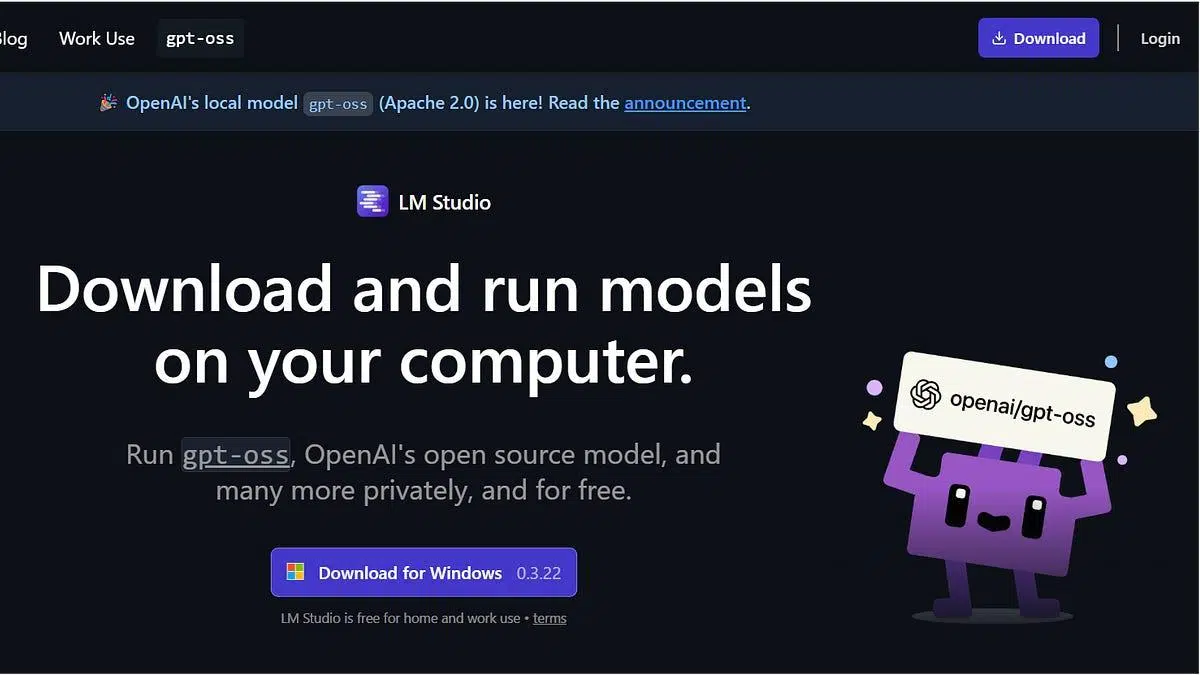
Today, artificial intelligence is no longer the exclusive domain of tech giants; it has arrived directly on our desktops. Thanks to the advent of extended language models (LLMs) , it's now entirely feasible to set up an AI system at home, allowing us to perform everything from complex translations to generating creative content without relying on the cloud.
If you like the idea of having a smart assistant that doesn't spy on your data and works even without an internet connection, LM Studio is a fantastic tool . It's ideal for those who want to take their first steps into the world of local AI, as it greatly simplifies model management on Windows, Mac, and Linux, adapting even to machines that aren't exactly supercomputers.

Prerequisites and team preparation
Before diving in, it's crucial to ensure your machine can handle the demands of AI. For Windows, ideally you'll need 16 GB of RAM and a processor that supports AVX2 technology . To verify this, check your system information and then look up your exact CPU model on the Intel or AMD website, specifically in the instruction set extensions section.
If you have a Mac, it's simpler: you need a chip from the Apple Silicon family (M1, M2, M3, or M4) . If your Mac is older and uses Intel, you might be better off trying Msty. As for RAM, while 8 GB might suffice for smaller models and quick tests , if you want something more serious and fluid, don't go below 16 GB, or even 32 GB if the model is very large.
Step by step installation guide

The process is quite intuitive. First, you need to go to the official website for your operating system. If you use browsers like Chrome or Edge, be careful because sometimes, for security reasons, you only need to grant them permission to proceed.
Once you have the file, run it and follow the installer's instructions. You can leave the default options, which usually suggest lightweight models like [insert model name here] , or try DeepSeek R1. When finished, the program will allow you to start a chat directly to verify that everything is working correctly.
How to manage and run AI models
When you open LM Studio for the first time, you'll see that you can interact with the pre-installed model. However, the most powerful feature is the magnifying glass icon, where you can find options like IBM's Granite. It's always recommended to choose the latest version (usually at the top) and click the Download button.

Once the download is complete, go to the Chat tab and select the chat you want to use from the dropdown menu. From there, simply type in the text box and watch the AI generate real-time responses. Keep in mind that different hardware and resources will affect performance, so it will vary depending on your choice.
Boosting AI with RAGs and local files
One of the biggest problems for LLMs is that they only know what they learned during their training. To address this, LM Studio implements the [feature name missing]. This feature allows you to upload your own private documents for the AI to use as a knowledge base, resulting in much more accurate and personalized answers.
You can attach up to five files simultaneously (PDF, DOCX, TXT, or CSV) with a total limit of 30 MB. Ideally, be very specific in your prompts; for example, if you upload a contract, ask for concrete details about the clauses so the template doesn't make anything up.
Advanced settings and Developer mode

For those who want to get the most out of the program, Developer mode allows you to adjust technical parameters. Temperature is key: lowering it will give you coherent and predictable responses (ideal for summaries); raising it makes the AI more creative and varied, though with a greater risk of hallucinations.
We also find the `<stdio.h>` , which serves to balance the rigidity and flexibility of the text. On the other hand, the `<sup>` is where you can define the role of the AI, telling it, for example, to act as a legal expert or to be extremely concise in its responses.
CLI usage and developer capabilities
LM Studio is not just a graphical interface; it also offers a powerful In Linux, for example, it can be installed using the command npx lmstudio install-cliThis allows you to manage AI from the terminal with commands like to load models into memory or to free them.

For software developers, the program raises a local server with endpoints compatible with OpenAI (such as This makes it easier to integrate local AI into external applications. There are even SDKs for it. Python and Typescriptallowing AI to be at the core of a larger project.
Deep customization with model.yaml and imports
There is advanced functionality (still in beta) based on files . These files allow you to describe a model, its variants, and metadata, delegating the selection of the appropriate version to the runtime. This is especially useful for those who want to use LM Studio with specific memory or architecture configurations.
If you already have models in format You don't need to download them again. You can use the command to integrate them directly into the program's library and start chatting with them without complications, thus expanding your .
Why choose local execution versus the cloud?

The main reason is security . By not uploading your contracts or personal notes to external servers, your sensitive data remains on your hard drive. Furthermore, you gain security , as you are not dependent on an internet connection or the risk of service outages or price changes.
From an economic standpoint, you save money . From an educational perspective, it's the best way to understand how model weights and inference work. It's essentially turning your computer into a free, private artificial intelligence lab .
Having a tool like LM Studio installed allows you to transform any compatible PC into a natural language processing center capable of managing private documents using RAG, interacting through OpenAI-compatible APIs, or running custom models via CLI, always guaranteeing the confidentiality of information and technological independence.

Passionate writer about the world of bytes and technology in general. I love sharing my knowledge through writing, and that's what I'll do on this blog, show you all the most interesting things about gadgets, software, hardware, tech trends, and more. My goal is to help you navigate the digital world in a simple and entertaining way.