- Custom kernels allow you to optimize battery life and performance by adjusting system frequencies and parameters.
- Modern compilation on Android 13+ is primarily done using Bazel (Kleaf), replacing the old build.sh.
- The installation process may vary between flashing ZIP files via TWRP or using IMG images via fastboot.

If you've been tinkering with your phone for a while, you've probably heard of custom kernels. Basically, a custom kernel is the bridge that connects your smartphone's hardware to the Android operating system, and changing the one that comes pre-installed can completely transform your device's performance , whether it's to maximize power or make the battery last forever.
The first thing to understand is that there's no such thing as a universal kernel; every phone model is different, and developers usually focus on specific devices. While there are legendary names in the field like Franco, Faux, and Lean Kernel , you'll most likely need to find something custom-made for your hardware and the version of Android you're running to avoid bricking your device.
What is the real purpose of changing the kernel?
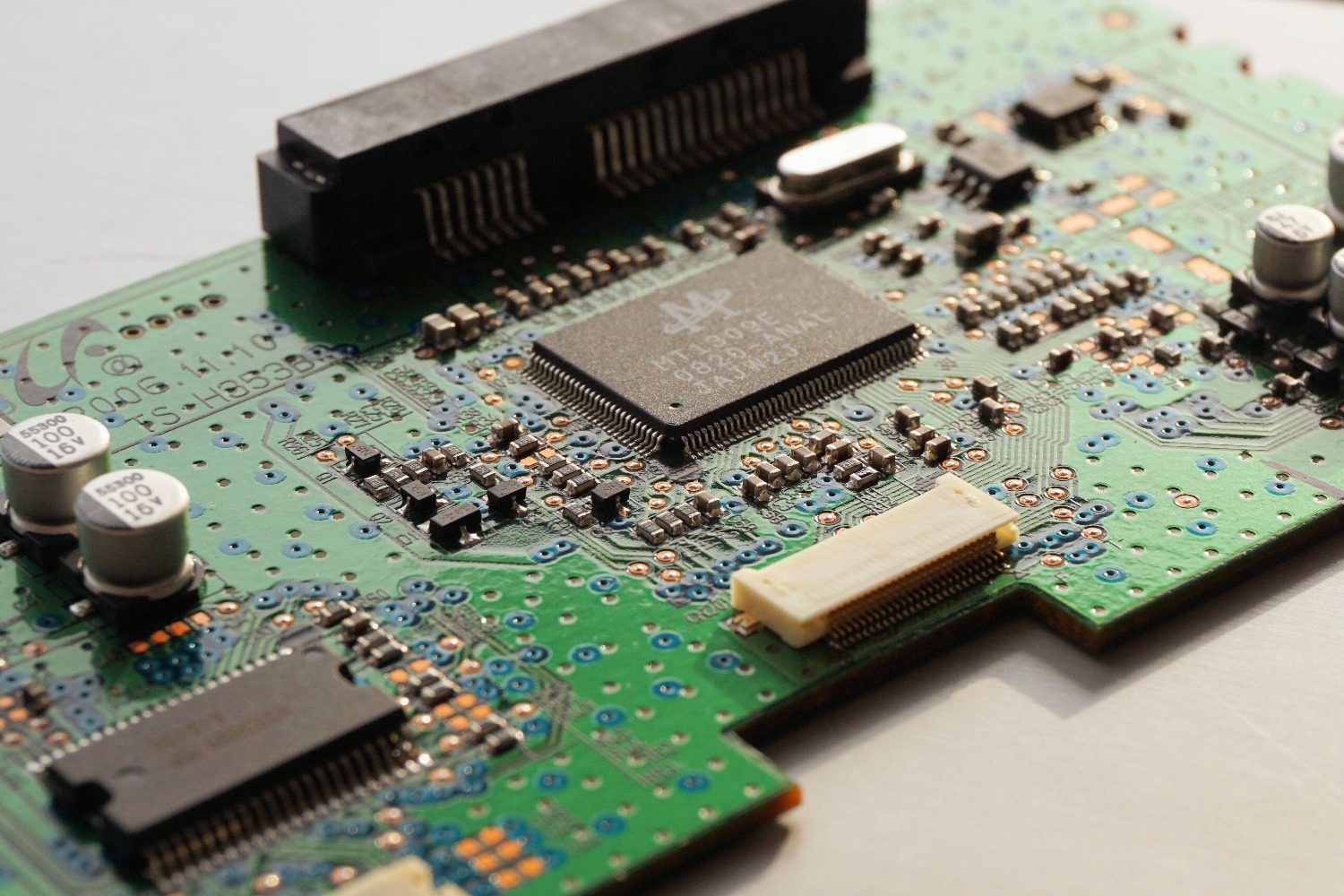
Many people install a new kernel to solve specific problems. For example, if you notice your battery draining quickly, an underclocked kernel can be the solution. Others seek to improve sound quality, adjust screen colors for a more natural look, or simply add features that Google or the manufacturer chose to omit.
To manage all these options, simply installing the kernel isn't enough. You'll typically need control applications or specific scripts that allow you to adjust voltage and frequency settings in real time, although this requires root access and knowing exactly what you're doing to avoid system instability.
Technical guide to compiling your own kernel

For the more adventurous who don't want to rely on forums like XDA, Android offers the option to compile the kernel from scratch. The process begins by obtaining the official source code from the Repo , creating a working directory, and synchronizing the branches corresponding to your device model, as is the case with the Pixel series.
Current compilation methods

Starting with Android 13, the landscape changed with the arrival of Bazel (Kleaf) , which is the standard tool for creating GKI kernel distributions for aarch64 architectures. This system is much more modern and efficient than the old script-based method.
- Kleaf (Bazel): It is used by running specific Bazel commands that generate the binaries and modules in a defined destination directory.
- Build.sh (Legacy): It was the standard until Android 12. It was based on environment variables such as BUILD_CONFIG to define the platform configuration (e.g., GKI aarch64) and run the compilation.
If you are working with older versions, you can customize the build using defconfig snippets or by modifying the build.config file to disable options such as LTO (Link Time Optimization), which significantly speeds up build time during the development phase.
How to run and install the kernel on the device

Once you have the file ready, there are several ways to put it into operation. If you have compiled a complete boot image, you can incorporate it directly into the AOSP tree and rebuild the boot image.
For those who prefer something faster and less risky, the use of fastboot It's the best option. Running the command fastboot boot Image.lz4-dtbYou can start the kernel without writing it to flash memory, which means that if something goes wrong, a simple reboot will bring you back to normal.
For regular users who download pre-compiled kernels, installation is usually simpler: if the file is a .zip, it is flashed using TWRP or a custom recovery ; if it is an .img file, it is done through fastboot commands on the PC.
Compatibility and stability considerations
It's vital that the kernel is fully compatible with the ROM and the installed Android version. Installing a kernel designed for Android 11 on an Android 12 ROM is a recipe for disaster. It's always recommended to check device threads in specialized communities to confirm there are no instability issues or bootloops.
Mastering the Android core allows you to do everything from optimizing battery life by adjusting frequencies to developing new functionalities by integrating the code into the system, as long as you follow the steps of downloading sources, compiling with tools like Bazel, and carefully flashing via recovery or bootloader.
FAQ
What happens if I install a kernel that is not compatible with my ROM?
Installing a kernel that does not match the Android version or ROM can cause the device to fail to boot, resulting in the well-known bootloop error.
How can I improve battery life with a custom kernel?
This is achieved by searching for kernels that allow underclocking, which consists of reducing the processor's operating frequencies to consume less energy.
What is the difference between installing a .zip file and a .img file?
ZIP files are generally installed via a recovery like TWRP, while IMG files are flashed using fastboot mode from a computer.
What tool is used to compile kernels on Android 13 or higher?
Starting with Android 13, Bazel is used, specifically through a system called Kleaf, which has replaced the old build.sh script.
Is it possible to test a kernel without permanently installing it?
Yes, by using the fastboot boot command followed by the image file, the device will boot with that kernel without writing it to the flash memory.
Do I need root access to take advantage of the features of a custom kernel?
Root access is essential to use applications or scripts that allow you to modify the core's voltage and frequency settings in real time.
