- System settings and resource cleanup to free up CPU and GPU power.
- Advanced accessibility and power management settings to prevent lag.
- Technical development strategies for game creators in SpriteKit and Metal.
- Optimized connectivity and thermal control to maintain stable FPS.
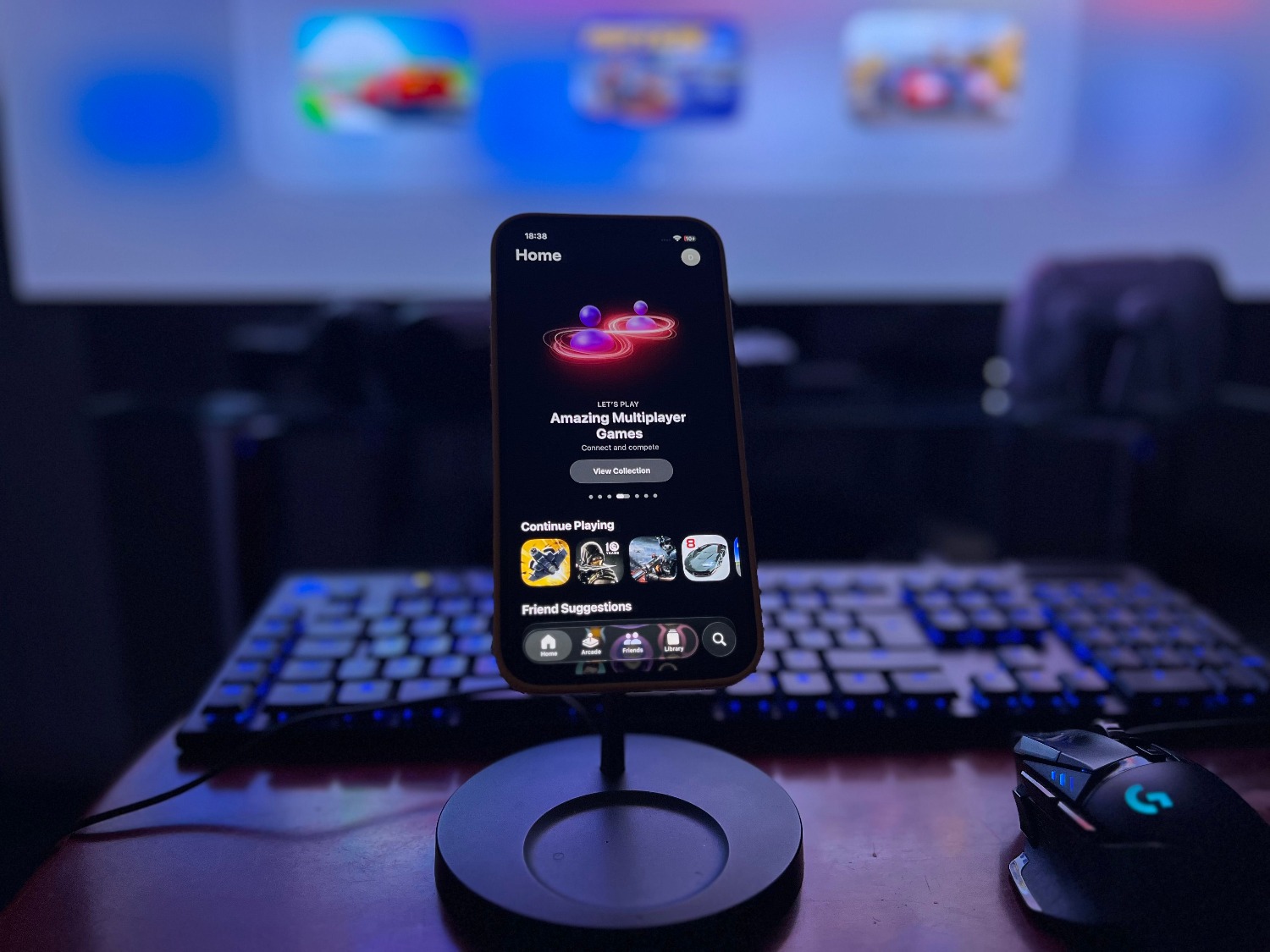
If you notice your favorite games are lagging or your phone is overheating, don't worry, you're not alone. Sometimes, even with the latest iPhone model, there are invisible processes that hog resources and make the gaming experience frustrating, especially in competitive titles where every millisecond counts.
To get the most out of your device, simply installing the game and pressing play isn't enough. A comprehensive setup is necessary , encompassing everything from cleaning up storage to making in-depth adjustments to accessibility and software, ensuring the processor focuses exclusively on rendering each frame as smoothly as possible.
Resource cleaning and basic maintenance
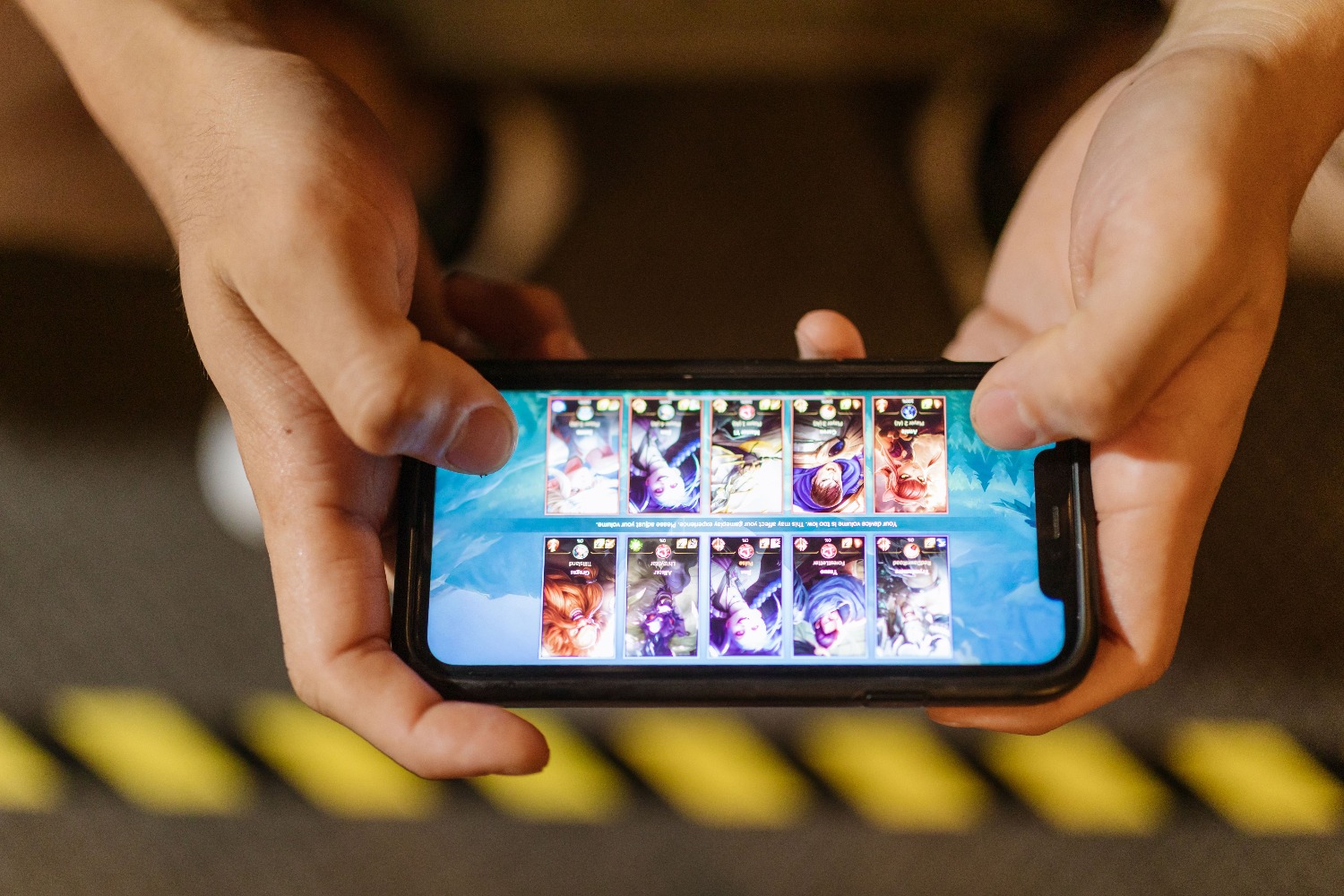
The first thing is to clear the way. Although iOS is very efficient, when you're in an intense session, any app left open in the background can consume RAM and CPU cycles . You don't need to be obsessive about closing apps all day, but before launching a shooter or a demanding simulator, swipe up and remove anything you don't need: social media, maps, or browser tabs.
Another trick that might seem old-fashioned but still works is restarting your device . By turning your iPhone off and on, you clear temporary files and reset the RAM, eliminating system processes that might be stuck. Also, keep an eye on your internal storage; if you have less than 10% free, the system will slow down. To fix this quickly, you can use AI-powered cleanup tools that detect duplicate photos, large 4K videos, or old screenshots that are just taking up space.
System settings to gain speed
There are hidden options that can make a big difference. In the Siri and Search settings, it's recommended to disable the "Learn from App" option , as this prevents the system from constantly analyzing the content under each application. Similarly, switching email reception from push to manual reduces constant server queries, resulting in improved usability and battery savings.
Regarding accessibility, enabling the Reduce Motion and Reduce Transparency options eliminates complex visual animations that the system has to process. An advanced trick is to enable these options generally but disable them specifically for Apple apps, making the phone feel much more responsive, almost as if it were running a lighter version of iOS.
Power control and display

Be very careful with Low Power Mode. While it's great for extending battery life, it limits CPU power and reduces the screen refresh rate. If you want to play at your best, turn off power saving; you'll prefer a faster battery drain in exchange for stable FPS without sudden drops during the action.
The screen also plays a role. Excessive brightness not only drains the battery but also generates heat, and when the iPhone gets hot, thermal limiting kicks in , reducing performance to protect the hardware. Lower the brightness to a moderate level, and if you have an OLED screen, consider turning off True Tone or reducing the white point to lighten the visual processing load.
Optimization from within the game itself
Don't ignore the game's settings menu. Lowering texture quality or reducing shadow resolution might make the game look slightly less detailed, but the improvement in smoothness is enormous. Always look for High Frame Rate (HFR) mode if available, as it makes the action much more fluid and responsive.
For those who develop their own games, especially 2D games using SpriteKit, optimization is an art. Reducing the number of active nodes on screen through pooling techniques and using texture atlases to minimize draw calls is vital. Furthermore, optimizing physics by limiting dynamic bodies and moving heavy calculations out of the `update` method to avoid overloading the main thread is crucial.
External factors and connectivity

Having an optimized iPhone is useless if the connection fails. For online gaming, always prioritize a 5GHz Wi-Fi network over 2.4GHz, as it's much more stable and faster. If you're using mobile data, make sure you have solid 5G or LTE coverage to avoid annoying rubberbanding or lag spikes that can ruin a competitive match.
Keeping your software up to date is the finishing touch. Apple releases regular patches that improve Metal integration and memory management. Make sure both your operating system and game are updated to the latest version to take advantage of performance improvements and fix bugs that could cause unexpected crashes.
Making a device run smoothly requires a combination of thorough storage cleanup, disabling unnecessary background processes, and intelligent power and graphics configuration. By controlling the system's temperature and ensuring a stable connection, the hardware can deliver its full potential, transforming a choppy experience into a smooth, professional-level gaming experience.
FAQ
How can I prevent my iPhone from slowing down while I'm playing games?
It is recommended to close applications running in the background and restart the device periodically to clear RAM and temporary files.
Does low power mode help with gaming performance?
No, low power mode reduces CPU power and limits frames per second, so it should be turned off for maximum smoothness.
Which accessibility settings improve iPhone speed?
Enabling the options to reduce motion and reduce transparency eliminates heavy animations, making the system respond more instantly.
How does internal storage affect FPS?
When free space is very low, usually less than 10%, the device slows down and games may experience frame drops or longer loading times.
What is thermal throttling in iOS and how can you avoid it?
It's a protection mechanism that lowers processor performance when the phone gets too hot; it can be mitigated by reducing screen brightness.
What is the best internet connection for gaming on iPhone?
Ideally, use a 5GHz Wi-Fi network for its greater stability and speed, or a 5G connection with good coverage to minimize lag.
How do I optimize a game if I'm a SpriteKit developer?
Node pooling should be implemented, texture atlases should be used to reduce draw calls, and physics logic should be optimized to avoid overloading the CPU.
