- Difference between the performance of free and proprietary AMDGPU-PRO drivers.
- Importance of verifying the Xorg version and performing preventive backups.
- ROCm installation procedure to leverage the GPU in AI tasks.
- Methods for verifying and uninstalling Radeon drivers.

If you've just bought an AMD graphics card, specifically one from the RX 7900 series , and you've embarked on the adventure of installing Ubuntu, you're probably wondering how to best configure the system. Although Linux already offers native support, to get the most out of your hardware, especially if you enjoy intensive gaming or work with AI, it's a good idea to carefully review which drivers you have enabled.
The thing is, there are two paths: open-source drivers, which come pre-installed and are incredibly stable, and proprietary AMD drivers , which tend to offer better performance for demanding tasks. In this article, we'll see how to navigate Ubuntu to make your GPU fly, either by installing the official software or configuring the ROCm environment for advanced computing.
Preparations before tinkering with the drivers
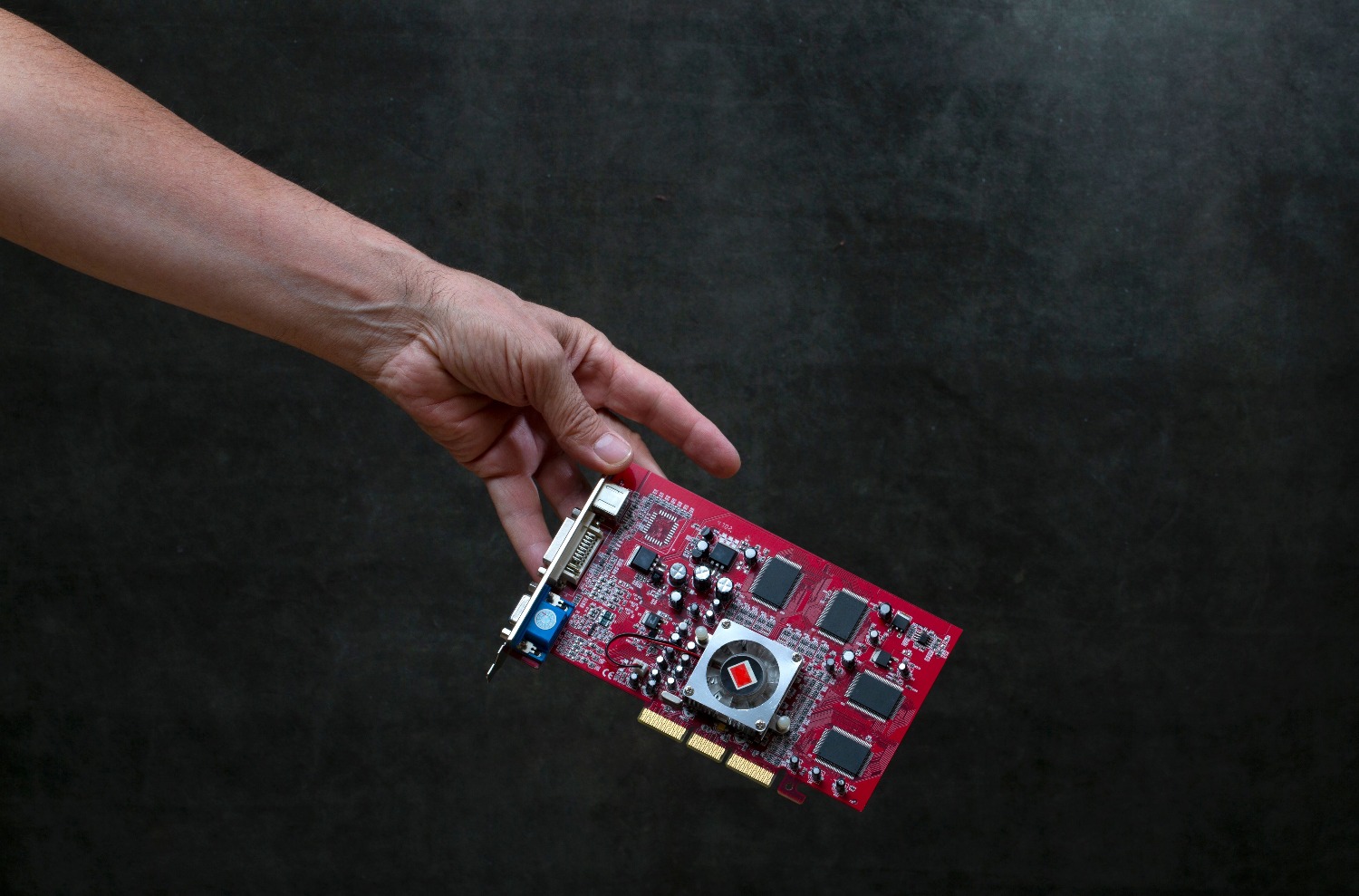
Before you start installing anything, it's essential to know exactly what you're working with to avoid making a mistake. A logical first step is to check which version of Xorg You have it set up, since proprietary drivers depend on it; you can quickly find out by running the command X -version in your terminal.
To avoid surprises and having to reinstall the entire system if something goes wrong, the wisest thing to do is to perform a Backup from your current configuration. You can clone the Xorg configuration file using sudo cp /etc/X11/xorg.conf /etc/X11/xorg.conf.backupThat way you'll have a life jackets manually if the system stops displaying an image.
Hardware identification and upgrade
Not all AMD chips are managed the same way, so the first thing to do is confirm that Ubuntu recognizes your Radeon RX 7900To do this, the command lspci | grep VGA It's your best ally, as it will break down the exact model of your card and the PCI bus where it is connected.
Once the model is confirmed, it's vital that the system is up to date. Don't install drivers on an outdated system; run sudo apt update y sudo apt upgrade so that all the kernel dependencies are up-to-date and there are no version conflicts during the process.
Installing the proprietary AMDGPU-PRO drivers
To get the best performance, you'll need to go to the official AMD website and download the package corresponding to your distribution. After downloading the file, the first step is to extract the .tar file , which will give you a folder full of .deb packages or, in some cases, an executable script (.run or .sh).
If you encounter the installer amdgpu-pro-installSimply enter the folder from the terminal and run it with the parameter -y to accept everything automatically. If you have a .run file, remember that you must give it execution permissions with sudo chmod +x before launching it with sudo shThe process usually takes between 5 and 10 minutes and requires a mandatory restart to activate.
ROCm configuration for Artificial Intelligence
If your goal with the RX 7900 is not just to play games, but to delve into the world of... AI and deep learningYou need ROCm (Radeon Open Compute). In modern versions of Ubuntu, this has been greatly simplified, and you can install the full stack with sudo apt install -y rocm.
A crucial detail is that your user account must have permission to access the video hardware; therefore, you must run sudo usermod -aG render,video $USERTo check that everything is working perfectly, you can use the command rocm-smi, which will show you the GPU status in a similar way to how nvidia-smi does on green cards.
Controller maintenance and removal
There comes a time when you might want to revert to open-source drivers or upgrade to a completely different version. If you installed the Pro version, you can uninstall it using the command `amdgpu-pro-uninstall` , which will remove proprietary components from your system.
In the case of much older versions based on fglrx, the process is more aggressive and requires the use of sudo apt-get purge to eliminate any trace of the obsolete packages and prevent them from clashing with newer versions of Radeon drivers.
Setting up an RX 7900 on Ubuntu involves choosing between the stability of open-source drivers or the power of proprietary and ROCm drivers, always going through a phase of system update and user permission management to ensure that the hardware is fully utilized in video or computing tasks.
FAQ
What is the difference between open-source and proprietary AMD drivers?
Open-source drivers are more stable and come integrated, while proprietary drivers usually offer better performance in intensive applications and gaming.
How can I tell if my RX 7900 card is correctly recognized?
You can verify this by running the command lspci | grep VGA in the terminal to display information about the hardware connected to the PCI bus.
What is ROCm and what is it used for in an RX 7900?
It is AMD's open computing platform that allows the GPU to be used to accelerate AI and deep learning workloads.
Is it necessary to make a backup before installing the drivers?
It is highly recommended to clone the xorg.conf file in order to be able to restore the original configuration in case the system has image problems.
How do I install the drivers if the downloaded file is a .run or .sh file?
First, you must assign execution permissions with sudo chmod +xy, then execute the file using the command sudo sh.
What should I do if I want to remove AMD's proprietary drivers?
The amdgpu-pro-uninstall command should be used to safely remove the professional driver components.
Table of Contents
