- There is no 100% reliable video detector; it combines technical signals and context.
- Pay attention to shadows, eyes, hands, backgrounds, audio quality and synchronization.
- Use detection and verification services, but interpret with caution.
- The rise of deepfakes increases the risks of disinformation and fraud.
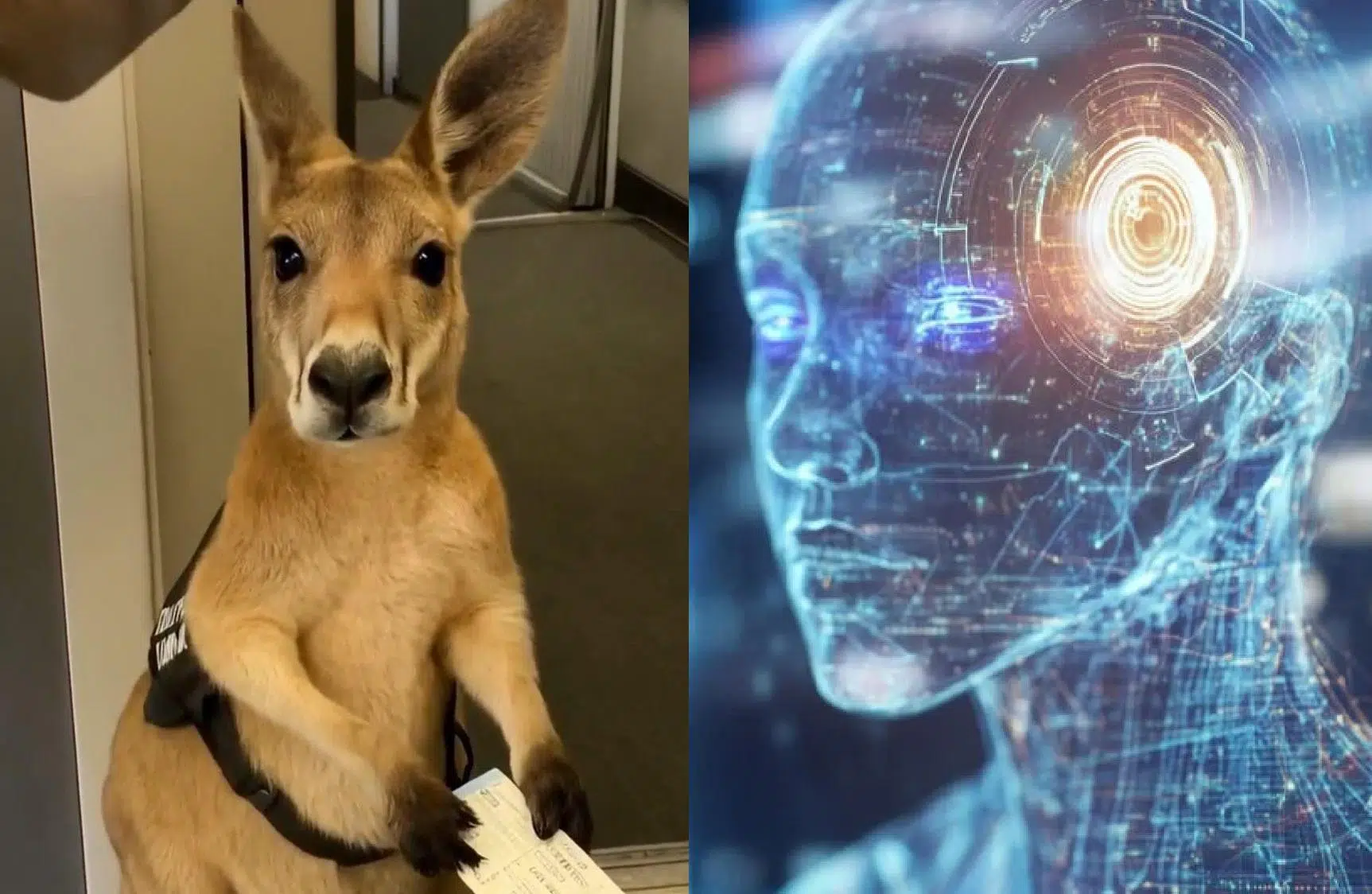
We live in a time when videos created with artificial intelligence are multiplying on social media and messaging apps. Many spark curiosity, others entertain, but some aim to confuse or even scam. Learning to distinguish them isn't a whim: it's the difference between being well-informed and falling for a hoax.
Before going into detail, it's important to keep in mind that there's still no foolproof, universal method for detecting all synthetic videos. Even so, there are very useful signs, verification tricks , and online services that can help identify AI- generated or manipulated content , always with a healthy dose of skepticism.
What exactly are AI videos?
When we talk about AI videos, we're referring to audiovisual pieces that have been generated entirely or partially using algorithmic tools. At the most ambitious end of the spectrum are models capable of producing a complete sequence from a single instruction, known as text-to-video . The most high-profile example today is Sora, developed by OpenAI , which is not yet publicly available but whose demonstrations have astonished audiences with their realism.
In these demonstrations, the landscapes, objects, and scenes appear very realistic; the trickery is most noticeable in the humans, with slightly unnatural movements or microexpressions that don't quite fit. It's a useful clue, although technology is evolving rapidly and making fewer and fewer visible errors.
This ability to generate video in just a few seconds opens up great creative possibilities, but also obvious risks : from disinformation and fraud to manipulation campaigns. That's why mastering verification criteria is key.
Editing with AI is not the same as generating video with AI
It's important to distinguish between three different uses of AI in audiovisual production, as they don't represent the same level of automation or the same potential for deception. First, there are tools that help speed up editing : removing silences, polishing audio, or assisting with the editing process. Examples of such tools include Descript, Filmora, and Adobe Premiere Pro.
Secondly, we find solutions that generate elements to integrate into a project: talking avatars, scripts, slideshows , or basic editing with archival footage. Common examples include Google Vids, Pictory, and Synthesia, which streamline the workflow but don't necessarily deliver a polished final product without human intervention.
Thirdly, there are the generators who aim to create the entire video based on a request. Currently, they are few in number, with limited access and variable results; however, all indications suggest they will soon become more common, and video platforms could be flooded with this type of content.
How to recognize an AI-generated video
Identifying synthetic video is becoming increasingly difficult, but there are recurring signs. One of the clearest is inconsistencies : elements that suddenly change, details that disappear or merge, or textures that don't match the rest of the scene.
Another clue is the movement of people and animals. Systems are advancing, but rigid gestures, blank stares , arms that don't follow natural trajectories, or slightly out-of-sync lip movements can still appear.
Common sense also matters: if the situation seems completely implausible or like something out of a viral joke, be suspicious. The plausibility of the story is just as valid a clue as the technical aspects.
Context and critical thinking: the first filter
Before you focus on the pixels, stop for a second. Context is your best ally: ask yourself who posted the video, what their intention was, and what emotion they want to evoke . If the content makes you angry, laugh, or instantly moves you, take a breath and examine it objectively.
Ask yourself some basic questions: Is this a well-known person doing something unusual or illegal? Is it related to a current controversy and is it trying to go viral? Is it being shared by reliable accounts or anonymous profiles? These checks greatly reduce the risk of falling into traps.
Next, try to locate the original source: check if the video appears on other platforms, see how old it is, find out if a higher-quality version exists , or if the author indicates that it's generated content. Sometimes, simply going back to the source eliminates any doubt.
Visual and acoustic clues that betray AI
Lights and shadows. AI tools still struggle with realistic lighting. Observe whether shadows are where they should be, whether their sharpness and direction match the light source, and whether reflections behave as they would in real life.
Eyes and reflections. Our eyes reflect what's in front of them. In many deepfakes and generated videos, this reflection is unconvincing or nonexistent. Furthermore, irregular blinking or strange iris transitions when moving the gaze can be a sign of artificiality.
Anatomy and proportions. The hands are the Achilles' heel of many models: too many or too few fingers, impossible joints, fused limbs, or implausible folds in clothing . Disproportionate head-neck-shoulders or poorly positioned hair also highlight flaws.
Suspicious quality. In a world where every mobile phone records high-quality video, a key video circulating only in low resolution is unusual. If the footage intended to prove something important only exists in pixelated form and no clear version is available, be suspicious.
Backgrounds and text. Simplified or blurred backgrounds without reason, distorted objects in the background, or posters with illegible letters and absurd characters are common in generators. Excessive symmetry or exaggerated facial expressions are also unsettling.
Audio and synchronization. Voice cloning is now within reach; tools for improving audio and video in real time and manipulating tracks are becoming increasingly accessible. Pay attention to whether the intonation is too flat, if there are misplaced breaths , or if the lips and voice don't quite match. Audio often reveals what the image hides.
Deepfakes: what they are and what we can detect today
A deepfake is a video in which a person's face, body parts, or voice are digitally altered to make them appear as if they are someone else. With current tools, cloning human voices is feasible, and the results are improving rapidly, which raises risks of impersonation and fraud.
Currently, there is no publicly available tool capable of reliably detecting all video or image deepfakes. While services exist that promise high accuracy, there are no absolute guarantees , and the most advanced models still elude many detectors.
Note: When it comes to text, things are different. There are AI-powered text detectors that boast very high accuracy rates. For example, Winston AI claims 99,98% accuracy in detecting generated text. It's useful for articles, but it doesn't replace audiovisual verification.
Services and promises: AI-powered video detectors
Some platforms offer free or online AI-powered video detectors with advanced analysis. According to their own descriptions, these systems examine multiple layers of data to detect synthetic content, manipulated footage, and generated artifacts . They are a valuable tool for content moderators, journalists, and fact-checking teams.
Typical advertised benefits include: comprehensive content analysis, visual consistency and movement pattern review, signature search in metadata , and authenticity report generation in minutes. The promise is near real-time results with high accuracy.
How an online video detector works (according to its own methodology)
The usual workflow is generally very simple and suitable for non-technical users, although it is always advisable to interpret the results with caution: the tools work well as a preliminary filter , not as a final judge.
- Upload your video or paste a URL. From there, the system prepares the frames and extracts signals.
- The engine analyzes several key parameters:
- Visual consistency between frames
- Subject and camera movement patterns
- Presence of digital artifacts or seams
- Metadata signatures and anomalies
- You receive a report with a authenticity indexexplanation of signals and, where applicable, tampering alerts.
- In doubtful cases, an analysis is activated. frame by frame more details.
These platforms claim to process data in real time or near real time, returning results instantly and maintaining high accuracy thanks to their detection algorithms . Even so, it's wise to cross-reference their findings with other verifications.
Who needs an AI-generated video detector?
This type of service is especially useful when large volumes need to be screened or when reputation depends on not publishing false content . It is usually geared towards:
- Media organizations that publish and verify daily.
- Content verification teams and fact-checking units.
- Moderators of social networks and community platforms.
- Digital forensics and audiovisual evidence analysts.
- Online communities that combat misinformation.
A note of realism: there is no perfect detector
While some tools claim high accuracy rates, the overall picture indicates that there is no 100% reliable public video detector today. Generative models are constantly improving, so it's best to use detectors as a supplement and never as absolute truth.
The best strategy combines critical thinking, visual and audio analysis, contrasting sources, and, if necessary, using detectors to obtain additional signals. The sum of all evidence is worth more than a single automated verdict.
Try it out in practice: TheDetector and browser extensions
There are web-based tools designed for everyday users. One of them, TheDetector, lets you upload images (JPG, PNG, WebP) or paste a direct URL and tells you if they might be deepfakes or AI-generated. The process is simple: you choose Image Detection or Video Detection and upload the image or link.
According to its description, it identifies subtle patterns and digital artifacts that often go unnoticed. As with these services, keep in mind that by uploading content you may be granting usage rights to the platform, something also common on social media and similar applications.
In addition, there are free browser extensions that act as a radar for synthetic content as you browse. For example, an AI Detect extension for Chrome can flag fake images and videos in real time on social media, news outlets, or online stores: you hover your mouse over them and see if the system suspects they were generated by AI.
Can ChatGPT analyze videos?
If you're interested in uploading a video file or pasting a link for an AI to thoroughly examine within ChatGPT , this isn't a guaranteed workflow for the average user. In public tests with links and direct uploads, it doesn't always work as expected.
If you need AI assistance to understand a video, it's more practical to use alternatives like Google Gemini or Perplexity AI. Specifically, Gemini connected to YouTube can obtain the transcript and analyze the content from there, providing useful context for verification.
Risks and why it matters to know how to detect them
AI-generated videos are not inherently dangerous, but their use can make them so. With social media amplifying messages and AI fabricating details with apparent certainty, the breeding ground for misinformation is clear.
Even more worrying is fraud. Cybersecurity firms warn that the deepfake business could exceed $5.000 billion in just a few years, driven by scams and impersonation. At the same time, studies show that a large percentage of users cannot distinguish whether a video has been modified or generated with AI, increasing their vulnerability to deception.
Some typical scam patterns include videos that urge you to make immediate payments, download apps from dubious sources, or register on unknown websites. If you see calls to action like these, be suspicious immediately , verify the sender's identity, and seek coverage from reliable sources.
AI will continue to improve, and what we detect with relative ease today may become imperceptible tomorrow without specialized tools. That's why it's important to internalize verification habits: compare sources, analyze visual details, and question the unbelievable , especially when it has an emotional impact or fits too well with our biases.
It's wise to proceed with caution when it comes to information: no fact-checker can replace critical thinking, but together they can give you a significant advantage. If you notice signs of manipulation, if the story seems too good to be true, or if the quality is off, stop, check, and consult reliable sources before sharing. This verification pause is, currently, the best defense against AI-generated videos.


Passionate writer about the world of bytes and technology in general. I love sharing my knowledge through writing, and that's what I'll do on this blog, show you all the most interesting things about gadgets, software, hardware, tech trends, and more. My goal is to help you navigate the digital world in a simple and entertaining way.