- Differentiation between logical failures, which are correctable through software, and physical damage, which is permanent and irreparable.
- Use of SMART technology and native Windows tools for early diagnosis of the unit's condition.
- Application of recovery methods ranging from system commands to low-level formatting and disk cloning.
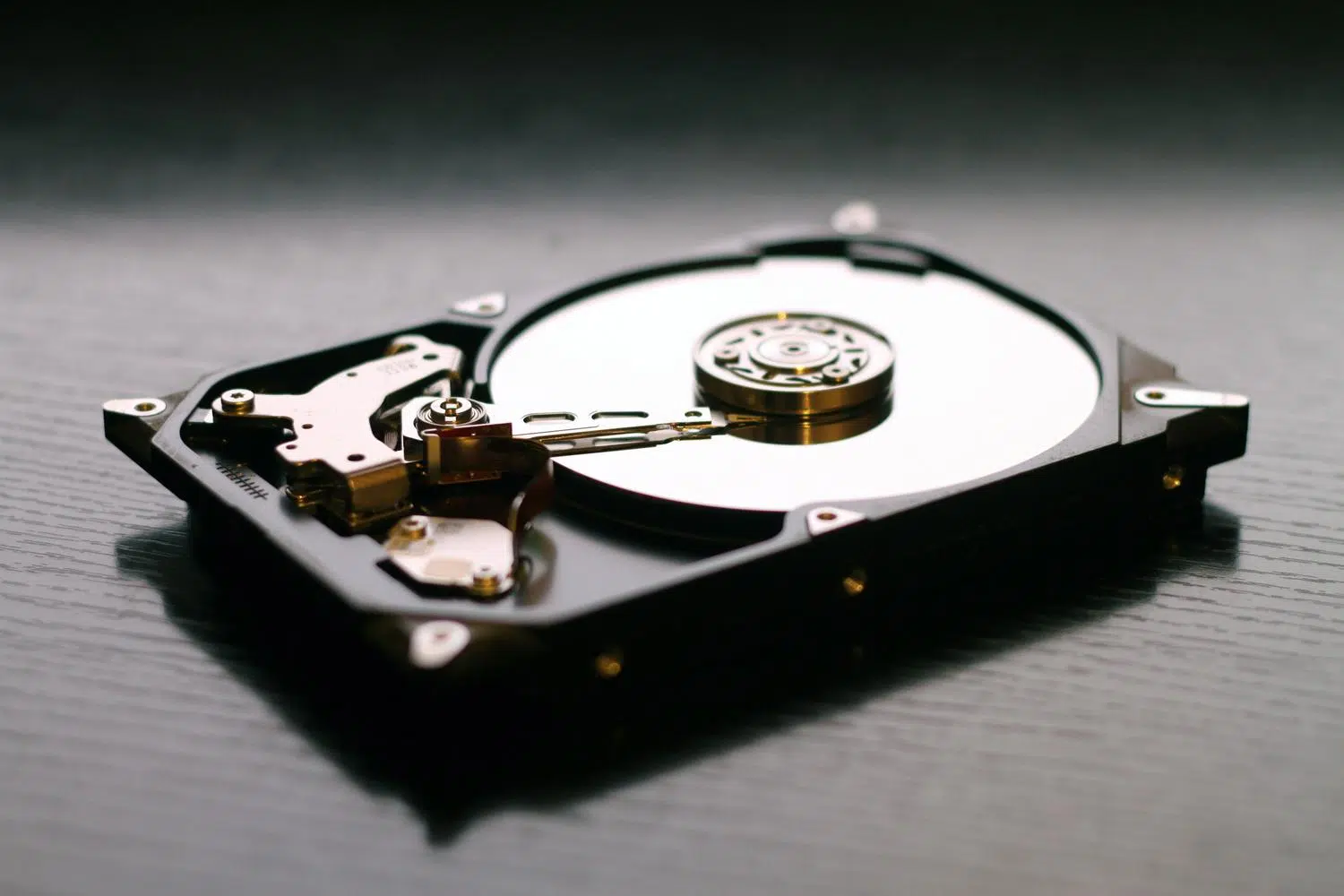
Mechanical hard drives have been our faithful companions for decades, and although SSDs are gaining ground due to their speed, the HDD remains king when it comes to massive capacity at a reasonable price . However, being devices with moving parts, they aren't exactly indestructible, and it's very common for them to start malfunctioning over time or with some rough handling. One of the most frequent headaches is the appearance of bad sectors, those small pieces of the disk that stop working and put all our data at risk.
When a hard drive starts to fail, the computer usually gives us warning signs that, if we're not paying attention, we might miss. From frustratingly slow file opening to strange noises that seem to come from another dimension, the symptoms are varied. The most important thing here is not to panic, but also not to rest on your laurels; if you suspect your drive is on its last legs, the first thing you should do, without question, is save your data by creating a backup in the cloud or on another external drive before attempting any repairs.

What on earth is a defective sector and why does it occur?
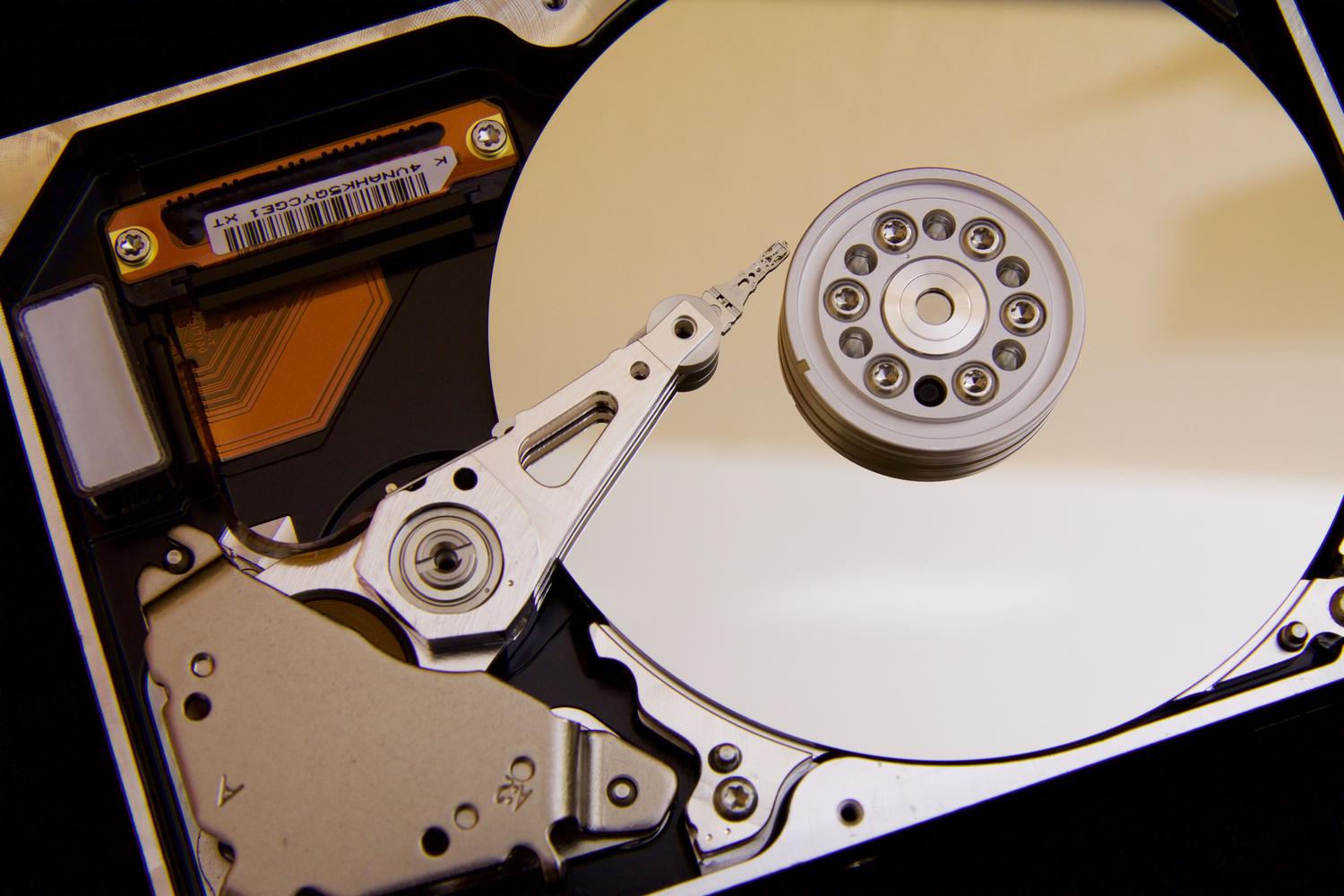
To put it simply, imagine your hard drive as a giant library where data is stored in small drawers called sectors. A bad sector is basically a drawer that's broken and can no longer be opened or used to store anything. This can happen for two very different reasons. First, there are logical errors , which are software mistakes; this occurs when the system gets confused and doesn't know how to access that area, sometimes due to a sudden power outage while writing a file. Then there's physical damage , which is the most serious, caused by impacts, strong vibrations, or simple wear and tear, like a scratch on the disk platter.
It's vital to understand that while a logical error can be "trickled" or corrected, physical damage is a permanent wound to the hardware . In these cases, the disk attempts to reallocate the data to healthy areas, but if the damaged sectors begin to multiply, the entire drive is headed for the technological graveyard, and the best solution is to replace it with an SSD to avoid this stress again.
How to tell if your HDD has bad sectors
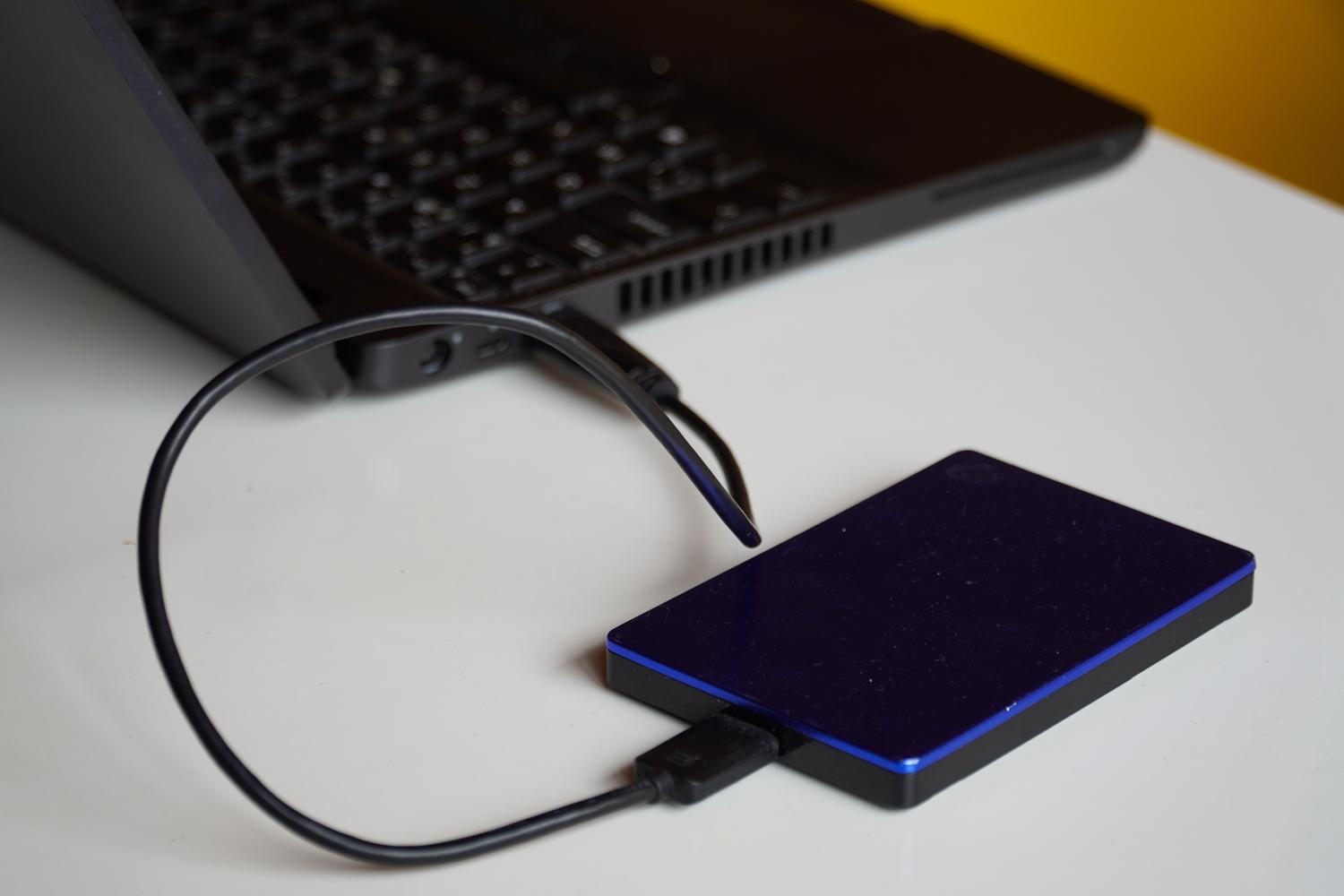
You don't need to be a computer expert to diagnose the condition of your drive. The most reliable way is to check the SMART values , which are like an internal medical check-up for your hard drive. Free tools like CrystalDiskInfo allow you to see critical parameters. If you notice that the Reallocated Sectors value is greater than zero , it means the drive is already replacing damaged areas with spare ones and that degradation has begun. Even worse is finding uncorrectable sectors, which indicates a serious problem.

If you prefer not to install anything, Windows includes its own tools. You can go to the drive's properties in File Explorer, click on the Tools tab, and then click Check . This will perform a quick scan to see if there are any errors. Another telltale sign is mechanical noises , such as repetitive clicks or scraping, which indicate an impending physical failure known as a "head crash," where the read/write head scratches the platter surface.
Methods to try to repair the hard drive
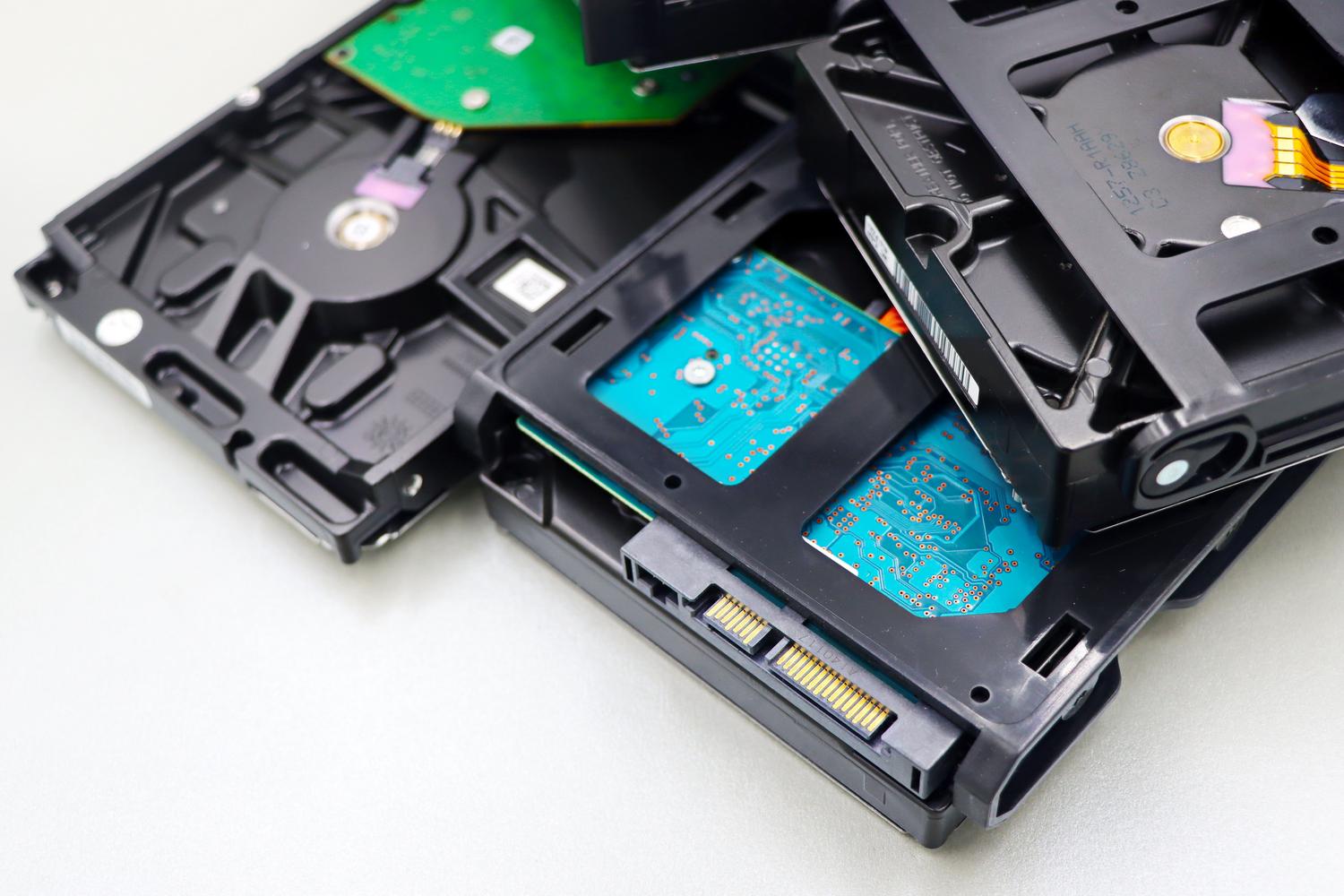
If the diagnosis confirms there are problems, but the disk still boots, we can try a few things. The key tool is the command CHKDSKTo use it, open Command Prompt as administrator and type chkdsk x: /f /r (changing the 'x' to the letter of your disk). While the /f parameter handles logical errors, the The /r parameter is the most powerful, as it searches for physically defective sectors and attempts to recover any information trapped within them.

- Use of specialized software: There are programs like HDD Regenerator or SpinRite that use deeper algorithms to try to recover badly magnetized sectors without deleting your data.
- Low-level formatting: This is the nuclear option. It erases absolutely everything and resets every bit of the disk. If the problem is logical, this usually cleans it; if it's physical, the firmware simply... will mark those sectors as unusable so that the system does not attempt to write to them.
- Emergency cloning: When a hard drive is severely damaged, attempting to repair it can actually destroy it. Ideally, you should use tools like Norton Ghost or ntfsclone to perform a cleanup. exact copy on a new drive and thus rescue the operating system and files.
For those looking for something more visual and simple, there are partition managers like AOMEI Partition Assistant, which allow you to check and repair partition errors from a graphical interface, thus avoiding the fear of typing a command incorrectly in the Windows console.
Data recovery when all seems lost
If you've found that bad sectors have corrupted your files and you don't have a backup, there's still hope. Professional software like Recoverit or EaseUS Data Recovery can scan the disk surface, ignore the damaged areas , and extract the file fragments that are still readable. It's a slow process and doesn't always guarantee 100% success, but it's the best option before giving up.

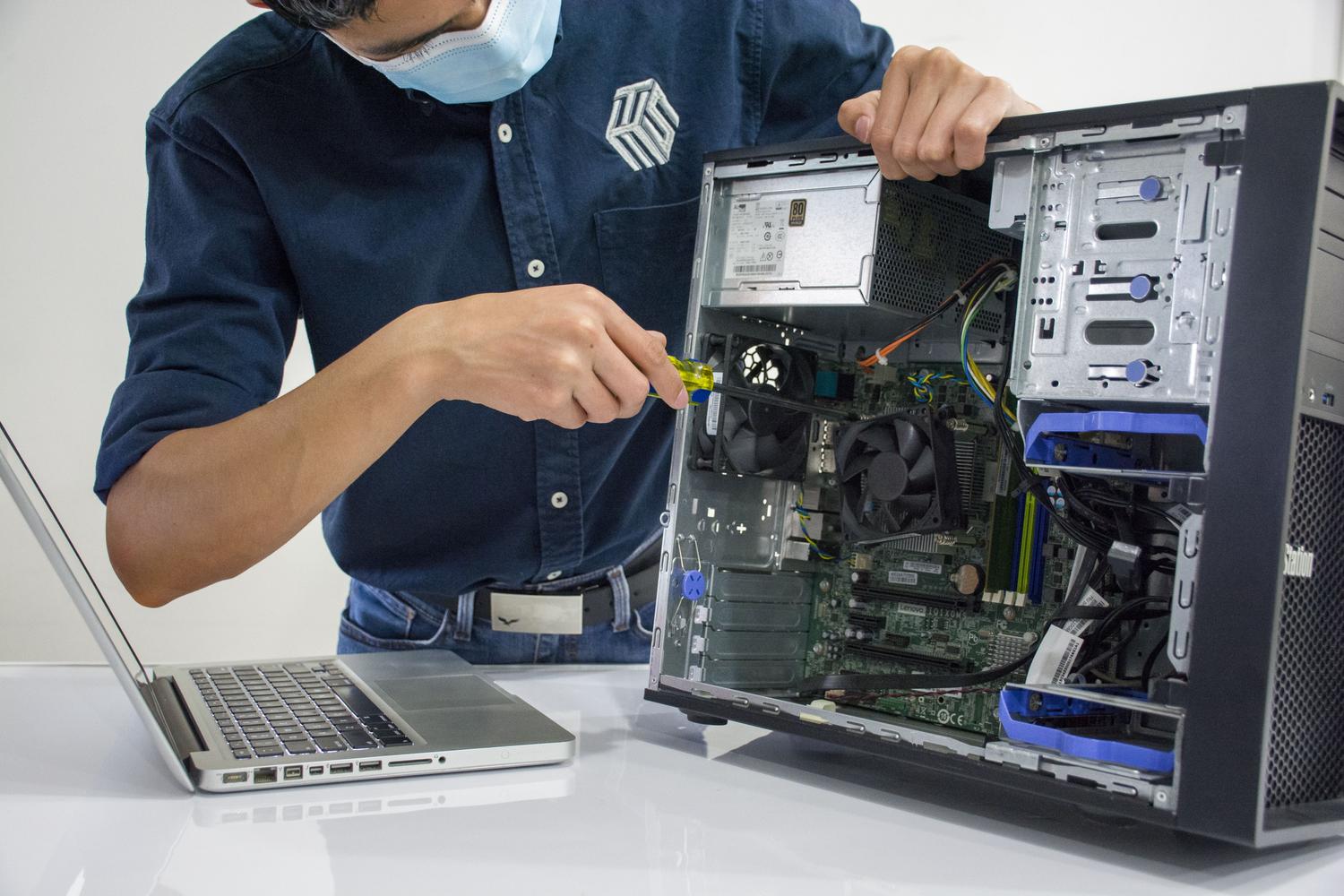
If the data is extremely sensitive or the hard drive is making loud mechanical noises, the safest course of action is to take it to a professional repair shop . They work in cleanrooms and can physically manipulate the platters to extract the data, something that would be impossible to do at home without permanently damaging the drive.
Tips to prevent it from happening again
Prevention is key to keeping your data safe. Avoid moving or bumping your computer while it's on, as mechanical hard drives are extremely sensitive to vibrations . It's also highly recommended to use a UPS (Uninterruptible Power Supply) or a high-quality power strip to prevent a power outage from interrupting a write operation, which can cause those annoying logical errors.
Establishing an automatic backup routine is the only real guarantee. Whether using cloud services that sync instantly or performing weekly backups to an external drive, having duplicated content takes a huge weight off your shoulders. Remember that no hardware lasts forever, and monitoring your drive's health with SMART periodically can give you the necessary warning to replace the drive before it's a complete disaster.
Maintaining a hard drive in good condition involves combining constant monitoring of its technical health with proper physical care and a robust backup strategy. From using commands like CHKDSK for minor errors to deep formatting or complete replacement with SSD technology, there are multiple ways to manage bad sectors. The key is to act quickly at the first signs of slowness or noise, always prioritizing data security over trying to salvage hardware that, in many cases, has simply reached the end of its lifespan.


Passionate writer about the world of bytes and technology in general. I love sharing my knowledge through writing, and that's what I'll do on this blog, show you all the most interesting things about gadgets, software, hardware, tech trends, and more. My goal is to help you navigate the digital world in a simple and entertaining way.