- Technical differences and use cases between GPUs, TPUs and CPUs for training deep learning models.
- Deployment strategies in Linux environments using Docker containers and optimized Google Cloud images.
- Comparison between local infrastructure and cloud platforms to optimize costs and computing performance.
When you delve into the world of training artificial intelligence models, you soon realize that your laptop, however powerful, falls short. The reality is that processing mountains of data requires computing power that only specialized hardware can provide, and that's where accelerators come in. It's not just about having a fast machine, but about choosing the processor that best suits your neural network's architecture so you don't waste money or spend entire days waiting for a training period to end.
For those of us who work with Linux, the cloud has become the ideal playground, allowing us to scale resources instantly without spending thousands of euros on hardware that will be obsolete in a couple of years. From leveraging NVIDIA's renowned GPUs to delving into Google's TPUs, there are very different paths depending on whether you're looking for total versatility or raw performance optimized for tensors. Let's break it all down so you don't get bogged down in a sea of acronyms and know exactly which button to press.

CPU, GPU and TPU: What are the real differences?
To begin with, there's no need to go overboard; the CPU is the general-purpose brain. It's great for prototyping or handling lightweight models like decision trees, but trying to train a Transformer on it would be suicide in terms of time . The CPU is indispensable for preprocessing, but for the bulk of the work, we need massive parallelism.
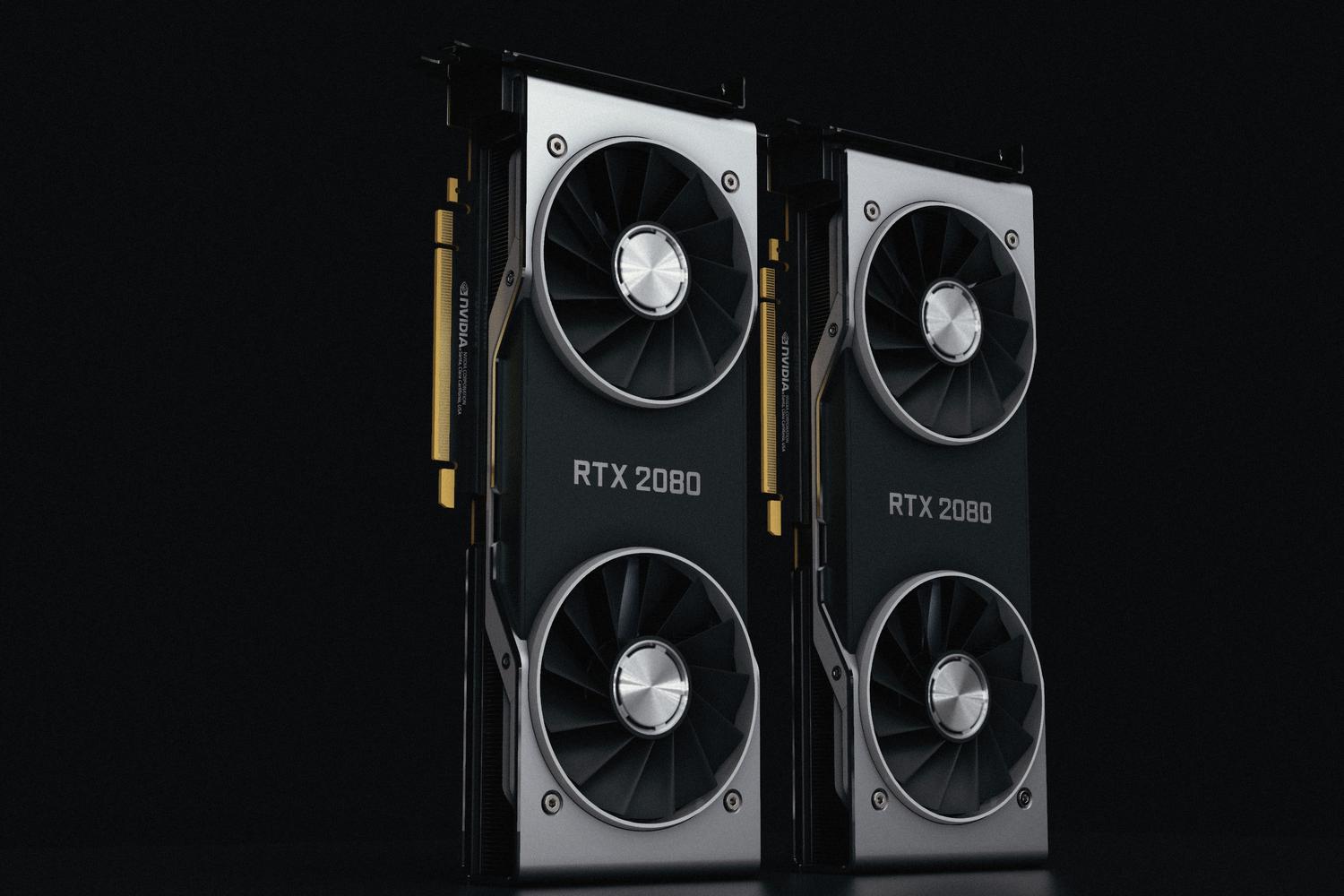
GPUs, while initially designed to make video games look amazing, have proven perfect for AI because they can perform thousands of matrix calculations simultaneously. Thanks to ecosystems like NVIDIA CUDA and cuDNN , frameworks like PyTorch and TensorFlow run incredibly fast. The biggest advantage of GPUs is their flexibility: they work on almost any cloud platform (AWS, Azure, GCP) and support virtually any model, although their power consumption can be truly insane if not managed properly.
On the other hand, we have TPUs (Tensor Processing Units), which are like a custom-made suit designed by Google specifically for deep learning. Unlike GPUs, which are more general-purpose, TPUs optimize bandwidth and energy efficiency by focusing solely on tensor operations. They are beasts for large-scale training, especially if you use JAX or TensorFlow, although they have the drawback of being tightly tied to the Google Cloud ecosystem, which limits your ability to move to other clouds.

Cloud infrastructure and deployment on Linux
If you decide to move to the cloud, Google Cloud offers an ecosystem called AI Hypercomputer that makes life much easier. Instead of installing everything manually, the smartest approach is to use pre-configured Docker images . These images already include NVIDIA drivers, CUDA libraries, and frameworks, saving you the hassle of resolving version conflicts between the Linux kernel and drivers.
For those seeking maximum performance, there are specific layers. For example, JAX AI (JAII) images come optimized for both TPUs and GPUs, ensuring that the framework and hardware layers are perfectly synchronized. If you use Kubernetes (GKE), you can deploy optimized clusters that automatically manage the infrastructure, allowing you to focus on your code rather than worrying about whether the VM has the correct NCCL version.

Cluster management with Slurm and Ubuntu
In more academic or research-intensive environments, Slurm is commonly used to manage work queues. Google Cloud allows you to set up Slurm clusters based on Ubuntu LTS or Rocky Linux . Depending on the machine (A3 Ultra, A4, etc.), the system comes pre-installed with tools like NVIDIA Enroot, Pyxis, and the CUDA Toolkit. This is crucial because it allows system software and high-speed networking (such as Infiniband or GPUDirect-TCPX) to operate without bottlenecks, which is vital when you have multiple GPUs communicating with each other.
Local Training vs. Cloud: Where's the best place to work?
Building your own AI rig at home has its challenges. You need a powerful multi-core CPU, at least 32 GB of RAM, and, most importantly, an NVIDIA GPU with ample VRAM (at least 8 GB, ideally 24 GB like an RTX 3090). The major advantage is that you have complete control over your data and don't face a monthly bill that will keep you up at night; you can even create a home cluster for language models . However, the initial investment is substantial, and the hardware becomes outdated quickly.
The cloud, on the other hand, is pure elasticity. You can use an A100 or a TPU v4 only for the hours you need and then shut everything down. Platforms like Google Colab are the perfect entry point; the free version gives you a break with T4 GPUs, while the Pro version lets you access high-end hardware without buying it. The risk here is that if you accidentally leave a workout running for a week, the bill could be quite a shock.

Tricks to make training not feel endless
Having the best machine isn't enough; you have to know how to use it. A common mistake is choosing oversized hardware for a small dataset, which is a waste of money. Before starting the process, it's essential to thoroughly clean the data , remove duplicates, and normalize it, because training with noise only lengthens the convergence time.
- Use of Callbacks: Implementing early stopping is sacred; it stops training when the model stops improving, preventing you from wasting GPU time.
- Parallelization: If you have multiple GPUs, use Data Parallelism to split the data batch, or Model Parallelism if the model is so huge that it won't fit on a single card.
- Efficient charging: It uses binary formats such as TFRecord or HDF5 and configures the DataLoader with multiple workers so that the CPU is not the bottleneck and GPU never gets left waiting data.
To maintain sanity, it's advisable to use Docker to ensure your environment is reproducible. There's nothing more frustrating than a model that works on your PC but crashes in the cloud due to a library version difference. Tools like MLflow or Weights & Biases help monitor metrics in real time , allowing you to terminate the process if you see the gradient explode or the cost spiral out of control.
Mastering the choice between GPUs and TPUs, along with efficient management of Linux cloud environments, makes all the difference between a project that remains just a concept and one that reaches production. By combining the right hardware, using containers to avoid dependency chaos, and employing data optimization tactics, any developer can scale their AI models cost-effectively and quickly.


Passionate writer about the world of bytes and technology in general. I love sharing my knowledge through writing, and that's what I'll do on this blog, show you all the most interesting things about gadgets, software, hardware, tech trends, and more. My goal is to help you navigate the digital world in a simple and entertaining way.