- Verifying the installed version is the fundamental step to ensure that the device has the latest security and functionality improvements.
- There are various update methods depending on the brand, ranging from remote management through applications to manual loading using SSD or SD cards.
- Preventive maintenance, such as formatting cards and calibrating sensors, is key to avoiding errors after the upgrade process.

Keeping the software on our surveillance or cinema devices up to date isn't just a matter of technical whim, but a fundamental security measure . When we talk about firmware, we're referring to the brain of the device; if it fails or becomes obsolete, we can expose ourselves to critical vulnerabilities or the hardware may not perform at its full capacity. To better understand these implications, it's helpful to know the differences between drivers and firmware.
Sometimes, the process can be a little daunting, fearing you might brick your camera, but if you follow the proper steps and verify system integrity after installation, it's quite straightforward. Below, we break down how to manage these updates across different camera ecosystems.

Managing updates in security systems and NVRs
For security-focused brands like Ajax or the VIGI and InSight ranges, stability is paramount. Updates are typically not performed automatically to prevent unexpected restarts from interrupting surveillance. To check for updates, the best approach is to go to the Devices tab in the management application, locate the specific device (camera or NVR recorder), and access the settings gear icon.
Within the firmware update menu, the system will display the current version number and release notes. If a version is available, simply click Next and install. It's important to know that manufacturers typically guarantee security updates for at least two years after the warranty period, ensuring the system remains robust against potential external attacks—a vital feature for any IP camera firmware.

The process in high-end cameras and cinema

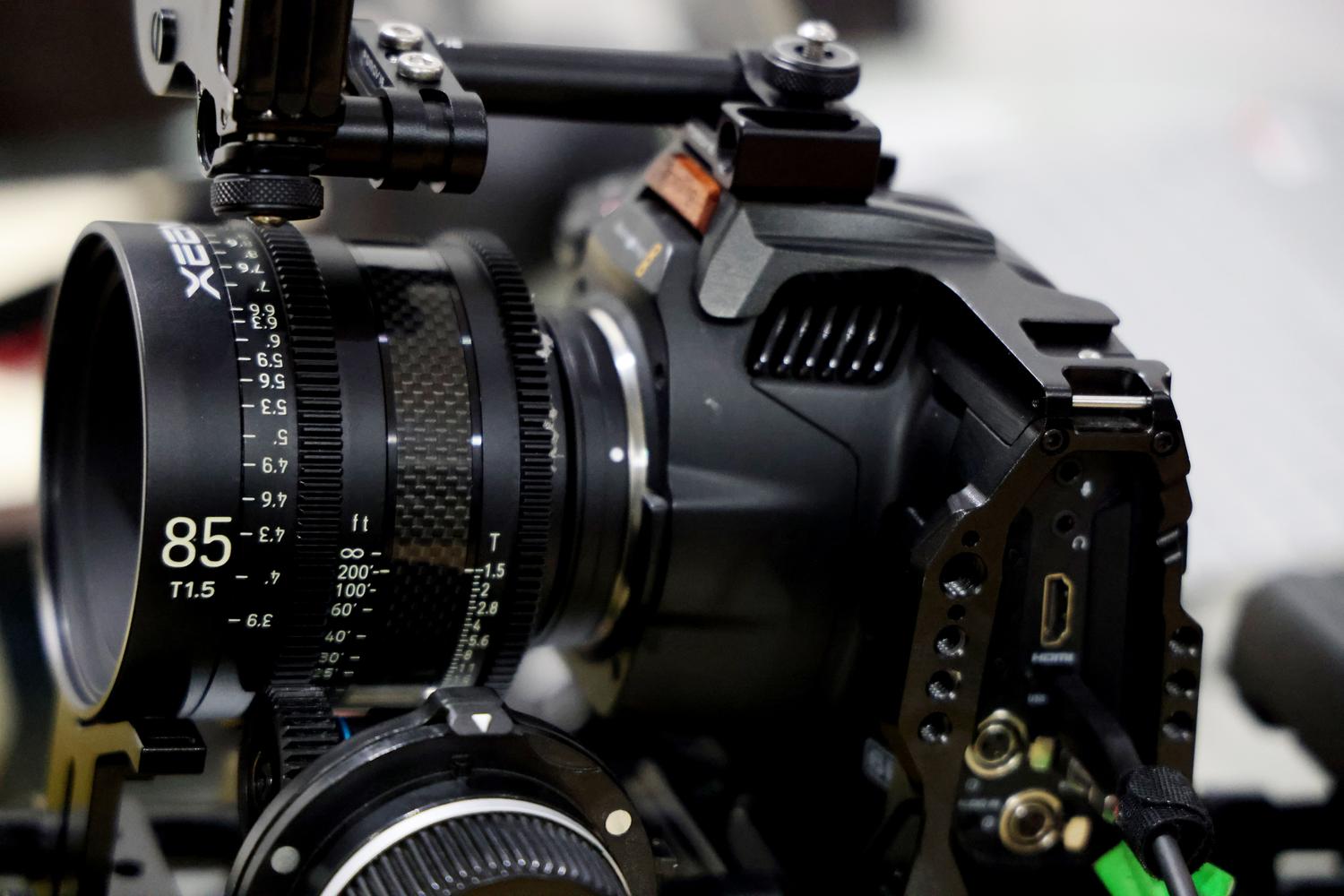
When we move into the realm of professional cameras, like the RED series, things change a bit and become more manual. Here, simply pressing a button in an app isn't enough; you often need to use SSD cards like MINI-MAG or REDMAG. A crucial detail for Mac users is to ensure the card isn't in "Read-Only" mode, but rather configured for Read-Write , so the update file can be copied without issues.
The typical procedure involves downloading the zip file, extracting the folder named force_upgrade , and placing it in the root directory of the memory card. When you turn on the camera with the card inserted, the process will start automatically. You'll notice the fans running at full speed and the PWR and REC LEDs flashing green. Once the camera shuts down automatically, remove the card and, upon turning it back on, verify that the version matches the downloaded one to confirm its integrity, similar to how you would safely update the firmware of mirrorless cameras.

Tips to avoid mistakes and optimize your equipment

A crucial tip that many users often overlook is formatting. Whenever you update the firmware, whether it's the camera body or the lens, it's recommended to format the SD card beforehand. If you update the lens, remember that it will be updated regardless of the camera body you mount it on; to verify this, you can turn on the camera while holding down the Disp/Back buttons and you'll see the current firmware displayed on the screen.
Furthermore, on highly sophisticated equipment, simply installing the software isn't enough. After a major update, it's vital to perform maintenance tasks such as sensor calibration (using options like Black Shading), as this ensures a perfect image free of visual artifacts. Always remember to check the datasheet on the product support page, selecting the exact hardware version, as available features may vary depending on your region.
Having full control over firmware versions, performing preventative formatting, and running post-calibrations ensures that any device, from a VIGI C400HP to a professional cinema camera, operates flawlessly and with all the security enhancements implemented by the manufacturer.


Passionate writer about the world of bytes and technology in general. I love sharing my knowledge through writing, and that's what I'll do on this blog, show you all the most interesting things about gadgets, software, hardware, tech trends, and more. My goal is to help you navigate the digital world in a simple and entertaining way.