
Today, almost everyone uses the cloud, but there's a huge misconception that's causing us problems: believing that synchronizing is the same as working in the cloud . Many companies and users fall into the trap of installing clients that replicate folders on every computer, thinking that this gives them control, when in reality they're creating a chaotic mess of scattered copies everywhere.
Having corporate documents scattered across dozens of personal devices or home laptops isn't just an organizational issue, but a critical security risk . From human error that deletes entire folders to technical failures in connection agents, synchronization problems can cripple any team's productivity if not managed properly.
The big problem with traditional synchronization
When we use file replication tools, the system copies the data to the local disk. If a small or medium-sized business (SMB) has 20 employees and each uses two computers, sensitive files can end up on 40 different devices , many of them outside the control of the IT department. This causes the information to become fragmented and makes it impossible to track who has which version.
One of the most common headaches is version conflicts . This happens when two people edit the same file simultaneously; the system doesn't know which version to prioritize and creates duplicate files, forcing employees to waste hours manually merging changes. Furthermore, synchronization doesn't distinguish between intentional and accidental deletions: if someone deletes a folder by mistake, the system replicates that deletion on all connected devices within seconds.

Security risks and legal compliance
Data dispersion opens the door for unauthorized individuals to access confidential information, whether by stealing a laptop or using unencrypted home Wi-Fi networks . Unlike centralized access, where you control who enters and what they see, synchronization leaves data traces everywhere.
In Spain, this can be very costly due to the GDPR (General Data Protection Regulation) . Many platforms store information on servers in the United States, outside the European legal framework, which can lead to very heavy financial penalties , ranging from €60.000 to €200.000 if it is proven that there is no real control over data privacy.
Technical failures in agents and corporate environments
In more complex deployments, such as Microsoft Entra, errors often lie within the provisioning agent . It's common for the service to fail to start due to group policies that block login account permissions, or for security errors to occur in the registry due to PowerShell execution policies.
It's also common for the connection to slow down because the synchronizers work in the background, consuming bandwidth without prioritizing which files are essential. This causes the internet connection to slow down , affecting all other office applications while the agent attempts to update gigabytes of irrelevant data.

- Red problems: It is vital to verify that ports 80 and 443 are open so that the agent can communicate with the data centers.
- Quarantines: When the system detects persistent failures (such as invalid credentials), it quarantines the objects to prevent further damage.
- DNS errors: CNAME name resolution may fail if the device cannot resolve the entire record string.
Smart alternatives: Disk Centralization and Mounting
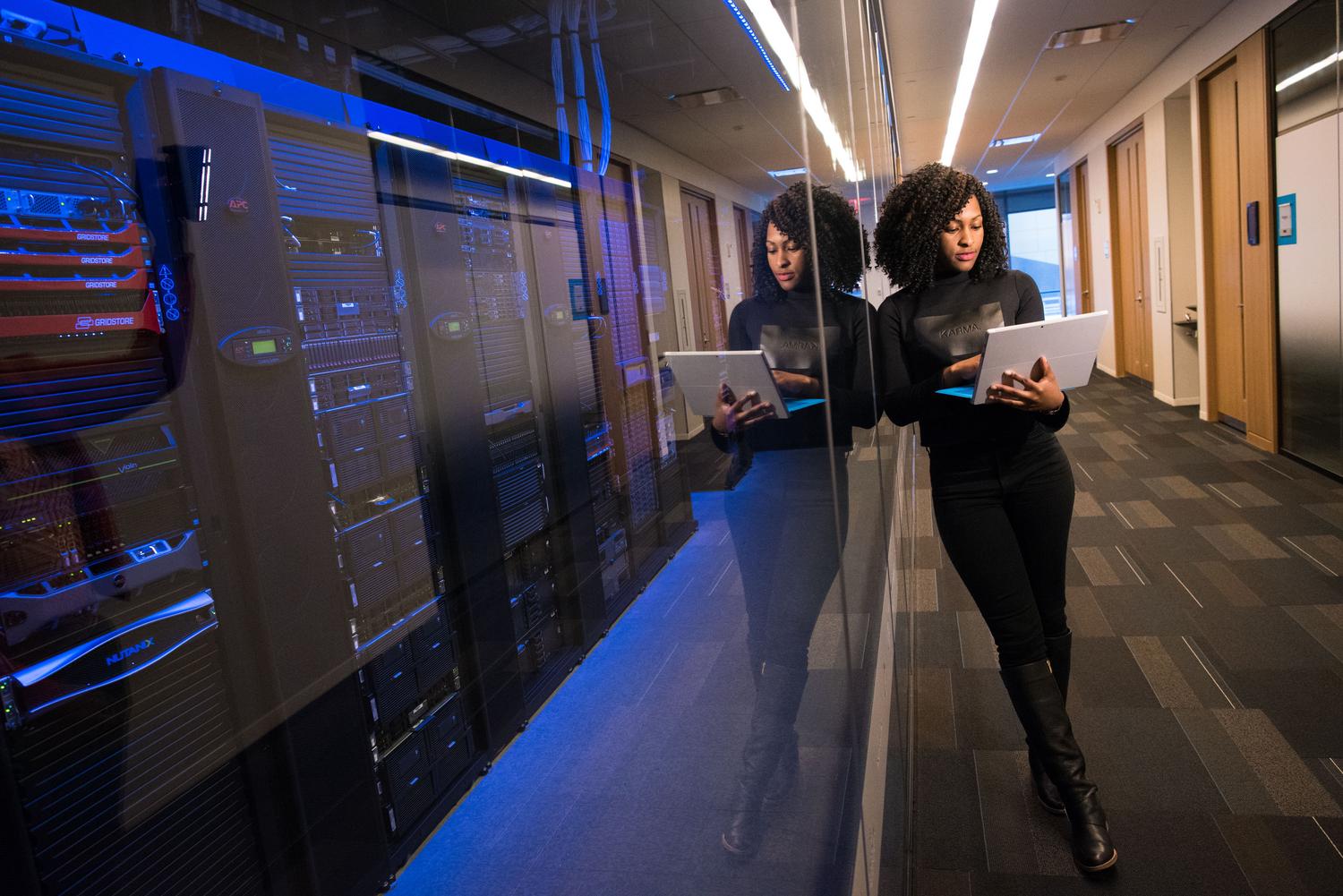
To avoid this chaotic situation, the solution is to move from synchronization to centralization of information . Instead of having local copies, files reside in a single repository and users access them in real time, much like a bank account: the balance doesn't exist in ten places, but in just one that you can access from anywhere.
There are tools that allow you to mount the cloud as a local drive . This is fantastic because you can browse your Google Drive files on Windows for smart syncing , or access your OneDrive or Dropbox files directly from Windows Explorer without them taking up space on your hard drive. This prevents the problem of filling up your local storage and eliminates the need for manual uploads via the web , which are often slow and unreliable.
How to optimize workflow and avoid manual errors
Many people still move files manually, dragging and dropping between folders, which is a recipe for disaster. Manual synchronization carries the risk of overwriting newer versions with older ones or simply forgetting to copy an important document before logging off. The key is to use task automation with clear rules, such as mirror mode or bidirectional synchronization.
For those managing large-scale backups (such as with Veeam), errors often stem from infrastructure resource availability or failures in the cloud provider's SQL server. In these cases, it's crucial not to limit upload flows and to monitor metadata to prevent backup jobs from being halted by file merge errors.
Adopting a management model where data is not unnecessarily replicated, but rather centralized or mounted as virtual units, eliminates most version conflicts, protects the company from legal fines, and optimizes network performance, ensuring that data integrity is the absolute priority over the apparent convenience of traditional synchronization.


Passionate writer about the world of bytes and technology in general. I love sharing my knowledge through writing, and that's what I'll do on this blog, show you all the most interesting things about gadgets, software, hardware, tech trends, and more. My goal is to help you navigate the digital world in a simple and entertaining way.