- Implementation of validated NVIDIA, AMD, and Intel drivers using optimized repositories on Linux.
- Fundamental architectural differences between general-purpose GPUs and specialized AI accelerators.
- Importance of VRAM capacity in hardware such as the Radeon RX series to run large models locally.
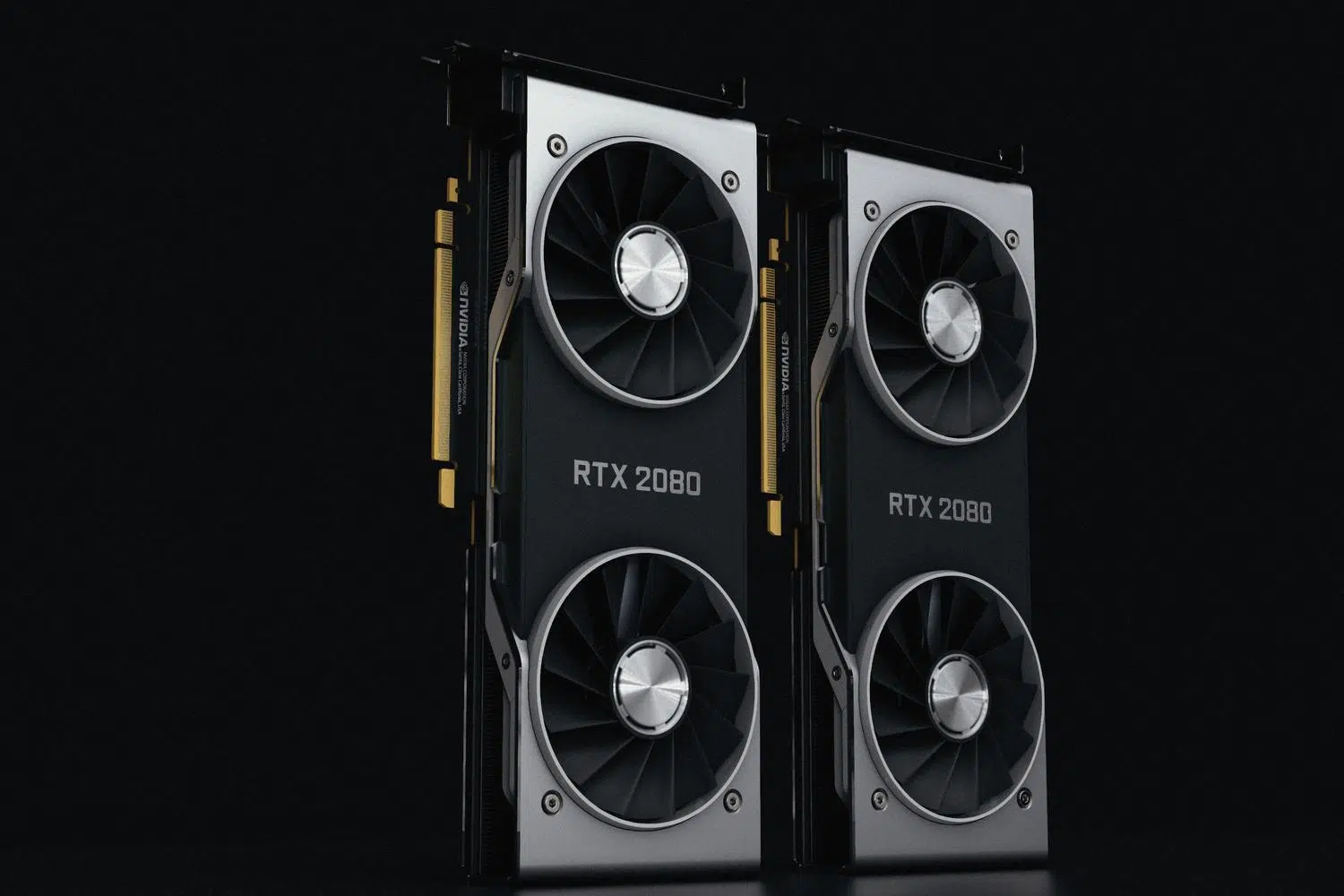
If you're getting into the world of artificial intelligence, you'll know that trying to run machine learning models on a conventional processor can be a real headache. To prevent your computer from crashing, GPU acceleration in Linux has become a fundamental tool, allowing heavy calculations to be offloaded to hardware specifically designed to process data at lightning speed.
The truth is, setting all this up isn't always a walk in the park, as battling with drivers can cost you hours of sleep. Luckily, there are optimized distributions and specialized hardware that greatly facilitate the deployment of these technologies, allowing you to set up your own AI lab on Linux so that moving from a testing environment to a production one is much smoother and less stressful.

The Red Hat ecosystem for AI

For those seeking enterprise stability, Red Hat Enterprise Linux has taken a step forward by offering a simplified installation experience for the most powerful accelerators on the market. Instead of searching for drivers online and risking system failure, they can now be managed directly from their own repositories, drastically reducing downtime in professional environments.
This infrastructure allows you to take full advantage of AMD, Intel, and NVIDIA hardware , ensuring everything works seamlessly. Among the available tools are CUDA and OpenCL optimization on Linux , the OpenRM driver, AMD's ROCm ecosystem, and drivers for Intel NPUs, creating a solid and validated foundation for running machine learning workloads without bottlenecks.
GPU vs. Specialized Accelerators
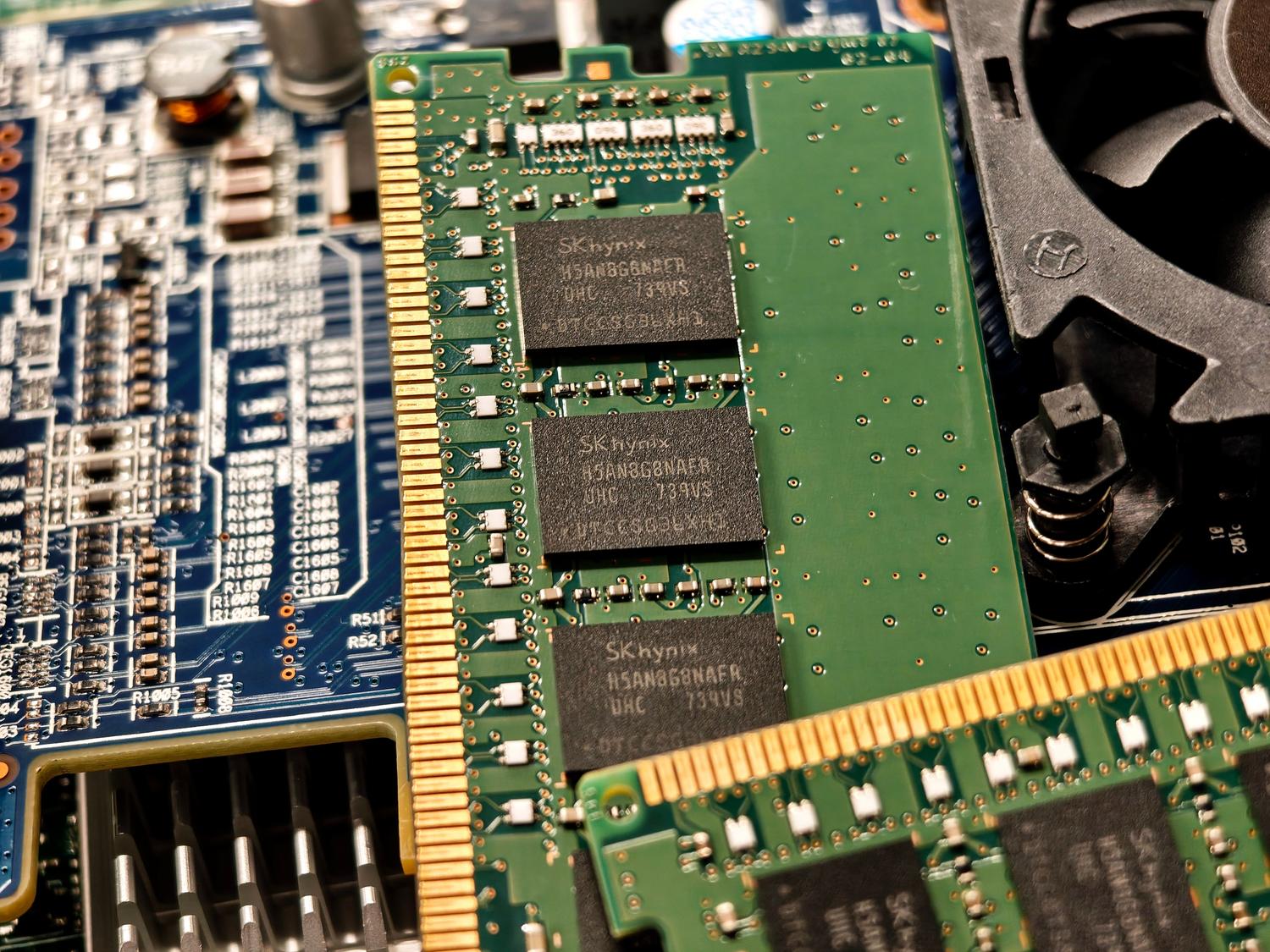

It's a common misconception that any graphics card is equally suitable for AI, but there are important nuances. A conventional GPU is primarily designed for rendering images and videos, prioritizing low latency for real-time graphics. While they are capable of processing large volumes of data, they weren't created exclusively for language models or neural networks.
On the other hand, there are specialized AI accelerator chips , which are surgically tuned to optimize bandwidth and energy efficiency. While a general-purpose GPU distributes its cores between color and 3D modeling tasks, these chips focus solely on what's needed for AI, offering superior efficiency and a much more optimized massive data processing capacity.
The critical role of VRAM and AMD hardware
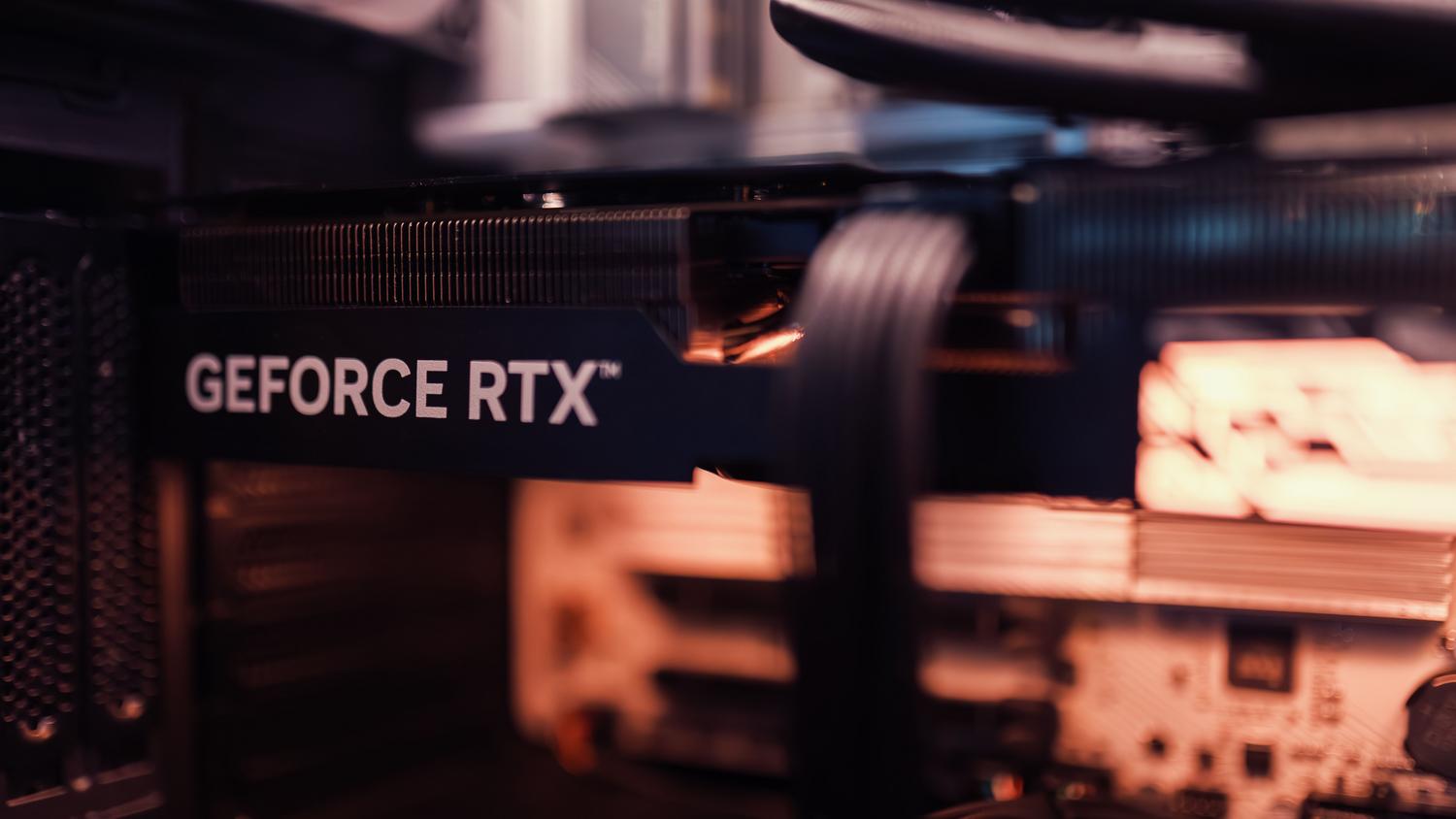
When it comes to running local models, video memory, or VRAM, is often the deciding factor between a successful model loading and a memory error. In this regard, Radeon RX 9000 Series GPUs are a very attractive option, as they offer up to 16 GB of GDDR6, allowing you to handle sizable models with ease.
If the project is more ambitious and requires advanced workflows, there are options like the Radeon AI PRO R9700 . These cards raise the bar to 32 GB of memory, allowing AI to run entirely on the device, avoiding cloud dependency and ensuring no negative impact on system responsiveness.
Having a robust operating system, validated drivers, and hardware with ample memory is the winning recipe for mastering AI on Linux. From the ease of management offered by Red Hat to the raw power of Radeon graphics cards, the key lies in striking the right balance between specialized hardware and stable software to optimize every training and execution cycle of your machine learning models.


Passionate writer about the world of bytes and technology in general. I love sharing my knowledge through writing, and that's what I'll do on this blog, show you all the most interesting things about gadgets, software, hardware, tech trends, and more. My goal is to help you navigate the digital world in a simple and entertaining way.