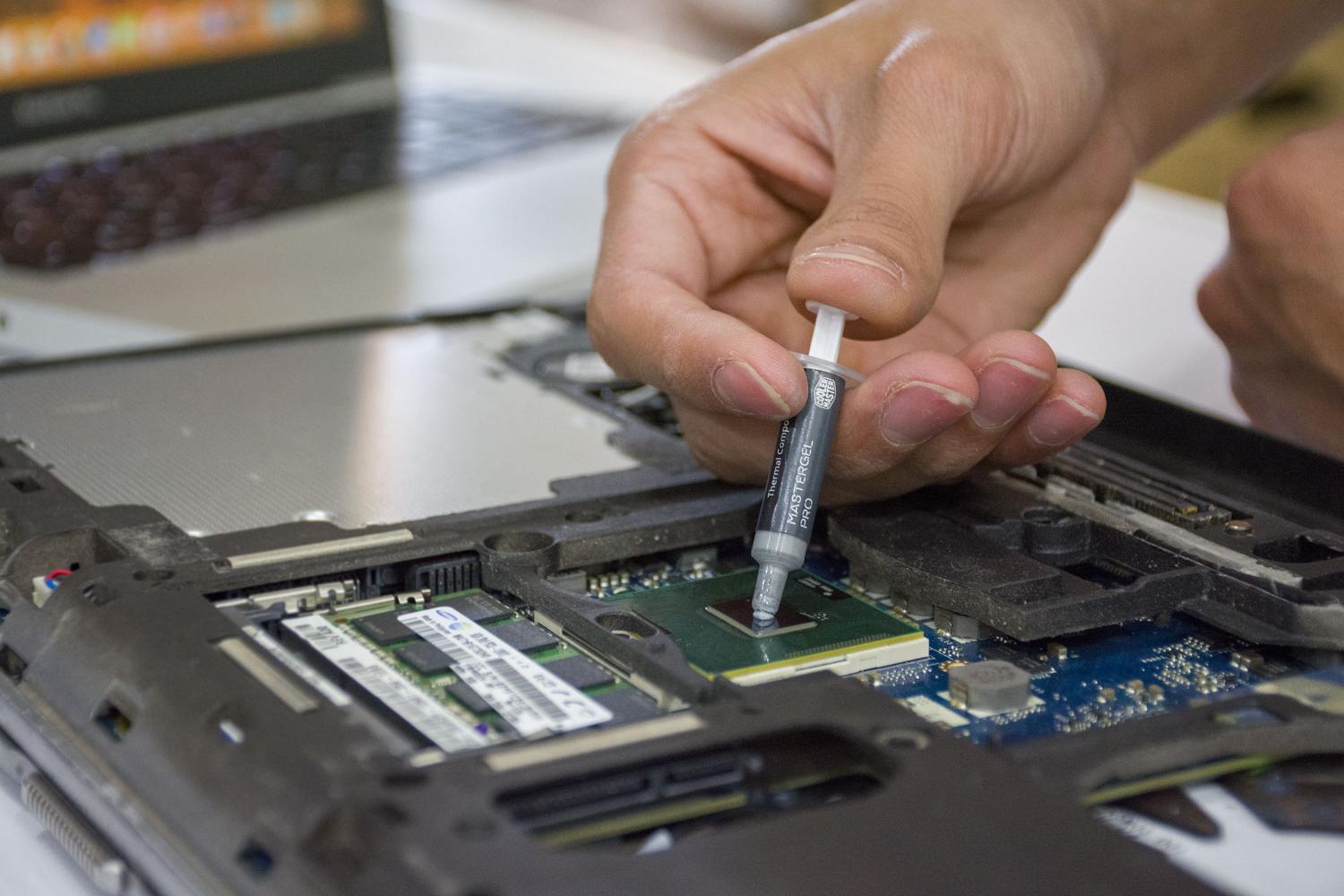
Keeping our computer in good working order is essential if we want it to last a long time. When the computer operates at cool temperatures , it not only performs incredibly well, but its lifespan also increases considerably. One of the most common questions among users is knowing exactly when to replace the processor's thermal paste and what the safest way to do it is without making a mess of things.
It's important to clarify that focusing on the CPU doesn't usually cause warranty problems if you built your PC from scratch following step-by-step computer assembly tutorials . However, you need to be careful with the graphics card; removing the GPU heatsink usually voids the two-year warranty, so don't do it unless that period has already expired and you're prepared to take the risk of a complete disassembly.

What is thermal paste really used for?
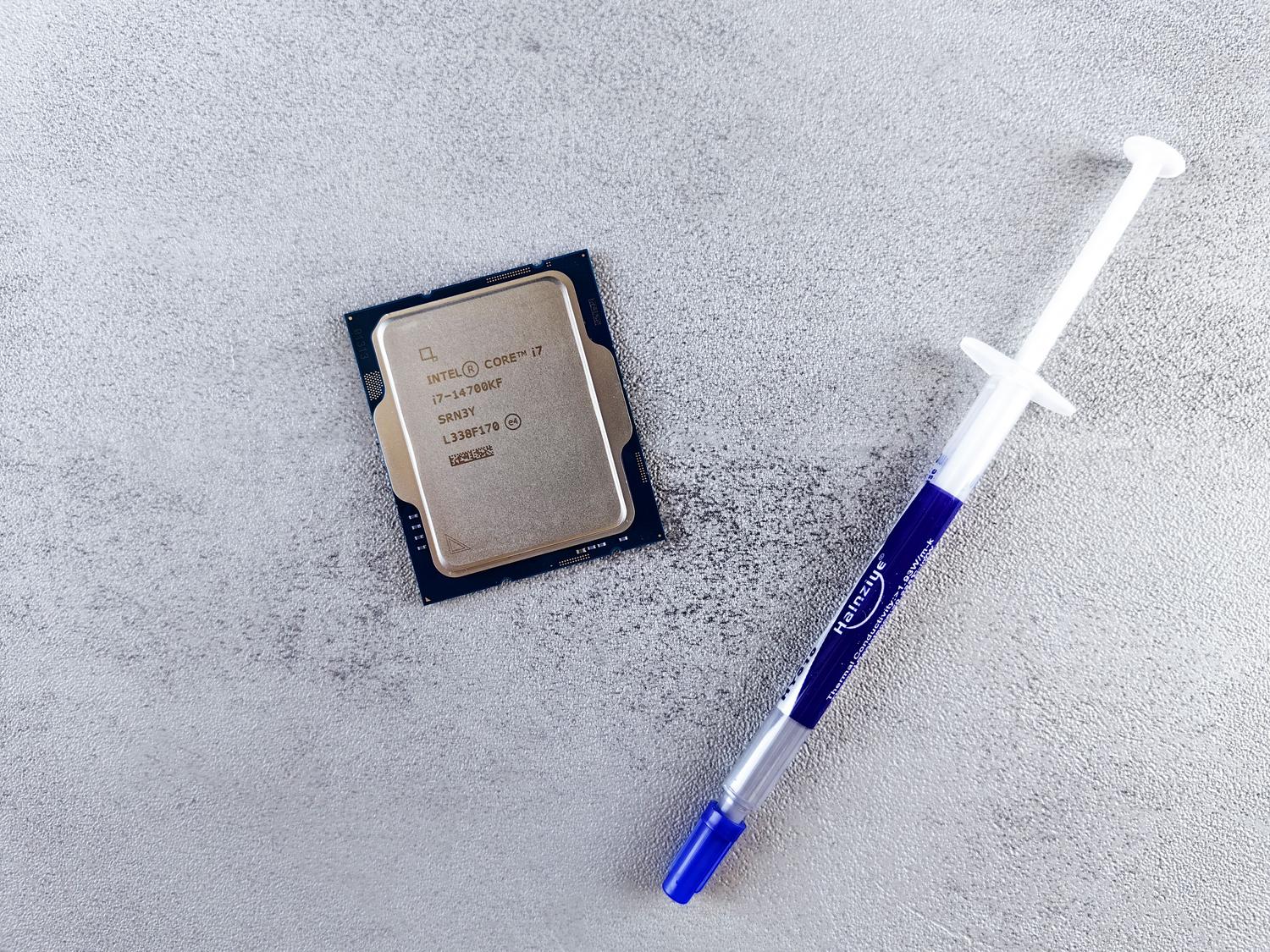
If you're not a hardware expert, you might wonder why on earth you need to replace a component that's practically invisible. To understand this, we need to talk about surface imperfections . Although the IHS (the processor's metal cover) and the fan base look like mirrors, under a microscope they resemble a landscape full of mountains and valleys.
When these two components are joined, tiny pockets of air are trapped. The problem is that air is a poor thermal insulator, with extremely low conductivity. If nothing is placed in between, the heat generated by the billions of transistors would be trapped, causing thermal throttling (a sudden drop in power to prevent overheating) or, in the worst-case scenario, a sudden system shutdown.
This is where thermal paste (or TIM) comes in. This material fills those invisible gaps, expelling air and creating a solid bridge that allows heat to flow efficiently to the heatsink. While not as conductive as pure copper, it's infinitely better than air, allowing the microprocessor to work without overheating.

When is the right time to change it?
There's no set date, as it all depends on how you use the equipment and where you live. A PC in an air-conditioned office is very different from one in a dusty or extremely hot environment. Generally, annual maintenance is recommended , preferably before the warmer months arrive.
Environmental factors and cleanliness
- Pets at home: If you have dogs or cats that shed, dust accumulates faster. Ideally, the system should be cleaned every 4 or 6 months.
- Rural environments: With more dust and a greater risk of insects settling inside the tower, it's advisable to check the equipment every 6 months.
- Smokers: Tobacco smoke leaves a sticky residue that attracts dirt and damages components; we recommend cleaning every 4-6 months.
- Urban areas: In cities, the environment is usually less aggressive and with a review once a year is usually enough.
Workload and climate
Thermal stress is the main enemy of thermal paste. If you spend all day gaming intensively or editing video , the compound suffers more and you should replace it every 12 months. However, if you only use your PC for browsing the internet or working with Office, you can extend the interval to between 16 and 24 months without problems.
Don't ignore the cabinet where your PC tower is located either. If it's in an enclosed space or has a tempered glass front panel that doesn't allow airflow, the heat will be retained longer and the thermal paste will dry out faster, making it advisable to replace it every 9-12 months . Finally, if you live in a very warm climate, the material's properties will degrade more quickly than in a colder area, where you could easily get up to two years without any problems.
The ultimate trick to know if it's time to replace it is to monitor the temperatures . If you notice that the CPU or GPU is running a few degrees hotter than usual while doing the same things as always, it's a clear sign that the material has dried out and lost its conductivity.

Step-by-step guide for replacement
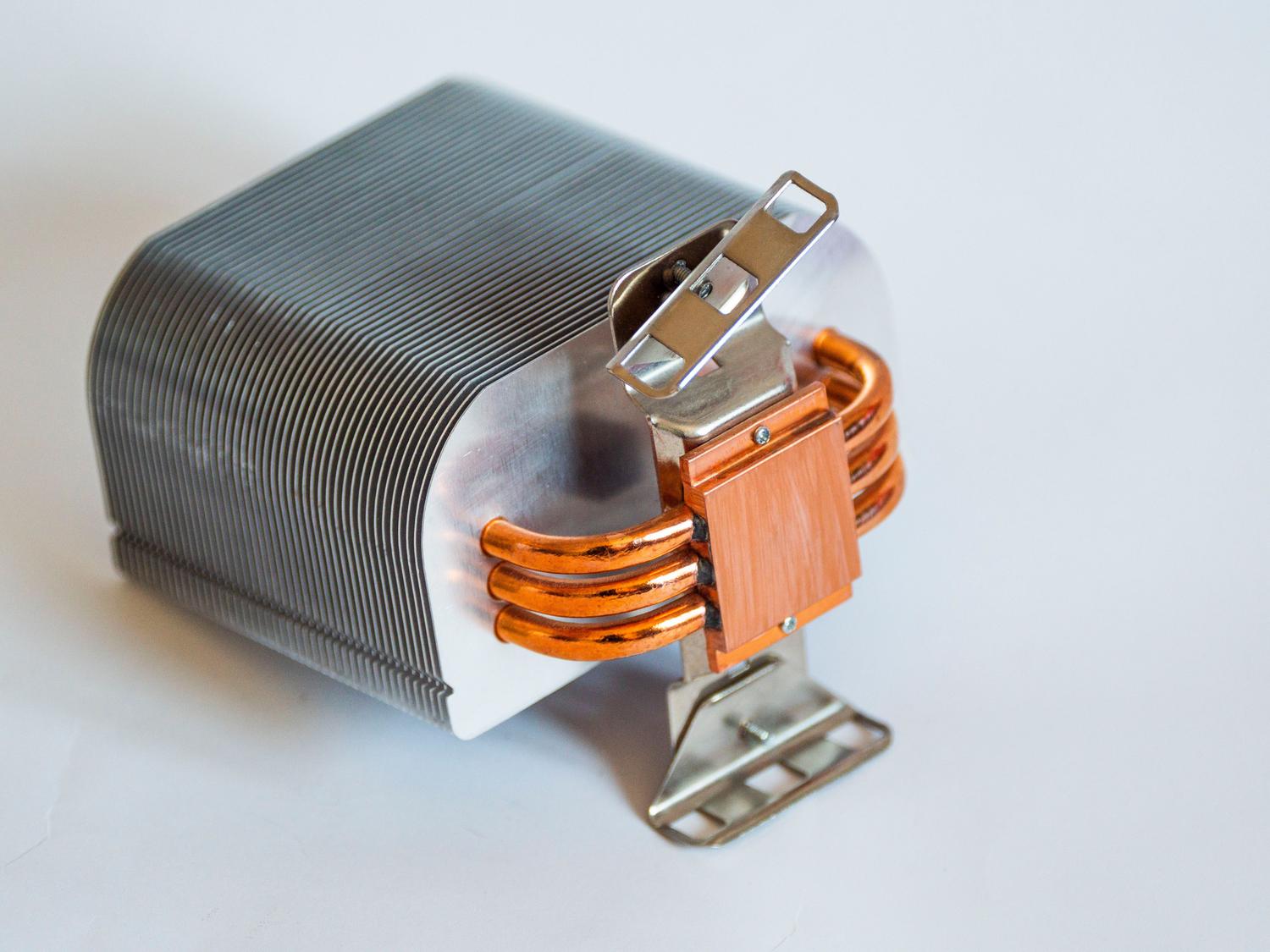
Replacing the thermal paste is a simple process, but you shouldn't do it haphazardly to avoid leaving air bubbles. The first step is to remove the heatsink by loosening the screws that attach it to the motherboard. Once the old paste is exposed, it will need to be thoroughly cleaned.
For this, it's best to use isopropyl alcohol or specialized wipes, as they evaporate quickly and leave no residue. You should clean both the surface of the processor (the IHS) and the base of the heatsink until they are completely shiny.
Application of the new compound
There are several methods for applying thermal paste, and while there's some debate, most work if you use the correct amount. You can use the center dot (about the size of a large grain of rice), draw a cross, make five dots, or spread it manually. The most important thing is not to use too much , as excess can seep onto the motherboard.
To ensure there are no gaps or bubbles, some people prefer to spread the thermal paste with a plastic card before installing the heatsink. Once the cooler is mounted, all that remains is to turn on the computer and check that the temperatures remain stable under load.

Material recommendations
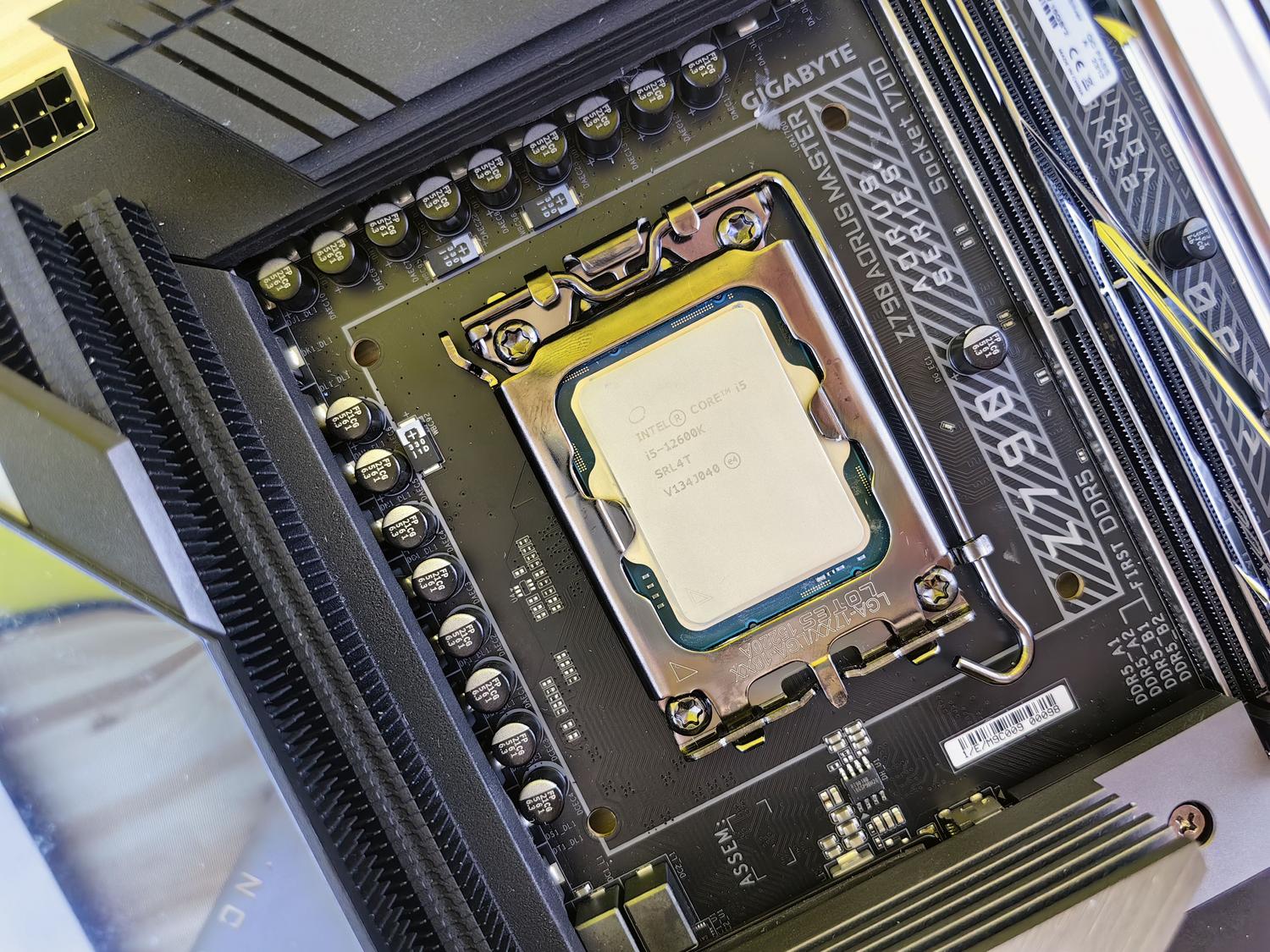
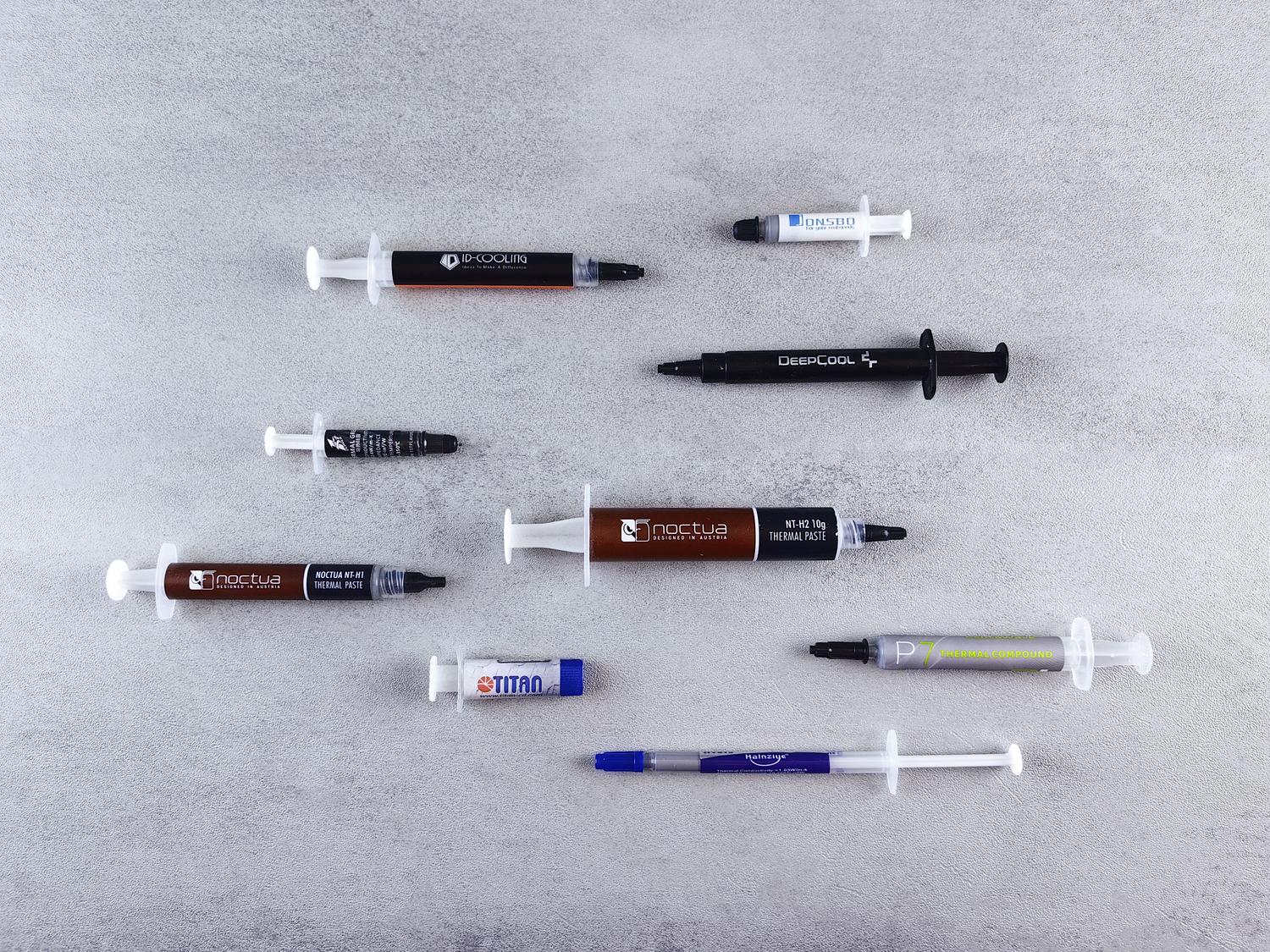
If you're looking for reliable options, there are some well-known brands. For top performance, the Thermal Grizzly Kryonaut is excellent, although more expensive. If you're looking for a balance between quality and price, the Arctic MX-4 or the Noctua NT-H2 are safe bets. For those looking for something basic for preventative maintenance, options like the Antryx TP-520 are perfectly adequate for standard gaming rigs or home use.
Having good thermal interface material is the cheapest and most effective investment you can make to prevent hardware damage. If your PC is a couple of years old, you notice the fans are too noisy, or you're simply upgrading to a better fan, applying new thermal paste is essential to ensure everything works like new.
Maintaining the processor's temperature through regular cleaning and thermal compound replacement prevents performance drops and premature hardware degradation, ensuring that heat flow from the chip to the heatsink is always as efficient as possible depending on the equipment's usage and environment.


Passionate writer about the world of bytes and technology in general. I love sharing my knowledge through writing, and that's what I'll do on this blog, show you all the most interesting things about gadgets, software, hardware, tech trends, and more. My goal is to help you navigate the digital world in a simple and entertaining way.