Imagine having the power of a digital brain processing all your private information without a single bit leaving your office. Until recently, setting up an artificial intelligence system at home was a headache worthy of a NASA engineer, battling code dependencies and hardware that ran hotter than a toaster. However, the landscape has changed radically, and today it's entirely feasible to deploy small language models on local machines, transforming a simple file storage into an intelligent assistant.
The real revolution comes with the fusion of network-attached storage (NAS) and machine learning at the edge. We're no longer talking about simple, undefined devices that only store zeros and ones, but about intelligent servers with NPUs capable of understanding what's in a photo or summarizing a legal contract in seconds. This ability to process data without relying on the cloud isn't just a matter of convenience, but a robust shield for the privacy of any business or individual user, optimizing local storage over cloud computing.

The evolution of the NAS: from hard drive to digital brain
Traditional storage has been a data black hole for years. Small and medium-sized businesses (SMEs) often accumulate terabytes of PDFs, images, and videos that end up buried in folders with absurd names like "final_v2_this_is_it." The problem is that a conventional NAS is incapable of recognizing that a photo is of a marketing display; it only sees a file. This is where the AI NAS comes in , using advanced processors like AMD Ryzen with neural processing units (NPUs) to semantically index content.
Thanks to this, we can implement semantic search . Instead of searching for the exact file name, you ask the server, "Get me the photos of the artwork in the rain," and the AI, which has already analyzed the images using Visual Language Models (VLM), returns the exact results. This system allows hardware, such as the Minisforum N5 series, to perform real-time object recognition and OCR , saving creative or administrative teams hours of manual work.

Small Language Models (SLM) vs. Giant Language Models (LLM)
To make all of this work on a local server without crashing the system, Small Language Models (SLMs) are used . While LLMs (like GPT-4) have billions of parameters and require server farms, SLMs typically have fewer than 10 billion parameters. Models like Microsoft's Phi-3, Mistral 7B, or Gemma are ideal for local deployments because they are much faster, consume less RAM, and are less prone to over-tuning.
The key to making these models fly on modest hardware is quantization . This technique involves reducing the precision of the model's weights (for example, from FP32 to INT8 or INT4), which drastically decreases memory usage without making the model unintelligent. This allows a powerful model to fit in the VRAM of a consumer graphics card or the unified memory of a Mac, speeding up inference and making responses nearly instantaneous.
Advanced architectures: RAG and technical deployment
To prevent AI from making things up (the infamous hallucinations), a technique called Recall Augmented Generation (RAG ) is used. Instead of relying solely on what the model learned during training, the system chunks your local documents, converts them into numerical vectors (embeddings), and stores them in a vector database like FAISS . When you ask a question, the system searches your files for the most relevant text fragment and passes it to the model to generate an answer based on real, local evidence.
If you're up for coding, you can set up this environment using FastAPI for the interface and LangChain to manage prompts. A typical workflow would involve loading a quantized model using Hugging Face's Transformers library, connecting to the vector database, and exposing everything through a REST API. For those who prefer not to write code, there are tools like running local LLMs with Ollama or LM Studio that manage the download and execution of models with a single click, even allowing you to switch between local models and cloud services depending on the sensitivity of your data.

Recommended hardware for local AI
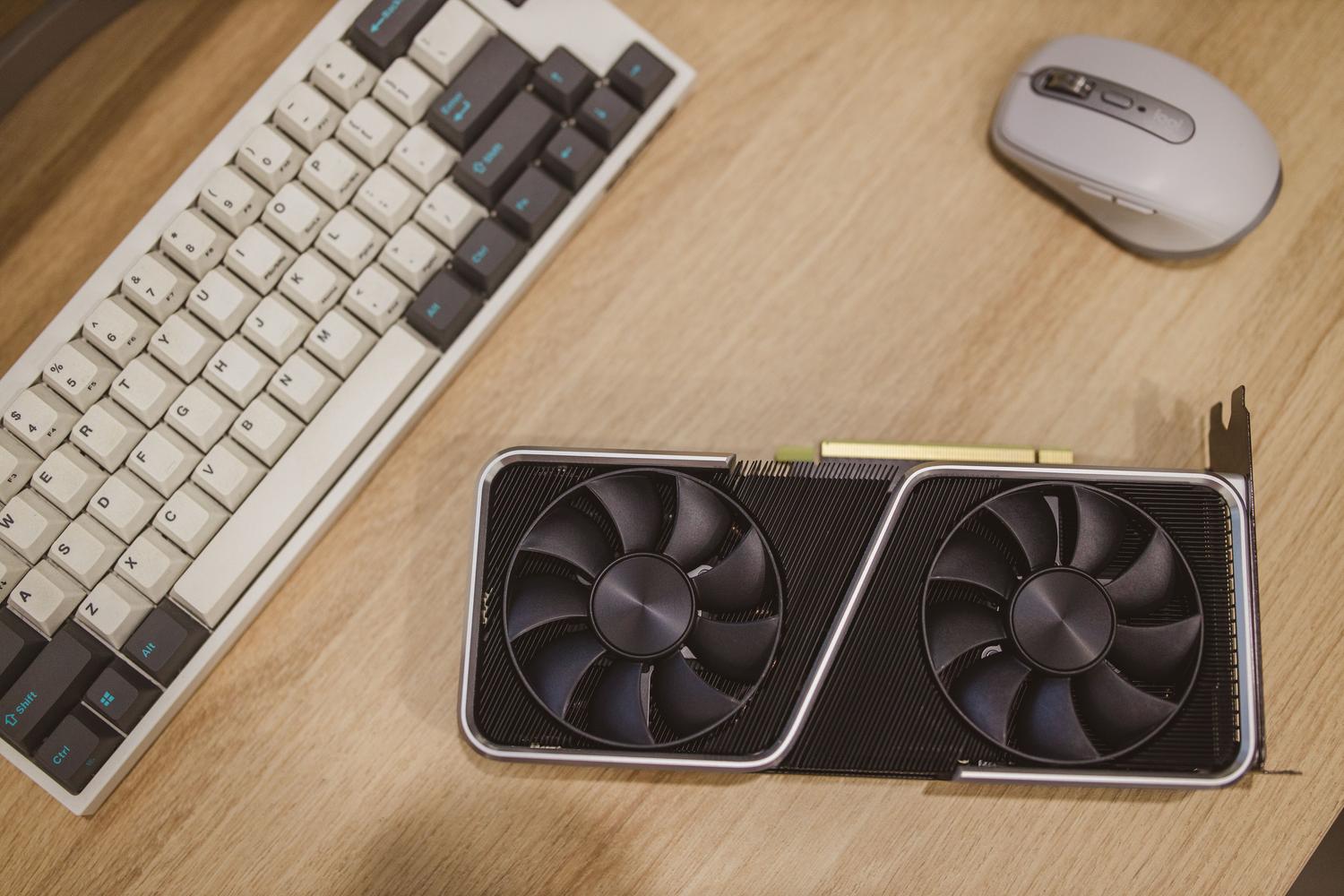
Hardware is the main bottleneck. In the PC ecosystem, GPU VRAM is king; an RTX 4090 with 24GB is the gold standard for comfortably running models with up to 30B parameters. On the other hand, Apple Silicon chips (M2/M3/M4) are surprisingly efficient thanks to their unified memory, facilitating local AI inference in macOS , which allows the GPU to access all system RAM, making it easier to run larger models than on a conventional PC.
- Input range: Systems with 16 GB of RAM and modest GPUs for models with 3B to 7B parameters.
- Mid-range: Powerful NAS devices or Macs with 32-64 GB of RAM for 13B to 20B models with quantization.
- Professional range: Multi-GPU workstations (A6000 or 4090) for 70B models or more.
Brands like QNAP already integrate features such as Qsirch AI Mode , which combines VLM and LLM to summarize documents, translate texts and locate exact moments in videos or audios using automatic transcriptions (ASR), all while respecting user permissions and without the data leaving the local network.

Implementation and security strategies
Launching an on-premises AI system in a company is more than just installing software. It's crucial to follow the 3-2-1 backup rule (three copies, two on storage media, one off-site) to avoid losing the AI index if the hardware fails, always evaluating the best backup strategy between on-premises and cloud storage . Additionally, it's advisable to index data in batches overnight to avoid overloading the office's bandwidth while staff are working.
Deployment in more complex environments can be supported by Kubernetes (AKS) and operators like KAITO, which automate GPU node management and model scaling. This ensures a robust infrastructure and prevents AI from crashing when multiple users run queries simultaneously. Data sovereignty is the greatest asset here: by eliminating reliance on monthly subscriptions and preventing cloud providers from training their models with your data , you regain full control over your intellectual property.
The convergence of specialized hardware, compact models optimized through quantization, and local data recovery architectures now enables the creation of work ecosystems where privacy is paramount. By integrating these tools into a powerful NAS or workstation, information management is transformed into an active and semantic process, eliminating the friction of manual searches and ensuring that corporate knowledge is always available and protected.


Passionate writer about the world of bytes and technology in general. I love sharing my knowledge through writing, and that's what I'll do on this blog, show you all the most interesting things about gadgets, software, hardware, tech trends, and more. My goal is to help you navigate the digital world in a simple and entertaining way.