- Comprehensive analysis of the differences between on-premises infrastructures and cloud solutions based on performance, costs and control.
- Exploration of the various cloud models (public, private, hybrid and community) and their specific use cases according to the sector.
- Presentation of a five-point evaluation framework to decide the ideal architecture according to the workload.
- Advocating for the hybrid approach as the most resilient strategy for enterprise backup and disaster recovery.

When dealing with ever-increasing volumes of data, the age-old dilemma arises: do we keep everything on-premises or move it to the cloud? The reality is that it's no longer about choosing one side and staying there forever, but about understanding that each type of file or task requires a different solution . What works for sharing a document with a colleague on another continent is not the same as what you need to train an artificial intelligence that devours terabytes of information in seconds.
Today, the smartest companies have moved beyond the narrow "cloud or on-premises" view. Now they focus on optimizing specific workloads , analyzing whether they prioritize raw speed, long-term cost savings, or compliance with strict data protection laws. In the following paragraphs, we'll thoroughly explore all the options so you don't get a nasty surprise from hidden costs or run out of storage space.

What exactly is local storage?
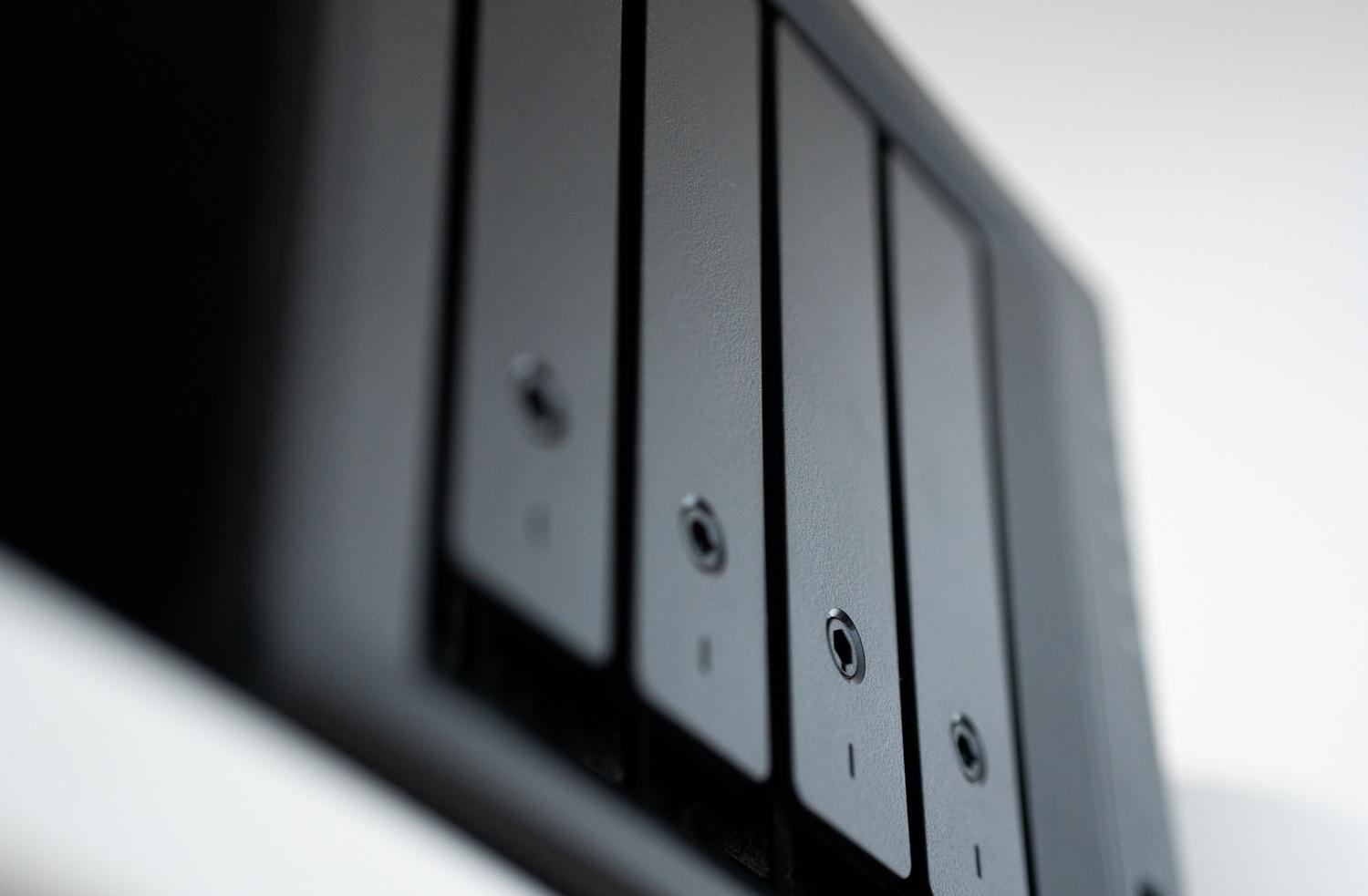
We're talking about storing information on hardware that the organization physically owns and manages, whether in its own offices or in a private data center. This ranges from a typical external hard drive or NAS server to more complex networks like SANs or on-premises object storage platforms . Essentially, you have the equipment under your watchful eye and complete control.
The major advantage here is that latency is virtually nonexistent because the data doesn't have to travel over the internet. This is vital for applications that can't afford even a millisecond of delay, such as financial trading or industrial machinery control. Furthermore, it allows you to create "air-gapped" environments— machines completely isolated from the network —to prevent hackers from accessing sensitive data.
However, it's not all sunshine and rainbows. Local storage requires a significant initial investment (CapEx) in hardware and licenses, and when you run out of space, it's not as simple as clicking a button; you have to buy more disks, install and configure them, making scalability much slower and more expensive.
Breaking down the world of cloud storage

The cloud involves delegating the custody of your data to an external provider that uses remote infrastructure. It's not a monolithic system, but rather divided into several models depending on who holds the keys and how access is managed:
- Public Cloud: It's the most common option, managed by giants like AWS, Azure, or Google Cloud. It's a multi-tenant environment where you share hardware (although your data is virtually isolated). extremely elastic and cheap at the startbecause you only pay for what you consume.
- Private Cloud: Here, the infrastructure is exclusive to a single organization. It offers a much more rigorous data governance and full customization, although you lose the economies of scale of the public cloud.
- Community Cloud: It is a middle ground where several organizations with common interests (such as hospitals or universities) share a cloud designed for their specific regulatory needs, distributing maintenance costs.
- Hybrid Cloud: It's not a place, but a strategy. It consists of orchestrate data flows between local and cloud, moving information according to performance or cost needs.
The cloud shines particularly brightly in global collaboration, allowing distributed teams to access the same version of a file instantly. Furthermore, it forms the basis of data lakes for massive analytics , where unstructured information can be processed with computing power that would be prohibitively expensive to implement in an office.

The Achilles' heel of the cloud: costs and dependencies

Many people jump into the cloud thinking it's free or very cheap, but there are pitfalls. One of the most painful is egress fees . Storing data is inexpensive, but retrieving it in large volumes can be extremely costly. If you have to restore terabytes of data after an incident, your connection's bandwidth becomes the bottleneck that can paralyze your business for days.
There's also the so-called "vendor dependency." Once you have everything optimized for a specific vendor's APIs, migrating to another platform is a technical and financial nightmare. Furthermore, security is a shared responsibility: the vendor takes care of the building and the server, but you're responsible for configuring encryption and managing who has access to what.
How to decide? The five-point assessment framework

To avoid choosing blindly, it's best to run each workload through this filter before buying any drive or subscribing to any service:
- Technical requirements: Define the required latency and growth volume. Do you need immediate response speed or is it enough for the data to be available in a few seconds?
- Access patterns: Difference between Hot data (frequently accessed) and cold data (archived)Hot ones are usually better at home; cold ones, in the cloud.
- Real financial analysis: Compare initial capital expenditure (CapEx) against monthly operating expenditure (OpEx), without forgetting to add any potential data transfer costs.
- Compliance and laws: Check if they exist data sovereignty regulations that require you to keep the information within national borders or on your own hardware.
- Need for agility: If your business experiences unpredictable spikes in demand, the instant cloud scalability is unbeatable.

The hybrid strategy: the crown jewel for backup
When it comes to enterprise backups, going to extremes is a mistake. The most robust architecture is a hybrid one, following the 3-2-1-1-0 rule (three copies, two storage media, one off-site, one immutable, and zero errors). The smartest approach is to have an immutable local primary storage for fast data recovery without relying on the internet, while simultaneously sending secondary copies to the cloud to ensure resilience against geographical disasters.
In this scenario, immutability is key. It's not enough for the backup to be in the cloud; it must be impossible to delete or modify , even if an attacker gains administrator credentials. This is what truly protects against ransomware, ensuring there's always a clean copy to start from.
Managing this entire ecosystem requires an orchestration layer, such as Veeam software, that seamlessly moves data between the local server and the cloud. This balances the speed of local recovery with the robust security offered by the cloud's geographic redundancy.
Ultimately, the choice depends on whether you're looking for absolute control and the speed of your own hardware, the flexibility and rapid deployment of managed services, or the complete security of a hybrid model. The key is to analyze each data flow separately , prioritizing immutability in backups and low latency in production, to build an infrastructure that is not only efficient but also capable of surviving any unforeseen technical issues or cyberattacks.


Passionate writer about the world of bytes and technology in general. I love sharing my knowledge through writing, and that's what I'll do on this blog, show you all the most interesting things about gadgets, software, hardware, tech trends, and more. My goal is to help you navigate the digital world in a simple and entertaining way.