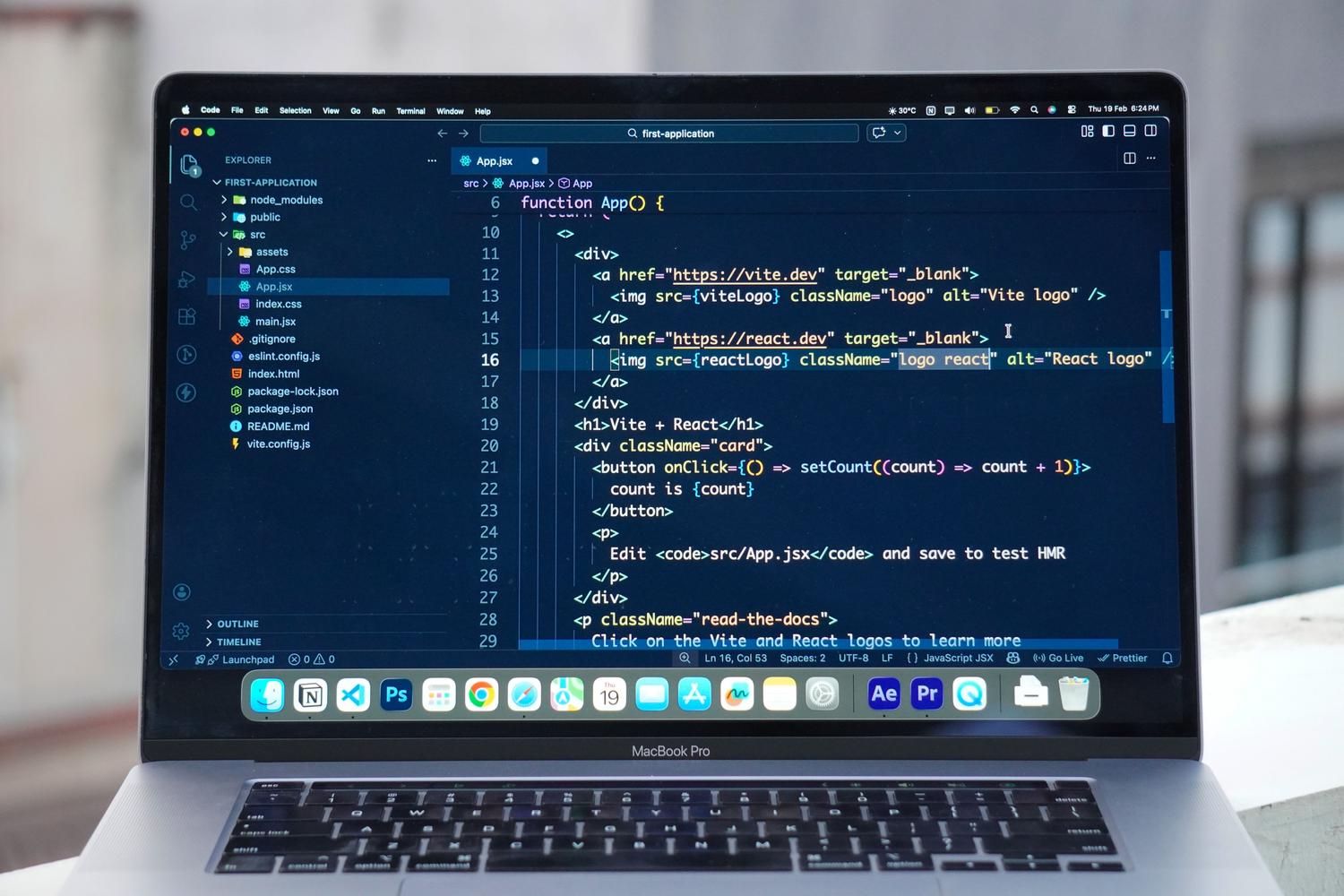
Entering the world of local artificial intelligence might seem like a daunting task at first, but the reality is that we're in a golden age. You no longer need a basement data center to perform model inference ; today, with a well-configured team, you can have your own private assistant that doesn't depend on the cloud or monthly subscriptions.
When we talk about running models locally, we're basically referring to the inference phase , which is when a trained model processes new data to give us an answer. Unlike training, which is a monumental task requiring thousands of GPUs, inference is much more manageable, and this is where Apple chips are making a strong impact thanks to their efficient power management and innovative architecture.

The secret to success: Unified Memory
If there's one thing that sets Macs apart, it's the Unified Memory Architecture (UMA) . On a traditional PC, you have to move data from system RAM to the graphics card's VRAM, and that's where precious time is lost. With M4, M3 Ultra, and similar chips, the CPU and GPU draw from the same memory pool, drastically reducing latency when handling tensors.
This is vital when we want to load medium or large LLMs (Large Language Models). For example, a Mac Studio with a generous amount of RAM can accommodate models that in the PC world would require several NVIDIA A6000 cards , resulting in huge savings in costs and, above all, on the electricity bill, since the consumption is a fraction of what a gaming tower would use.

Quantization and Formats: How to make the model fit
To prevent a model with 70 trillion parameters from crashing your machine, we use quantization . Essentially, this involves reducing the precision of the numbers (going from FP32 to INT8 or even 4 bits), which shrinks the model and speeds up the response without making it "dumb" or causing it to lose coherence.
- GGUF: It's the preferred format for those using a CPU or a combination of CPU and GPU. It's a single file containing everything needed and is the standard for call.cpp.
- GPTQ: Designed specifically to fly on GPUs, optimizing processing speed.
- Safetensors: A much safer option than traditional .bin files, as it prevents the execution of malicious code when loading the model.
Essential tools for setting up your environment
If you don't want to struggle with the terminal from the start, there are some very straightforward options. LM Studio is probably the most user-friendly tool: it's an all-in-one solution with a graphical interface that lets you run AI models locally and launch them with a single click. You can even set up a local OpenAI-compatible API server to integrate AI into your own apps.

On the other hand, we have Ollama , the crown jewel for those who prefer something lighter or command-line based. It's open source and integrates seamlessly with Open WebUI , allowing you to have an interface identical to ChatGPT but running entirely on your hardware. A quick guide to running local LLMs with Ollama is also available. For those seeking maximum performance on macOS, Apple's MLX framework is the optimized option to get the most out of the company's silicon.
Hardware Dilemma: Portability or Raw Power?
Many researchers and developers are torn between two paths. The first option is to go all in with a MacBook Pro M4 Max with plenty of memory (like 128GB). The advantage is rapid iteration : you can be in a coffee shop or on a plane testing a RAG (Recovery Augmented Generation) pipeline without relying on a remote connection.
The alternative is a Mac Studio and a lightweight laptop combo. The Studio is a thermal beast; you can leave it running long inferences for hours without the fan sounding like a jet engine taking off. However, this introduces the friction of remote access , requiring you to synchronize environments and data between two different machines, which can disrupt your creative flow.

Real-world use cases and limitations
With a Mac Mini M4 or a well-equipped MacBook Pro, you can set up RAG systems with vector databases like ChromaDB or Qdrant, create local code assistants with Aider, or automatically transcribe videos using local AI to extract features. It's ideal for prototyping and evaluating the behavior of quantized models with between 7 billion and 70 billion parameters.
However, don't expect miracles. Intensive model training or complex fine-tuning aren't these machines' strong suits. If your workflow relies heavily on NVIDIA CUDA ecosystems , you'll encounter some obstacles, as Metal (Apple's API) isn't a seamless replacement, although the gap has narrowed considerably for inference.


Passionate writer about the world of bytes and technology in general. I love sharing my knowledge through writing, and that's what I'll do on this blog, show you all the most interesting things about gadgets, software, hardware, tech trends, and more. My goal is to help you navigate the digital world in a simple and entertaining way.