- Fundamental differences between LiDAR point clouds, polygonal meshes, and parametric CAD models.
- Detailed analysis of the most commonly used 3D file formats according to the final destination of the project.
- Technical workflow to transform raw scan data into optimized assets for graphics engines and manufacturing.
If you've ever had to convert data from a LiDAR scanner into something you can actually use in a game engine or design program, you know it 's not as simple as pressing an export button . Users often get frustrated when trying to convert .bin or .las files and end up with results that look like distorted smudges or meaningless point clouds, because there's a huge technical gap between a point in space and a solid surface.
To navigate this chaos, it's vital to understand that we're talking about different worlds: the world of raw data capture and the world of digital asset creation. Wanting a quick visual representation for a virtual reality environment is not the same as needing a part with millimeter precision to send to a CNC machine. In this article, we'll break down the entire process, from noise filtering to choosing the ideal file format so you never run into compatibility issues again.

The nature of the data: Point clouds vs. meshes
The first thing to understand is that a point cloud is essentially a massive list of X, Y, and Z coordinates. Imagine millions of dust motes floating around that, viewed from a distance, form the silhouette of a building or a mechanical part. The cloud has no faces or volume ; it's simply a scattering of data. Therefore, if you try to import it directly into a graphics engine like Unity or Unreal without processing it, you'll find that the software doesn't recognize the object's "surface."
To solve this, we enter the realm of polygonal meshing , where we connect these points using triangles to create a skin. This is where formats like OBJ or STL come in. The process of converting points to a mesh involves cleaning up noise (those erratic points caused by reflections or dust) and filling in the gaps that the scanner couldn't capture due to shadows or hidden areas. If this step is done incorrectly, as sometimes happens with the indiscriminate use of Poisson reconstruction, the model can end up with globular shapes or "blobs" that don't represent reality.
Dictionary of 3D formats: Which one to choose for your project?
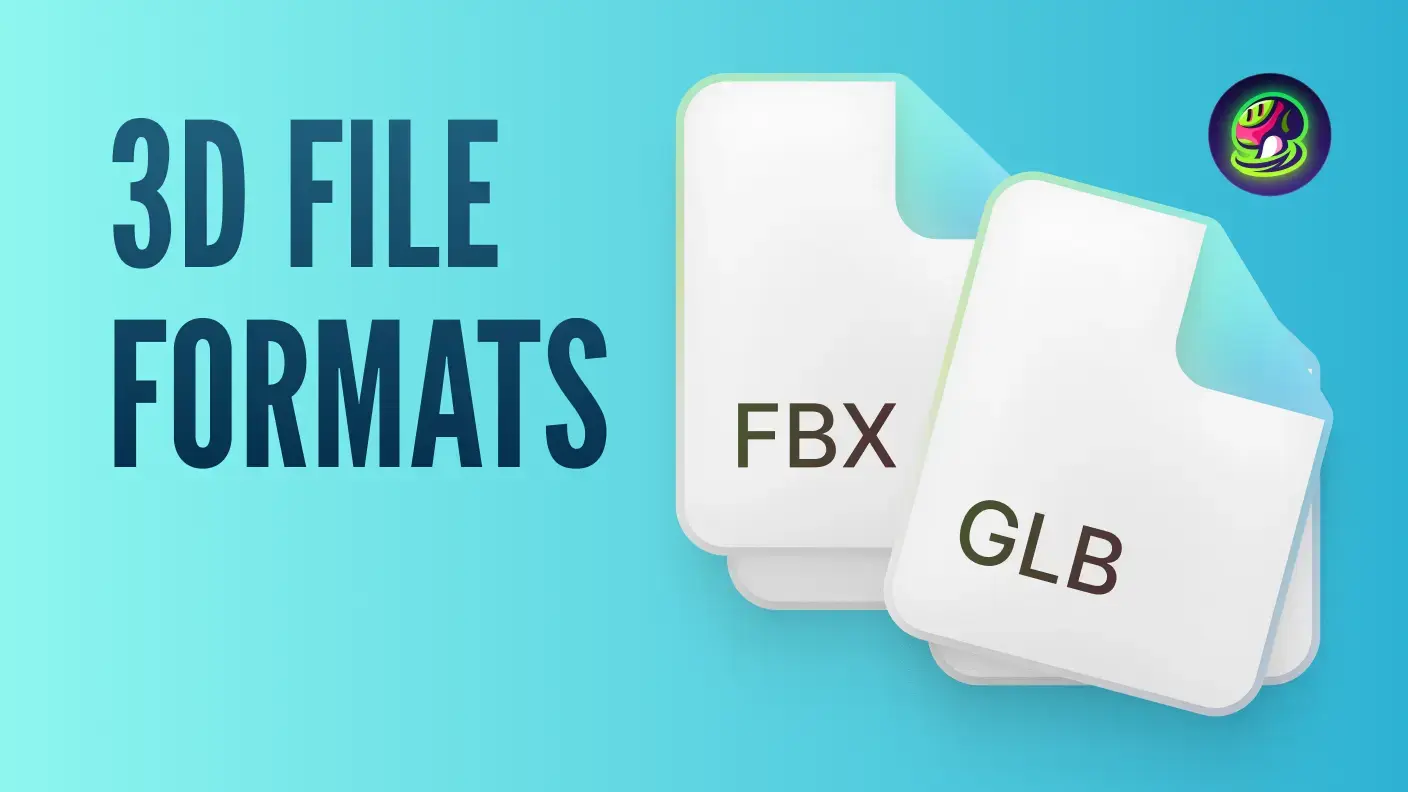
Not all 3D files are created equal, and choosing the wrong one can mean hours of wasted work. For those seeking real-time visualization for web or AR applications , the glTF format or its binary variant GLB are the undisputed kings. They're called the "JPEG of 3D" because they're lightweight, load quickly, and support PBR (Physically Based Rendering) materials, which make lights and reflections look natural in a browser or on a mobile device.
- OBJ: It's old school. Very universal and simple, ideal for static geometryHowever, it does not save animations and requires a separate .mtl file to prevent textures from disappearing.
- fbx: The standard for video games. If your model needs bones, rigging, or complex animationsThis is the way. It is the preferred bridge between Maya, programs for making 3D animationsBlender and graphics engines.
- STL and 3MF: Forget about them for video games; they're for Print 3DSTL is the most basic (just triangles), while 3MF is more modern and allows you to manage colors and materials in a single piece.
- STEP and IGES: This is where engineering comes in. It's not meshes, but exact mathematical geometry (NURBS). They are essential if the goal is industrial manufacturing or precise mechanical design.

The Scan-to-CAD workflow and reverse engineering
When a mesh isn't sufficient and we need an editable model, we move on to the reverse engineering process . Converting a scan into a parametric CAD model isn't an automatic process, but rather a technical interpretation . A technician must decide whether to model the part "as-built," with all its deformations and wear, or to model it "as-designed," recovering the designer's original intent.
This process involves standardizing dimensions. For example, if the scanner measures a hole as 20,07 mm, the expert knows that the original design was likely exactly 20 mm and corrects that measurement to ensure the part is functional. To achieve this, primitive adjustment tools and NURBS surfaces are used to transform the irregular mesh into a clean solid with an editable feature tree, allowing the generation of dimensioned 2D drawings and professional technical documentation using AutoCAD.

Optimization for Graphics Engines and Visualization
For a LiDAR-derived model to run smoothly in a graphics engine without memory overload, optimization is crucial. A point cloud of a city can contain trillions of points, but a graphics engine requires a clean topology . This is achieved through remeshing, reducing polygon density in flat areas and maintaining high density only in curves or critical details.
A common mistake is forgetting the orientation of the normals. If, when importing your OBJ into the engine, you see that some faces are invisible or look strange, it's likely that the normals are inverted . Managing the axis system is also vital, as some programs use the Z-axis upwards (like Blender) and others the Y-axis (like Unity), which can cause your model to appear rotated 90 degrees upon import.
Transforming LiDAR data into usable assets requires a process that starts with cleaning the point cloud and generating an optimized polygonal mesh, then proceeds to the strategic choice of format (such as GLB for web or STEP for industry), and finally to the technical interpretation of the original design to create parametric CAD models, always ensuring that the topology and normals are correct to avoid visual errors in rendering engines.


Passionate writer about the world of bytes and technology in general. I love sharing my knowledge through writing, and that's what I'll do on this blog, show you all the most interesting things about gadgets, software, hardware, tech trends, and more. My goal is to help you navigate the digital world in a simple and entertaining way.