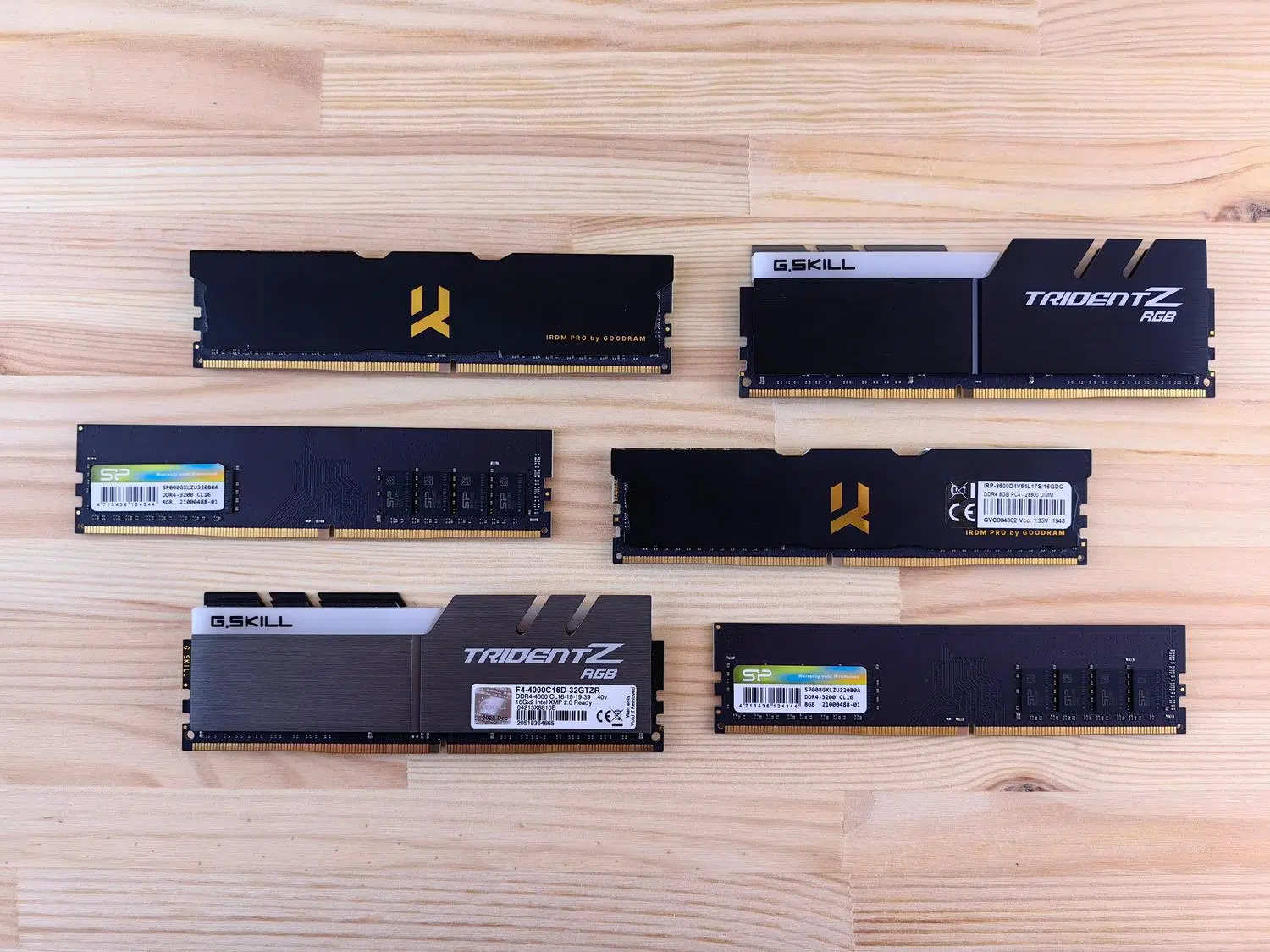
When we delve into the world of hardware, the sheer number of RAM options available can be absolutely overwhelming . Add to that the fact that standards change every few years, and it's understandable that any user might feel a bit lost and afraid of buying a component that won't fit or work as expected in their system.
The good news is that, although it may seem like a maze, there's a very simple method to avoid mistakes. Whether you want to breathe new life into your old computer or you're building a beast for gaming or work, the most important thing is to understand that RAM isn't an isolated component, but rather depends entirely on what your processor and motherboard allow.
What exactly is RAM and how does it work?

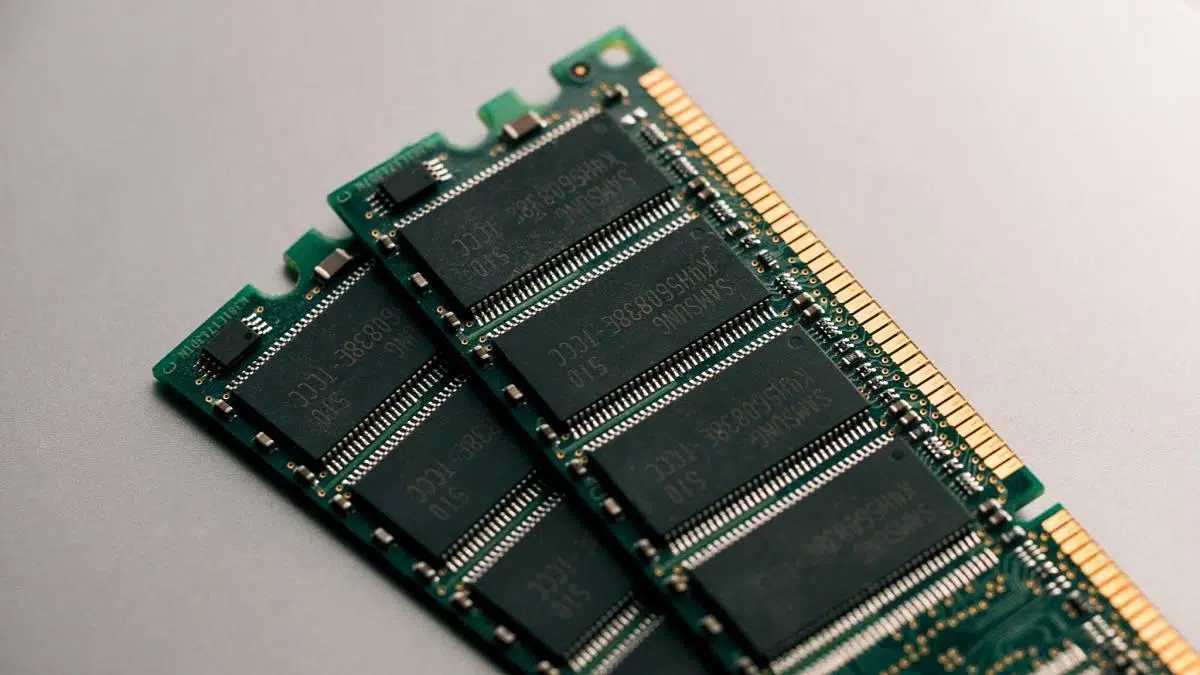
To put it simply, RAM (Random Access Memory) is like your PC's workspace . While the hard drive or SSD is like a cabinet where you store everything, RAM is where you put the documents and tools you're currently using. It's volatile memory, meaning that as soon as you turn off your computer, everything is erased and ready for the next session.
Imagine the CPU is a lightning-fast translator and you're the RAM taking notes in a notebook. If the notebook is small (low capacity), you'll run out of space and the translator will have to stop; if you type slowly (low speed), you'll be slowing down the entire process. That's why having just the right amount of memory is what prevents the computer from freezing when you open too many browser tabs.

How to find out which RAM is compatible with your computer
Before you spend any money, you should know that not all RAM is created equal . The first thing to consider is the physical format. There are DIMM modules , which are the long, narrow ones typically found in desktop computers, and SO-DIMM modules , which are much more compact and designed for laptops or mini-PCs like the Intel NUC.
But size isn't everything. The determining factor these days is the Integrated Memory Controller (IMC) , which is no longer on the motherboard but integrated into the processor itself. Therefore, the most reliable way to know what to buy is to check your CPU specifications and motherboard manual. If you try to put DDR4 RAM in a DDR5 slot, it simply won't fit because the locking notch is in a different position to prevent you from damaging the component.

Memory Anatomy: DDR3, DDR4 and the new DDR5

Over the years we've gone through several generations of Double Data Rate (DDR) memory. Although some are already showing their age, they can still be found on the market:
- DDR3: It's the "grandmother" of today's motherboards. It can be found in older computers with sockets like LGA1150. It has modest speeds (1066-1600 MHz) and higher voltages, although at the time it represented a significant leap forward in energy efficiency.
- DDR4: It's the most widespread standard right now. It offers a fantastic balance between price and power, with frequencies typically ranging from 2133 MHz to over 4 GHz, generally operating at 1,2 V.
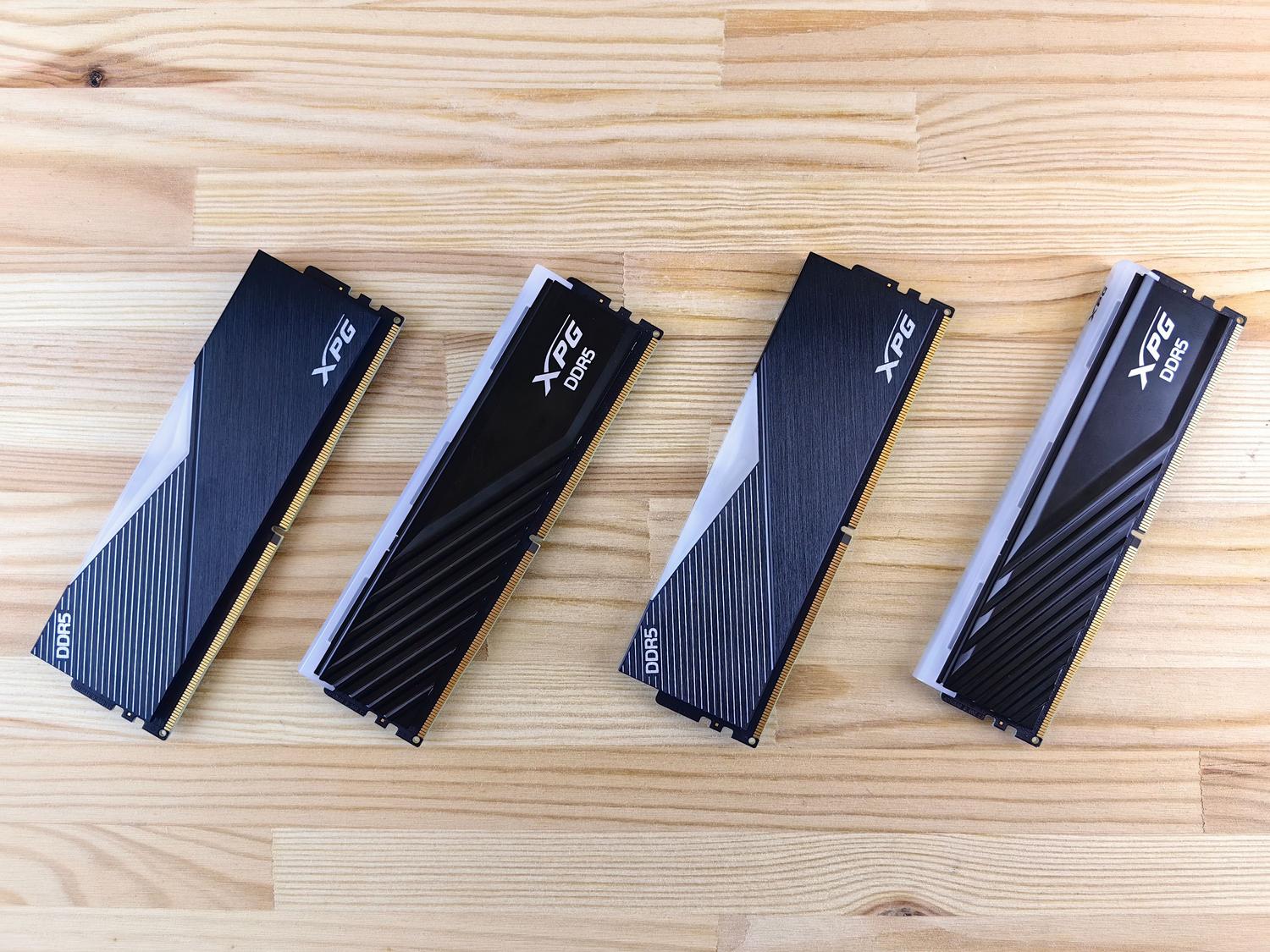
- DDR5: It's the crown jewel for high-end systems. Not only is it much faster (starting at 4800 MHz and reaching 6400 MHz or more), but reduces consumption to 1,1 V and allows for massive individual capacities of up to 256 GB.
There is even talk of DDR6 , which is expected to start appearing in 2025 with speeds that could reach 21000 MT/s, although for the average user it is still science fiction.

Capacity, Frequency, and Latency: The Performance Triangle

Many people make the mistake of only looking at GB, but there are two other values that play a fundamental role. First, there's capacity , which is the limit of how many things you can do at once. Second is frequency (MHz) , which defines how fast data is transferred.
However, the often-overlooked value is CAS latency (CL) . Latency is the slight delay between when the processor requests data and when the RAM delivers it. Ideally, you want a balance: a high frequency but with the lowest possible latency . For example, a DDR4 kit at 3200 MHz with CL14 will be faster than one with CL16.
How much RAM do you really need?
There's no need to break the bank and buy 64 GB if you're only going to write emails. Here's a quick guide based on your user profile:
- Basic use and office automation: 8GB is more than enough for browsing and using Office. Putting DDR5 here would be... Throw the money because you wouldn't notice any difference.
- Gaming in 1080p or 1440p: The minimum standard is 16 GB, although 32 GB is recommended to ensure smooth gameplay and prevent modern games from lagging.
- Content creation and 4K: If you edit video in Premiere, do 3D rendering, or stream, you need minimum 32 GB, preferably DDR5 to take advantage of the bandwidth.
- Professionals and Virtualization: For programmers who run multiple virtual machines or 8K video editors, 64 GB or more is a real necessity.
Final tips: Dual Channel and Build Quality
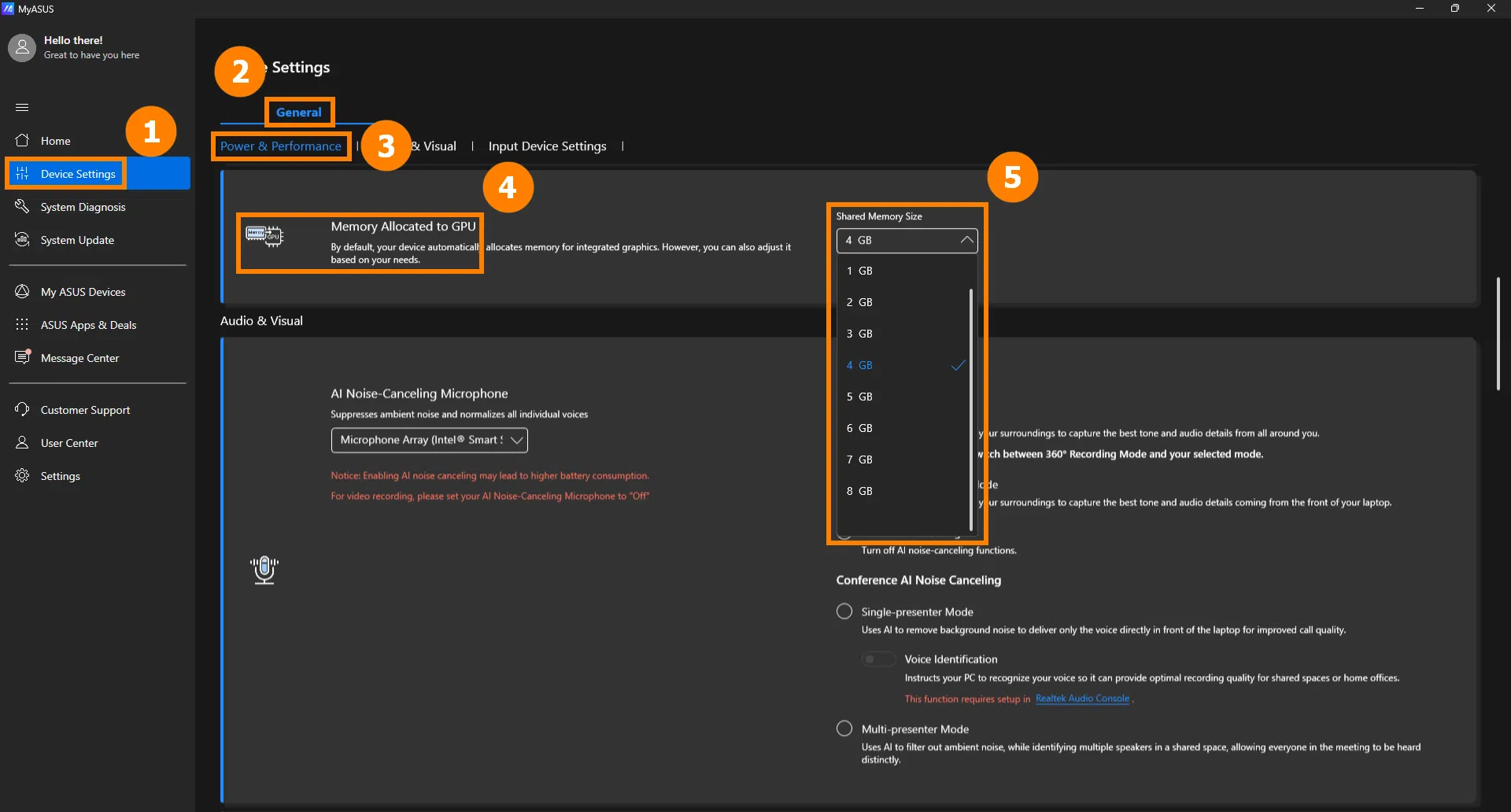
If your motherboard has two or more slots, never buy a single giant module. It's much better to install, for example, two 8GB modules than one 16GB module. This activates Dual Channel mode , which essentially doubles the data path (from 64 to 128 bits), significantly improving performance, especially if you're using integrated graphics.
Finally, consider the quality. There are basic memory modules without heat spreaders and high-end modules with aluminum and zinc structures that help keep temperatures under control, especially if you overclock. Additionally, there are RGB LEDs, which, although purely aesthetic, are often paired with higher-quality chips in series like Corsair's Dominator or the high-end ranges from Kingston and Adata.
To make the right purchase, first confirm the DIMM or SO-DIMM format and the DDR generation compatible with your processor. Always prioritize achieving the capacity needed for your workflow and try to enable Dual Channel with identical modules, ensuring that the frequency and CAS latency are balanced for maximum system performance.

Passionate writer about the world of bytes and technology in general. I love sharing my knowledge through writing, and that's what I'll do on this blog, show you all the most interesting things about gadgets, software, hardware, tech trends, and more. My goal is to help you navigate the digital world in a simple and entertaining way.