- Firmware acts as the critical link between hardware and software, being essential for the booting and basic operation of any device.
- The lack of operating system updates causes incompatibilities with applications and exposes the user to serious security risks.
- The most common failures when updating include the absence of backups, lack of disk space, and the use of unofficial software.
I'm sure it's happened to you before: you open an app on your phone and suddenly a message pops up saying your operating system is no longer compatible . It's a frustrating moment, to be honest, because you feel like your device has become obsolete overnight. But what's really behind this? It's not just a whim of the developers, but a matter of fundamental stability and security to prevent the device from becoming an expensive paperweight.
To understand this mess, we need to differentiate between the software we use every day and the firmware , the microcode that resides deep within the hardware. When these layers don't work well together or the operating system is too old, problems begin. In this article, we'll break down what firmware is, why it's vital to keep it up to date, and what the most common mistakes are when trying to update our mobile devices to prevent the process from ending in disaster.

What exactly is firmware and what is it used for?
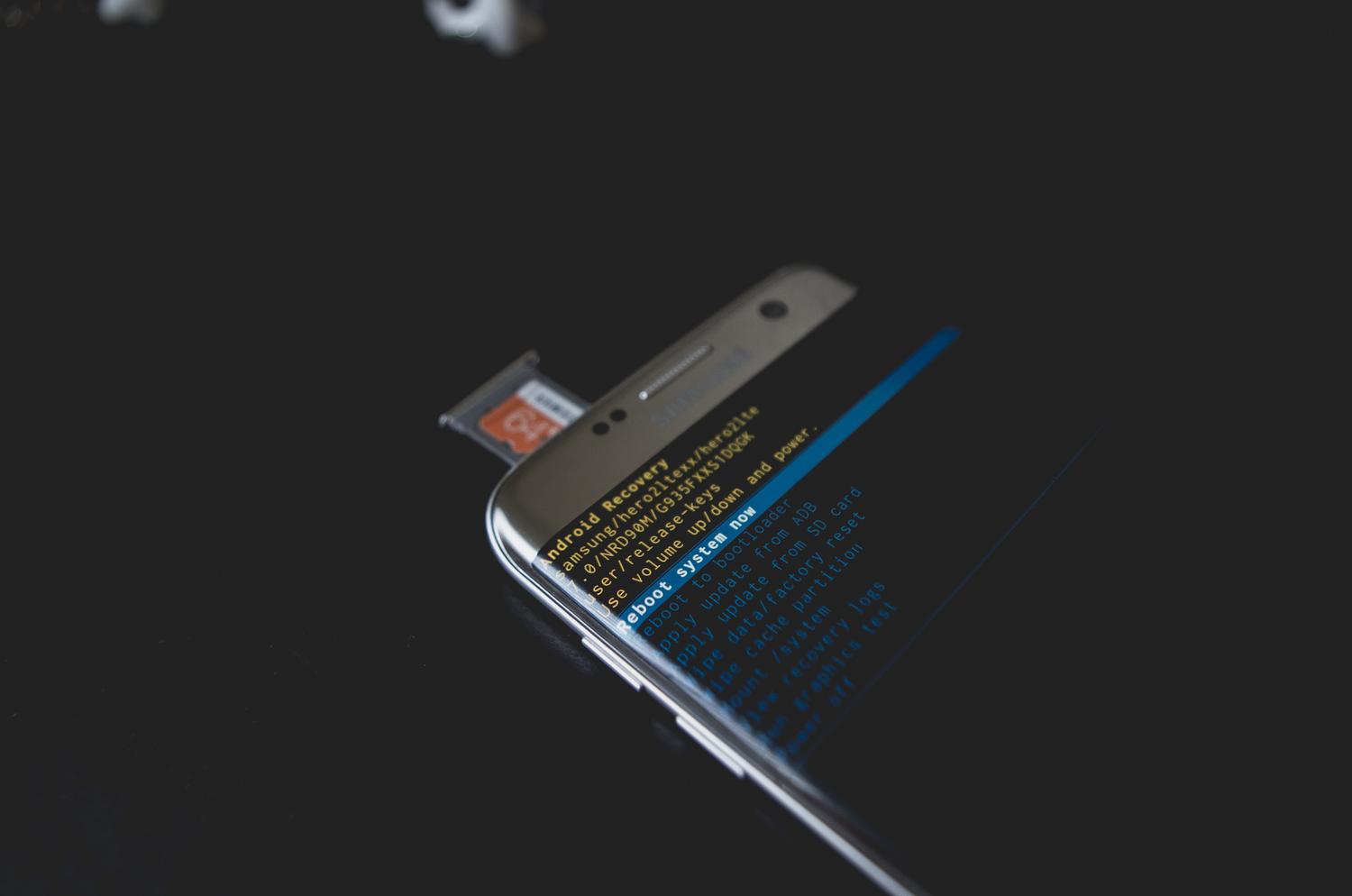
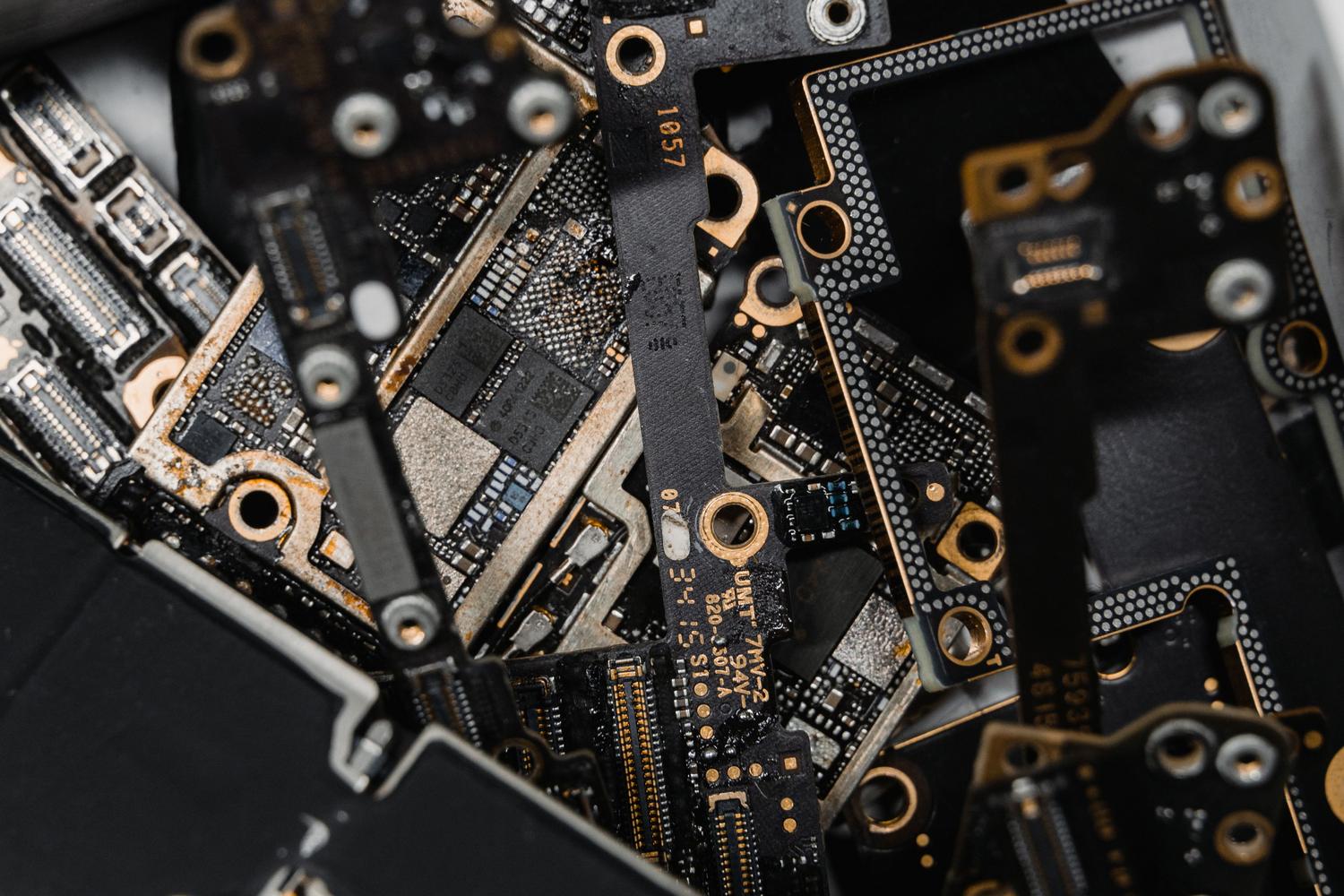
To put it simply, firmware is like an invisible bridge connecting the physical components (the hardware) to the logical instructions (the software). It's a program stored in non-volatile memory that's installed at the factory. Its purpose is to give the device the basic instructions it needs to power on and interact with its own components.
Unlike conventional software, which we install and delete at will, firmware is much more stable and permanent. In fact, the term comes from the combination of "firm" and "software ," reflecting that it's not something that changes frequently. Without this microcode, simple things like your phone's processor communicating with the screen or a remote control sending a signal would be impossible.
The key difference between Software and Firmware
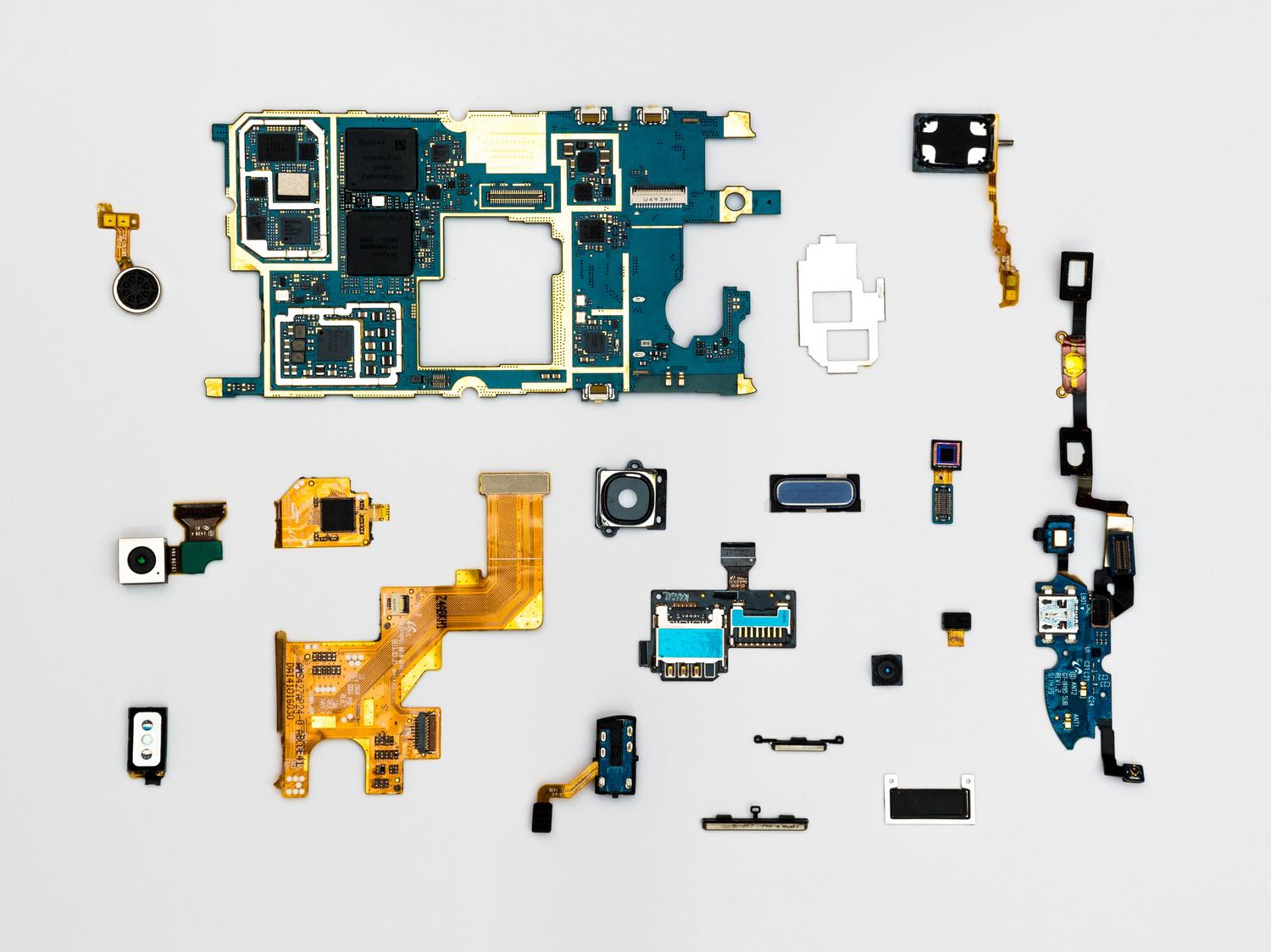
It's very common to confuse these terms, but they are very different in nature. Software is versatile, designed to run on many devices, and stored on external media. Firmware, on the other hand, is specific to a particular piece of hardware and is integrated directly into the chips, making it inaccessible to the average user.
- Software: It interacts directly with us (apps, browsers, games) and is constantly updated to add features.
- Firmware: It works silently, providing low-level control and only updates to correct critical faults or improve hardware performance.
In short, the firmware lays the foundation of the house, and the software is the decoration and furniture we put on top to make the house habitable and useful.

Firmware in our daily lives: Real-world examples
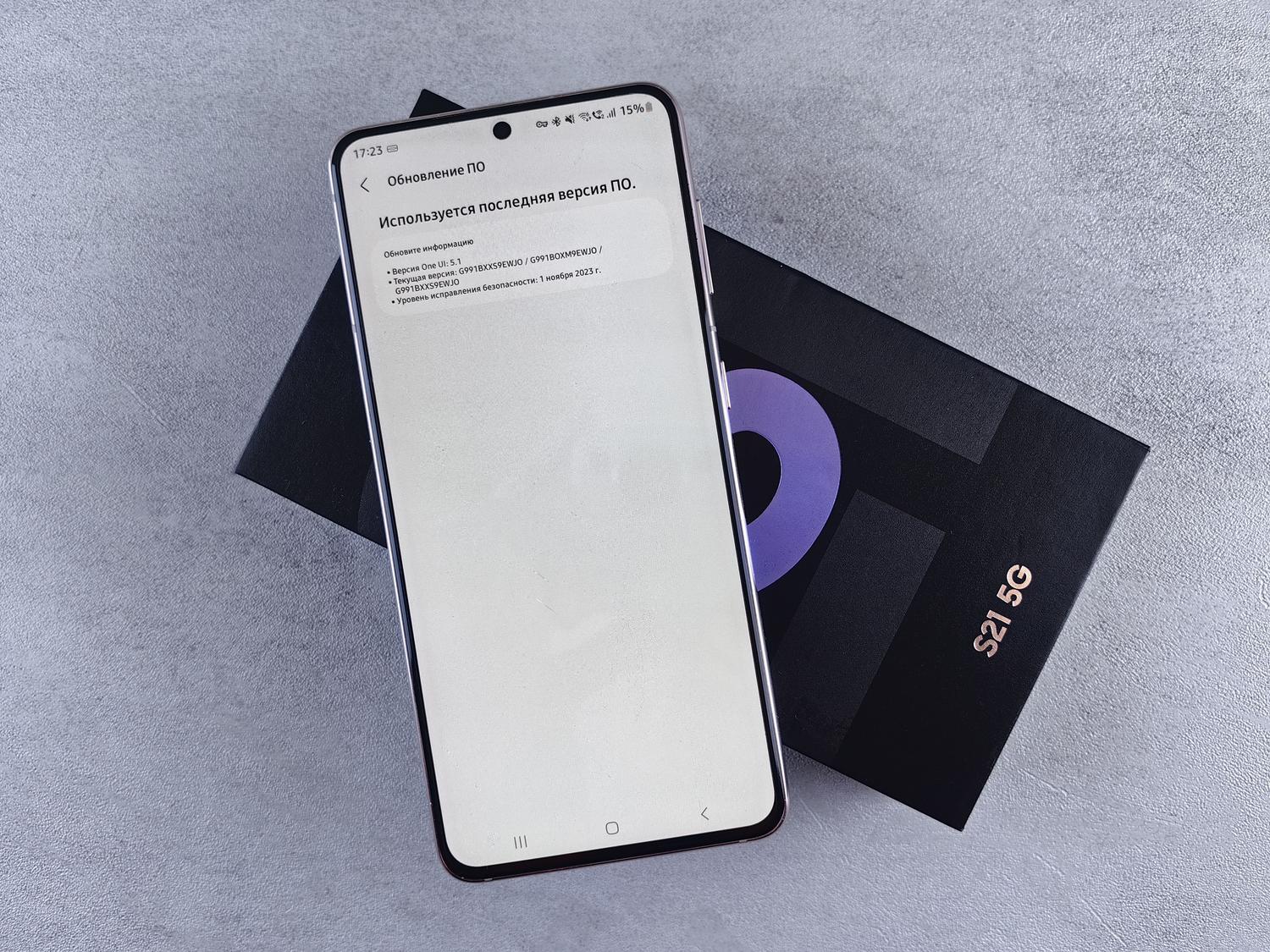
Although we can't see it, firmware is in almost anything with a chip. In personal computers, we have the BIOS or UEFI , which are responsible for booting the operating system and managing initial security. In the world of smartphones, firmware ensures that critical components interact correctly and that the device boots up after being turned off.
But it doesn't stop there. Modern cars are essentially computers on wheels; they use firmware in their engine control units (ECUs) to optimize fuel consumption and in their infotainment systems. Even at home, from a smart washing machine to an IoT sensor that transmits data over the internet, there's firmware dictating how to collect and analyze the information.
Risks and benefits of updating the firmware
Keeping the firmware up to date is essential. The advantages are clear: we gain system stability , close security vulnerabilities that hackers could exploit, and sometimes the device becomes faster. It can even extend the device's lifespan, as the manufacturer can activate new software features that the hardware already supported but were dormant.
However, it's not all smooth sailing. Updating the firmware is a delicate process. If there's a power outage or the Wi-Fi connection drops at the worst possible moment, the device can become "bricked" or unusable , since we've erased the basic boot instructions and don't know how to revert to the previous state. Therefore, it's vital to always use official manufacturer sources and not experiment with untested versions.

Fatal errors when updating the mobile operating system
When it's time to update our phone's operating system, we often make mistakes that can cost us our data. The most serious error is undoubtedly not making a backup . If the process fails, you could lose all your photos, contacts, and messages with no way to recover them. It's the basic safety net that no one should ignore.
Another common problem is trying to update without enough storage space. The system needs to download and decompress large files; if storage is at its limit, the installation may be interrupted, causing the phone to become unstable or even fail to boot.
Interrupting the process is also very dangerous. Whether it's because your battery runs out or you get impatient and restart your phone, stopping the update can irreversibly damage the operating system . Ideally, you should keep your phone plugged into the charger and be very patient, even if the progress bar seems to have frozen.
The importance of compatibility and apps
When an operating system becomes too old, it stops being compatible with newer versions of applications. This happens because modern apps use security features that the older OS doesn't understand. Continuing to use an app on an unsupported system is a gamble with security , as the device becomes vulnerable to viruses and attacks because it doesn't receive security patches.
Furthermore, after updating the operating system, it is essential to update all applications . If you don't, you are very likely to experience unexpected crashes or freezes, as the app needs to adapt to the new system rules to function smoothly.
To avoid disaster, steer clear of unofficial updates. They're often sold as "improvements," but they can be ransomware or malware designed to steal your data. Furthermore, installing unofficial software usually voids the manufacturer's warranty, leaving you completely unprotected against any malfunctions.
Maintaining the digital health of our devices involves understanding that the balance between firmware and operating system is what ensures everything runs smoothly. From ensuring a backup beforehand to avoiding dubious software versions, the key is to follow the manufacturer's guidelines and keep the hardware updated to prevent vulnerabilities and ensure our applications remain functional and secure.

Passionate writer about the world of bytes and technology in general. I love sharing my knowledge through writing, and that's what I'll do on this blog, show you all the most interesting things about gadgets, software, hardware, tech trends, and more. My goal is to help you navigate the digital world in a simple and entertaining way.