- Implementing containers to eliminate inconsistencies between development and production environments.
- Microservices orchestration using YAML files for fast and reproducible deployments.
- Advanced zero-downtime update strategies and image optimization.
- Monitoring and security configuration to ensure the stability of cloud services.
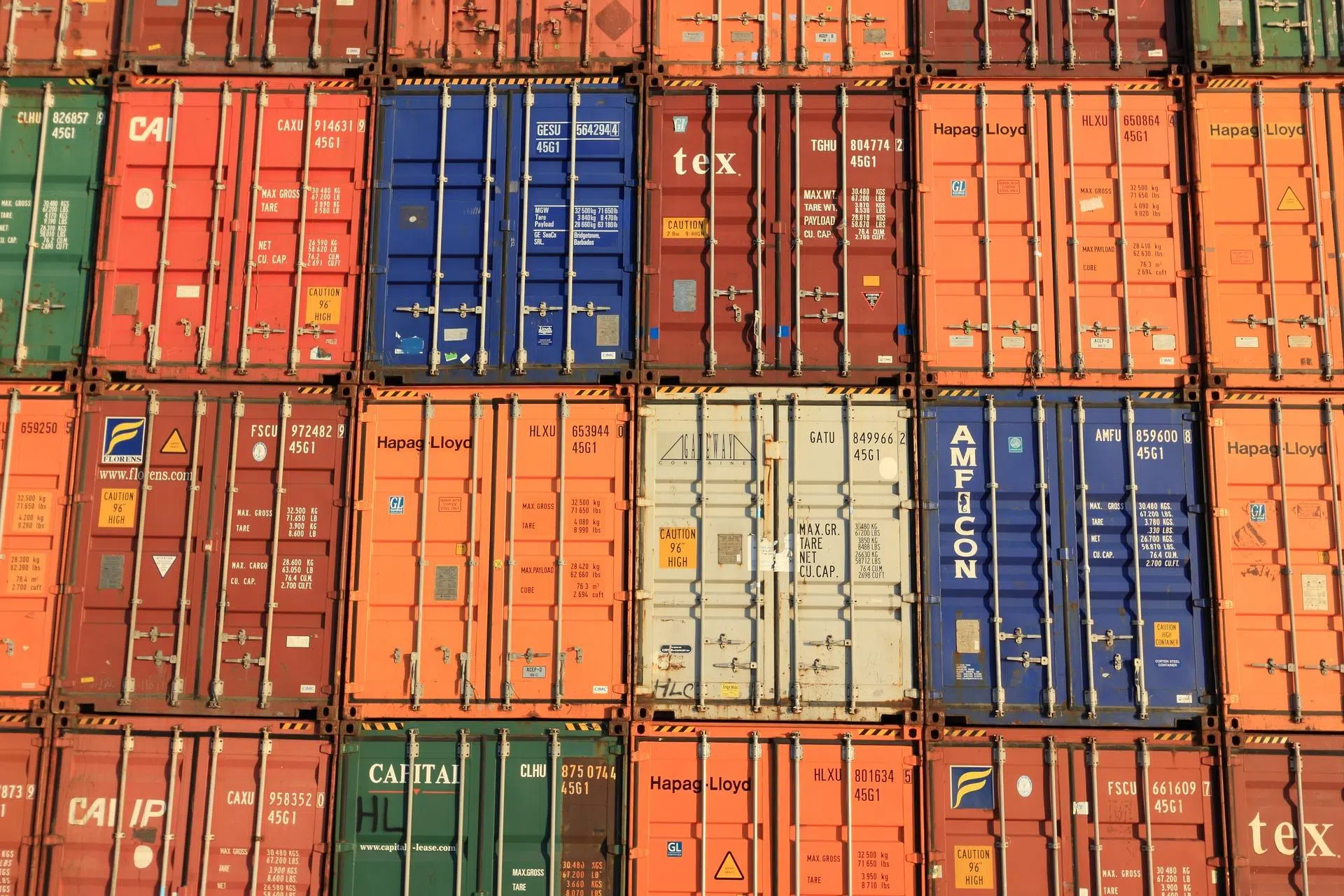
You've probably experienced this a thousand times: the code flies on your laptop, but as soon as it reaches the production server, everything crashes. That "it works on my machine" nightmare is precisely what Docker solves, allowing us to package the application and its dependencies in a standardized box that behaves the same everywhere.
If you're looking to take your deployments to the next level, simply knowing how to launch a container isn't enough. The real magic happens when we automate orchestration with Docker Compose and design CI/CD pipelines that allow us to upload versions seamlessly, without the user noticing a single service interruption, and proactively manage failures.

Understanding Docker architecture and its key components
To begin, Docker should be viewed as a client-server system. Imagine the daemon (the engine) as the chef in a restaurant, cooking containers and managing the image library, while the client is the waiter who takes our commands and delivers the results. This separation allows for extremely efficient resource management.
A vital concept is the Dockerfile , which is essentially the recipe. Here we define the base image (for example, Node.js), copy the necessary files, and run the installation commands. If we want the image to be lightweight, it's best to use multi-stage builds , separating the compilation phase from the execution phase so that the final result doesn't weigh in unnecessarily.
On the other hand, we have Docker Hub , which acts as a public repository where we can download official database images like MongoDB or servers like Nginx with a simple pull command, avoiding having to configure everything from scratch each time.
Mastering Docker Compose for Orchestration
When an application grows beyond just a server, incorporating a database, caching system, and a frontend, managing individual containers becomes chaotic. This is where Docker Compose comes in , allowing us to define our entire stack declaratively in a single YAML file.
In this file we configure the servicesThese are the containers that make up the app. We can specify which image to use, which ports to expose to the outside, and, very importantly, the dependencies between servicesFor example, we can tell the system not to start the API until the database is fully operational using the instruction
To prevent data loss when deleting a container, we use volumes . We can use named volumes, which are managed by Docker, or bind mounts, which link a specific folder on our hard drive to the inside of the container, facilitating the persistence of critical data.

Zero Downtime Deployment Strategies
Releasing a new version shouldn't mean putting up a "we're under maintenance" sign. One of the most robust techniques is the Blue-Green strategy . This involves having two identical environments: one with the current version (Blue) and another with the new one (Green). Once we verify that the Green version passes all the tests, we move the traffic through a reverse proxy.
Speaking of proxies, Nginx It's the star tool here. It acts as the gateway, managing load balancing and TLS. If we configure the
If you prefer something simpler, Docker Compose allows rolling updates . By adjusting the update policy with controlled parallelism, the system can replace old replicas with new ones one by one, ensuring that there is always at least one healthy instance responding to requests.

Optimization, Security and Troubleshooting
It's not all about issuing commands; you have to make sure the ship doesn't sink. Security is paramount, so you should never run containers as the root user. It's crucial to create specific users with restrictive permissions within the Dockerfile to minimize the impact if someone manages to compromise the application.
To troubleshoot common issues, observability is key. Implementing structured JSON logs and using tools like Prometheus and Grafana allows us to monitor CPU and RAM usage in real time. If a container starts constantly restarting, health checks will alert us before the end user notices the problem.
Regarding performance, don't forget the file
Adopting this workflow, based on containerization and intelligent orchestration, allows development teams to forget about dependency conflicts and focus on writing code. By combining the lightweight nature of Docker with the power of Compose and deployment strategies like Blue-Green, we achieve a scalable, secure, and, above all, predictable ecosystem in any cloud environment using efficient production container management.


Passionate writer about the world of bytes and technology in general. I love sharing my knowledge through writing, and that's what I'll do on this blog, show you all the most interesting things about gadgets, software, hardware, tech trends, and more. My goal is to help you navigate the digital world in a simple and entertaining way.