- Roblox PIN is a security feature to restrict account changes.
- If you forget your PIN, the only way to reset it is by contacting Roblox Support.
- The support team will verify your identity before providing access.
- To avoid losing your PIN, it is advisable to store it in a safe place.

Roblox is an extremely popular gaming platform that allows its users to create and play interactive experiences. To ensure account security, the platform offers the option to set a parental PIN , a measure that restricts changes to account settings. However, if you've forgotten your PIN, resetting it can be a somewhat complicated process. In this article, we explain how to do it step by step.
The Roblox PIN is a security feature that helps parents control their child's account, preventing unauthorized changes to settings. If you forget your PIN, the only way to recover it is through Roblox support. Below we will look at all the options available to reset it.
What is the Parent PIN on Roblox?
The Roblox PIN is a four-digit numeric code used to lock certain account settings, such as privacy settings or payment information. This feature is especially useful for parents who want to limit their children's access to advanced options within the platform.
If PIN is enabled, you won't be able to make changes to the account without entering it. This includes modifications to:
- Privacy and security options.
- Payment and membership settings.
- Any other settings restricted by parental controls.
Steps to reset PIN in Roblox
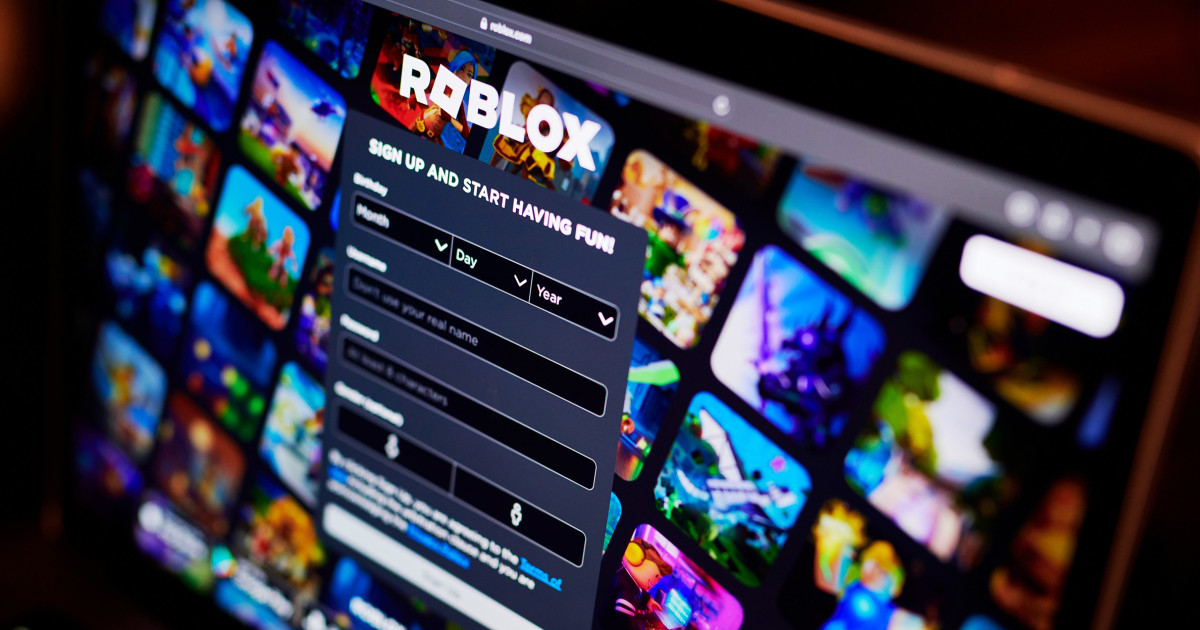
If you've forgotten your PIN on Roblox, unfortunately there is no option to automatically reset it from your account settings. The only way to recover it is by contacting Roblox support. Here's how to do it correctly.
Access Roblox Support
To request the recovery of your PIN , follow these steps:
- Visit the official Roblox help page at this link.
- Click on the option Contact.
- Select category account and security.
- choose the problem I forgot my PIN.
- Please fill out the form providing as much detail about your account as possible.
- Submit the request and wait for the response from the support team.
Account Ownership Verification
The Roblox team will need to verify that you are the legitimate account owner before resetting your PIN. To do this, they may request:
- Email address associated with the account.
- Payment history (if you have made purchases on the platform).
- Other personal information that helps confirm your identity.
Waiting and response time
Roblox support team response times can vary, but they generally reply within 24 to 48 hours . It's important to check your email frequently and respond to any requests for additional information as soon as possible.
Tips to avoid losing your PIN in the future
To avoid going through this process again, keep in mind the following recommendations:
- Save your PIN in a safe place where only you have access.
- Use a password manager to store your security information.
- Do not share your PIN with no one, not even close friends.
- If you share the account with family members, make sure everyone knows and remembers the PIN.
Recovering your Roblox PIN can be a tedious process, but by following the right steps you can do it without any problems. Keeping your security information well organized is key to avoiding any mishaps in the future.

Passionate writer about the world of bytes and technology in general. I love sharing my knowledge through writing, and that's what I'll do on this blog, show you all the most interesting things about gadgets, software, hardware, tech trends, and more. My goal is to help you navigate the digital world in a simple and entertaining way.