- Implementation of full-duplex architecture for natural conversations with real-time interruptions.
- Agent control capability and Computer Use to automate multi-step tasks in the operating system.
- Advanced integration with Codex CLI for programmers via terminal commands and repository management.
- Visual context support via Appshots on macOS and multimodal flows via APIMart.

Imagine being able to manage your entire computer workflow simply by speaking, without having to put down the mouse or type endless prompts? Well, the arrival of GPT-Live and the new agentive capabilities of ChatGPT Desktop have turned what once seemed like science fiction into an everyday tool. It's no longer just about chatting with an AI, but about having an assistant that sees what you're doing, controls your applications, and orchestrates complex tasks while you focus on what matters.
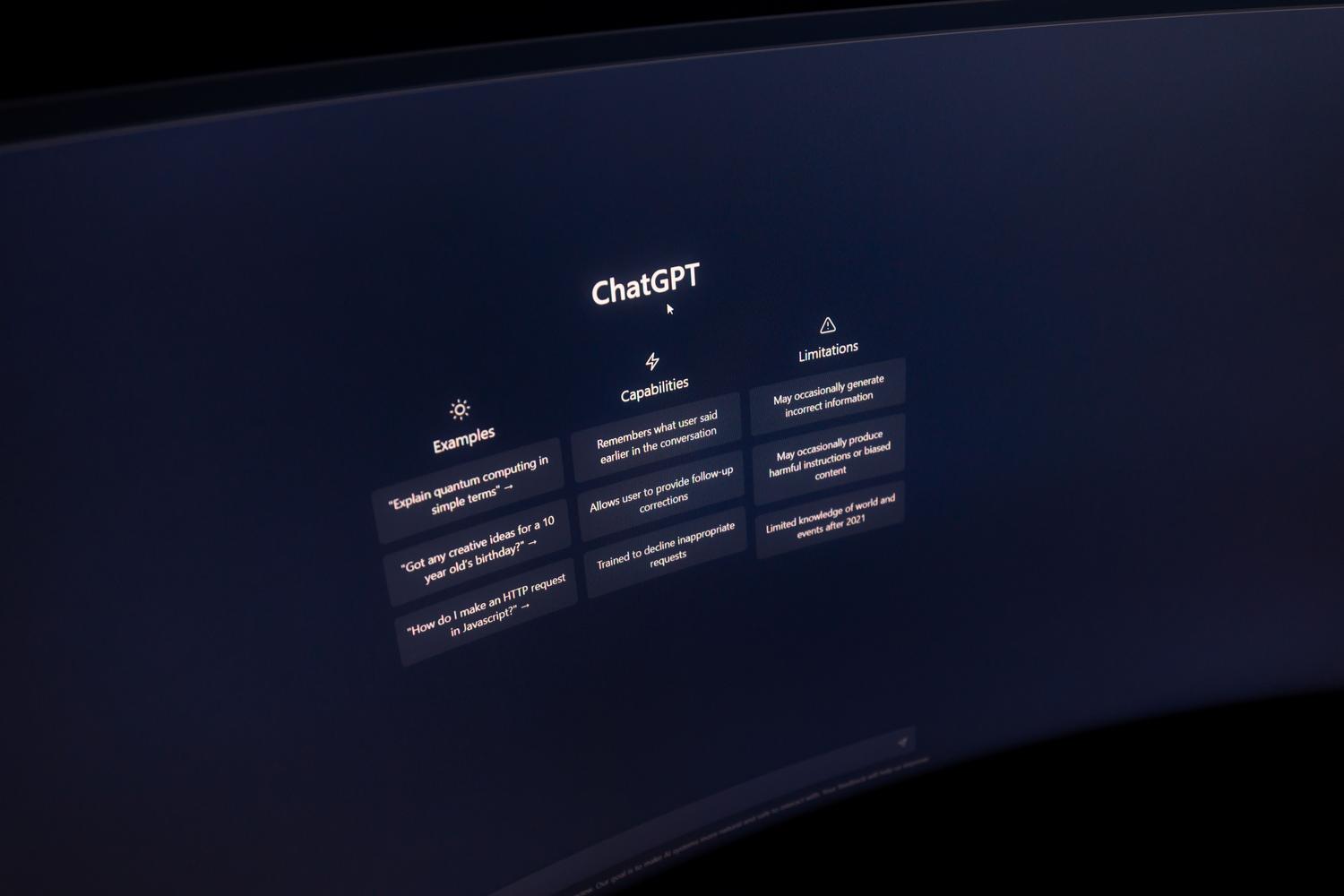
This evolution represents a quantum leap in productivity, especially for those constantly switching between emails, code, and meetings. By integrating a full-duplex voice engine and the ability to interact with the operating system, OpenAI has eliminated those small bottlenecks that steal our time every day. We'll delve into how this ecosystem works, from the technical commands in Codex to the Mac-exclusive visual features, so you can get the most out of this power, similar to how to integrate ChatGPT into your daily routine to optimize your time.
GPT-Live: The natural voice revolution
The heart of this update is GPT-Live, a system that uses a full-duplex architecture . Unlike the old voice mode, which worked like a walkie-talkie (you spoke, the AI processed, and then responded), GPT-Live listens and speaks simultaneously. This means you can interrupt the AI mid-sentence and it will react instantly, detecting your pauses, tone of voice, and even hesitations, making the conversation feel fluid and human.

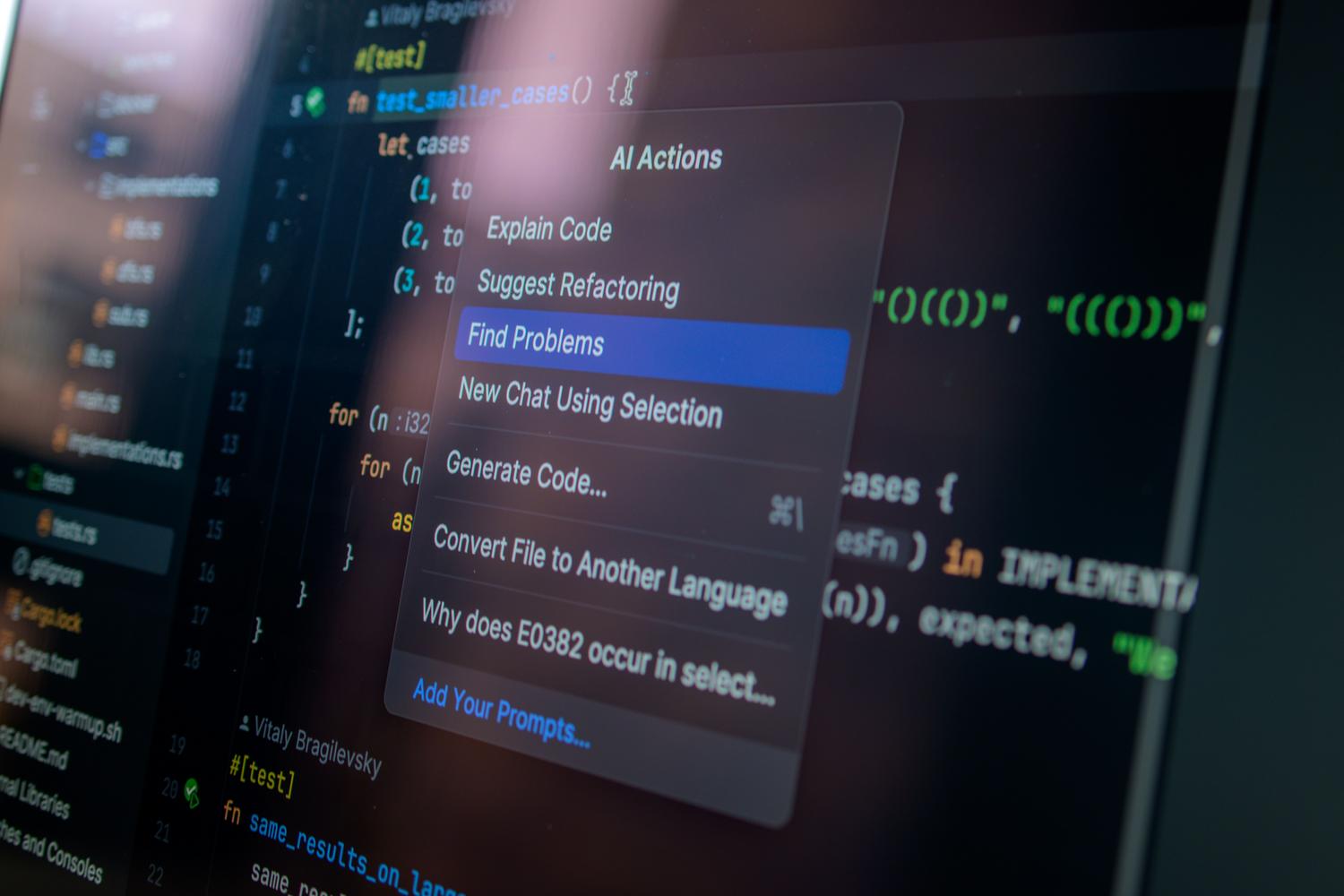
This engine has been deployed on iOS, Android, and the web, but it truly shines in the desktop version. For macOS users, there's a gem called Appshots , which allows the AI to have visual context of the active window. Essentially, the voice "sees" what you're looking at, eliminating the tedious need to describe the screen to it so it can help you with specific information.
Enhancing the desktop with agentic control and Computer Use
The most powerful feature of the desktop version isn't the voice itself, but what it can do while you speak. Thanks to agent control , you can delegate multi-step workflows. For example, you can ask it to collect receipts scattered throughout a folder and organize them into a spreadsheet, or to analyze research notes to write a structured report without you having to intervene at each step.
Furthermore, Computer Use support allows ChatGPT to interact directly with your computer's interface, opening applications and navigating files. For more technical users, integration with Chat, Work, and Codex enables you to coordinate tasks across these three environments with a single voice command, streamlining pull request creation or real-time code debugging while keeping your hands on the keyboard.

Mastering Codex CLI and advanced commands
For those who prefer the terminal, Codex CLI offers a surgical level of control. Using forward slash commands, such as /model to change the AI To enter planning mode, you can manage software development non-interactively using /plan. You can also run code reviews with codex review or interact with the cloud through codex cloudallowing AI to apply diffs directly to the local repository.
Within the TUI (terminal interface), there are shortcuts that streamline workflow, such as using @ to search for files in the workspace or ! to execute local shell commands. The ability to fork sessions with /fork allows you to explore different approaches to a solution without losing track of the original conversation—vital in complex programming projects, especially if you're looking to perform local AI inference on macOS for increased speed.
Desktop health and wellness management
ChatGPT Desktop has also established itself as a personal health organizer. While it's not a substitute for medical diagnosis , it's incredibly useful for tracking symptoms or maintaining a wellness timeline. You can upload PDFs of clinical analyses and ask it to explain terms in simple language, or use voice commands to quickly note symptoms without typing.
Privacy is a critical issue here. For sensitive data, we strongly recommend using Temporary Chat , which prevents information from being saved in the history or used to train models. It's essential to remember that chats are not end-to-end encrypted, so caution with personal data should be the norm.

External integrations and APIMart
To take the workflow to the next level, APIMart comes into play, acting as a bridge to over 500 different models through a single endpoint . This allows a voice-captured request on the desktop to be transformed into complex multimodal output, such as cinematic video clips, using Kling V3 Omni or Sora 2.
This ecosystem allows work to begin with a spoken idea, progress through the orchestration of a ChatGPT agent, and culminate in asynchronous video rendering that runs in the background. It's the perfect combination of easy voice input and the powerful output of the most advanced APIs on the market.

Availability and configuration guide
- Plans: Full-duplex voice is free, but agent control, Computer Use, and Appshots require subscriptions. Plus, Pro, Business, Edu or Enterprise.
- Permissions: On Windows and Mac, it is essential to enable microphone access, and in the case of Computer Use, the system accessibility permissions.
- Platforms: While the voice is universal, Appshots is exclusive to macOS For the time being, this forces Windows users to visually describe their windows.
The integration of GPT-Live and the total control capabilities over the PC transform the computer into an extension of our thinking, where the barrier between intention and execution is minimized thanks to agent orchestration and real-time voice fluency.


Passionate writer about the world of bytes and technology in general. I love sharing my knowledge through writing, and that's what I'll do on this blog, show you all the most interesting things about gadgets, software, hardware, tech trends, and more. My goal is to help you navigate the digital world in a simple and entertaining way.