- The Low Latency Profile increases the CPU frequency for 1 to 3 seconds when opening apps or menus to eliminate lag.
- Response improvements of up to 70% are integrated into system interfaces and 40% in applications such as Edge and Outlook.
- The functionality is part of Project K2, a comprehensive optimization plan that includes rewriting the File Explorer.
- Its deployment is gradual and automatic through cumulative updates, especially affecting modest equipment.
We've been hearing the same complaints about Windows 11 for a while now: despite having incredibly powerful processors, the system sometimes feels sluggish with even the simplest tasks . Basic things like opening the Start menu or waiting for the browser to respond have a noticeable latency, giving the impression that the software isn't taking full advantage of the underlying hardware. It seems Microsoft has realized that users are fed up with these micro-stutters and has implemented a rather ingenious solution.
Under the name Low Latency Profile (LLP) , the company has designed a mechanism that doesn't aim to constantly boost PC performance, but rather to provide a boost precisely when it's most needed. This feature isn't an isolated patch, but rather part of a much more ambitious strategy called Windows K2 , whose goal is to make the operating system significantly faster and more responsive by 2026.

What exactly does Low Latency Profile consist of?
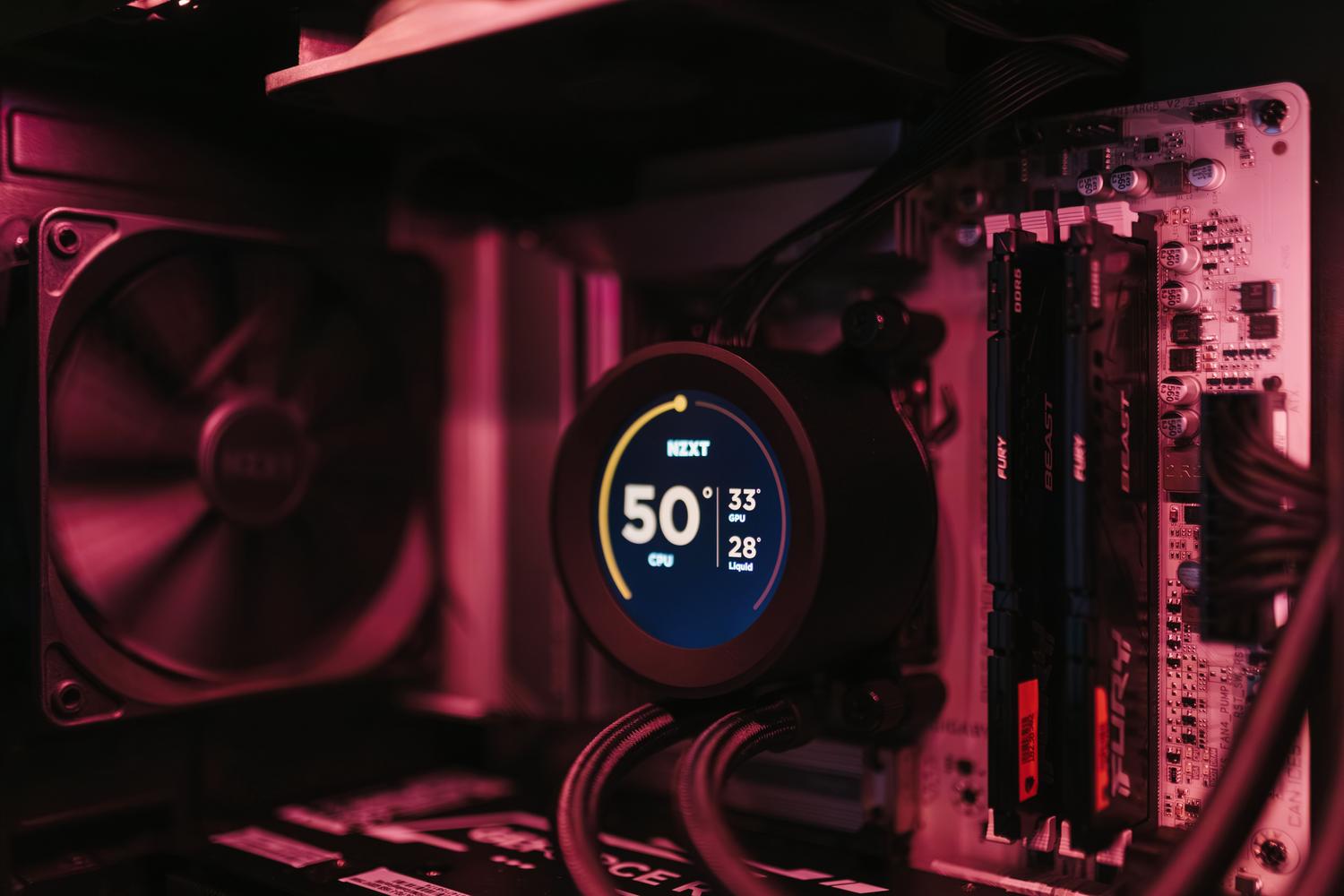
The idea is surprisingly simple, although its technical execution is complex. The system monitors user actions and, when it detects the start of a high-priority task—such as launching an application or opening a context menu— it raises the processor frequency to its maximum for a very brief period, usually between 1 and 3 seconds. Once the application has started or the menu has appeared, the CPU returns to its normal energy-saving speed.
The magic lies in the fact that it's not a sustained process. By applying a burst of power , that initial feeling of sluggishness that's so annoying is eliminated. According to internal data, the results are amazing: the startup time of tools like Outlook or Edge can improve by 40%, while the responsiveness of the system interface, such as the Start menu, can be up to 70% faster . Even third-party software benefits, although the results here depend on how each program is programmed.
Integration and deployment in the system
The most curious thing about this improvement is that it's completely invisible to the user . There are no buttons to press or complicated settings panels; Windows manages the entire process in the background. The system detects the critical moment and applies the boost without us having to lift a finger. Although some advanced users have tried to force its activation using tools like ViveTool , it's not recommended for workstations, as Microsoft continues to adjust the duration of the boosts and compatibility.

As for its rollout to users, it's being distributed gradually through the Controlled Feature Rollout system . Some key updates, such as KB5121003 and KB5089573, already include this technology. Some users may see it as an optional update in Windows Update , while others will receive it automatically. Once installed, the profile is activated by default, although there's no visual indicator to confirm that it's working.
Impact on battery and hardware
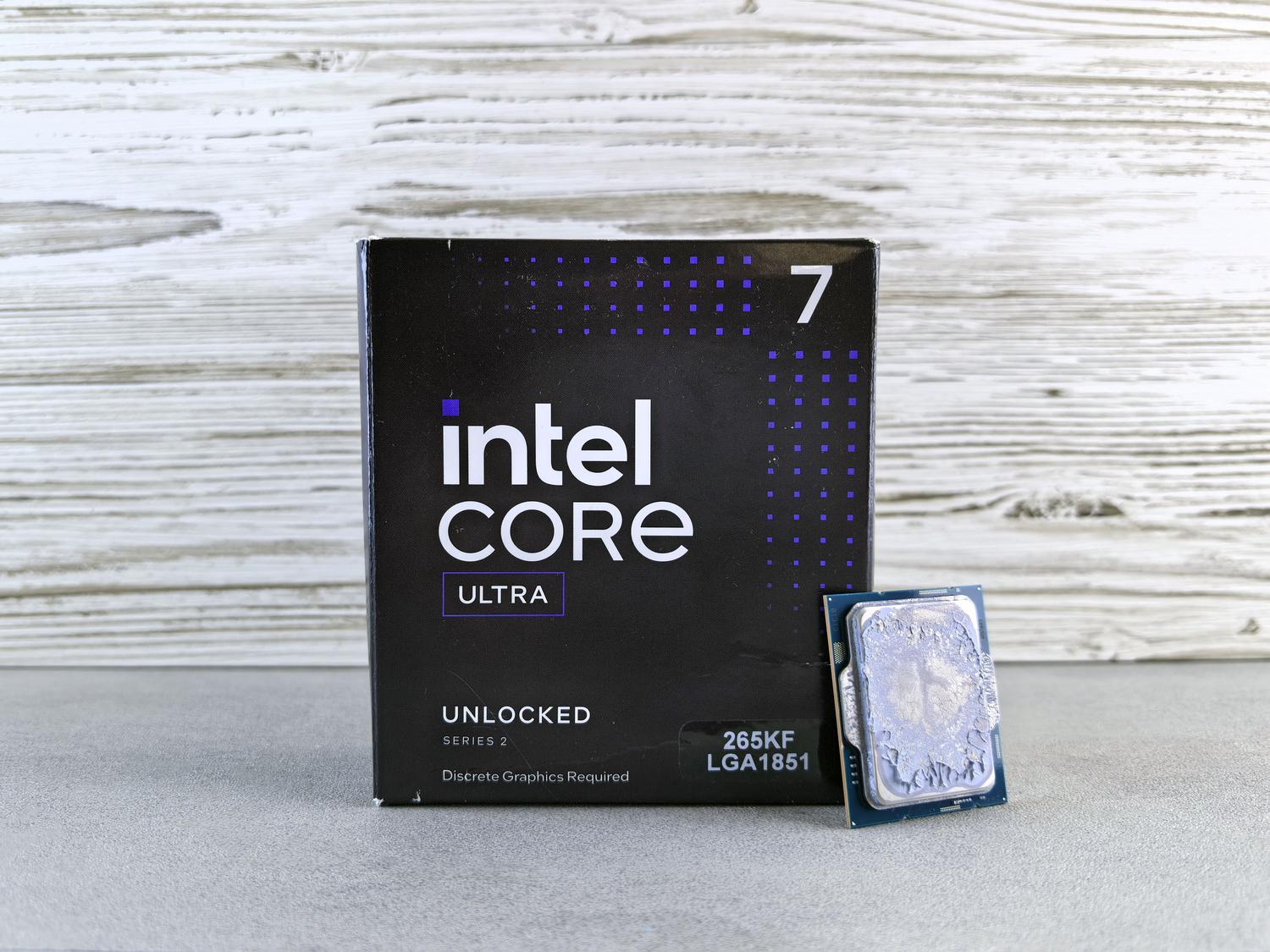
It's normal to wonder if pushing the CPU to its limit, even for just three seconds, will fry the laptop or drain the battery. Sources indicate that the energy impact is minimal due to the brevity of the spikes, although it's always useful to know how to optimize power and battery life on Windows 11 laptops to maximize autonomy. It's not the same to keep a processor at 100% while playing a AAA title as it is to give it a small boost to open the Calculator. Even so, Microsoft has to tread carefully with passively cooled devices and ARM processors, where the thermal margin is much tighter and a sudden spike could activate the fans.
For those who want to check if LLP is active on their PC, the only real way is to use monitoring software like HWiNFO . If, upon opening an app, you see the clock speed instantly jump to maximum and then quickly drop, then the profile is working correctly. This improvement is especially noticeable on older or less powerful computers , where those few seconds saved can significantly improve the overall perception of smoothness.
The K2 Project ecosystem
As we've mentioned, this is just one piece of the puzzle. Project K2 is a comprehensive roadmap for improving Windows 11. Among other measures, Microsoft is migrating the Start menu to the WinUI3 framework to reduce latency and rewriting the File Explorer code to make searching and browsing much faster. The clipboard history and the Windows Subsystem for Linux (WSL) are also being optimized.
- Interface optimization: Menus and windows that appear instantly.
- App improvements: Accelerated startup of Win32 software and modern apps.
- Focus on modest hardware: Greater utility in PCs that do not have state-of-the-art components.
This strategy demonstrates that Microsoft prefers to focus on tangible improvements in daily use rather than forcing artificial intelligence into every corner of the system. Ultimately, it's about optimizing existing resources so the operating system feels light and responsive , eliminating the bottlenecks that made Windows 11 seem slower than its predecessors in everyday tasks.
The implementation of the Low Latency Profile, along with the reforms of Project K2, seeks to eliminate perceived lag through temporary bursts of CPU power, greatly benefiting less powerful devices and improving the speed of opening apps and menus by up to 70%, all operating automatically and transparently for the end user.


Passionate writer about the world of bytes and technology in general. I love sharing my knowledge through writing, and that's what I'll do on this blog, show you all the most interesting things about gadgets, software, hardware, tech trends, and more. My goal is to help you navigate the digital world in a simple and entertaining way.