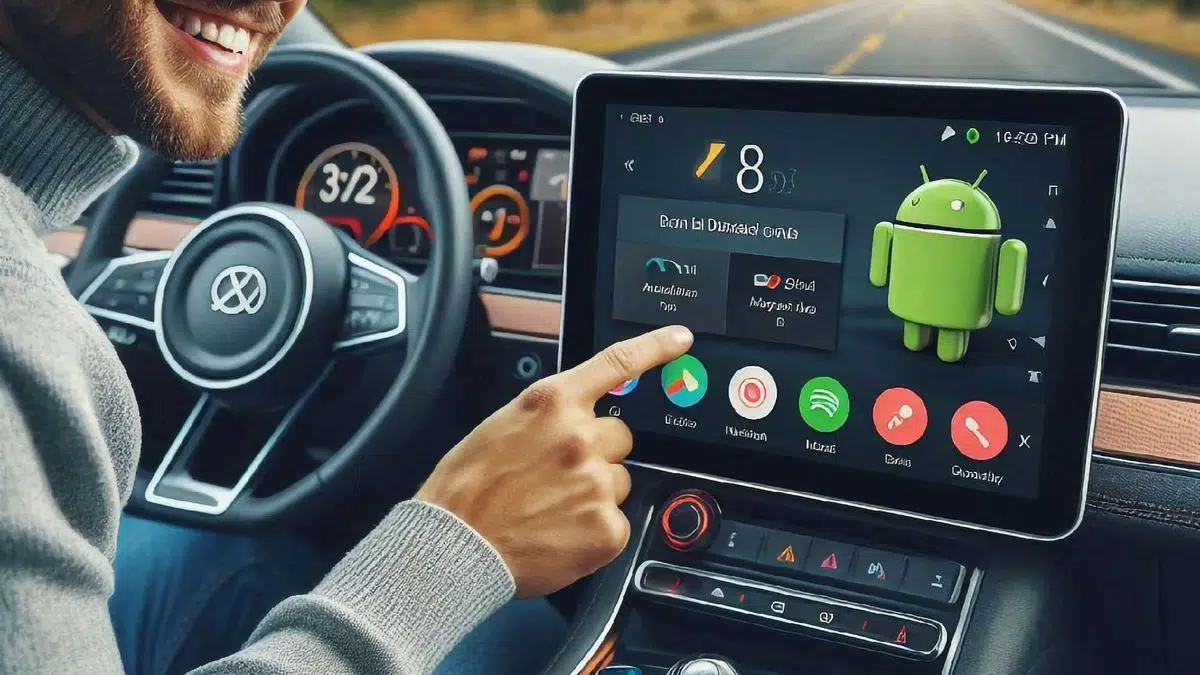
If you have an old tablet sitting in a drawer, barely used, you can give it a new lease of life by turning it into an Android Auto display in your car. This Google system lets you use GPS, manage calls, control music, and even receive messages without having to touch your phone while driving.
Instead of spending money on a dedicated vehicle display, reusing an old tablet is a cost-effective and practical solution. In this article, we'll show you step-by-step how to do it with the help of an app that turns your tablet into a fully functional Android Auto.
Why use a tablet as an Android Auto display?
Android Auto is a very useful platform for driving, as it integrates popular apps like Google Maps, Spotify , and WhatsApp into its interface . However, not all cars have a screen compatible with this system, forcing drivers to use phone mounts or invest in additional devices.
Reusing a tablet offers several advantages:
- Larger screen size: Unlike a mobile phone, a tablet allows for better viewing of maps and controls.
- Zero investment in hardware: If you already have an unused tablet, you can take advantage of it without having to purchase additional equipment.
- More immersive experience: The large, touch-enabled interface improves navigation and makes using Android Auto easier.
Prerequisites to take advantage of your tablet
Before you begin, make sure your tablet meets the following requirements:
- operating system updated: Although not required, a recent version of Android will improve performance.
- Enough power: While you don't need the latest hardware, a decent processor will ensure a smooth experience.
- Car Holder: Purchase a suitable mount to secure your tablet to your dashboard without compromising visibility.
- Car charger: Keeping your tablet charged while driving is essential for extended use.

Installing the required app: Headunit Reloaded
To transform your tablet into an Android Auto display, you'll need the Headunit Reloaded app , available on the Google Play Store for around €5. Before buying, you can try the free version to make sure it works correctly on your device.
Once you've downloaded and installed the app, follow these steps:
- Open the app Android Auto on your mobile. In the settings, look for the option version number and tap it several times until you activate developer mode.
- Within the developer settings, select “Start mainframe server”This will allow the mobile phone to send the signal to the tablet.
- Go to the tablet and launch the app Headunit Reloaded. Accept the required permissions.

Connect your mobile to your tablet
The next step is to establish a connection between both devices. You can do this via USB or Wi-Fi:
WiFi connection
- Turn off WiFi on your mobile and set up a access point to share the Internet.
- Connect your tablet to this hotspot.
- In Headunit Reloaded, select the option WiFi.
USB connection
- Connect your phone to your tablet using an OTG cable.
- In Headunit Reloaded, select the option USB to establish the connection.

Precautions to consider
Although this method is very useful, there are some aspects that you should keep in mind:
- Tablet size: If it is too large, it may make it difficult to install in the vehicle.
- Safe location: Make sure the tablet does not obstruct your view of the road or the car controls.
- Firm support: The tablet should be securely fastened to avoid distractions or falls while moving.
- Weather conditions: Avoid leaving your tablet in the car in extreme temperatures that could damage it.
Turning an old tablet into an Android Auto display is a cost-effective and functional alternative. With the right app and a few simple settings, you can enjoy all the benefits of Android Auto without having to buy an expensive system. Following these steps will help you achieve seamless integration into your car, helping you improve your driving experience.


Passionate writer about the world of bytes and technology in general. I love sharing my knowledge through writing, and that's what I'll do on this blog, show you all the most interesting things about gadgets, software, hardware, tech trends, and more. My goal is to help you navigate the digital world in a simple and entertaining way.