- A detailed and up-to-date comparison of VLC, PotPlayer, and GOM Player based on performance, ease of use, and format compatibility.
- Exploring the best alternatives, highlighting their advantages and limitations compared to industry leaders.
- Practical tips for choosing the ideal video player based on your operating system, needs, and personal preferences.

The world of video players for PC and Mac is more vibrant than ever. While VLC Media Player has been the gold standard for years for most users who need to watch movies, TV series, or any multimedia file, the reality is that the ecosystem has evolved, and there are even superior options in some aspects. Each program has its own approach, advantages, and disadvantages; therefore, it's essential to thoroughly understand how VLC, PotPlayer, and GOM Player—the three main players—perform, as well as the most modern and surprising alternatives currently on the market.
If you've ever felt overwhelmed by the number of media players available and didn't know which one to choose, this is the article you've been looking for. Here you'll find a real, up-to-date, and practical comparison of VLC, PotPlayer, and GOM Player, including other leading alternatives like KMPlayer, MPC-HC, SMPlayer, MPV, IINA, and many more. We explain how each one works, which will be a better fit for your computer ( Windows , Mac, or Linux ), their strengths and weaknesses, and a few tricks to get the most out of them. Everything is explained so you can make an informed decision without complicated technical jargon.
VLC Media Player: The Veteran All-rounder

VLC is one of the most recognized and downloaded programs for playing video or music on your computer . Its popularity stems from a fundamental reason: it can open almost any multimedia file without installing additional codecs. Whether you need to play an old AVI file, a modern MKV with subtitles , listen to FLAC music, or even open a DVD or videos downloaded from the internet, VLC handles it all. Furthermore, it's completely free, open-source, and cross-platform , so it doesn't matter if you use Windows, Mac, Linux, Android , or iOS ; you'll always have VLC available and up-to-date.
Among the clearest advantages of VLC Media Player are :
- Almost universal compatibility with major video and audio formats: AVI, MKV, MP4, MOV, OGG, FLV, MPEG, WMA, WMV, 3GP, AAC, AC3, DTS, among many others.
- Advanced audio and video filters, the ability to synchronize subtitles, and detailed playback settings (speed, window size, audio delay, subtitle synchronization, etc.).
- Support for streaming, online content playback, compatibility with external devices (cameras, TV cards, hard drives, USBs and even some IPTV channels).
- Allows you to increase the volume up to 200%, useful for videos recorded with low audio levels.
- It includes options to customize its appearance through skins and has an active community that adds extensions and plugins.
However, VLC isn't perfect and has some weaknesses . Its interface is somewhat outdated and not always 100% intuitive for new users. Some advanced features require navigating hidden menus or are difficult to access. Furthermore, it lacks native support for automatic or indexed subtitles (you have to download and import them manually). To work with Blu-ray discs or complex ISO images, you'll have to resort to additional workarounds , and it doesn't allow native playback of licensed Blu-rays. Finally, although its resource consumption is moderate, it can cause some problems on very old computers or those with limited RAM.
PotPlayer: power, customization, and quality
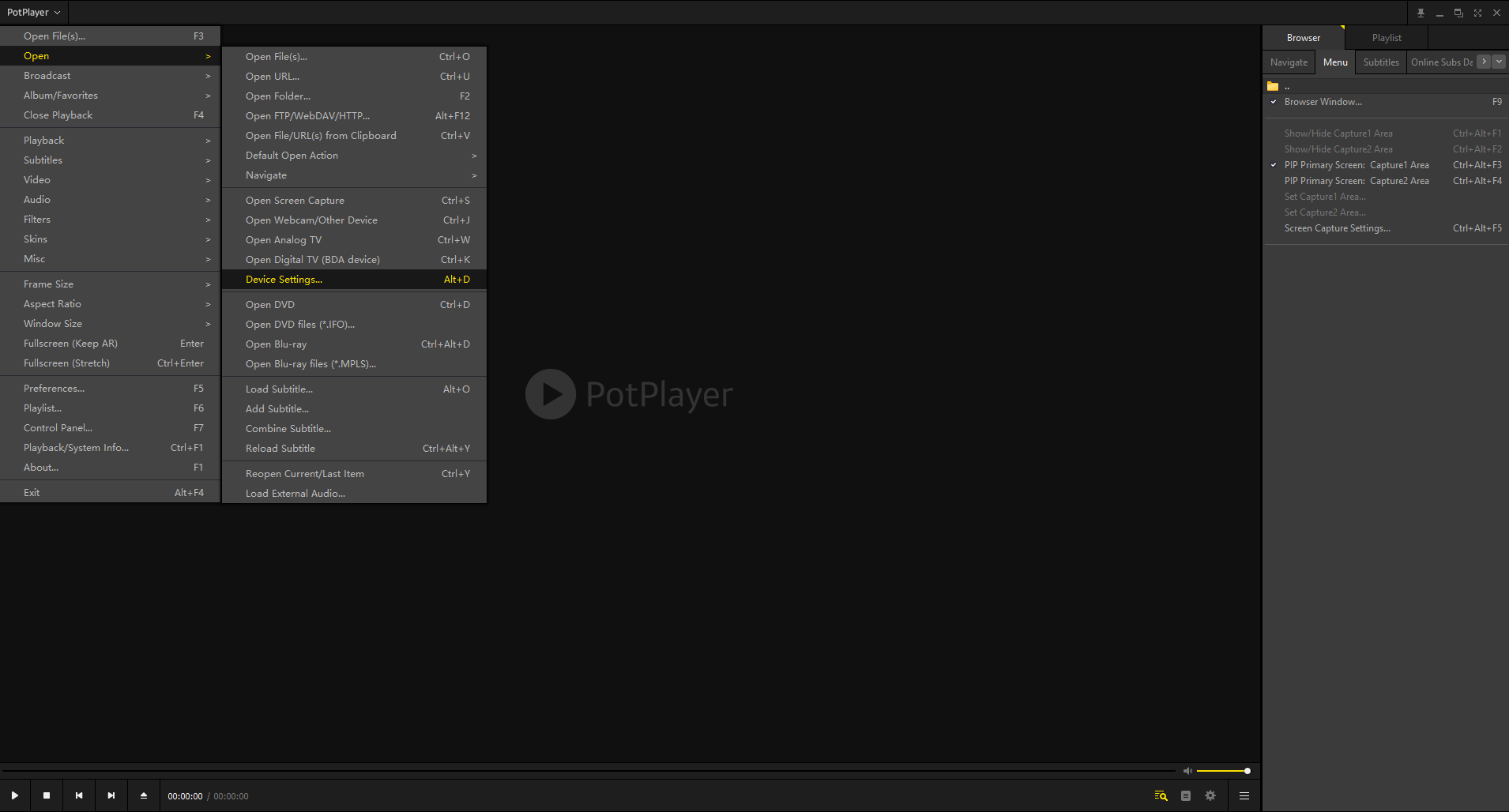
PotPlayer is a powerful, fast, and highly customizable video player from South Korea . Demanding users consider it even superior to VLC in key aspects such as performance, visual quality, and customization options. It is specifically optimized for Windows (there is no official version for Mac or Linux) and stands out for integrating a vast number of codecs and supporting advanced technologies such as hardware acceleration , 3D video output, and 360-degree video compatibility.
Advantages of PotPlayer :
- Modern and fully customizable interface, where you can adjust every last detail of the reproduction (colors, keyboard shortcuts, context menus, floating video window, etc.).
- Wide format support: Plays MP4, MKV, AVI, MOV, FLV, WMV, 3GP, WebM, DVD, non-commercial Blu-ray and many more.
- Ability to play high-resolution videos (up to 8K), Native support for 3D and 360º videos, and integration with technologies such as CUDA, DXVA and QuickSync to take advantage of the graphics card's hardware acceleration.
- It includes advanced features such as a screen recorder, basic video editor, smart playlist creation, audio recorder, bookmarks for favorite scenes, and support for automatic subtitles.
- Fast and light: PotPlayer consumes very few resources, loading videos instantly and allowing you to work with large files with minimal lag, ideal for older or modest computers.
Among the drawbacks, PotPlayer is only officially available for Windows ; if you use a Mac or Linux, you'll have to find another player. Some users may feel overwhelmed by the sheer number of options and configuration menus; although it works perfectly by default, unlocking its full potential requires investing time in tweaking the interface and exploring hidden panels. Finally, while its development and community are active, they aren't as extensive as VLC's, and the official website isn't fully translated into Spanish.
GOM Player: The Favorite for Subtitles and Quick Customization
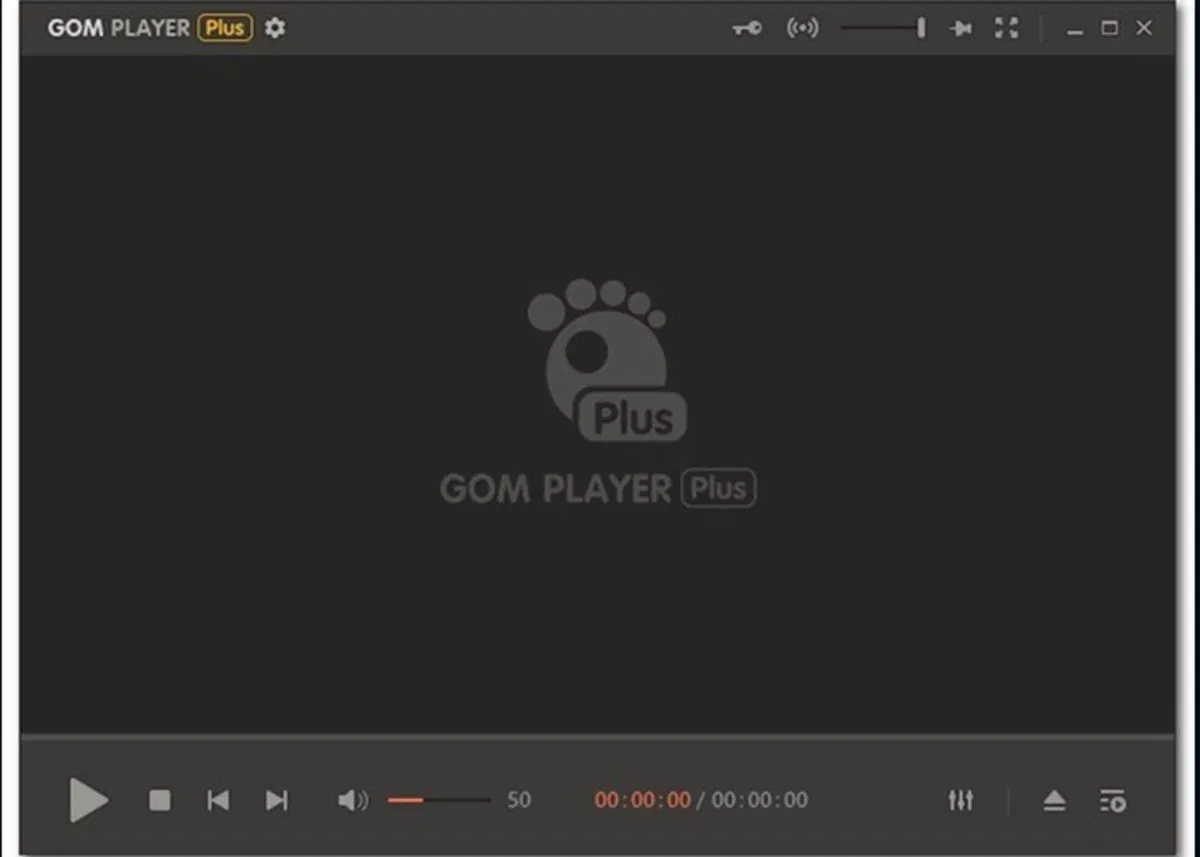
GOM Player, from South Korea, has established itself as one of the best alternatives to VLC and PotPlayer thanks to its ease of use and tools focused on subtitle management and format compatibility. Its strength lies in the visual and auditory experience for the average user, allowing them to enjoy movies with subtitles without complications (it searches for and synchronizes them automatically), a simple interface, and direct access to features such as AB repeat, smart playlists, and quick brightness and contrast adjustments.
Main virtues of GOM Player :
- Support for the most common video and audio formats (MP4, AVI, MKV, MPG, FLV, MOV, TS, WMV, etc.).
- It allows you to automatically search and download subtitles online, and supports a large, continuously updated international database.
- Supports 360-degree video playback y virtual reality, something uncommon in other free players.
- Includes the AB repeat feature to play only a fragment of the video, perfect for reviewing specific sections or learning languages.
- Modern interface, with fewer learning curves than VLC or PotPlayer, and quick access to common controls.
On the downside, the free version may display ads and isn't as flexible in terms of fine-tuning as PotPlayer. The codec finder is useful, but if you try to play very unusual files, you'll have to wait for the program to find the appropriate components. Finally, GOM Player has versions for Windows, Mac, Android, and iOS , making it versatile for mobile devices as well.
Key points to consider when choosing your video player
Now that you have an overview of the best options available in 2025 for playing video on your computer or mobile device, it's time to consider which aspects you prioritize before making a decision :
- Format compatibility: Will you be playing a wide variety of files or just the usual ones (MP4, AVI, MKV, MOV, etc.)? Players like VLC, PotPlayer, KMPlayer, or GOM Player guarantee almost universal compatibility.
- Ease of use and interface: If you like to fine-tune every detail, PotPlayer and MPC-HC are the most customizable. If you prefer a straightforward and user-friendly experience, GOM, SMPlayer, or IINA may be your best choice.
- System Resources: For older computers, MPC-HC or BSPlayer are safe bets. If you have a powerful computer and a 4K display, PotPlayer, KMPlayer, 5KPlayer, or IINA will give you a better experience.
- Subtitles and streaming: GOM Player and SMPlayer excel at automatic subtitle management and synchronization. For streaming and multimedia organization, Kodi and Plex are unrivaled.
- Personalization and extras: If you want to go further, explore plugin options, themes, and advanced features (capture, recording, Picture in Picture, mobile integration, etc.).
Comparison of main functions and features
| Reproductive | Systems | Main formats | Auto subtitle support | Streaming/YouTube | Top quality | Personalization. | My Listings |
|---|---|---|---|---|---|---|---|
| VLC | Win, Mac, Linux, Mobile | All | No (manual download) | Yes | 8K | Media (skins and plugins) | No |
| PotPlayer | Windows | All | Yes | No | 8K/3D/360º | High | No |
| GOM Player | Win, Mac, Mobile | Main + 360º | Yes (auto online) | Limited (no full streaming) | 8K/360º | Media | Yes (free) |
| KMPlayer | Windows, Mac, Mobile | All + UHD/2K/4K/3D | No (manual) | Yes | 8K/3D | High | Yes (free) |
| MPC-HC | Windows | Main courses | No | No | 4K | Media | No |
| SMPlayer | Windows, Linux | All | Yes (auto) | Yes (YouTube) | 4K | Media | No |
| MPV | Windows, Mac, Linux | All | No | No | 4K/8K (HW dependent) | High (scripts) | No |
| IINA | Mac | All | Yes (online/manual) | Yes (YouTube, online) | 4K | High | No |
Which video player should you choose in 2025?
The choice will depend on your specific needs and the operating system you use . If you want a universal, trouble-free option with consistently reliable performance, VLC remains a safe bet . For those who want to get the most out of their Windows computer with 4K, 3D, or 360° videos, PotPlayer is currently the most powerful and customizable alternative . If you're looking for subtitle management and ease of use, GOM Player and SMPlayer stand out, while Mac users will find IINA the most modern and well-suited option for their environment.
If you have a modest computer or simply want to open videos quickly and easily, MPC-HC or BSPlayer will more than suffice. Those who enjoy organizing and streaming content to other devices should explore Plex or Kodi , while those who want to control every detail of playback will find KMPlayer and MPV to be two unbeatable options.
Entering the video player battle means choosing from multiple excellent free options. Remember to consider key aspects such as format compatibility, resource consumption, update frequency, and personal needs before installing any program. Classics like VLC and PotPlayer continue to revise their code and add improvements, but the emergence of alternatives with very specific features or advanced integrations has further expanded the range of possibilities. Whether you're an advanced user or just want to watch your favorite series without complications: the perfect player for you is out there, waiting for you to discover, install, and enjoy.

Passionate writer about the world of bytes and technology in general. I love sharing my knowledge through writing, and that's what I'll do on this blog, show you all the most interesting things about gadgets, software, hardware, tech trends, and more. My goal is to help you navigate the digital world in a simple and entertaining way.
Table of Contents