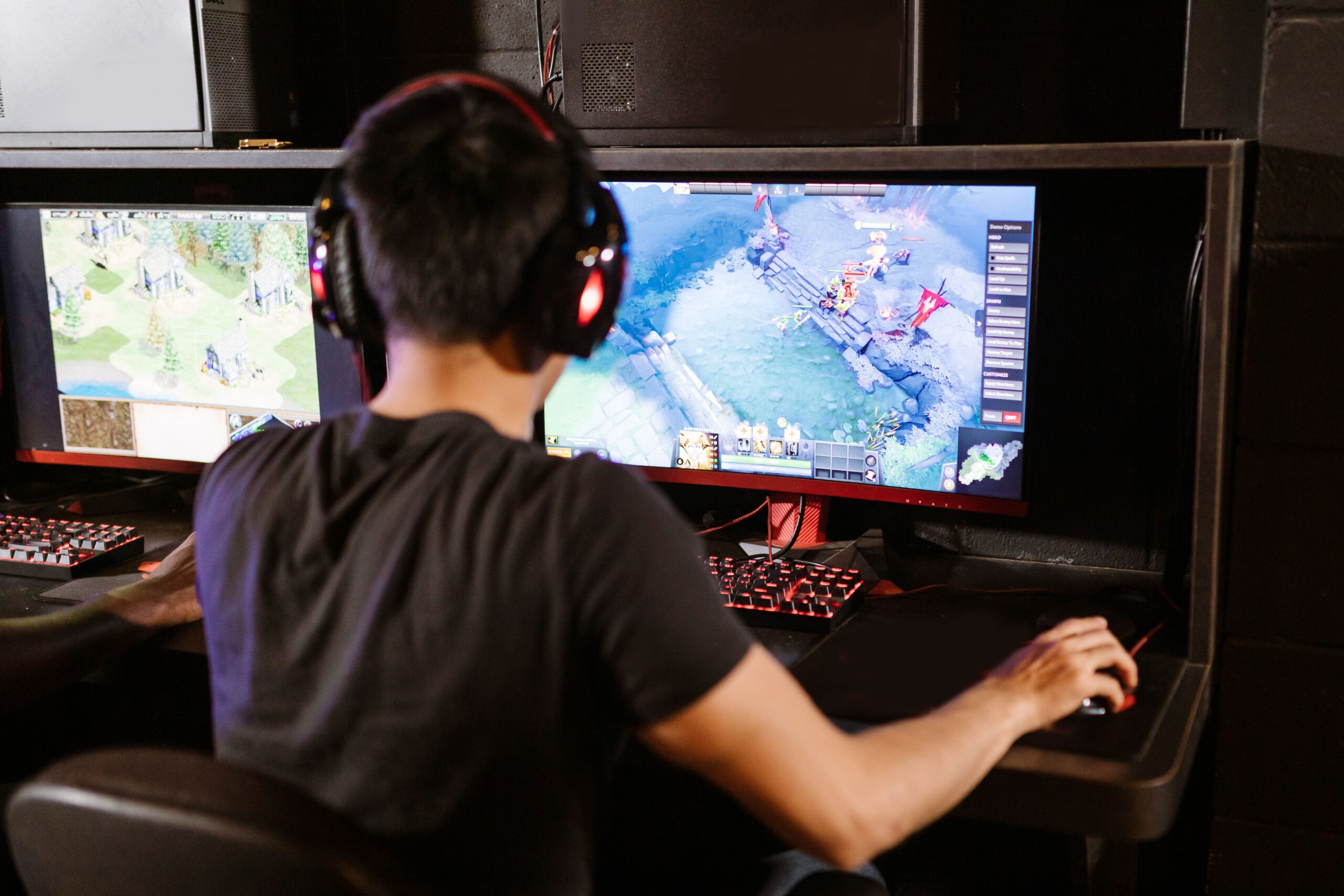
If you've switched to Linux to play Dota 2, you've probably run into a few obstacles along the way. Although the game is compatible, get the most out of the hardware It can be a real headache, especially when the promises that Vulkan is better than OpenGL don't hold true on your machine and you end up with stuttering that makes you not want to play.
The reality is that performance varies wildly depending on your graphics card and how your system is configured. fighting with NVIDIA drivers From optimizing memory management to prevent Proton from crashing, there are several tricks that can make your experience go from a disaster to running smoothly.
The Vulkan vs. OpenGL dilemma on NVIDIA
There are frustrating cases where, despite having a powerful system, such as an i5 with an RTX 2060, the game performs worse with Vulkan. While with OpenGL you can maintain a decent frame rate, Vulkan can cause sudden drops in FPS and total instability when moving the camera. This is usually related to the driver version and how the system handles the API. It is essential to check that vulkan-info and the NVIDIA driver are properly aligned to prevent the game from behaving erratically.
The ACO revolution for AMD users
For those using AMD graphics cards, things are different thanks to Valve's work. They've developed a shader compiler called ACOintegrated into Mesa's RADV community driver. This advancement is key because it aims to eliminate the performance inconsistencies that existed compared to the official AMDVLK driver.

- Top performance: In titles like Dota 2 at 4K resolution, the combination of RADV and ACO has proven to far surpass standard implementations.
- Stability in other games: It doesn't just affect Dota; games like Dawn of War III or F1 2017 show a notable improvement, especially on architectures like Vega 64 or the Navi series.
- Easy to use: Being integrated into Mesa, users of distributions like Fedora or Manjaro enjoy a almost automatic configurationavoiding having to install complicated proprietary drivers.
Even so, it's not all perfect. In some very specific cases, such as Rise of the Tomb Raider with certain antialiasing settings, the official AMDVLK driver may still have a slight advantage, but the trend is clear: ACO is democratizing high performance on Linux.
Troubleshooting unexpected shutdowns with Proton and GE-Proton
When you decide to use Proton (especially optimized versions like GE-ProtonTo run the game, you might find that the program closes right at the logo screen. This failure is usually related to an assertion error in virtual memory, specifically the file virtual.c.
The solution, which curiously comes from recommended configurations for software like Elasticsearch, involves increasing the memory mapping area limit. Run the command sysctl -w vm.max_map_count=262144 This usually solves the problem instantly. To avoid having to type it every time you start your PC, it's best to add this line to the folder. /etc/sysctl.d/thus ensuring that the system always has the necessary memory margin to prevent Proton from crashing.
Having an optimized configuration involves checking everything from video drivers to kernel parameters. Whether it's adjusting the shader compiler on AMD By correcting memory limits in Arch or Pop_OS, the goal is to ensure that the hardware is not a bottleneck and that the Vulkan API finally fulfills its promise of fluidity.

Passionate writer about the world of bytes and technology in general. I love sharing my knowledge through writing, and that's what I'll do on this blog, show you all the most interesting things about gadgets, software, hardware, tech trends, and more. My goal is to help you navigate the digital world in a simple and entertaining way.