- A stable WiFi connection usually offers more battery life than 5G, even on the latest generation mobile phones.
- 5G uses more energy than 4G and WiFi, especially with video calls, streaming, and when coverage is uneven.
- Signal quality is key: a strong 4G or WiFi network can consume less battery than a weak or very congested 5G.
- Limiting the use of 5G and prioritizing WiFi or 4G helps to significantly extend the daily battery life of the mobile phone.
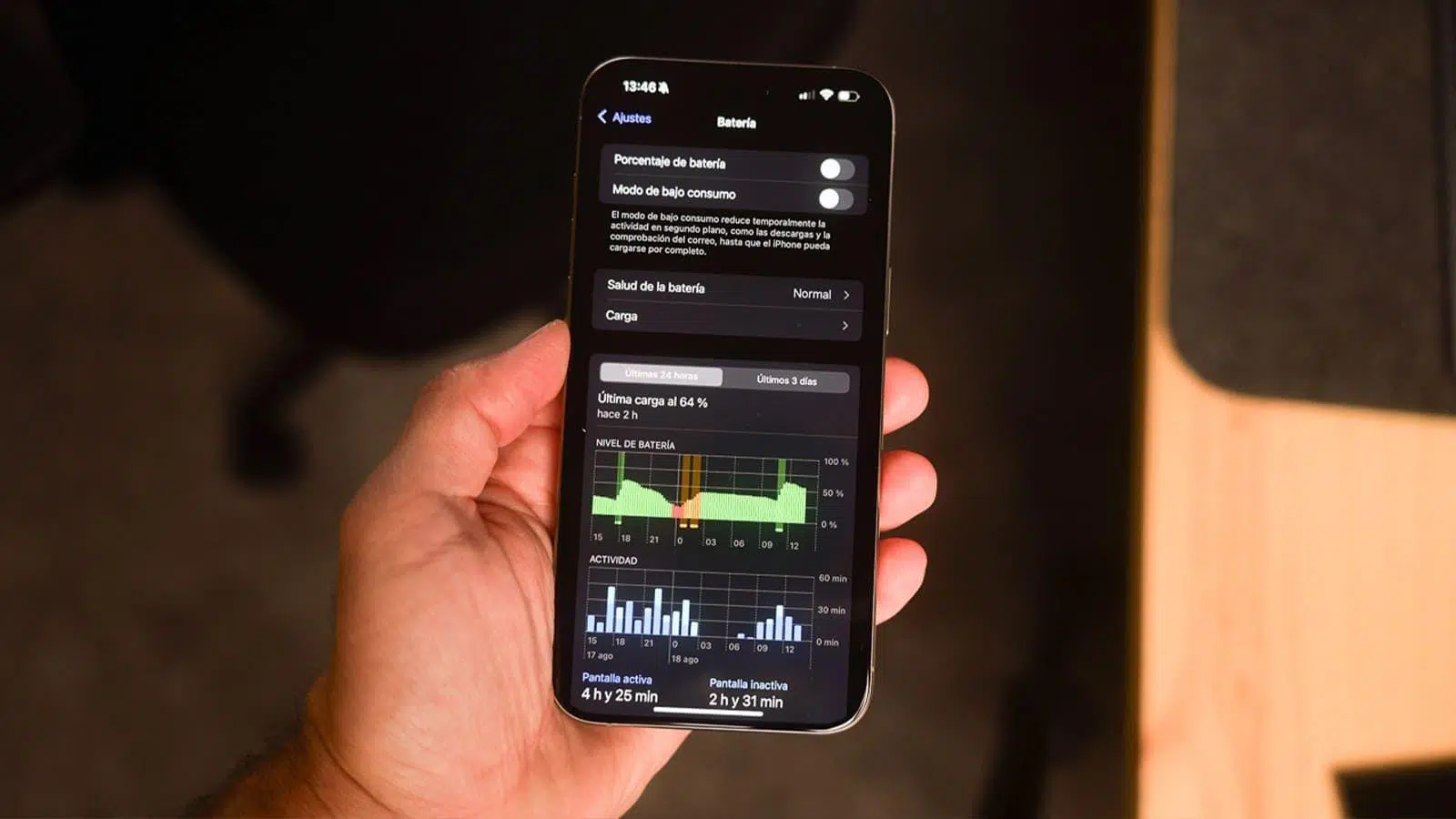
When your phone's battery starts draining faster than usual, one of the first questions that comes to mind is whether it's related to the connection you're using. Many users wonder if Wi-Fi or 5G consumes more battery , especially when they're far from a power outlet or don't have their charger with them.
At first glance, it might seem that, since 5G is newer and faster, it should always be the best option. However, real-world tests on current mobile phones, such as the iPhone 17 Pro Max , and studies of mobile network energy consumption paint a rather different picture: the answer depends on coverage, usage patterns, and whether we're talking about mobile data or Wi-Fi at home or at work.
WiFi vs 5G: Which technology uses more battery in practice
In recent years we've gone from 2G to 3G, from 3G to 4G, and now to 5G as the high-speed standard . Each generational leap has brought us more bandwidth and better experiences: going from not being able to watch a YouTube video on 2G to being able to stream Netflix on 4G was a huge change, and with 5G speeds can be even higher.
The problem is that this speed increase doesn't come without a price. The 5G technology itself, along with its current state of deployment, means that energy consumption is higher than 4G and, of course, higher than a stable Wi-Fi connection. This is where a direct comparison between a phone connected only to Wi-Fi and one using only 5G comes into play.
A much-discussed test, conducted by the specialized channel PhoneBuff, pitted two iPhone 17 Pro Max configured exactly the same , with the same screen brightness, same software and the same applications, but with one key difference: one always connected to 5G and the other always to a WiFi network.
The result of this comparison leaves little room for doubt: 5G drains the battery faster than WiFi in realistic phone use, even when mobile coverage is good and stable.
PhoneBuff's test of the iPhone 17 Pro Max: 5G vs WiFi
To make the test as fair as possible, PhoneBuff used two identical iPhone 17 Pro Max units , with the same brightness level, the same apps installed, and an automated usage pattern that simulated what we would do on a normal day: messaging, browsing, social media, video calls, and video streaming.
For the first two hours, both iPhones were idle, with their screens off and connected to 5G and Wi-Fi respectively . During that time, battery consumption was virtually identical, with an approximate 2% drop in both cases, which is to be expected since the phones were barely doing anything.
Then real-world usage tests began. First, two hours of WhatsApp use were simulated . In this scenario, the difference was minimal: the 5G iPhone lost around 10% of its battery, while the Wi-Fi-connected iPhone dropped approximately 11%. With this type of light messaging use, the connection technology didn't make a significant difference.
Next came one of the most demanding parts of the test: two hours of FaceTime video calls . Here, a significant drop was observed. The iPhone using Wi-Fi saw its battery decrease from approximately 87% to 62%, a drop of 25%. In contrast, the iPhone using 5G fell from 88% to 46%, a significantly greater decrease of 42%.
The next part of the test consisted of sustained web browsing . After two hours of browsing, the iPhone connected to WiFi lost around 18% of its battery, leaving it with 44% charge available, while the iPhone on 5G used 21%, ending up with only 24% battery remaining, which is starting to become worrying if you don't have a power outlet nearby.
Subsequently, both phones were left idle for 16 hours with their screens off, each maintaining its connection (5G or Wi-Fi). In this case, the differences were minimal: the iPhone on Wi-Fi consumed around 8%, and the one on 5G, 7%. Again, when idle, the connection made little difference.
After the rest period came another phase of intense social media use, specifically two consecutive hours on Instagram . With this activity, the iPhone connected to Wi-Fi lost 10% of its battery, while the 5G version lost 13%, maintaining the trend that mobile data, especially on 5G, significantly impacts battery life when the phone is actively used.
The test concluded with a video streaming session, specifically the playback of the movie Avatar on Disney+ . This is where the definitive difference became clear: after just 22 minutes of playback, the iPhone connected to 5G ran out of battery, depleting its remaining 4% and shutting down. At that precise moment, the iPhone connected to the Wi-Fi network still had approximately 25% battery remaining.
Translating all of this into usage time, the 5G-enabled iPhone 17 Pro Max achieved approximately 10 hours and 22 minutes of screen-on time plus 16 hours of standby time. When it reached 0% and shut down, its Wi-Fi-enabled counterpart still had that 25% remaining battery life, which can be estimated at around 3 additional hours of actual use before being completely depleted.
Battery life differences: how much longer does a phone with WiFi last?
Looking at the test as a whole, it can be said that, in a mixed and fairly intensive usage scenario (messaging, FaceTime, browsing, Instagram and streaming), the mobile phone connected to WiFi has an approximate advantage of about 3 hours compared to the same mobile phone using only 5G.
The key is that the most data-intensive activities, such as extended video calls and high-quality video streaming , are what most highlight the differences between a stable Wi-Fi network and a 5G connection. Real-time video forces the mobile modem to work at maximum capacity, resulting in a significant increase in energy consumption when using a 5G connection.
In addition to this comparison with the iPhone 17 Pro Max, PhoneBuff also shared data from another experiment with an iPhone 12. In this case, they directly compared Wi-Fi to mobile data (not just 5G), and the result was even more impressive: the Wi-Fi connection provided more than double the battery life, at 19 hours and 46 minutes, compared to about 9 hours and 31 minutes using mobile data.
These numbers fit quite well with what many users notice in their daily lives: when you spend more time on WiFi, the phone lasts longer ; when you spend many hours using data, especially if it's 5G and the coverage isn't perfect, the battery drains faster than you'd like, and factors like battery lifespan also play a role.
It's worth noting, however, that lab tests are a very specific snapshot of a possible scenario . The exact difference in your case can vary considerably depending on where you live, how much you move around, the signal quality in your area, and what types of apps you use most often.
Coverage is key: how signal strength and network stability influence performance
One of the most important factors in understanding why 5G can significantly increase battery consumption is not just the technology itself, but the quality of the signal you receive. When your phone has good coverage, whether it's Wi-Fi, 4G, or 5G, the modem works more efficiently and requires less power to maintain the connection.
Conversely, when the signal is weak or unstable, the phone is forced to constantly search for and negotiate with available antennas . This means more reconnections, more cell switches, and, in the case of current 5G networks, more frequent hopping between 5G and 4G, which results in the battery draining too quickly.
PhoneBuff's tests took great care in this regard: they chose an environment with a relatively nearby cell tower to ensure a good and consistent 5G signal . Even so, 5G clearly performed worse than Wi-Fi in terms of battery life, which gives an idea of what can happen under less favorable conditions.
When the test was repeated with two identical iPhone 17s both connected to 5G, one of them in an environment with excellent signal (the laboratory) and the other in a house with worse coverage , the difference was also interesting: the one that enjoyed better signal lasted about 13 hours and 49 minutes, while the one that was in a more complicated area lasted approximately 12 hours and 51 minutes, that is, almost an hour less battery life due to the quality of the signal.
This behavior isn't unique to 5G. Anyone who's been in a basement, an elevator, the subway, or a town with poor coverage will have seen their battery drain incredibly fast , and even other radios like Bluetooth on Android can affect it even if you're barely using your phone. In these situations, the phone is constantly fighting to connect to the network, and that drains the battery without you even noticing.
Something similar happens with Wi-Fi, although usually to a lesser extent. If you're far from the router or the signal passes through many walls and obstacles, your phone might use more power trying to maintain a reasonably decent connection. But in general, indoors and with the router nearby, Wi-Fi is usually the most energy-efficient connection.
4G vs 5G vs WiFi: Which connection is best for saving battery?
Beyond the direct comparison between WiFi and 5G, it's also worth examining where 4G stands in this energy consumption comparison . Although it's an older technology, it remains the most widespread mobile network and, in many cases, the most balanced in terms of speed, coverage, and energy efficiency.
4G offers more than enough performance for everyday tasks: browsing, streaming videos, making video calls , and using social media. Furthermore, its rollout is very widespread, and coverage is often better and more stable than 5G in many areas, especially outside of major cities.
Several studies, such as those conducted by Ookla and tests reported by tech media outlets, show that 5G typically consumes between 6% and 11% more battery than 4G for similar use, depending on the phone's processor and the type of 5G network (NSA, SA, bands, etc.). Some iPhones have shown differences of up to 20% in battery life when comparing intensive use with 5G versus 4G.
The main reason lies in the design of many current 5G networks, which operate in NSA (Non-Standalone) mode. This means the phone connects simultaneously to at least two carriers: one 4G for control and another 5G for data . As a result, the modem has to search for and manage base stations of two different technologies, which complicates the process and increases power consumption.
Until there is a widespread rollout of 5G in SA (Standalone) mode, where the phone can operate directly on 5G without relying so heavily on 4G, it's unlikely that 5G's energy consumption will significantly match or surpass that of 4G . For now, in most scenarios, 5G offers faster speeds, yes, but at the cost of increased battery drain.
Why many users are turning off 5G to gain battery life
An increasingly common strategy among users who prioritize battery life over top speed is to force their phone to connect only to 4G . This means sacrificing the peak speeds of 5G, but gaining stability and, above all, extra hours of use.
In practice, the performance loss when switching from 5G to 4G depends largely on usage. For those who upload or download large files, stream in 4K, or play intensive online games, the difference in speed and latency of 5G is noticeable . However, for browsing, using social media, streaming music, and making regular video calls, 4G remains more than adequate.
In areas with many people connected simultaneously, such as concerts, stadiums, or large events, 4G can become congested more easily , which makes 5G make sense from a user experience perspective. But again, that scenario isn't the norm for most people.
On Android, switching from 5G to 4G is as simple as going to network settings and selecting 4G as your preferred network mode . A menu like "Settings > Connections > Mobile networks > Network mode" usually offers the option to choose between 5G/4G/3G or just 4G, depending on the manufacturer.
On iPhones, the setting is located in " Settings > Cellular > Cellular Options > Voice & Data ," where you can choose 4G instead of 5G, or activate modes that limit 5G usage to only when the network is sufficiently stable. For many users, this small change translates into noticeably longer battery life at the end of the day without sacrificing anything critical.
The role of Apple and modems in energy efficiency
In the specific case of Apple, the company has worked for years on integrating hardware and software in a highly optimized way , something that is noticeable in the battery management of its iPhones, iPads and, more recently, in Macs with Apple Silicon.
The latest iPhone Pro Max models are known for having some of the best battery life on the market, thanks to a good combination of efficient processors, well-calibrated screens, and intelligent power management systems. Even so, as seen with the iPhone 17 Pro Max, the type of connection greatly affects screen-on time , and there are guides available to maximize the iPhone's battery capacity as much as possible.
Apple is also making progress in developing its own modems , such as the C1X and C1, and future generations of iPhone Pro are expected to integrate new connectivity chips like the C2 modem. The goal is to achieve even finer integration between the operating system, the processor, and the modem, which, in theory, should result in a better balance between network performance and power consumption.
At the same time, other manufacturers are exploring combinations of silicon-carbon batteries and new chemistries that allow them to store more energy in less space, something especially interesting for thinner models where there isn't much physical room to increase capacity. The Pro Max models might not need such drastic changes, but the more compact iPhones could greatly benefit from these improvements.
Everything points to increasingly efficient 5G mobile phones in the coming years , thanks to both the evolution of modems and the deployment of more mature 5G SA networks. However, the reality today is that using 5G usually means sacrificing battery life compared to 4G and, especially, compared to a good Wi-Fi connection.
With all of the above in mind, the winning strategy for maximizing a smartphone's battery life is usually quite clear: prioritize a stable Wi-Fi network whenever possible , and when mobile data is the only option, choose 4G if 5G in your area isn't truly reliable. 5G is great when you need maximum speed, but if you want your phone to easily last until the end of the day, it's best to reserve it for those specific times and not leave it constantly activated.


Passionate writer about the world of bytes and technology in general. I love sharing my knowledge through writing, and that's what I'll do on this blog, show you all the most interesting things about gadgets, software, hardware, tech trends, and more. My goal is to help you navigate the digital world in a simple and entertaining way.