- WhatsApp does not offer a native feature to automatically copy profile pictures to each contact's profile.
- The old shortcuts and scripts that attempted to do this have stopped working or are unreliable due to changes in the app.
- It is only possible to manually save a contact's profile picture and then assign it to the phone's address book.
- Respecting privacy and WhatsApp's terms of service is key when managing other people's profile pictures.
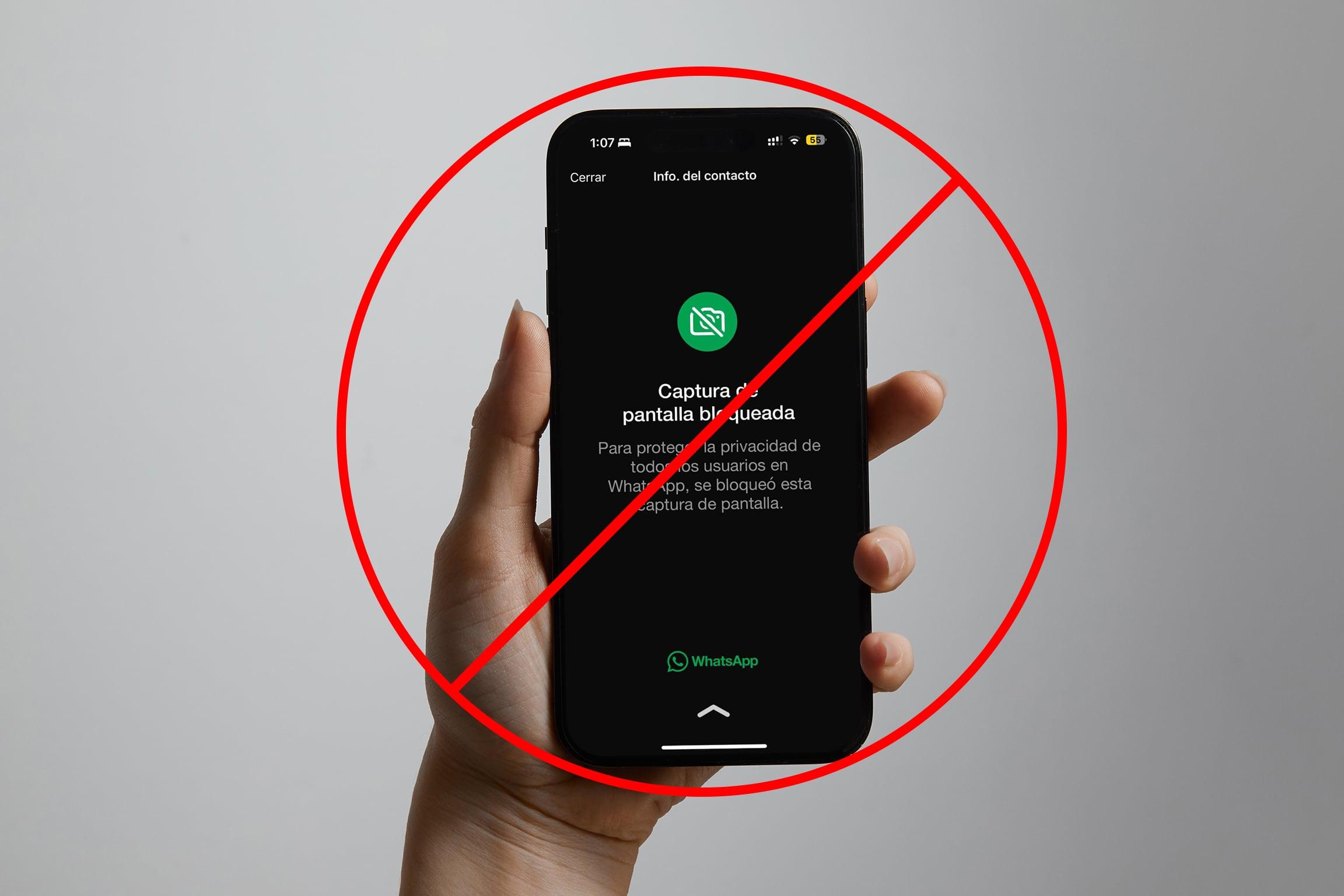
If you use WhatsApp daily, you've probably thought more than once that it would be great if All your contacts' profile pictures will be saved automatically as your contact photo on your phone. That way, every time someone calls you or you see their profile in your contacts, the same image you see on WhatsApp will appear, without having to manually change it for each contact.
The idea sounds incredibly convenient: a shortcut or an automation that "Grab" the WhatsApp profile pictures and put them on each contact's profile. from your phone. Back in the day, many people started looking for iOS shortcuts or Android tricks that promised to do it with almost a single click. Over time, WhatsApp has changed, and those methods no longer work the same way, or are simply no longer possible. Let's review what you can and can't do today, what iOS shortcuts attempted, and what the real alternatives are for keeping your contacts' photos more organized.
Why do we want to copy WhatsApp profile pictures to our contacts?
Before getting into the more technical aspects, it's helpful to understand exactly what people were looking for when they asked if there was a shortcut for this. Many users wanted somehow synchronize the WhatsApp photo with the contact photo, for several very specific reasons.
The first is purely visual: it looks much nicer when All the cards in the planner have an associated image.When a call comes in, when you check your contact list, or when you send a text message, seeing the photo helps you identify the person at a glance, without having to read their name. WhatsApp has been using the same logic with its profile pictures for years.
The second reason is convenience. Manually switching between photos is a real pain if you have a lot of contacts. Ideally, the phone would... detect who has a profile picture on WhatsApp and copy it directly to the corresponding entry in your phone's address book. Especially useful when each person updates their profile picture frequently and you don't want to be constantly changing it in the contact.
Finally, there's the issue of order and consistency. Many people use their mobile phone's address book extensively, with contacts for work, family, and friends. Having the same photo on WhatsApp, in your contacts, and in other apps (like email or VoIP calling apps) makes everything more uniform and easier to identify. That's why some users started exploring shortcuts and scripts that promised to automate the entire process.
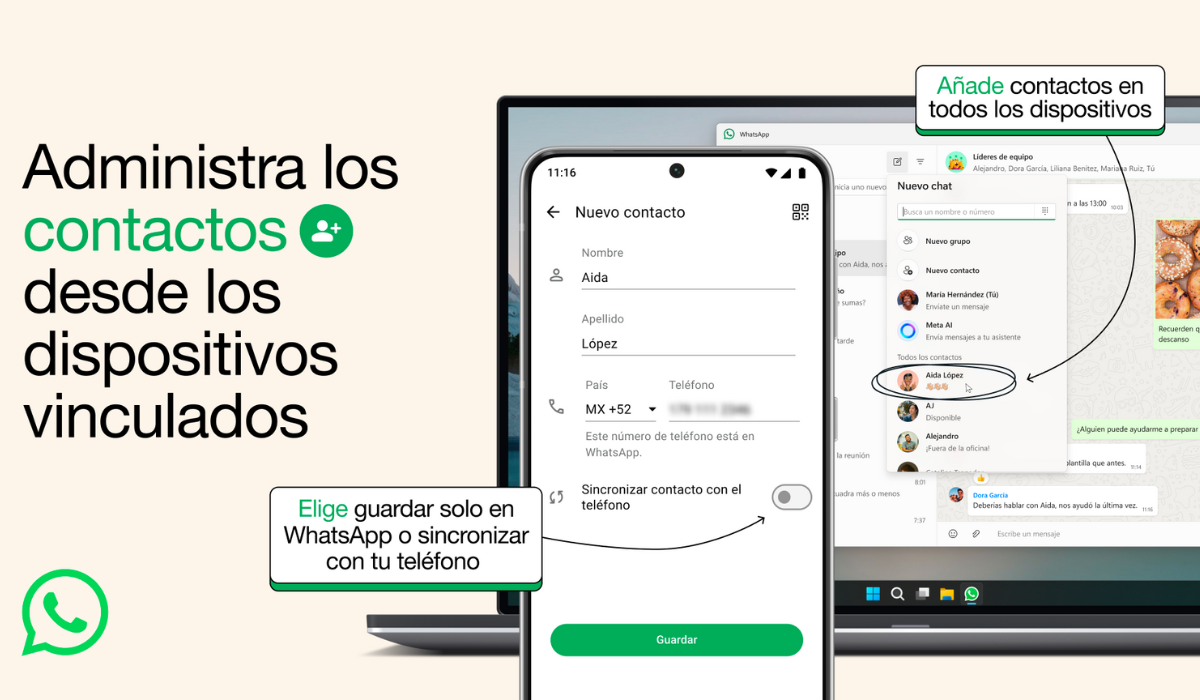
The idea of shortcuts in iOS: can it be automated with Shortcuts?
In the Apple ecosystem, the first path many users explored was the Shortcuts app shortcutsThe question was very straightforward: Is it possible to create a shortcut that takes each contact's WhatsApp profile picture and automatically saves it as that contact's image in the iPhone's address book?
In older threads, like those circulating on forums and Reddit-like communities, that very scenario was raised. The goal was that, with a single shortcut, The profile pictures of all contacts who had them would be downloaded. and be associated one by one with the corresponding record in Contacts. On paper it sounds feasible, but In practice, we encountered several technical and privacy limitations..
For such a shortcut to work, several things would be necessary: WhatsApp would have to somehow expose the URL or profile picture of each contact, and the app would have to allow interact with that information from the outside and that Shortcuts could link each photo to a specific contact in the address book. None of these requirements are officially met on iOS, and with each WhatsApp update, the situation has become more restrictive.
Furthermore, although years ago there was talk of supposed shortcuts that "scraped" WhatsApp data, over time they have disappeared, become obsolete, or simply no longer work. Changes in how WhatsApp handles internal data have broken any automation that relied on indirectly accessing profile pictures.
It's important to emphasize that, currently, there is no official, stable, and secure way on iOS to create a shortcut that automatically copies all your WhatsApp contacts' profile pictures to your iPhone's contact list without manual intervention. Any attempt to automate this process will run up against the limitations of the WhatsApp app and the operating system.
What changed with the WhatsApp updates and why did the tricks stop working?
In some older user messages, the doubt is clear: “I reused information from a post 12 months ago, maybe something has changed with the new updates?” That phrase perfectly reflects how WhatsApp periodically changes its internal workings.And it is becoming increasingly difficult for external applications to access sensitive data, such as profile pictures.
Years ago, some tricks relied on internal storage paths or poorly documented app behaviors. For example, it was speculated that a contact's profile picture could be stored in a specific location. It was stored in some accessible folder or that could be extracted through specific requests. These types of methods were very fragile: A single WhatsApp update was all it took for the road to cease to exist. or the app would start encrypting or protecting those resources in some other way.
Furthermore, on both iOS and Android, app store and operating system policies are becoming increasingly strict regarding apps that attempt to access data from other applications without explicit permission. This includes shortcuts or tools that try to access WhatsApp's internal data to steal profile pictures. It would encounter security restrictionsand in many cases it might not even be published or maintained.
All of this explains why, although supposed semi-automatic methods circulated some time ago, the situation today is very different. What "almost worked" a year or two ago no longer does. is impractical or directly contrary to the terms of use of the app.
Current limitations: what you can't do with profile pictures
Given the current situation, it's important to clarify what, in practical terms, you won't be able to do even if you look for shortcuts, external apps, or elaborate tricks. The main limitation is that There is no official feature to automatically export or sync all WhatsApp profile pictures to your mobile phone's address book.
You won't find a "Save all profile pictures to Contacts" menu in WhatsApp, or anything even remotely similar. There's also no public API that would allow a shortcut or an external application to do this. Go through your WhatsApp contact list and extract their profile pictures.Any tool that promises something so direct is, at the very least, playing with the limits of what is allowed.
Regarding iOS shortcuts, the Shortcuts app doesn't have special access to WhatsApp; it's limited to existing integrations and official actions. WhatsApp doesn't offer a native action in Shortcuts to "get a contact's profile picture," or anything similar. Without official access, shortcuts lose their real capacity to work magic with this information.
We must also mention the legal and privacy aspects. A WhatsApp profile picture is personal data belonging to each user. Even if you see it in the app, it doesn't give you free rein to use it. download it, reuse it, or process it in bulkAutomatically copying all profile pictures without the other person's knowledge can be questionable from a privacy standpoint, especially if they are then used for other purposes.
Therefore, both WhatsApp and operating systems have chosen to completely eliminate any easy access to these images from outside the app. The only way that remains available, in a relatively controlled manner, is through manual capture or the occasional saving of an image, provided the user has the right to view it according to the contact's privacy settings.
In short, the best practice is to maintain a conservative approach: if you save any profile pictures to your contacts, do so manually, selectively, and sparingly. Avoid any tool that attempts to automate the process on a massive scale if you're not entirely clear on how it handles the data, and remember that WhatsApp's terms of service do not cover this type of export. officially.
Overall, the responsible use of profile pictures involves understanding that, although it is technologically possible to capture them, there is an ethical and legal limit to how they are stored, shared, and reused beyond the environment of the application itself.
Given all of the above, the current reality is that users who want their WhatsApp profile pictures to also appear in their phone's contact list have options, but None of them is a magic button that does everything by itselfBetween constant changes to the app, security restrictions, and privacy issues, the dream of a shortcut that automatically copies all your contacts' photos to your phone's gallery has faded, leaving manual methods and prudent use of images as alternatives.


Passionate writer about the world of bytes and technology in general. I love sharing my knowledge through writing, and that's what I'll do on this blog, show you all the most interesting things about gadgets, software, hardware, tech trends, and more. My goal is to help you navigate the digital world in a simple and entertaining way.