- Verification of the infrared signal using the camera of a mobile device.
- Diagnosing common errors during the pairing of replacement controllers.
- Importance of ambient lighting for detecting emission failures in the remote control.

Sometimes technology plays tricks on us, and suddenly the TV remote decides to stop working. Whether it's because it's suffered a domestic accident—like the dog deciding to have a snack on the old remote—or simply because it's lost its synchronization, being left without a remote control in front of the screen is a real nuisance.
When we try to solve the problem by buying a new remote, it's common to run into pairing errors. Even if we follow the usual steps of pressing the back and pause buttons, sometimes the TV tells us it can't find the device, leaving us completely confused despite being right next to the receiver.

How to fix controller pairing problems
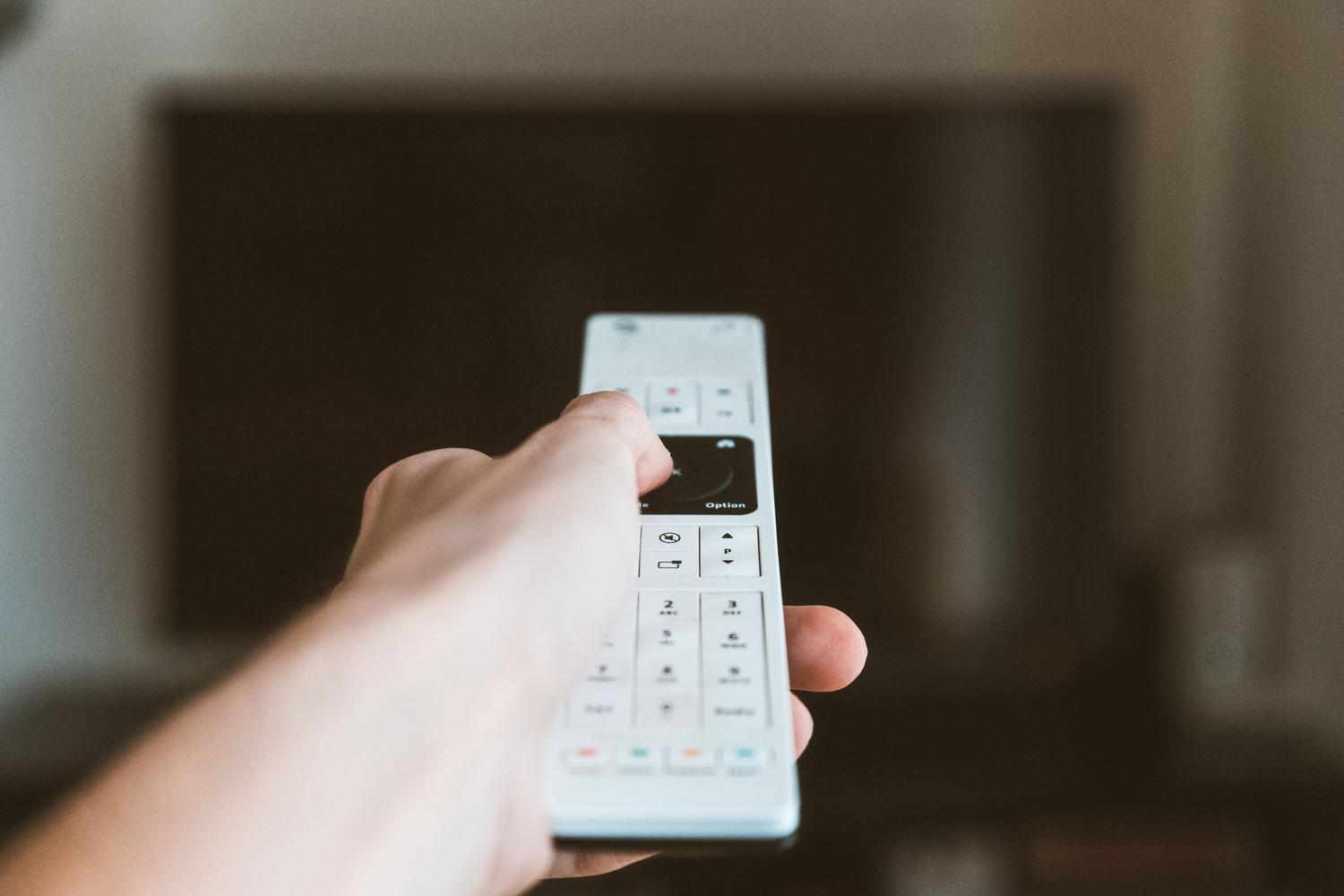
If your new remote won't connect to your TV, don't panic. Often, the system searches for the device but fails to establish a connection. To try and fix this, you can try pairing a new remote with your Smart TV , making sure there's no physical interference between the remote and the TV's sensor, and that the batteries are in good condition, as a low charge can cause the synchronization process to fail repeatedly.

Tricks to check if the remote control is emitting a signal
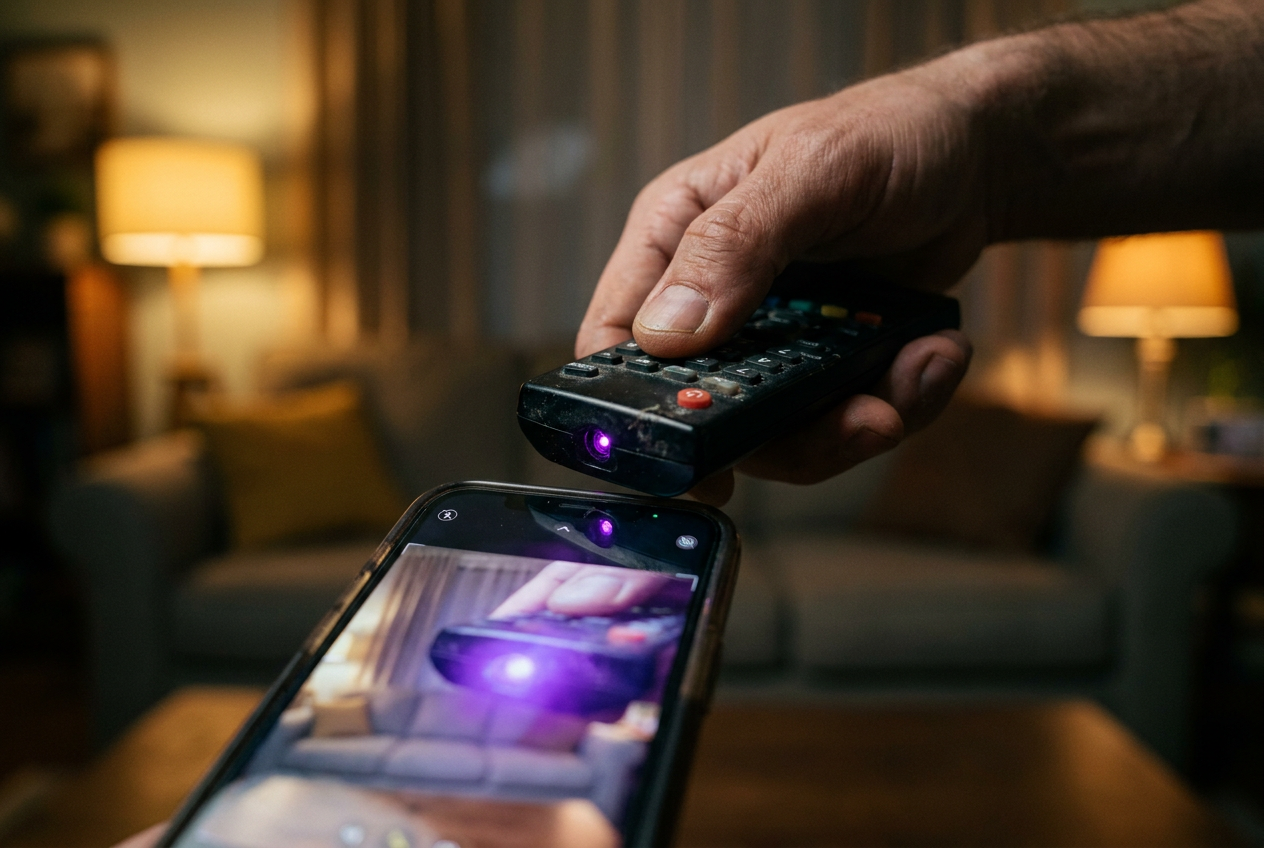
Before giving up on the remote or assuming the TV has a technical problem, there's a very simple trick to find out if the device is sending commands. Since the human eye can't see infrared light, we can use a mobile phone camera as a detector.
- Open the camera app on your mobile phone.
- Point the remote control transmitter (the front part) directly at the camera lens.
- Press the power button while looking at the mobile phone screen.
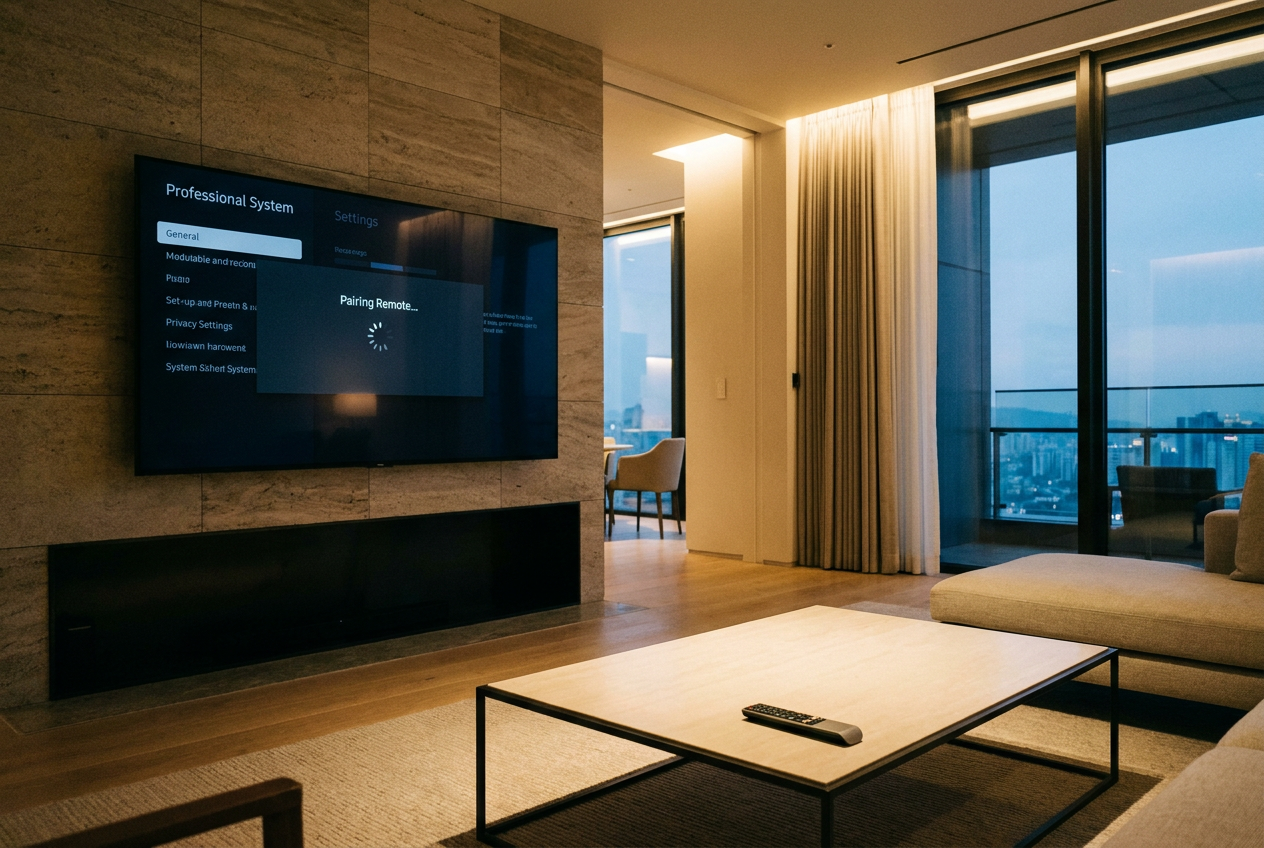
If the remote is working, you should see a flash or a small light on your phone's screen. For this method to be truly effective and error-free, it's highly recommended to perform the test in a dimly lit or completely dark room , as this will allow the camera's sensor to capture the infrared signal much better.
If, after performing these checks, the remote light comes on but the TV still doesn't recognize it, the problem may lie with the TV's software or the remote may not be the exact model compatible with your screen version. Checking the signal is the first crucial step to rule out a hardware failure before attempting to sync the remote with a smart TV or contacting technical support.


Passionate writer about the world of bytes and technology in general. I love sharing my knowledge through writing, and that's what I'll do on this blog, show you all the most interesting things about gadgets, software, hardware, tech trends, and more. My goal is to help you navigate the digital world in a simple and entertaining way.