- Differences between NAT types and how they affect connectivity on consoles and PCs.
- Methods for opening ports using manual forwarding, DMZ, and the UPnP protocol.
- Analysis of the security risks associated with port automation and how to mitigate them.
- Advanced settings to improve latency and obtain an open connection.
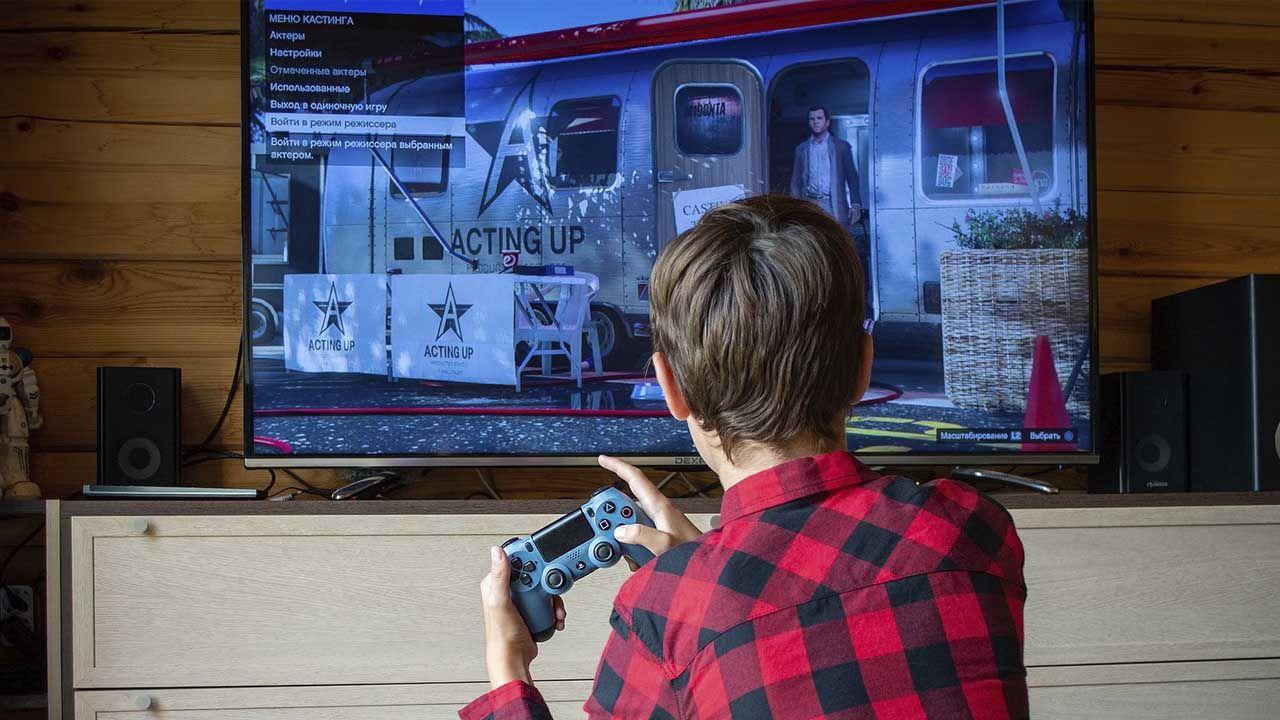
If you're passionate about online video games, you've probably encountered the annoying message " NAT restricted" or "NAT type 3. " This problem is simply a communication barrier between your console or PC and the game servers, resulting in difficulty finding matches, sudden disconnections, or unbearable lag that kicks you out of the game at the worst possible moment.
To solve this problem, simply plugging in the cable isn't enough. It's essential to understand how the router manages data traffic and how to open the appropriate ports to ensure uninterrupted data flow. There are several approaches, ranging from complete automation to precise manual configuration, each with its own advantages and disadvantages in terms of performance and security.

Understanding NAT and the connectivity problem
Network Address Translation (NAT) is essentially the system your router uses to ensure all devices on Casualty share a single public IP address. The problem arises when the router blocks incoming connections for security reasons. If you have NAT type 3 , it means your network is too closed, and other players can't connect to you, leaving you out of many multiplayer features.
To achieve the desired NAT type 2 (moderate) or type 1 (open) , we need traffic to reach the gaming device directly. This is where the public IP address comes into play; if your ISP has you under a CG-NAT scheme , even if you configure everything correctly on your router, you'll likely still experience problems, since the public IP address is shared with other customers at the central office level.
Methods to open ports and improve connection
When we want a console like the PS5 or an Xbox to perform at its best, we have three main options. The first is manual port forwarding . This involves telling the router: "Forward everything that arrives on port X directly to my console's IP address." For example, a PS5 typically requires UDP ports 3074, 3478-3479 and TCP ports 1935, 3478-3480 , while Xbox usually requires UDP ports 88 and 3074.
The second option is the DMZ (Demilitarized Zone) . This is the most aggressive approach, as it essentially opens all available ports for a specific IP address. It's very effective at eliminating lag and input delay , but it leaves the device completely exposed to the internet, so it should only be used on consoles and never on a PC where you store sensitive data.
Finally, we have UPnP (Universal Plug and Play) . This protocol is the most convenient option, as it allows the console to tell the router which ports to open in real time. You don't have to search for port lists on forums, since the device manages dynamic port opening automatically, greatly simplifying the user experience.
The dangers of UPnP and how to stay safe
UPnP isn't without its drawbacks. While very practical, it's a protocol with significant security vulnerabilities . The risk lies in the fact that any malicious software or vulnerable device on your network (such as a cheap IP camera) could open a port without your knowledge, allowing a remote attacker to access your local network.
Among the most common risks are exposure to remote attacks and the ease with which malware can create security vulnerabilities. Without robust authentication, any device with UPnP support can modify the router's NAT table, which can lead to the leakage of confidential information or remote control of internal devices.
Advanced settings depending on your equipment
If you have an advanced router, such as those in the AVM FRITZ!Box family , you don't need to enable UPnP for your entire home. You can access the client list and, when editing the gaming device, select the option to allow autonomous port forwarding only for that console. This way, you combine the convenience of UPnP with the assurance that the rest of your devices remain protected.
In more professional environments, such as those using pfSense , security is even stricter. Here, it's recommended to enable the option to deny UPnP access by default and create specific "allow" rules for the console's IP address. This ensures that only the gaming device can request port openings, keeping the rest of the firewall protected.
For those using routers like the TP-Link Archer , the process is more straightforward. From the Advanced menu, in the NAT Forwarding section, you can enable or disable UPnP globally. It's crucial to remember that for this to work, the device's operating system (Windows, for example) must have the UPnP components installed and enabled.

Optimizing latency and final performance
For those looking to squeeze every millisecond out of their connection, some additional features can help. Full Cone NAT is an option available in some modern firmwares that improves latency by simplifying how incoming connections are handled. Complementing this with assigning a static IP address to the console prevents port rules from failing if the router changes the device's IP address.
Nor should we forget QoS (Quality of Service) . Configuring the console with high priority for internet traffic ensures that, even if someone is watching Netflix in 4K in the living room, your game's data packets have free rein and absolute priority , reducing lag spikes by lowering latency and jitter.
For a smooth gaming experience, the ideal is to balance the convenience of UPnP with manual control. While port forwarding is the most secure option, dynamic port forwarding restricted to a single device offers the best balance. By ensuring you have a valid public IP address and properly configuring your router—whether through DMZ, manual rules, or selective UPnP—you can switch your console from a restricted NAT to an open NAT, eliminating pairing issues and improving connection stability.


Passionate writer about the world of bytes and technology in general. I love sharing my knowledge through writing, and that's what I'll do on this blog, show you all the most interesting things about gadgets, software, hardware, tech trends, and more. My goal is to help you navigate the digital world in a simple and entertaining way.