- Ray3 plans in multiple steps with multimodal reasoning to maintain physical and character consistency in video.
- Produces output HDR real 16-bit and offers Draft mode for fast and economical iterations.
- It can be used in Dream Machine or Adobe Firefly, with clear steps for generating, refining, and exporting.
- CapCut The website is complemented with consistent reference images (Seedream 4.0) to reinforce style and continuity.
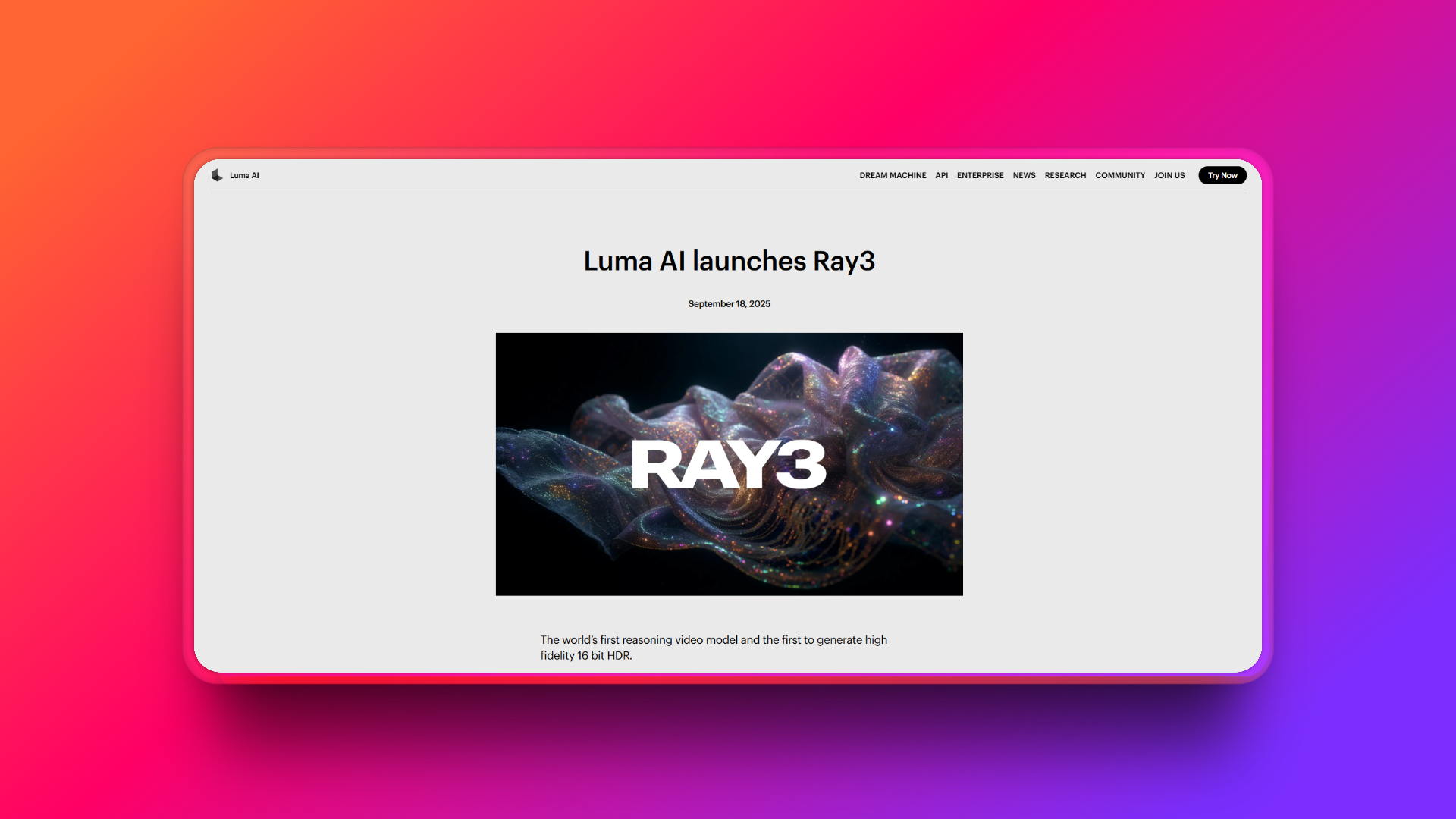
AI -generated video has advanced at breakneck speed, but some pieces still suffer from continuity jumps and movements that don't quite fit together. This is where Luma Ray3 comes in, a system that introduces the first multimodal reasoning approach to video generation , capable of planning and reviewing its output to ensure the final product is logical from beginning to end.
Instead of simply converting text into pixels, this model understands complex movements, physics, and character persistence , and it does so in stages, like a director preparing a storyboard. Furthermore, it produces true 16-bit HDR output, representing a leap in fidelity for cinematic-quality, post-production-ready results.
What is Luma Ray3 and why does it matter?
Luma Ray 3 represents a paradigm shift: it incorporates a planning component that breaks down a creative brief into sequential steps, evaluating and refining its own work. This multimodal reasoning approach results in more coherent sequences, with cameras that move believably and subjects that maintain their identity between shots, even in complex scenes.
The model excels in challenging scenarios: from melee combat and crowds to fluid dynamics and multi-stage events. By understanding causality in a conscious 3D space, Ray3 minimizes artifacts and maintains a continuity that, in many cases, approaches professional production standards.
New features and functions that make a difference
16-bit HDR video generation: Ray3 raises the bar by supporting true high dynamic range with extended color depth. The result preserves detail in highlights and shadows, facilitating smooth color gradations and a studio-quality look . For film or VFX workflows, EXR and 16-bit support opens the door to fine colorimetry and complex, band-free compositing.
Visual markup on a frame: Beyond text, you can draw directly on a frame or image to give instructions. This visual annotation guides areas of movement, object positions, or camera choreography , making creative direction more precise and intuitive, especially when nuances are difficult to express with words.
Multi-step reasoning: The major innovation is this decision-making engine that plans, executes, and reviews. This allows the system to maintain temporal logic and object permanence , crucial for complex scenes with shot changes, simultaneous actions, and believable physics.
Draft Mode: Designed for rapid iteration, this mode generates low-resolution test versions several times faster and at a lower cost. This allows you to validate ideas, test variations, and refine your direction before investing resources in a final, high-quality release.
Where and how to access Ray3
Ray3 is primarily used in two environments: Luma's own platform (Dream Machine) and its integration as a third-party model in Adobe Firefly . In both cases, you need to log in with your account; within the Adobe ecosystem, access to the model typically requires a subscription or premium plan.
If you prefer working in Luma's native environment, Dream Machine offers a workflow designed for quickly creating, previewing, and downloading clips. If you're already using Adobe, Firefly's Ray3 support allows you to maintain an integrated pipeline with your other creative tools.
Step by step in Dream Machine with Ray3
- Choose the Ray3 modelRegister or log in with your account (Google or Apple) and, from the panel, select the Keyframe with Ray3 option to start your project with the reasoning engine and HDR.
- Generate a draftEnter your prompt and add reference images if you have them. In the dropdown menu, select 'Videos', define the aspect ratio (for example, 16:9), and specify the duration (for example, 5 seconds). Draft mode will allow you to iterate faster and explore alternatives with lower credit consumption.
- Refines and exportsPreview the result, add additional instructions to adjust movement, camera, or appearance, and when you're satisfied, use the download option. With Ray3 you can get 16-bit HDR files ideal for serious color grading.
Using Ray3 within Adobe Firefly
- Access Video on FireflySign in with your Adobe account and open the video generation section. If applicable, select the picture-to-video feature to work with frames or references, keeping the flow of Firefly that you already know.
- Select Ray3 or Ray3 HDRDefine model, resolution, aspect ratio, frames per second, and duration. Enter your prompt and launch the generation, ensuring that your The creative intention is well detailed.
- Download the clipAfter generation, export in the configuration you need. Firefly allows you to maintain project consistency if you work with other resources from the Adobe ecosystem.
Prompt tricks for consistent results
- Describe accuratelyAdd textures, atmosphere, lighting conditions, weather, and scene elements. The more specific you are, the more accurate the translation will be. your vision of the sequence.
- Use cinematic languageTerms like slow motion, close-up, wide shot, or anamorphic lens help Ray3 to frame shots. dose the motion blur and maintain a movie-star look.
- Provide visual referencesA reference image increases the consistency of characters, objects, or style across clips. This approach enhances the planning consistent shots.
Practical applications of Ray3
Pre-production and planning: Ray3 is ideal for motion storyboards, conceptual environments, and complex camera movements within a visual script. Draft mode streamlines early prototyping , allowing directors and crews to validate ideas before costly shoots.
Social media content: For Reels or TikTok , you can get dynamic transitions, rich backgrounds, and premium resources ready to publish without traditional production. The advantage lies in speed with high visual quality.
Advertising and marketing: 16-bit HDR output and 4K upscaling make it easy to create campaign-ready clips. Think professionally produced product videos, lifestyle videos, or promotional pieces with ample room for advanced color grading and compositing.
CapCut Web as a visual reference tool
If you also need AI-generated art or illustrations to enhance your video, CapCut Web offers an AI design module powered by Seedream 4.0. Its purpose is to create crisp, consistent images that you can reuse as keyframes or references for Ray3, maintaining uniformity across characters and environments.
How to get started with CapCut Web: Go to the AI Design section, register, and access the image generator. Enter your prompt, upload a reference image if needed , and click submit. You'll get an editable draft with new prompts for adding, removing, or transforming elements.
Manual editing: In addition to text editing, you have features such as adding text, removing backgrounds, cropping, applying filters, and adjusting opacity. When you're satisfied, you can download in the desired quality and format or publish directly to social media.
Key features of CapCut Web's AI-powered design :
- Smart editing with instructionsNon-destructive modifications to natural language text for rapid complex changes.
- Style LibraryFrom one click to photorealism, anime, or oil painting; ideal for explore aesthetics and unify the visual tone.
- Knowledge-based generationSeedream 4.0 interprets complex concepts, useful for technical graphics and precise structural elements.
Luma AI: much more than video (image, 3D capture and web scenes)
Luma AI offers a complete ecosystem: Dream Machine for video and images, a 3D capture app for iOS/Android, and ready-to-embed interactive web scenes . This unified approach allows small teams to brainstorm, preview, and share without needing multiple tools.
In imaging, the Photon and Photon Flash families raise the bar in prompt accuracy, style, and efficiency. For video, Ray3 adds visual reasoning, HDR output, and anatomical consistency, with standard 24 fps support at 540p, 720p, and 1080p , plus a Draft mode for frictionless experimentation.
The 3D capture app reconstructs geometry and texture from photos or video, generating navigable scenes ready for the web. It's a great tool for catalogs, concept walkthroughs, and demonstrations that don't require specialized software.
Integrations, formats and APIs
The platform prioritizes interoperability with export to glTF, USDZ, and OBJ , compatible with Blender, Unity, and Unreal. It also offers lightweight web viewers (WebGL) and a generation API for integrating image and video at scale into other environments. Ray3 is expected to be included in the unified API, aligning the development workflow with the creative layer.
It's not geared towards CRMs or messaging; it focuses on visual workflows for ideation and production . This clarity of purpose translates into less friction for creative teams that need tangible results quickly.
Security, privacy and compliance
The user owns the generated content, with some variations depending on the plan. In the free plan, Luma can host and use the content to operate and improve services; in paid and Enterprise plans, data processing is limited to the service itself, and your data is not used for training without your consent . It's advisable to review the terms and conditions before scaling sensitive projects.
The company complies with GDPR, UK GDPR, Swiss law , and US frameworks such as CCPA and VCDPA. It uses SCCs and the UK Addendum for international transfers and outlines technical and organizational measures in its Data Protection Agreement (DPA) (access controls, encryption, incident protocols). In the event of a breach, it commits to providing prompt notification and allows for the return or deletion of data within 30 days of service termination.
The list of subprocessors (such as AWS, Cloudflare, or Freshworks) is public, and there is an objection mechanism. For businesses, SSO and enhanced agreements are offered in the Enterprise plan. Certifications such as ISO or SOC 2 are not mentioned in the available documentation.
Languages, support, and user experience
The interface is in English, but the model understands prompts in Spanish and responds well to rich descriptions and visual references . Official support, guides, and the Learning Hub are also in English, with an active community and a Discord channel.
On mobile devices, you have Luma 3D Capture (iOS/Android) for scanning and creating scenes, and Luma Dream Machine on iOS for generating images, in addition to web access. For advanced editing or compositing, the desktop remains more convenient.
Prices and plans
There's a free plan with limits and a watermark. Paid plans add priority, more credits, and advanced features like HDR and watermark-free EXR , with commercial use permissions. Credits are consumed based on model, resolution, and duration, and the policy may change, so it's advisable to check the current table before subscribing.
Real case: an interior design SME
A small studio needs to sell a proposal for renovating a commercial space. In the morning, they draft a brief outlining style, materials, and a visual reference ; Dream Machine produces 5–10 second clips capturing the atmosphere and lighting. Meanwhile, another team member uses a mobile phone to scan two pieces with Luma 3D Capture and embeds them on a client landing page.
In the afternoon, it iterate in Draft mode, extend clips up to 30 seconds in SDR, and generate HDR versions for presentation. The result is less sales time and a higher approval rate thanks to compelling visuals and interactive navigation.
Luma versus alternatives
- Luma AI vs Autodesk FormaLuma accelerates storyboards, conceptual renderings, and short pieces with AI and accessible 3D capture; Forma focuses on site analysis, schematic design, and BIM coordination. quick visualization and narrativeLuma is more agile and cost-effective.
- Luma AI vs 3ds Max/ArnoldLuma tackles creative exploration and physical coherence in just a few clicks; 3ds Max/Arnold gives absolute photorealistic control Regarding materials, lighting, and animation, the ideal approach is to combine them: Luma for quick brainstorming and Max/Arnold for the final touches.
- Luma AI vs HyparLuma generates visual content, video and images, and allows 3D web scenes ready to embedHypar automates spatial design and components with integration to Revit, geared towards parametric processes and technical documentation.
Editorial scoring and approach for SMEs
From the perspective of creative SMEs, Luma offers a balanced combination of quality, speed, and cost. For reference, here is an indicative rating based on the capabilities described:
| Category | Punctuation in Spanish | Detail |
| Showtimes: | 4/5 | Text-to-video, image-to-video, and mobile 3D capture cover ideation and previewing with Ray3 and HDR/EXR. |
| Integrations | 3/5 | Web embeds and standard formats (glTF/USDZ/OBJ) with nuances of interoperability. |
| Language and support | 3/5 | Interface and documentation primarily in English; active community. |
| Ease of use | 4/5 | Low curve; Draft mode accelerates experimentation. |
| Price quality | 4/5 | Free entry plan; scalable subscriptions and credits with Commercial use. |
Editorial conclusion: Luma is ideal as an accelerator of concepts and high-impact visual content , complementing BIM and photorealistic rendering when it comes to fine-tuning technique.


Passionate writer about the world of bytes and technology in general. I love sharing my knowledge through writing, and that's what I'll do on this blog, show you all the most interesting things about gadgets, software, hardware, tech trends, and more. My goal is to help you navigate the digital world in a simple and entertaining way.