- Differentiation between open source and proprietary drivers based on the desired performance.
- Installation methods adapted to the most popular distributions such as Ubuntu, Fedora and Arch Linux.
- Relationship between the graphics card architecture and the required driver version.
- Advanced configurations for laptops with hybrid graphics and Wayland support.
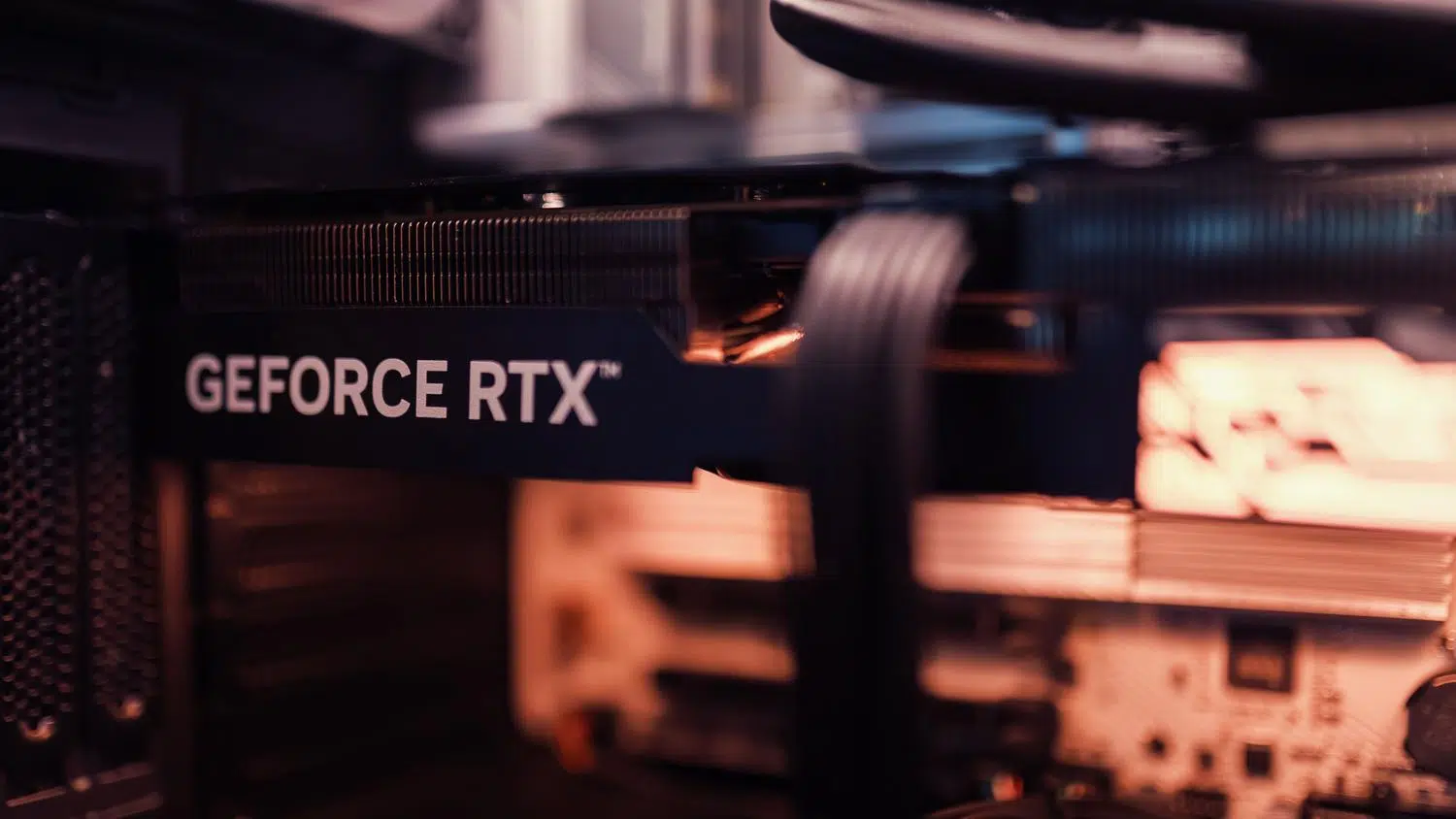
There was a time when configuring a graphics card on Linux was a real nightmare that only the most expert users or those with infinite patience could endure. Fortunately, the system has taken an incredible leap forward, and nowadays most drivers are integrated into the kernel, making the hardware work almost instantly without us having to lift a finger.
Even so, when we want to get the most out of our GPU, whether for high-end gaming, video editing, or working with artificial intelligence, generic drivers fall short. That's where installing proprietary drivers comes in . These are designed by the manufacturer to extract every last bit of performance from the GPU, although they may require a couple of extra steps to get them up and running.
Types of controllers: Which one to choose?

To avoid confusion, the first thing to understand is that there are two paths. On one hand, we have open-source drivers , like the well-known Nouveau in the case of NVIDIA. These are great because they're hassle-free, install automatically, and work perfectly for browsing or office tasks. However, they have the drawback of not managing GPU frequencies well and lacking full CUDA or Vulkan support , making them insufficient for gaming.
On the other hand, there are proprietary or closed-source drivers . These are developed by the manufacturer (like NVIDIA) and, although their code is secret, they offer significantly better performance. They are essential if you're looking for stability in 3D applications or if you need your graphics card to maintain 80% of its raw power. The golden rule is simple: if you just want your PC to turn on, stick with the open-source drivers; if you want to play games, go for the proprietary ones.
The NVIDIA Labyrinth: Architectures and Versions
If you own an NVIDIA card, you've probably noticed a lot of numbers and strange names. The first thing to know is that names like Pascal, Turing, and Ampere refer to the hardware —that is, how your card is physically built. They aren't software versions, but rather generations of chips. For example, the RTX 3000 series belongs to the Ampere generation, while the RTX 4000 series is based on Ada Lovelace.
Depending on your architecture, you'll need a different driver branch. Very old cards (Tesla or Fermi) use the Legacy 340.x and 390.x branches , which are now almost completely unsupported. For newer cards, such as the 3000 and 4000 series, the ideal is to use the 550.x and current 590.x branches , which already include open kernel modules and much smoother system integration.
How to install and update drivers on Ubuntu and Debian
In Ubuntu, it's a piece of cake because there are tools that do the dirty work for us. The easiest way is to use the Additional Driver Manager from the graphical interface, where the system suggests the most suitable driver for your specific model.
If you prefer to use the terminal extensively, you have several options. The quickest is to run sudo ubuntu-drivers autoinstall, that It detects the GPU and installs the recommended version. automatically. If you want to be more precise and choose the version yourself, you can use sudo apt install nvidia-driver-XXX replacing the X's with the branch number you need. To remove any trace of old versions and avoid conflicts, it's best to do a full purge with the apt purge command before installing the new version.
Installation on other popular distributions
Not everything is Ubuntu. FedoraThe path is through the RPM Fusion repositories. Once added, simply run sudo dnf install akmod-nvidia to get everything ready. The good thing about using akmod is that the driver is automatically recompiled when the kernel is updated, preventing the system from losing its image upon reboot.
For users of Arch Linux or ManjaroManagement is direct via Pac-Man. With a simple sudo pacman -S nvidia nvidia-utils You already have the basics installed. For more exotic hardware or specific drivers, the Arch community offers... AUR (Archive User Repository)where it's virtually impossible not to find the driver you're looking for, even if it's a beta version.
Advanced concepts and optimization

If you have a laptop with two graphics cards (one integrated and one NVIDIA), you need to know about NVIDIA Prime . This system lets you switch between power-saving mode, where the integrated graphics card takes over, and high-performance mode. To launch a specific program using the powerful GPU without changing the entire system, you can use the on-demand rendering command by defining the NVIDIA environment variables.
Another key point is Wayland compatibility . For years it was a headache, but since version 495.x and especially 550+, the stability is remarkable. Now, most desktop environments like GNOME work flawlessly, although some KDE Plasma users still prefer X11 to avoid occasional minor visual glitches.
For those who work in design or science, installing libraries is vital. OpenCL or CUDAWhile OpenCL is an open standard, CUDA is NVIDIA's crown jewel, offering the highest performance in parallel computing. To get everything up and running on Ubuntu, simply install the package. nvidia-opencl-dev.
Keeping your hardware up-to-date on Linux involves navigating official repositories, understanding your graphics card's architecture, and choosing between the stability of open-source code and the power of proprietary drivers. By combining the use of automated tools like ubuntu-drivers with DKMS support to prevent kernel updates from breaking the system, any user can achieve optimal GPU performance without being an operating system expert.
FAQ
What is the difference between Nouveau drivers and NVIDIA drivers?
Nouveau is an open-source driver that allows basic system functionality without installation. NVIDIA drivers are proprietary and offer significantly superior performance, CUDA support, and better game optimization.
How do I know which driver version I need for my graphics card?
The version depends on the GPU architecture, such as Pascal or Ampere. Newer cards typically require the 550 or 590 series, while older models use legacy versions like the 390 or 470.
What happens if I update the Linux kernel and lose my image?
This occurs when the driver is not recompiled for the new kernel. To avoid this, it is recommended to install the driver from the distribution's repositories that include DKMS, which automates this recompilation.
Is it safe to use the .run installer downloaded from the NVIDIA website?
It is not recommended for most users as it can create conflicts with the system's package manager. It is much safer and more stable to use the distribution's official repositories.
How can I run a specific program using the NVIDIA GPU on a laptop?
NVIDIA PRIME technology is used via Offload mode. Simply run the application preceded by the environment variables that tell the system to use the discrete GPU for rendering.
What is Vulkan used for in Linux?
Vulkan is a low-level API that allows more direct control of the GPU. It's essential for gaming, as it forms the basis for translation layers like Proton, which enable Windows games to run on Linux.
