- Loading errors in the LG store are usually due to temporary outages of the European webOS servers.
- There are specific faults identified by codes such as P6.48.MZ or 15.50.MG that affect recent models.
- Restoring access can range from a simple network reboot to managing terms of service.
- Resetting the security PIN is a separate process that can be done using master codes or factory settings.
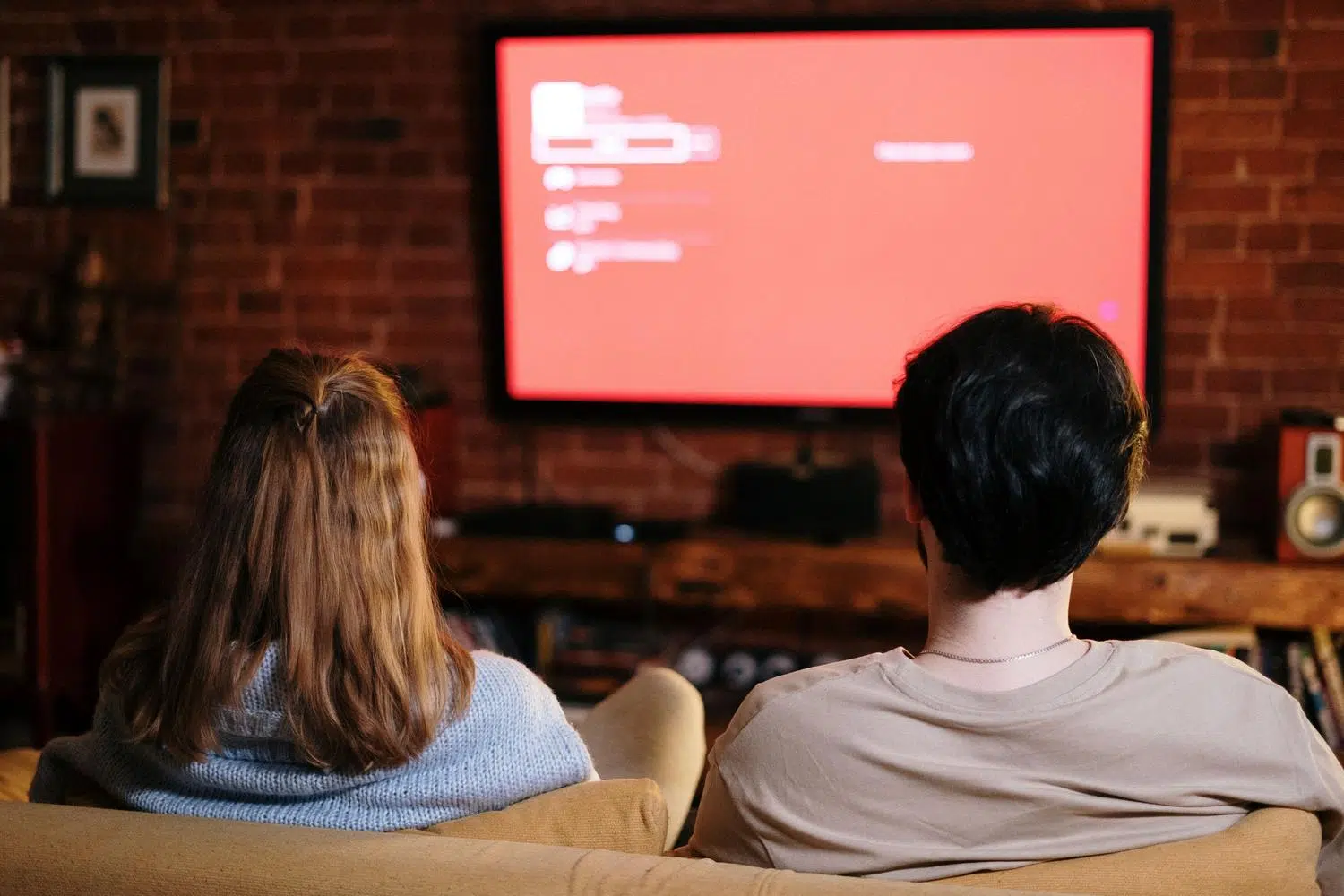
It's a desperate situation: you sit down on the sofa ready to watch your favorite show, and suddenly the LG Content Store won't load or displays a message saying there's no content available. For many users, this becomes a domestic drama, especially when critical apps like Netflix stop working and can't be reinstalled because the store is completely down.
This problem is usually not a physical fault with your TV, but rather a communication issue with LG's servers. The webOS operating system often experiences outages in certain regions, leaving thousands of people in Europe unable to update their apps or browse the content catalog.

Understanding error codes P6.48.MZ and 15.50.MG
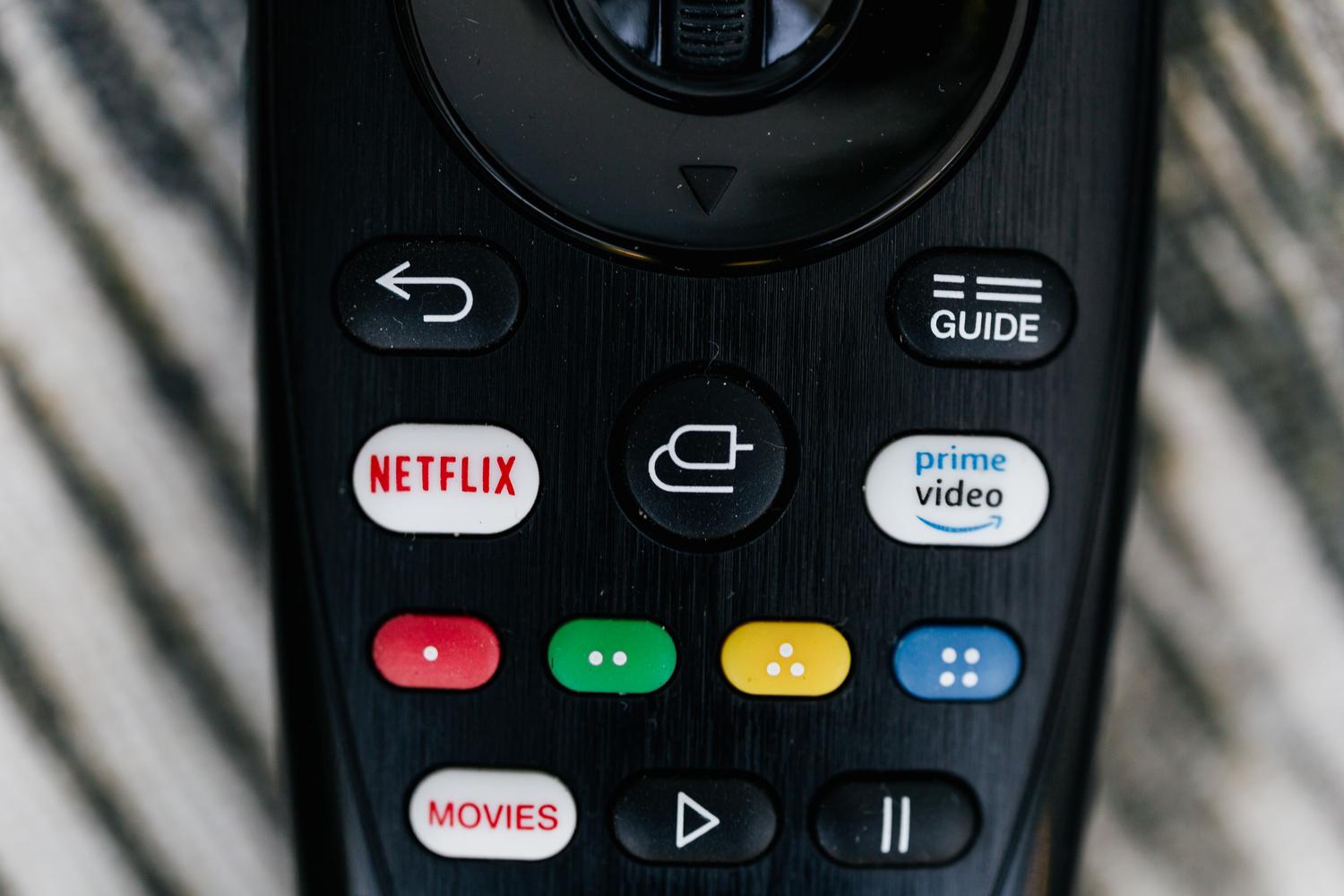
When your screen displays the dreaded P6.48.MZ error code , your TV is essentially telling you there's no connection to the European Union server. This is a denial-of-service error that occurs when webOS can't find the correct destination. Interestingly, those outside the EU but in similar regions often see the 15.50.MG error code , as is frequently the case in the UK.
While it may sometimes seem that the problem lies with our router or internet provider, in cases of widespread outages, the blame falls on the Korean company . Reports indicate that these issues primarily affect models from 2021 onwards that use the latest versions of webOS, while older televisions generally continue to function without problems.
Steps to try to recover the catalog
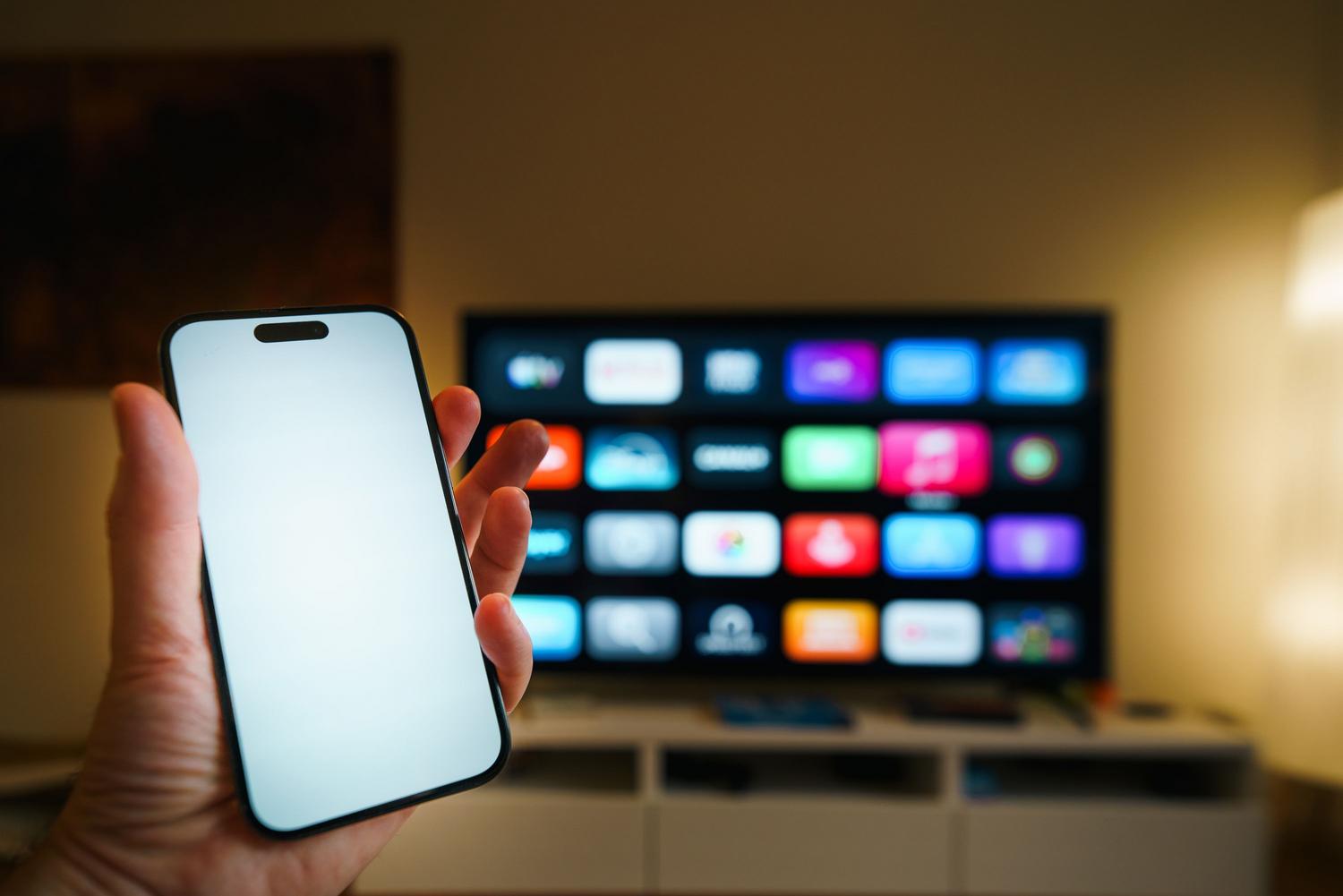
- First, you must turn off WiFi connection completely from the network menu.
- Next, go to settings and look for the section on Conditions of serviceSince you don't have internet access, the TV will notify you that you need a connection; accept the suggestion to reactivate WiFi from there.
- Once connected, uncheck all the boxes of the terms of service that allow you to and apply the changes.
- The system will ask you reboot the deviceAccept and, once the TV restarts, reactivate the desired conditions.

Password management and restricted access
Sometimes the problem isn't the catalog itself, but rather that we can't access the settings because we've forgotten the 4-digit PIN. To regain control of the TV without having to erase everything, there are several ways. One of the quickest, on compatible models, is to enter the master code 0313 on the screen where the PIN is requested, allowing you to manage your logins and passwords without complications.
If the previous code doesn't work, you can try managing access through the LG ThinQ app if you had the TV linked to your phone, or by going to the LG Smart World website. In the worst-case scenario, you can perform a factory reset , but be careful because this will erase all your installed apps, saved Wi-Fi networks, and your channel organization.
Differences between resetting your password and factory resetting.
It's crucial not to confuse these two processes. If you only reset the password , your Smart TV settings will remain intact. However, if you opt for a full physical reset , the TV will revert to its default settings, removing any customizations you've made. If the catalog still doesn't appear after trying all of these steps, it's best to contact official LG support to check if there's a firmware update available for your specific model.
Most of these catalog errors are temporary server issues that resolve themselves over time or through the reconnection cycle outlined in the terms of service. Keeping your system updated and knowing how to manage PIN access codes are the best ways to prevent a software failure from leaving you without home entertainment.


Passionate writer about the world of bytes and technology in general. I love sharing my knowledge through writing, and that's what I'll do on this blog, show you all the most interesting things about gadgets, software, hardware, tech trends, and more. My goal is to help you navigate the digital world in a simple and entertaining way.