- Network optimization through the use of the 5 GHz band and the reduction of physical interference.
- Firmware update and background process management to free up system resources.
- Differentiating between connection problems and content blocking due to DRM protection.
- Implementation of alternative solutions such as the use of HDMI cables or low latency software.

I'm sure it's happened to you: you want to play a game of Minecraft with your DualShock 4 controller on your phone and enjoy it on the TV, or maybe you're eager to watch the World Cup match on the big screen, but suddenly the video starts skipping or there's a frustrating delay between what you're doing and what you're seeing . It's incredibly frustrating, because when screen mirroring isn't smooth, the experience becomes unplayable or the sport loses all its excitement.
The reality is that wirelessly transmitting an image from one device to another isn't magic, but rather a constant data transfer that can be affected by countless factors. For the image to be sharp, smooth, and perfectly synchronized , the connection needs to be flawless. If you notice your screen freezing or lagging, don't worry, we'll tell you how to fix it.

Why on earth is screen mirroring taking so long?

The problem arises primarily when the wireless connection can't keep up with the video transmission. When you mirror your mobile device or PC, it sends a live data stream over Wi-Fi; if something slows down that stream, you'll experience buffering , stuttering, or other interruptions . The causes are usually a combination of factors:
- Weak Wi-Fi signal: If data packets take a long time to arrive, the result is lag.
- Network saturation: Too many connected devices competing for bandwidth, especially on the 2,4 GHz band.
- Prohibitive resolutions: Attempting to stream in 4K or HDR without an ultra-fast connection causes the video to pause and buffer.
- Outdated hardware: Older devices that do not efficiently process real-time video encoding.
- Environmental interferences: Thick walls, microwaves, or Bluetooth speakers that interfere with the signal.
- Outdated software: Older versions of the system or the duplication app that cause synchronization errors.
Step-by-step guide to eliminating lag and interruptions
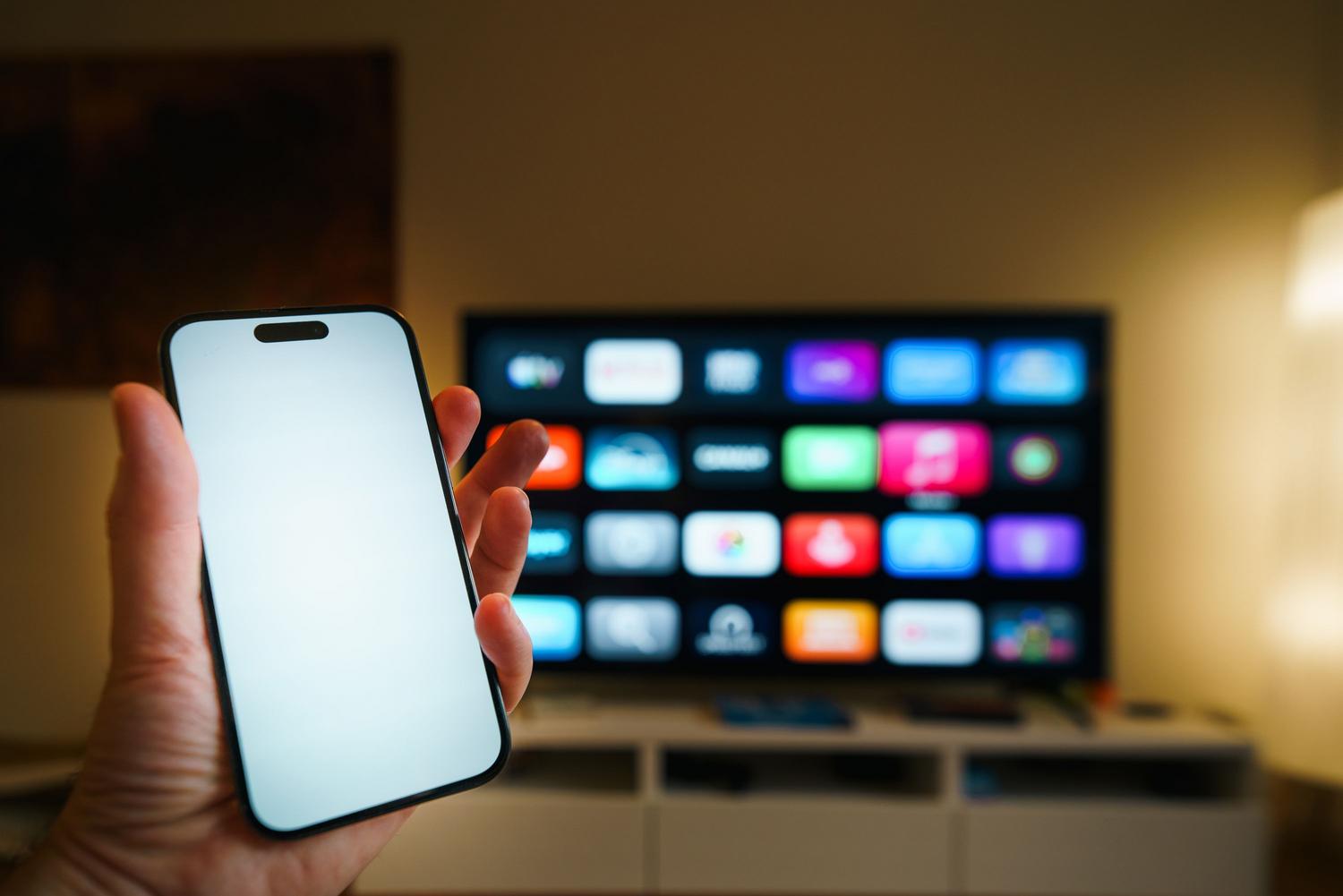
Although wireless mirroring always has minimal latency, the goal is for it to be imperceptible to the human eye . We're going to tackle the problem from several angles.

1. Wi-Fi network optimization
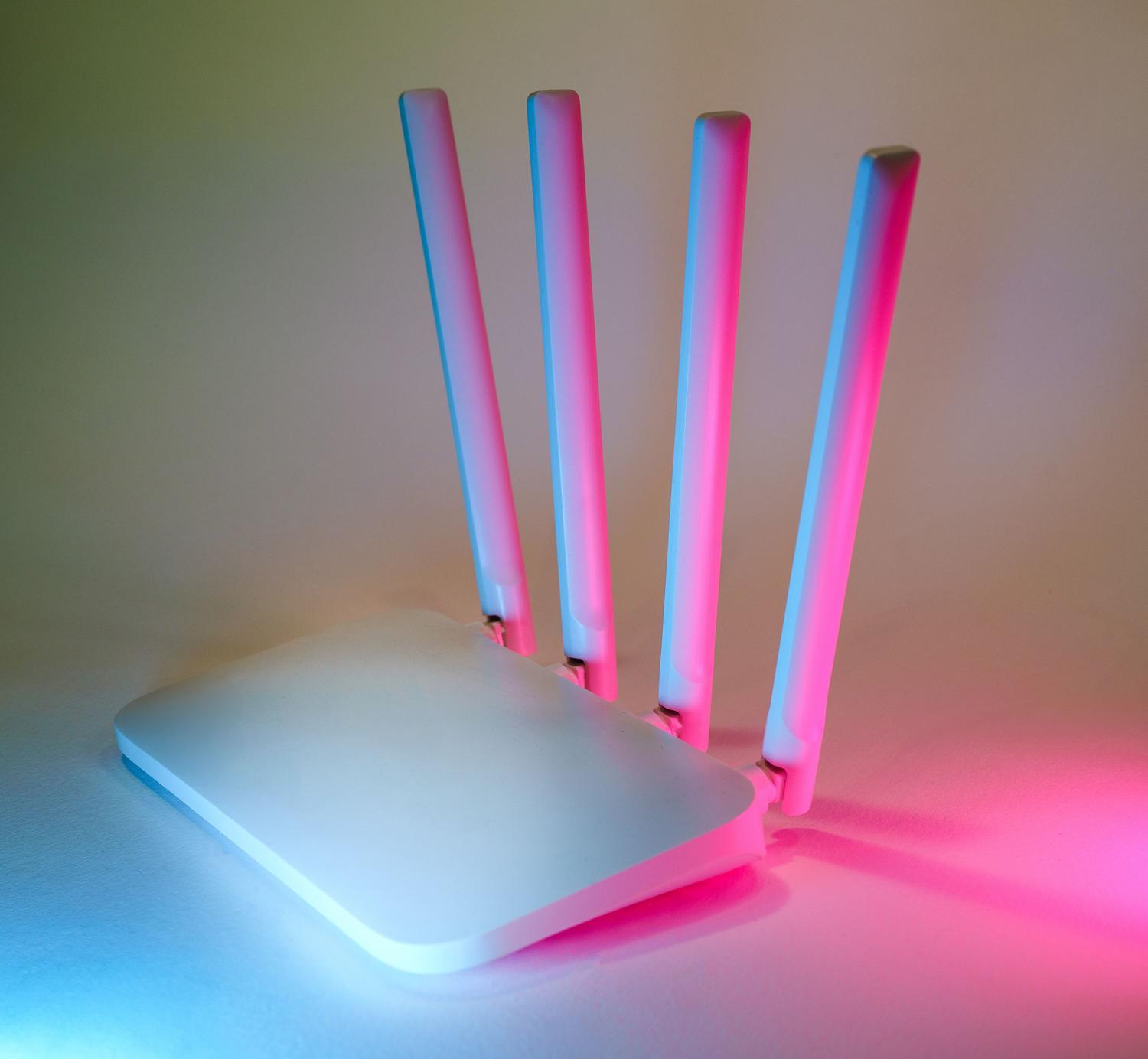
Most AirPlay, Smart View, or Chromecast issues stem from an unstable Wi-Fi connection. To fix this, the best solution is to switch to the 5 GHz band , which is much faster and has less interference than the 2,4 GHz band. Additionally, try to position your router as close as possible to your TV and mobile device, ensuring there are no furniture or walls in between. If you have many devices connected, disconnect those you aren't using to free up bandwidth . A great trick is to connect your TV via Ethernet cable while your mobile device remains connected via Wi-Fi; this often eliminates lag almost entirely.
2. Software and system maintenance
Sometimes the problem is simply a firmware glitch. Make sure both your mobile device's operating system and your Smart TV's operating system are fully updated . Do the same with your streaming apps. A quick restart of both devices can help clear the cache and refresh the connection, eliminating temporary pairing errors.
3. Quality and performance adjustments
If the video continues to stutter, try lowering the resolution to 1080p . It might not be as sharp as 4K, but the smoothness will improve dramatically, which is vital if you're gaming. Also, close all applications running in the background, as they consume CPU and network resources. It's crucial to disable power saving or low power mode , as these modes limit processor performance and can cause streaming delays.

4. Combat wireless interference
Wi-Fi is sensitive. Keep your equipment away from Bluetooth speakers or smart home devices that use the same frequency. If you live in a building with many networks, go into your router's settings and change the Wi-Fi channel to a less congested one or set it to automatic. For Google Cast users, it's vital to ensure that access point (AP) isolation is disabled on your router, as devices won't be able to see each other if it's enabled.
Specific problems and quick solutions
The black screen dilemma
If you hear audio but the screen remains black, it's not a connection problem, but rather a DRM protection issue . Many sports or movie streaming apps block screenshots to prevent piracy. In these cases, standard screen mirroring won't work; the best solution is to use the app's native Cast function or install the official app directly on your TV.
Failures in AirPlay (Apple) and Chromecast (Android)
For Apple users, if AirPlay is slow, try enabling Bluetooth on both devices to improve the signal. Temporarily disabling the firewall on your Mac is also recommended if you're experiencing issues. On Android, ensure that the "Nearby Devices" permission is enabled and that battery optimization isn't preventing Google Cast from running in the background. If detection fails, keep devices within 4 meters of each other and the router.

Physical alternatives and solutions
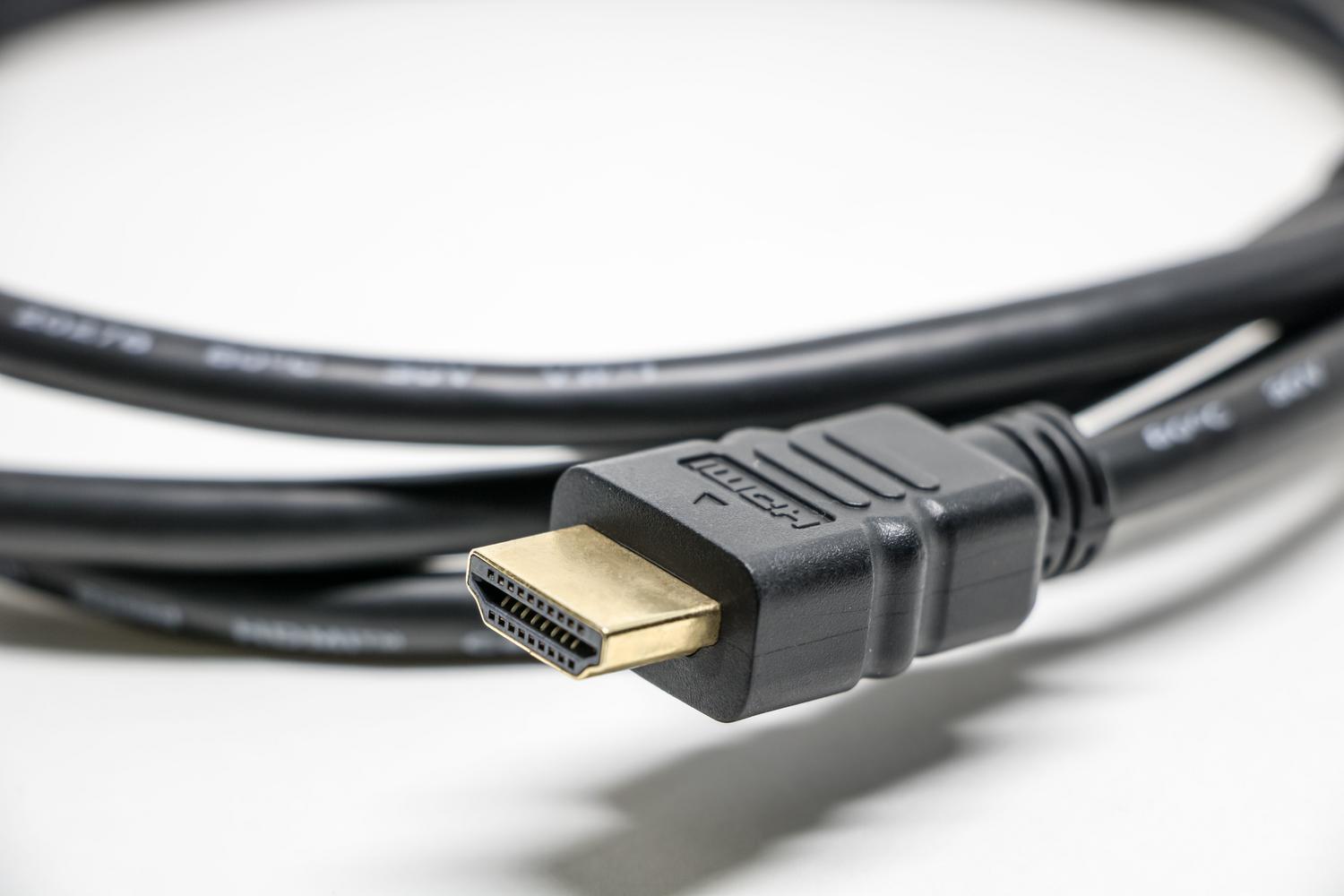
If none of the above works, or you need zero latency for gaming, the best option is an HDMI cable (using USB-C or Lightning adapters depending on your phone). If you prefer to stick with wireless but the native tools aren't working for you, there are optimized apps like AirDroid Cast , PigeonCast, or 1001 TVs that offer alternative connection methods such as QR codes or browser mirroring to bypass compatibility limitations on older TVs.
To ensure smooth, uninterrupted playback, the key is to combine a stable 5 GHz network, keep your software up to date, and reduce the processor load by closing unnecessary apps. If the content is DRM-protected or lag persists in games, opting for a physical HDMI connection or using third-party low-latency tools will be the most reliable way to enjoy any content without interruptions.


Passionate writer about the world of bytes and technology in general. I love sharing my knowledge through writing, and that's what I'll do on this blog, show you all the most interesting things about gadgets, software, hardware, tech trends, and more. My goal is to help you navigate the digital world in a simple and entertaining way.