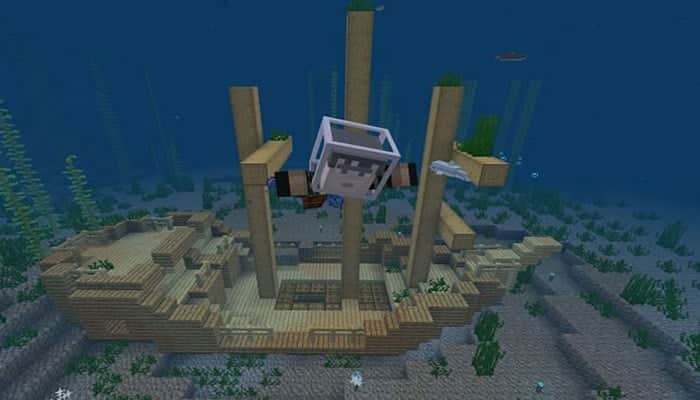
In this article, we'll explain how to find structures in Minecraft , which vary depending on the seed and even the location. Structures generated in Minecraft are usually enjoyable to explore and loot; however, they aren't always easy to spot, regardless of where players are.
While some players want to explore their Minecraft seed and find structures organically while traveling, others want to search for them for loot or to carry out specific plans they have in mind. Regardless of the reasons Minecraft players may have for searching for structures , there is a way to find them depending on their type.
Well, if wandering the land and gazing at the horizon isn't in the cards, then by using the command console , Minecraft players can find the coordinates of nearby structures. Minecraft is a world-famous game.
Since its official release in 2011, Minecraft has been available on mobile phones as Minecraft Pocket Edition. Later, the Pocket Edition evolved into the new Bedrock Edition, which was ported to other gaming consoles.
You might also be interested in: Error Logging Into Minecraft On Windows 10
Using /locate Command to Find Structures in Minecraft
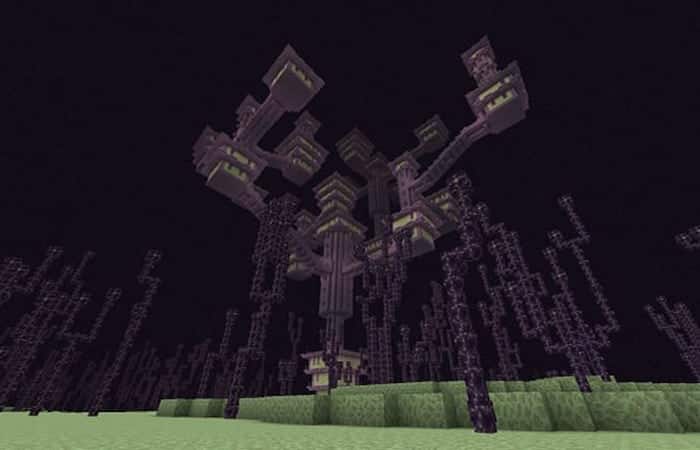
The `/locate` command also works outside the Overworld, in certain dimensions like the Nether and the End. As with many problems that occur in Minecraft, direct game commands can help players find a solution.
Although the /locate command is available in Minecraft: Java, Bedrock Edition, Education Edition, and Pocket Edition, the command syntax is different depending on the platform you are running the game on. For Minecraft: Bedrock Edition, the command syntax for the /locate command is:
/locate
To enable this command in the chat console, you must enable cheats . In Bedrock Edition, you can find this option in the World Edit menu as a slider, which you can toggle on and off. Note that enabling cheats will also disable achievements.
Once cheats are enabled, a wide variety of structures can be entered as arguments in the command syntax. However, the command requires that you are in the correct dimension when searching for structures in Minecraft.
For example, if a Minecraft player is in the Overworld, the `/locate` command won't work if they try to find a structure located in the End or Nether. In these cases, the command will return an error. The following commands can be used to detect nearby structures and display their coordinates to the player using Bedrock Edition syntax:
- /locate bastionremnant – Remains of a bastion, the Nether.
- /locate buried treasure – Buried treasure, the underworld.
- /locate endcity – The city of the End, the End.
- /locate fortress – Strongholds, the Nether.
- /locate mansion – Woodland Mansions, the Overworld.
- /locate mineshaft – Mineshafts, the overworld.
- /locate monument – Oceanic monuments, the overworld.
- /locate ruins – Ocean ruins, the overworld.
- /locate pillageroutpost – Loot outposts, the Overworld.
- /locate ruinedportal – Ruined Nether, Overworld, and Nether portals.
- /locate shipwreck – Shipwrecks, the overworld..
- /locate stronghold – Strongholds, the overworld.
- /locate temple – Desert pyramids, igloos, jungle pyramids and swamp huts in the overworld.
- /locate village – Villages, the overworld.
The 5 most difficult structures to build in Minecraft PE (Bedrock)
Let's face it, Minecraft is a vast and complex game, with hundreds of blocks of different shapes and sizes, almost endless maps, and much more. And managing all of this on a small mobile phone can be a challenge. One of the significant difficulties is also one of the integral parts of Minecraft - building structures.
However, over the years, players have mastered Minecraft on mobile phones and created many structures. These are still some massive structures that can be difficult to build in Minecraft PE (Bedrock).
5. Mountain fortress
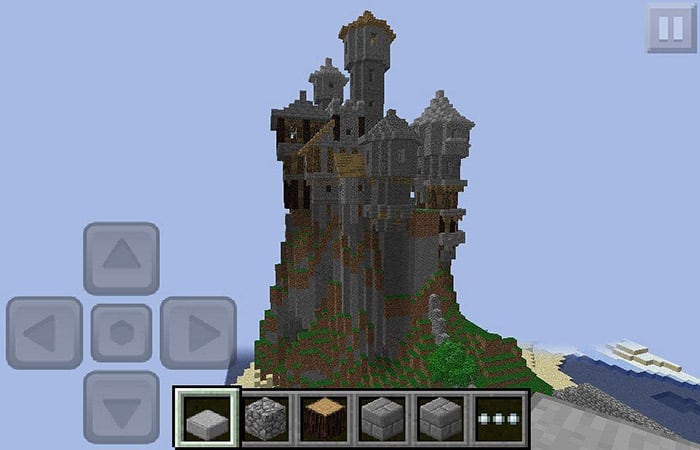
One of the most difficult structures to build is a fortress or castle on a mountain. It is difficult for players to build such structures due to their size and the increased risk of falling off the mountain.
You might also like to know: How to Repair Objects in Minecraft – Complete Guide
4. Underwater bunker
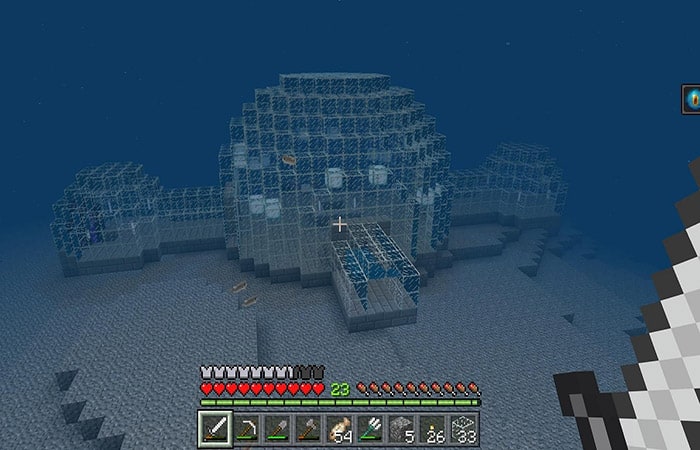
Underwater bases can also be difficult to build in Minecraft PE (Bedrock). Once players are underwater, they need to watch out for several things. Drowned zombies can attack them, and they can drown. Building an entire structure while fighting for their lives on a small mobile screen can be tedious.
3. Lower Castle
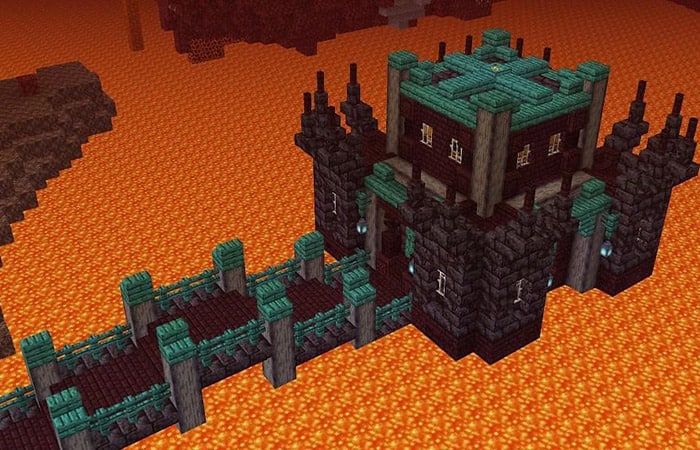
Nether is a troublesome realm to survive in Minecraft. And building a sprawling castle in the Nether realm is even more challenging. In Minecraft PE (Bedrock), one wrong tap on the screen can cost players their lives. So building a giant castle or any base in the Nether is not easy at all.
2. Sky City
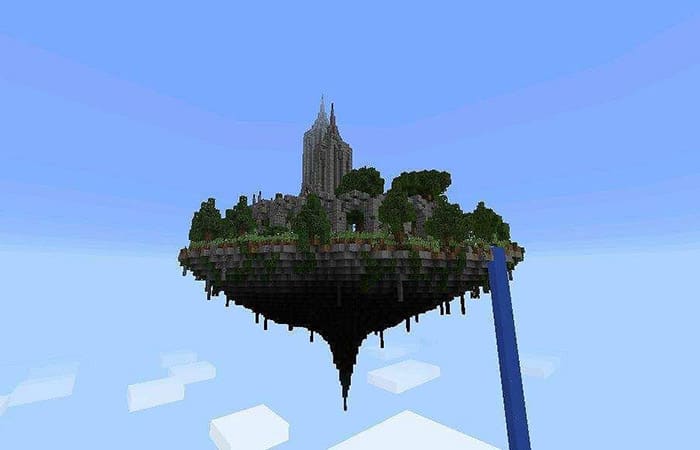
Sky cities may look magnificent, but they are one of the most difficult to build in Minecraft PE (Bedrock). To do this, players will need to create a massive base in the sky to build anything on. A misjudgement can cost them their lives due to the heavy damage they will take from the fall.
1. Final base in Minecraft
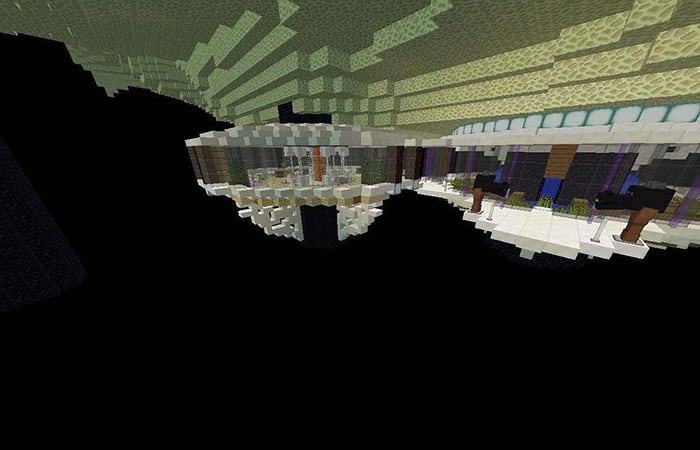
Fighting the Ender Dragon on a small mobile screen is a difficult task, let alone making a base under End Island. This is one of the most difficult bases to make in Minecraft PE (Bedrock). If players make a mistake and slip, they will fall into the endless void and die.
Check out: The Main Uses of the Heart of the Sea in Minecraft
Final thoughts
If you wanted to know how to find structures in Minecraft and which ones are the hardest to find, this article should have helped you (we hope so). For casual Minecraft players, the /locate command is definitely worth trying. However, as mentioned earlier, you will lose future achievements after enabling cheats. You can share your thoughts in the comments section and let us know what you think and what your experience with the commands was like.

My name is Javier Chirinos and I am passionate about technology. Ever since I can remember, I have been interested in computers and video games, and that passion has turned into a job.
I have been publishing about technology and gadgets on the Internet for over 15 years, especially in mundobytes.com
I am also an expert in online marketing and communication and have knowledge in WordPress development.