- Identifying normal noises versus critical sounds such as the "Click of Death" or metallic squeaks.
- Use of SMART diagnostic tools and surface testing to confirm physical failures.
- Prioritize immediate backups and avoid dangerous home methods such as freezing.
- Recommendation to migrate to SSD technology to eliminate mechanical risks and data loss.
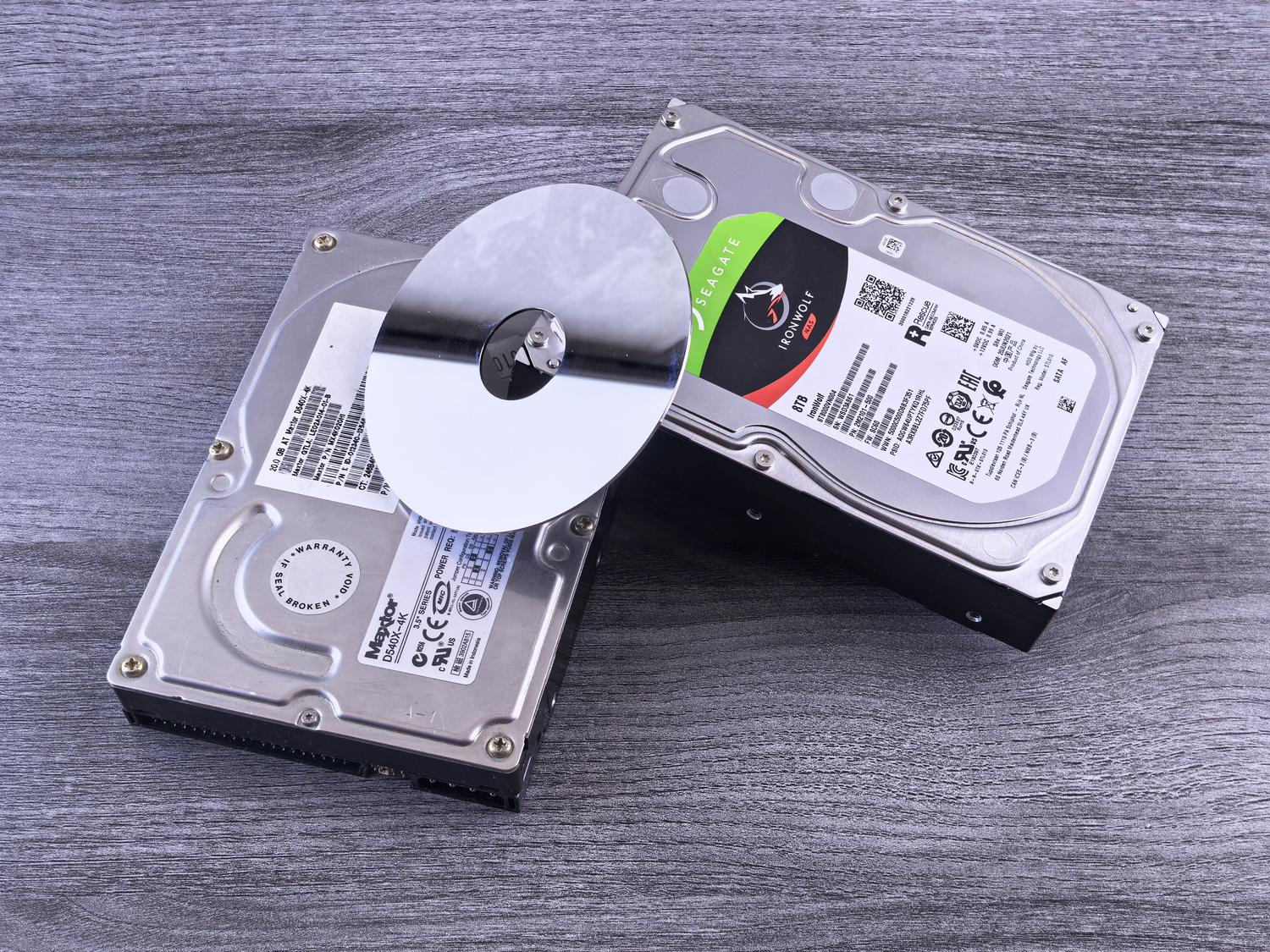
You've probably experienced your computer suddenly making sounds you've never heard before. While it's true that mechanical hard drives aren't exactly silent and make small noises while they're working, there's a fine line between normal operation and a sign of imminent danger . When you hear clicking or squeaking sounds, it's very likely your hardware is crying out for help and your files are at risk.
Dealing with this problem can be stressful, but the worst thing you can do is ignore it or try home remedies that only make things worse. In this article, we'll break down how to detect if those noises are serious , what they mean exactly depending on the type of sound, and, above all, what steps you should take to try to save your data before the hard drive fails.

Is it normal for my hard drive to make noise?
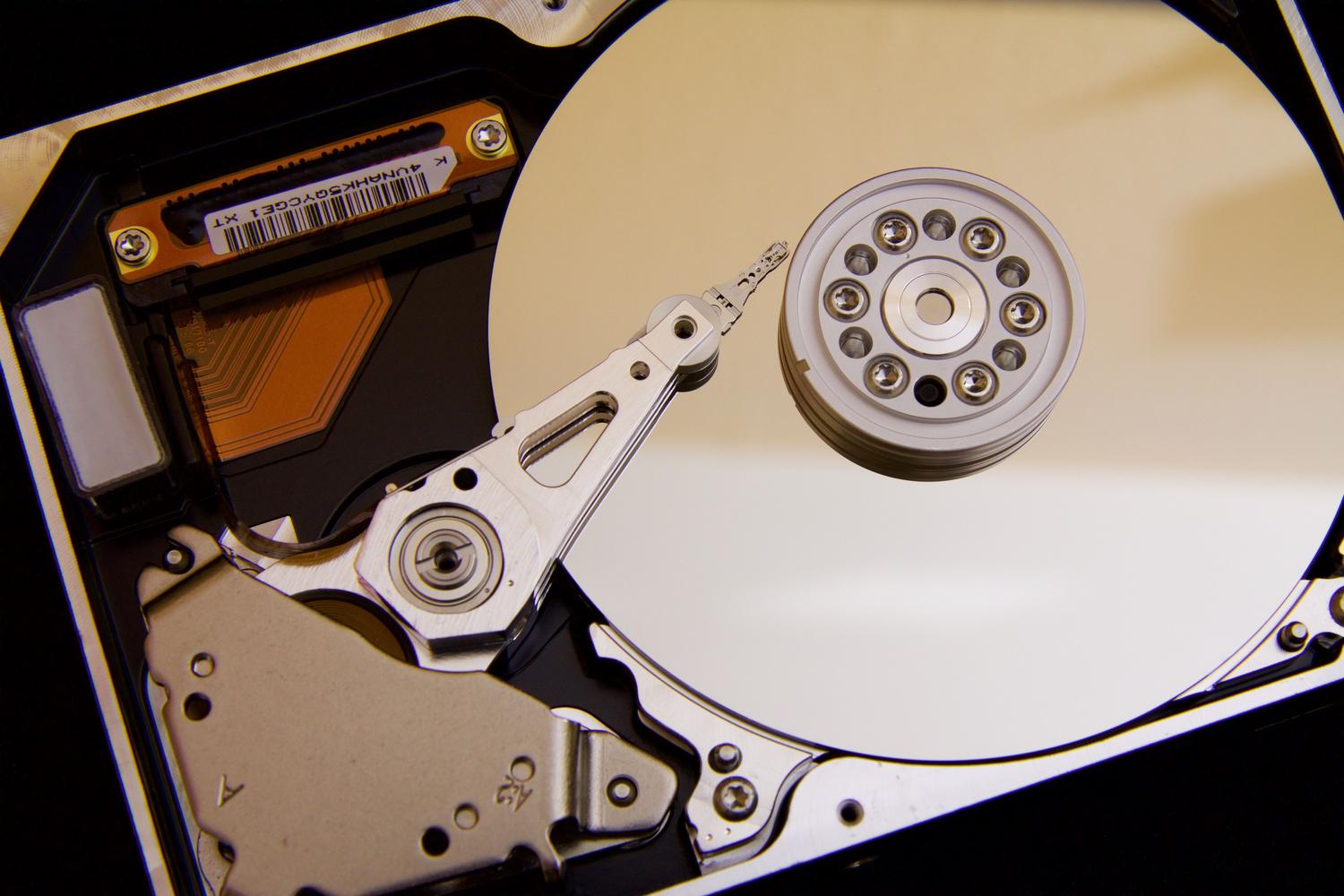
Before panicking, it's important to distinguish between normal operating noise and noise indicating a failure. A healthy HDD typically emits a constant, soft hum due to the rotation of the platters. It's also common to hear quick, faint clicks when the actuator arm moves to read data. Some WD models even feature PWL technology, which moves the read/write heads every few seconds to distribute lubrication and reduce wear , resulting in perfectly normal periodic noises.
However, if you notice that the noise is aggressive, pronounced, or has appeared out of nowhere in a previously quiet computer, you have a problem. Factors such as a faulty power supply or the hard drive not being properly secured to the chassis can generate vibrations and strange noises that don't always mean the drive is broken, but should be checked.
Dictionary of critical noises: What is your record telling you?
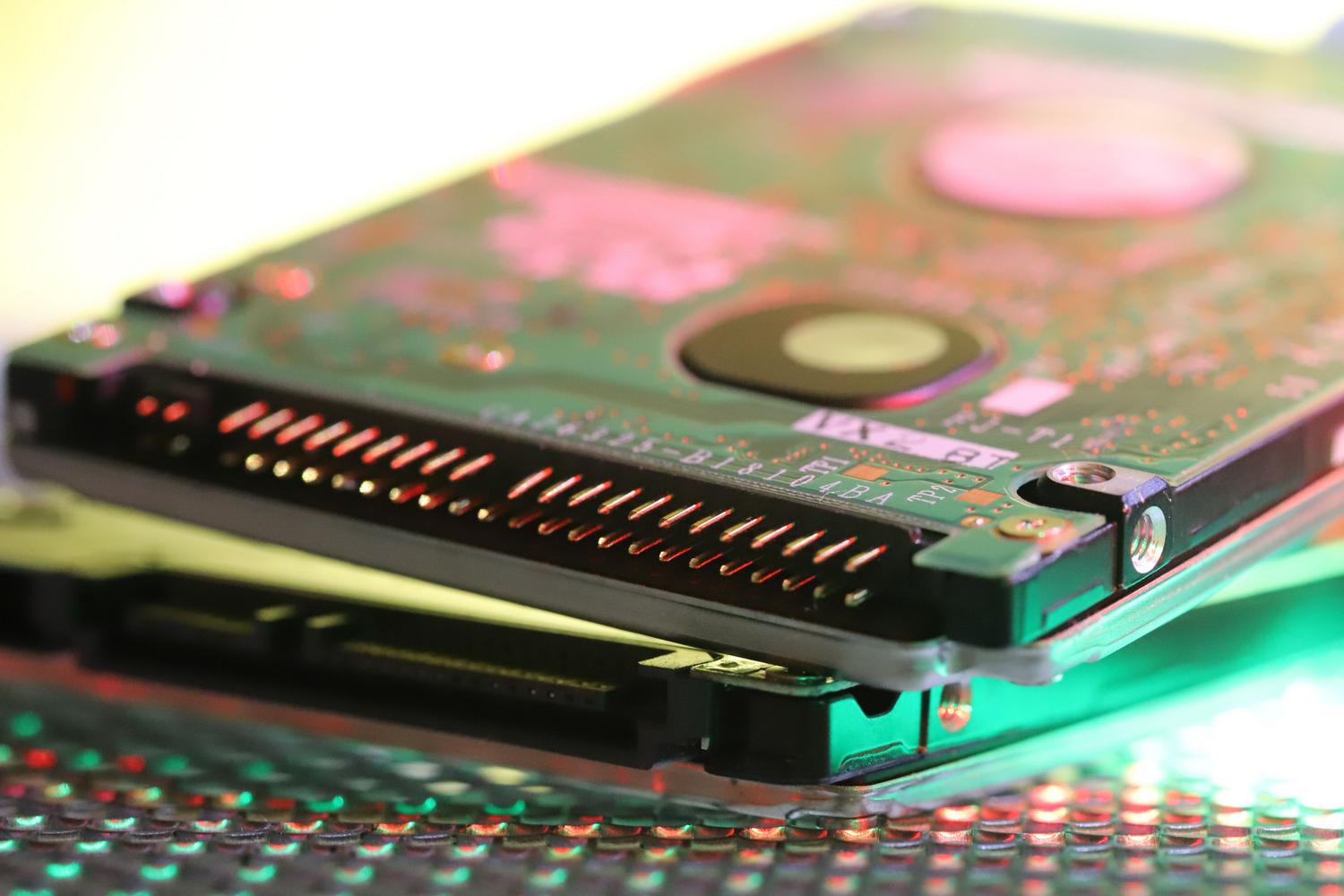

Sounds are the best tool for quick diagnosis if you know how to interpret them. Here are the most common and dangerous ones:
- The Click of Death: It manifests as a rhythmic, loud knocking sound that repeats every few seconds. This occurs when the print head cannot find the service area or the data. Go back to the starting position constantly. It's a catastrophic sign.
- Squeaks and Scrapes: If you hear something like metal scraping against metal, it's an absolute emergency. It means the heads are physically touching the platters. destroying the magnetic layer where your photos and documents live.
- Loud buzzing or beeping sounds: They usually indicate that the rotation motor or bearings are failing, or that the disc does not have enough power to rotate.
- "Drilling" or knocking sounds: Very common in laptops after a fall, where the print heads become misaligned or damaged.
Main causes behind mechanical failures
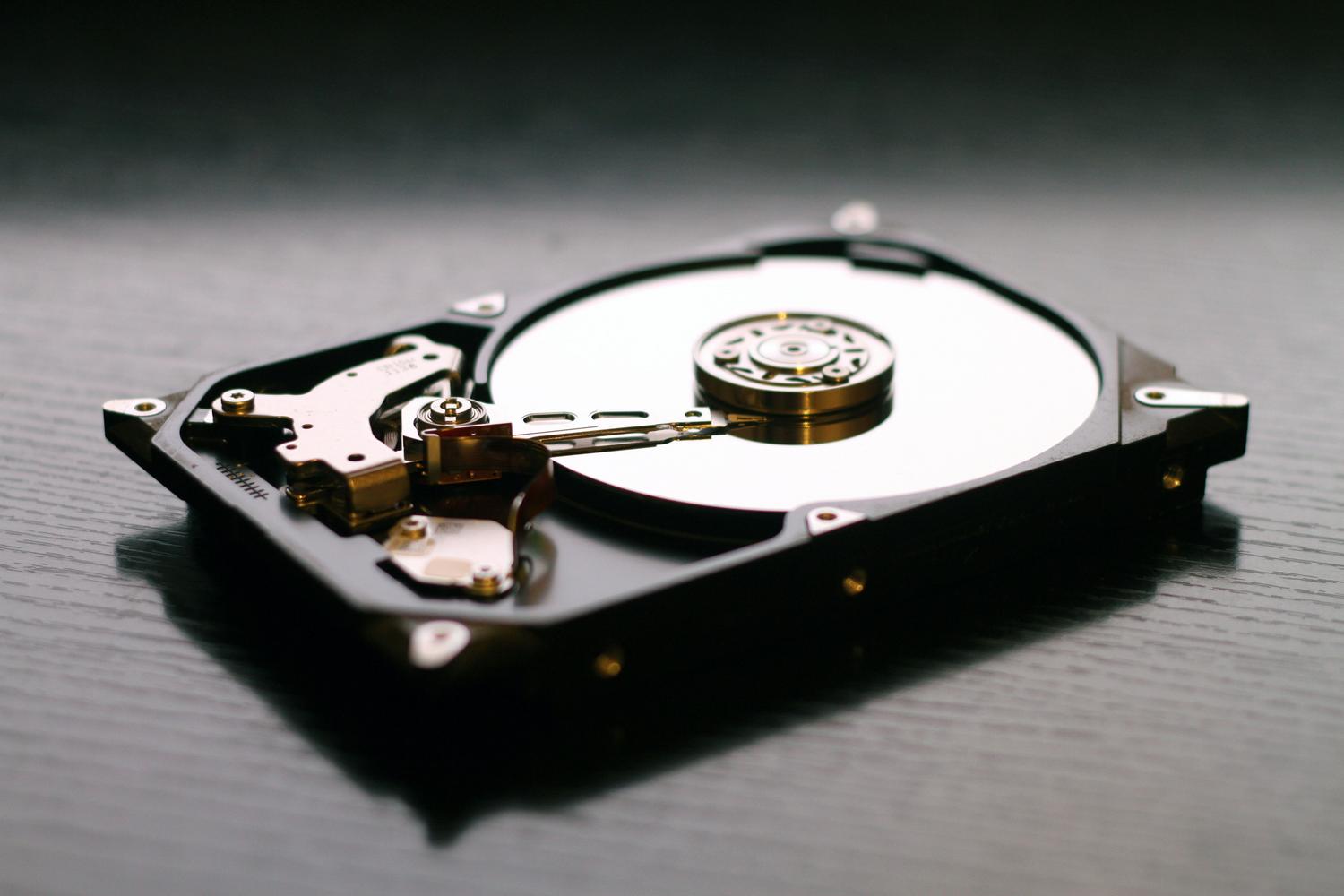
To solve the problem, we first need to understand why it occurs. Natural wear and tear is the most frequent cause; the average lifespan of an HDD is around 3 or 4 years. But there are other triggers as well:
Physical damage from impacts, exposure to magnetic fields, or humidity can render a hard drive unusable. To learn more, you can read about magnets and other myths surrounding hard drive destruction . Similarly, problems in the service area (where the manufacturer stores critical data) can cause the actuator arm to move erratically. We also can't forget electrical problems ; a power surge or an overloaded power supply can prevent the drive from booting correctly and cause it to make clicking noises.

Step-by-step guide to diagnosing the condition of your HDD
If you suspect your hard drive is failing, follow this protocol to confirm the failure without taking unnecessary risks:
First, isolate the noise . Turn off your PC, open the case, and turn it back on. Put your ear close to the hard drive to confirm that the sound isn't coming from a blocked fan or the power supply itself. Once you've confirmed this, ideally you should check the SMART status from the BIOS or using software like CrystalDiskInfo. If the status appears as "Caution" or "Bad," especially regarding the reallocated sector count, the drive is nearing the end of its life.
Finally, you can perform a surface test using tools like Victoria or HDDScan. If the program finds red blocks or freezes while reading certain areas, the magnetic surface is degraded and the disk should be replaced immediately.
Immediate actions and possible solutions
When the diagnosis is negative, the absolute priority is backup . If the disk is still recognized by the system, move your most valuable files to the cloud, an external SSD, or a USB drive. Do not attempt to defragment the disk or run intensive repair programs, as the extra effort could further damage the read/write head.
If the noise is slight and you suspect a logic failure, you can try running the command chkdsk /f /r in Windows to fix instabilities. But be careful: This does not repair the hardware.If the problem is mechanical (like the click of death), the only real solution is to replace it with an SSD, which, having no moving parts, eliminates the risk of these noises and improves the speed of the computer.

What you should NEVER do and when to call professionals
There's a dangerous myth that suggests putting your hard drive in the freezer to fix clicks. Please do not do this under any circumstances . The humidity and water vapor can corrode the circuits and platters, making data recovery impossible.
Don't try to open the drive at home either. Even the tiniest dust particles are like rocks to the read/write heads. Any physical intervention should be done in a specialized cleanroom . If the data is vital and the drive no longer boots, the best course of action is to go to a data recovery lab. They have sophisticated tools and manufacturer partners to open the drive without destroying the data.
Keep in mind that any unusual noise from a mechanical hard drive is a warning that shouldn't be ignored, as the transition from a strange noise to total failure is often a matter of days or even hours. The best strategy will always be prevention through regular backups and, at the first sign of danger, prioritizing data recovery before attempting any DIY repairs that could permanently damage the drive.

Passionate writer about the world of bytes and technology in general. I love sharing my knowledge through writing, and that's what I'll do on this blog, show you all the most interesting things about gadgets, software, hardware, tech trends, and more. My goal is to help you navigate the digital world in a simple and entertaining way.