- Implementation of a local-first vault structure to ensure total control and longevity of information.
- Using bidirectional links and Obsidian Canvas to transform flat notes into visual knowledge networks.
- Automation of data processing using the Carpac method and web capture tools to optimize workflow.
- Integration of advanced plugins and local AI models to improve organization without compromising privacy.
If you've ever felt like your notes are a veritable graveyard of ideas where everything gets lost, it's probably because you lack a system that truly connects the dots. Many of us start out with the enthusiasm of building a knowledge base, but end up overwhelmed by not knowing how much detail to include in each note or by feeling that dedicating time to organizing the chaos yields no real results. It's this feeling of mental stagnation that leads many people to abandon powerful tools before discovering how to make them work for them.
The key to preventing this is to stop viewing notes as isolated files and start understanding them as a living ecosystem. Imagine being able to visualize your thoughts on a map where jumping from one concept to another is as simple as clicking, allowing you to discover relationships you didn't even know existed. Whether it's to boost creativity in photography or to study complex topics without forgetting what you learned in the previous chapter, the secret lies in moving from passive accumulation to dynamic knowledge management.

What is Obsidian and why does it make a difference?
Unlike most modern applications that store your data in an opaque cloud, Obsidian takes a local-first approach . This means your notes are simple Markdown (.md) files that reside in a folder on your own hard drive, known as a vault. This architecture ensures you have complete ownership of your information , preventing you from being dependent on a company that might decide to shut down its servers or change its prices.
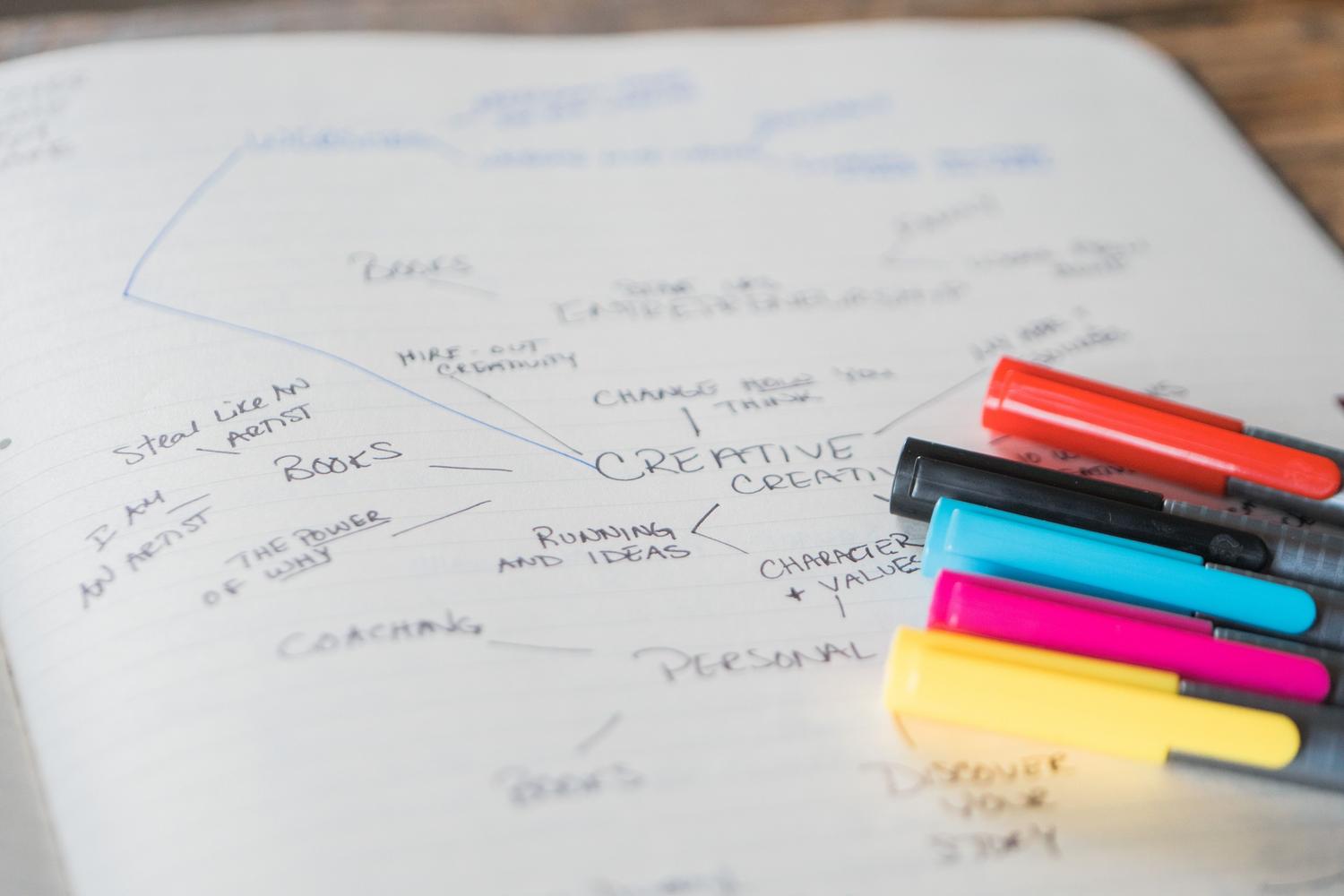
What makes Obsidian truly special isn't just its storage capacity, but its ability to create bidirectional links . By using wikilinks, you can organically connect concepts, creating a network that mimics the workings of the human brain. It also features a graph view and Canvas mode , which allow you to transform plain text into dynamic, visual mind maps—ideal for those who need to see the big picture to generate new ideas. If you're just starting out, we recommend following an Obsidian tutorial to get started without getting overwhelmed.
Smart organization before automation


To prevent your vault from becoming an unmanageable mess, it's essential to establish a basic structure before tinkering with plugins or artificial intelligence. A recommended organization involves separating content according to its processing stage. For example, you could create a raw captures folder for everything coming in from outside, a wiki section for polished notes, a templates folder, and another for attachments like images or PDFs.
To maintain order, it's very useful to use YAML front matter at the beginning of each note. This allows you to add metadata such as tags, project status, or dates, which greatly facilitates later reference. While tags (#idea, #pending) are useful for quick categorization, internal links are what truly build the semantics of your knowledge , allowing you to navigate between related concepts without losing track.
The Carpac Method: transforming data into wisdom
If you find the process of cleaning up notes or summarizing lengthy transcripts overwhelming, the Carpac method is a lifesaver. This workflow uses artificial intelligence agents to process raw information and transform it into an interconnected wiki. Instead of reading an hour-long transcript and taking handwritten notes, the AI can extract key concepts and generate separate notes for each one, suggesting links between them that you then validate.
To implement this, you can use cloud-based models like GPT-4 or Claude, although if privacy is a concern, there are local alternatives such as Ollama or LM Studio. For more information on this, you can consult our comprehensive guide to local AI . The ideal process is to feed the agent a clear instruction: read the raw file, identify 8 to 12 main ideas, and create files in the wiki folder with a concise summary and a section on cross-relationships.

Fast capture and advanced automation

For the system to be sustainable, the flow of information must be seamless. Tools like Obsidian's Webclipper allow you to save web pages directly in Markdown format, eliminating visual clutter and preserving only the essentials. Once the content is captured, you can apply automatic processing to break the information down into smaller, more manageable notes, thus avoiding the problem of endless documents that are tedious to read.
For more technical users, the command-line interface (CLI) integration opens up a world of possibilities. You can run scripts that read your notes' metadata and automatically generate .canvas files . This means you could have a self-updating visual map of all your active projects, grouping nodes by areas of interest and creating a visual dashboard without having to move a single element manually.
Enhancing the vault with plugins and privacy
Obsidian's plugin ecosystem is vast, allowing you to adapt the tool to any workflow. For those seeking efficiency, Dataview is essential , as it enables database-like queries of your notes. To optimize your system, you can review our guide to Obsidian plugins and workflows . Other plugins like Templater help standardize document creation, while calendar plugins are vital for daily record-keeping and regular information reviews.
In terms of security, being a local tool, privacy is paramount. However, if you decide to use AI plugins, it's advisable to work with temporary vaults to avoid exposing sensitive data. Using disk encryption and backups on external drives or NAS ensures your second brain is safe. The combination of complete data control and extensibility through plugins makes Obsidian the ultimate tool for deep learning.

Leveraging the visual potential for learning
Many users discover that Obsidian's true value emerges when they use the Canvas to connect ideas. This feature allows them to place notes, images, and links in an infinite space, facilitating the generation of new hypotheses and the understanding of complex topics. By seeing the spatial relationship between concepts, it's much easier to retain information and avoid forgetting, since the brain associates data better when it has a clear visual context.
Having such a system allows the time spent taking notes to be an investment, not an expense. By automating capture and cleaning, and focusing on the visual connection of ideas , the mental friction of deciding what's important is eliminated. The result is a knowledge base that not only stores data but also enhances the user's cognitive and creative abilities , transforming simple reading into an active learning process.


Passionate writer about the world of bytes and technology in general. I love sharing my knowledge through writing, and that's what I'll do on this blog, show you all the most interesting things about gadgets, software, hardware, tech trends, and more. My goal is to help you navigate the digital world in a simple and entertaining way.