- Local AI allows for the processing of confidential data without an internet connection, guaranteeing total privacy and eliminating API costs.
- Performance depends critically on the GPU's VRAM or unified memory on Mac, with Ollama and LM Studio being the most accessible tools.
- There is a wide variety of open models such as Llama, Mistral, and Phi, which adapt to different hardware capabilities through quantization.

You've probably been there: you want to use artificial intelligence to get ahead on your work, but the thought of your private data ending up on a remote server gives you a terrible feeling. The idea that your conversations or confidential documents could be leaked in a hack or handed over by court order is something that keeps many people up at night, especially when we're talking about true privacy and absolute control.
The good news is that you no longer need to be a computer guru to build your own AI at home. Today, running local language models is an accessible reality for anyone with a decent computer, allowing us to do away with monthly fees and internet connections, transforming our PC into a private digital brain that won't tell a soul.

What does it really mean to have a local AI?
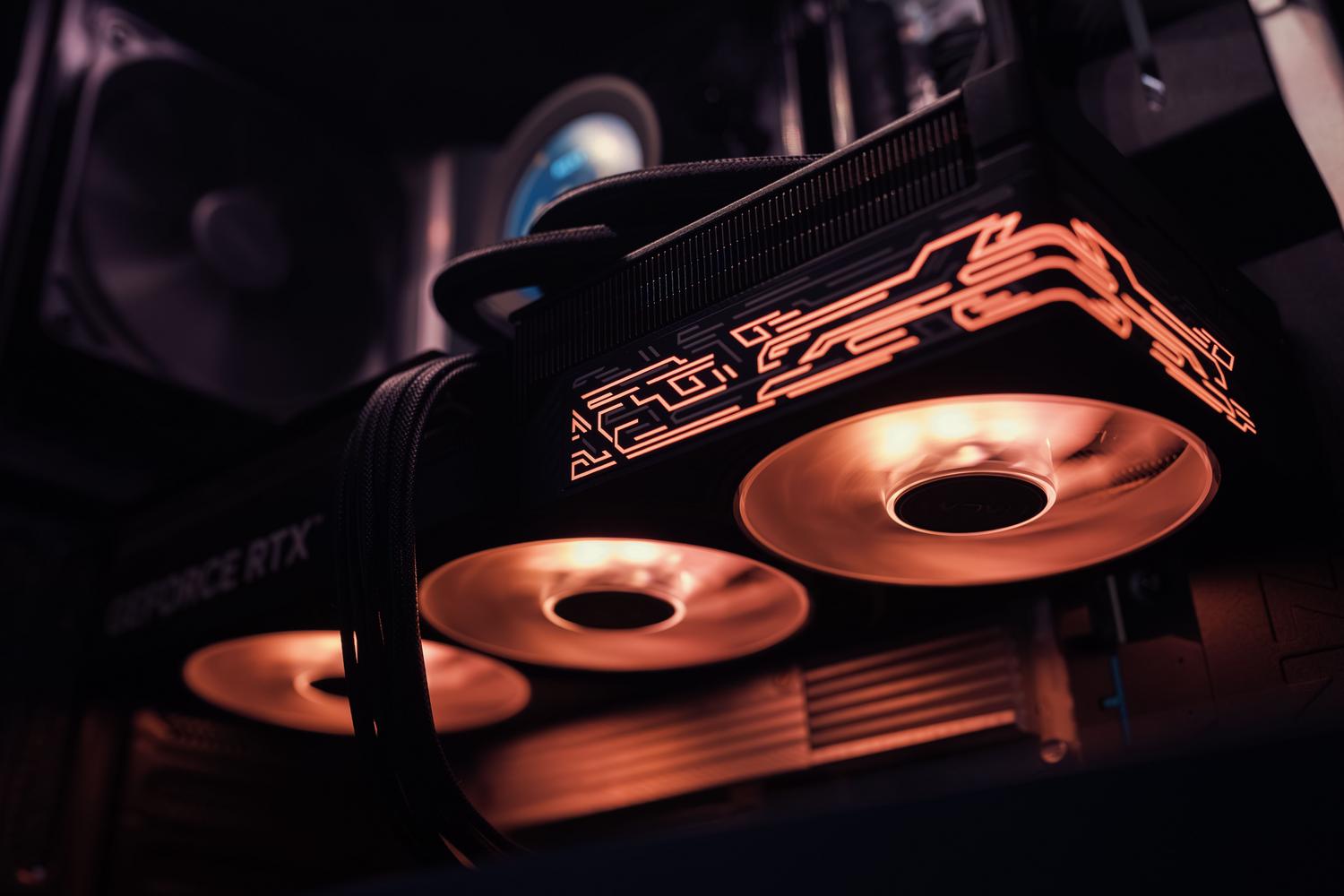
When we talk about local AI, we mean that the entire process, from writing a question to the model generating the answer, happens within your own hardware . There are no external API calls or tokens traveling across the network; model weights and inference are handled by your own GPU or CPU. This is a complete game-changer for those who manage proprietary code, medical records , or data subject to strict regulations like GDPR, where any data transfer outside the EU is a legal headache.
Obviously, there's a trade-off. While closed cloud models are typically at the forefront of complex reasoning, open-source models have advanced by leaps and bounds. For everyday tasks, such as summarizing texts, automatically transcribing videos using local AI , programming in Python, or translating content can be done locally with amazing quality, also enjoying the advantage of zero usage costs once you have the machine.
The hardware: The fuel for your AI
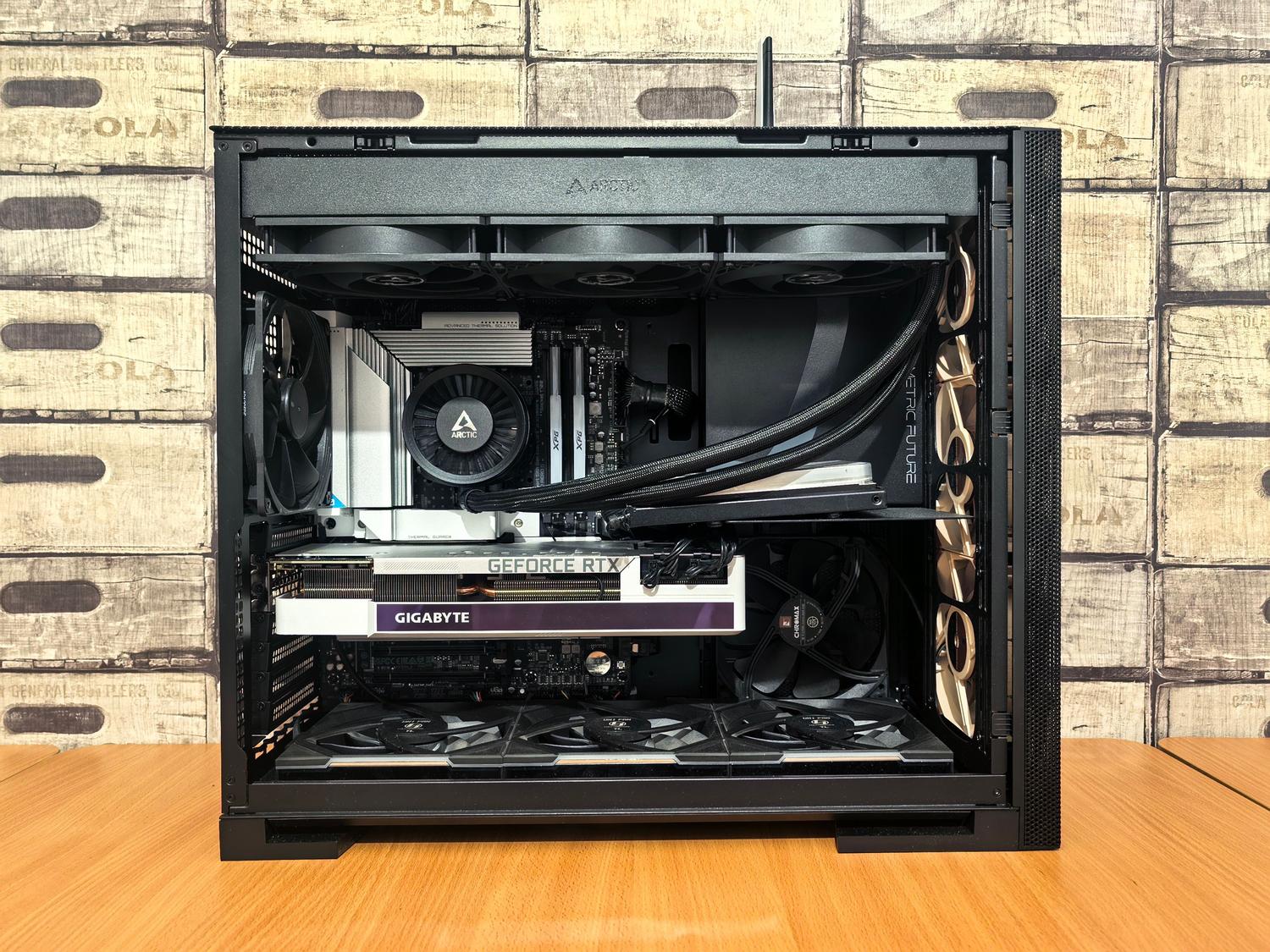
To prevent AI from crawling, the critical factor isn't so much the processor, but the available memory . LLMs are veritable RAM and VRAM hogs. If you're using a Mac with a unified memory architecture (M1, M2, M3, or M4 chips), you have a huge advantage because the GPU accesses all the system's RAM, allowing you to run larger models with less effort.
- Mac computers: A model with 16 GB of RAM can handle 8-bit models smoothly. If you jump to 64 GB or more, you can play with 70-bit models, approaching the power of premium services.
- PC with Windows/Linux: Here, the Graphics card VRAMA 12GB RTX 3060 or a 16GB RTX 4060 Ti is the ideal entry point. If you have a 24GB RTX 4090, you can run very powerful graphics cards with light quantization without your system crashing.
- Modest options: If you don't have a dedicated GPU, you can use the CPU, but be prepared to wait. The speed difference is enormous: while a GPU can generate responses in seconds, CPU inference It may take half a minute per paragraph.

Key tools for installing and running models
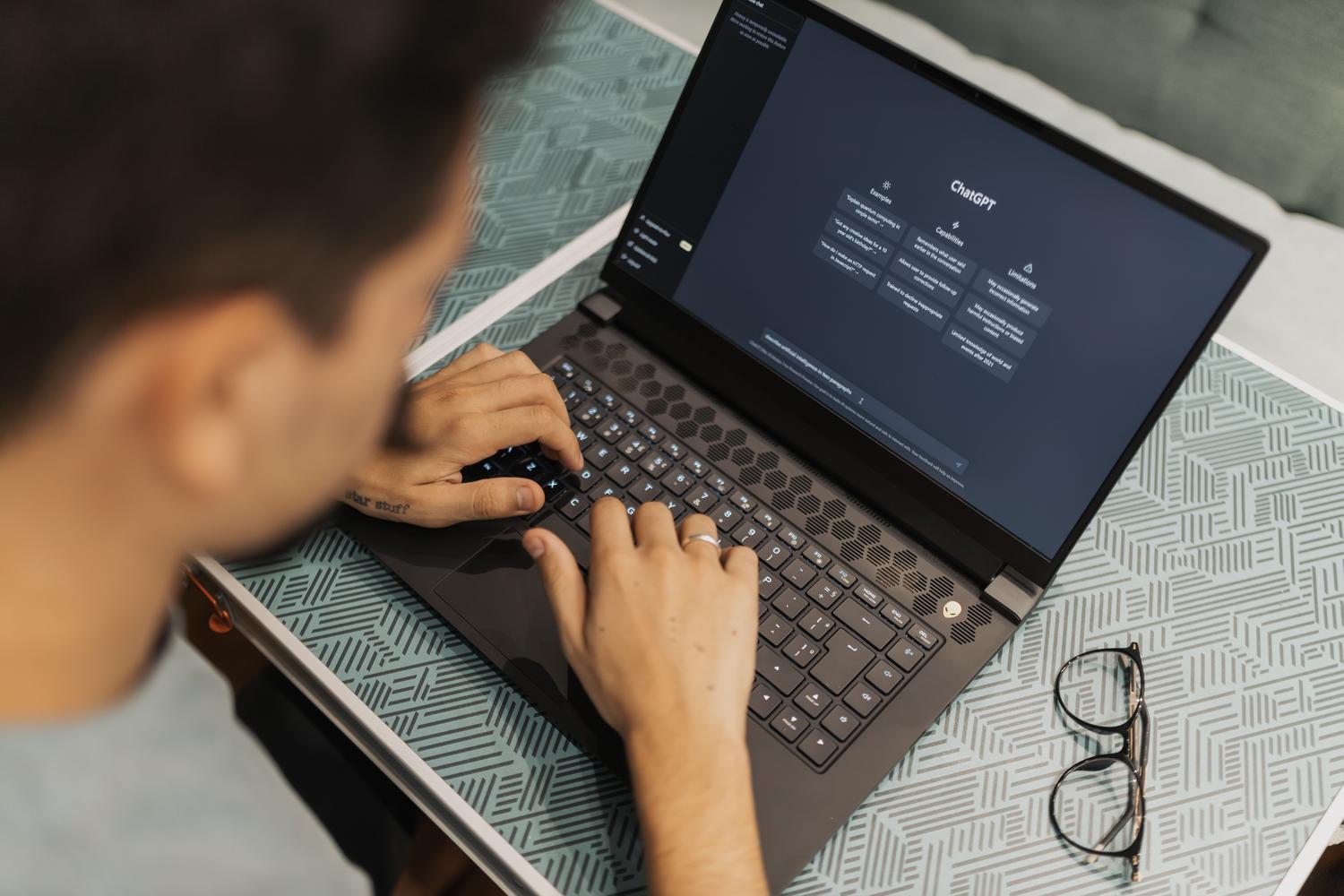
There's no need to wrestle with CUDA dependencies or conflicting versions of PyTorch anymore. Tools exist that do the dirty work for us:
Ollama: The efficient engine
Ollama has become the standard for those seeking simplicity. It's essentially a command-line inference runtime . It doesn't have its own visual interface, but it's incredibly lightweight. It allows you to run models with a simple command like ` ollama run llama3` and exposes an OpenAI-compatible API, meaning you can connect Ollama to dozens of external applications.
LM Studio and Jan: The visual experience
If you find command-line tools tedious, installing and configuring LM Studio is the most polished option. It offers a visual catalog where you can see which models are best rated and download them with a single click. Furthermore, on Mac, it leverages Apple's MLX engine for exceptional performance. On the other hand, Jan is a purely open-source alternative that allows you to switch between local models and cloud APIs in a single interface, ideal for those who want complete code transparency.

Microsoft Foundry and Windows ML
For Windows application developers, Microsoft offers Foundry, a solution designed to integrate local AI into software. It allows users to create ready-to-use models in under an hour or import others from Hugging Face via Windows ML, leveraging hardware acceleration through DirectML to fully utilize the device's GPU or NPU.
Recommended models and how to choose them
Not all models are suitable for every purpose. The choice depends on your hardware and what you want to achieve. It's essential to understand quantization (Q4, Q5, Q8), which is essentially compressing the model to take up less memory by sacrificing a little precision.
- Call 3 / Call 4: Meta's heavyweights. Ideal for complex reasoning and professional writing. The 70B one is a beast, but it requires a lot of VRAM.
- Mistral and Mixtral: The perfect balance. Mistral 7B is probably the best recommendation for most because of its speed and competitiveness.
- Phi (Microsoft) and Gemma (Google): Lighter and optimized models, perfect for machines with limited resources or simple sorting tasks.
- DeepSeek: Very powerful in programming and logical reasoning tasks, with versions ranging from the lightest to massive models that require enterprise hardware.
Practical workflows for everyday use
Having the model installed is just the beginning. The magic happens when you integrate it into your routine. You can use a client like Cherry Studio or Levante to manage your chat history and switch between a local model (for sensitive data) and a cloud-based model (for ultra-complex tasks) within the same conversation.
In a professional setting, this allows you to process confidential documents , such as contracts or medical reports, summarizing them or extracting entities without a single bit leaving your office. It's also possible to set up offline image creation workflows with tools like ComfyUI , eliminating reliance on services like Midjourney and protecting the intellectual property of your designs.
For those looking to take the plunge, simply install Ollama, choose a model like Mistral or Llama depending on your available RAM, and start chatting. While closed systems still have a slight advantage in pure AI, the combination of privacy, zero cost, and control makes local AI the smartest option for any user who values their privacy and wants to experiment without limits on their own computer.


Passionate writer about the world of bytes and technology in general. I love sharing my knowledge through writing, and that's what I'll do on this blog, show you all the most interesting things about gadgets, software, hardware, tech trends, and more. My goal is to help you navigate the digital world in a simple and entertaining way.