- Advanced equalizer customization on macOS, Windows, and iOS to adapt the sound to the music genre.
- Audio quality optimization through normalization adjustment and high fidelity format selection.
- Configuration of complementary functions such as crossfade and spatial audio for Apple devices.
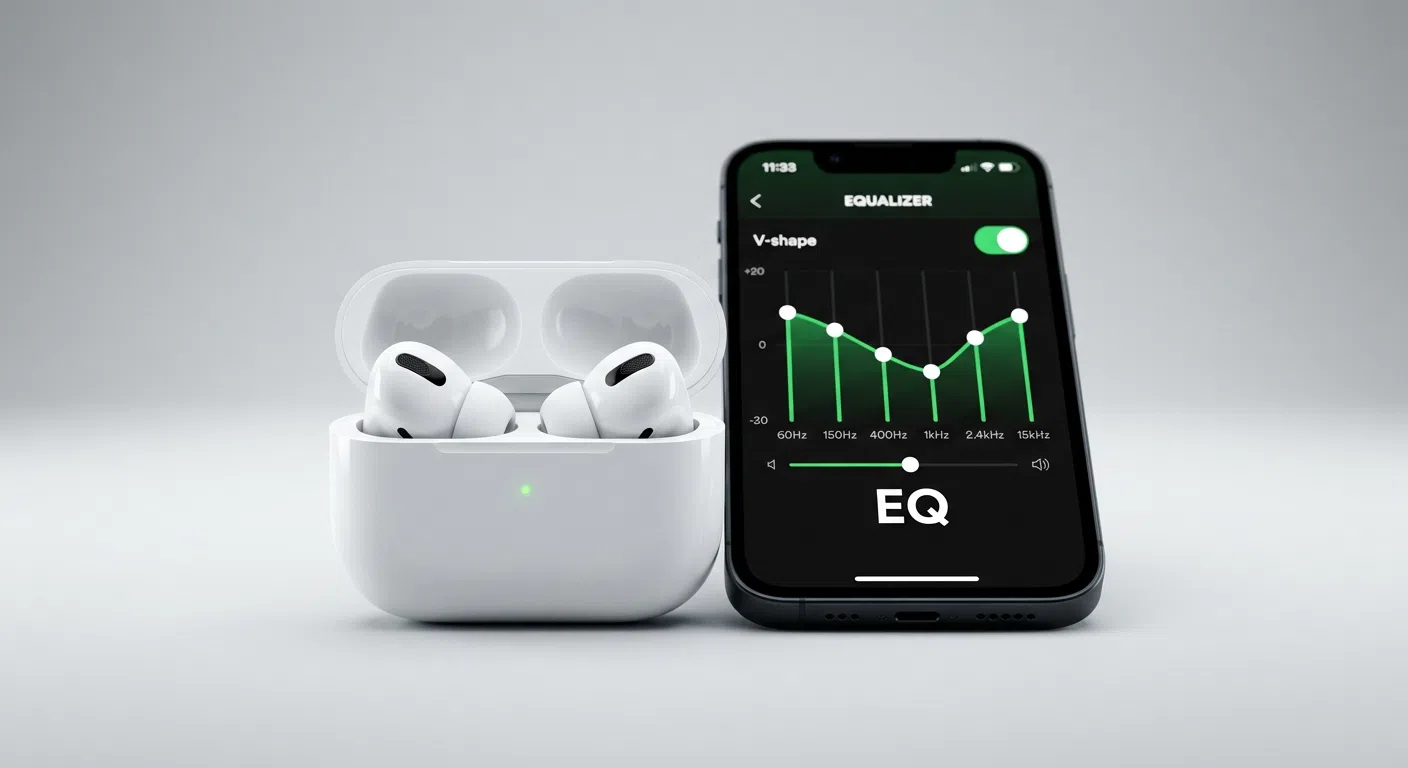
If you feel like your favorite songs are lacking energy or the bass isn't quite hitting as hard as it should, don't worry, it's super common. We often install the app, hit play, and the sound seems a bit bland, but the truth is, Spotify has hidden settings that can completely transform the listening experience, bringing each track back to life.
The best part is that you don't need to be a sound engineering expert or spend a fortune on professional equipment to notice the difference. With a few tweaks in the menu and some frequency adjustments , you can perfectly adapt the music to your AirPods, your Mac speakers, or even your car stereo, achieving a much more immersive sound.

Mastering the equalizer on macOS and Windows
For those using the desktop version, whether on an Apple or Windows computer, the good news is that accessing the equalizer is quite straightforward. To begin, open the application and click on your profile picture at the top. From there, go to Settings and scroll down to the Playback section.
Once there, you'll see the Equalizer option. If it's disabled, simply enable it to bring up the adjustment bar. You can choose from various presets or, if you're feeling creative, drag the points on the graph to design your own sound curve. It's important to note that if your device has per-app controls built into macOS, changes you make here could affect other apps you're using simultaneously.
Frequency guide according to musical style
Not all genres sound good with the same settings. If you're passionate about hip-hop or electronic music, it's ideal to boost the low frequencies, specifically between 60 Hz and 150 Hz , so the bass has a deep and impactful presence. To prevent the sound from distorting, it's recommended to slightly reduce the 1 kHz range.

On the other hand, if you're into rock or metal, it's a good idea to boost the mid-range frequencies to highlight the clarity of the guitars and the power of the vocals, while keeping the bass under control so it doesn't overpower the other instruments. In the case of classical or acoustic music, fidelity is paramount, so it's advisable to increase the treble, especially above 2,4 kHz , to capture every detail of the strings.
For those who consume a lot of podcasts or audiobooks, the goal is vocal clarity. In this scenario, it's best to cut the bass to avoid booming sounds and boost the mids and highs , ensuring that every word is perfectly understood without distractions.
Optimization for AirPods and Spatial Audio
If you use AirPods, you know they have their own unique sound signature. To compensate for the sometimes weak bass, you can manually boost the low-frequency bands in Spotify's equalizer. Additionally, to improve vocal clarity, a slight boost in the 1 kHz to 3 kHz range often yields impressive results.
Regarding spatial audio, while it's a powerful feature in iOS for creating a cinematic experience , some macOS Monterey users have reported difficulty activating it directly from the volume control. However, the recommendation is to manage the settings from the Bluetooth menu in your system settings, where you can enable custom spatial audio to tailor the sound to the shape of your ears.

Don't forget to keep your headphone firmware up to date. Apple releases constant improvements that optimize connectivity and audio processing , which are automatically installed when you update your Mac or iPhone software.
Advanced settings for premium sound quality
Beyond the equalizer, there are other functions in the Playback menu that make a difference. One of the most controversial is audio normalization. While it's useful for preventing sudden volume jumps between songs, it sometimes reduces the dynamic range and makes the music lose its impact. If you're looking for the highest quality, try disabling it.
Another key point is streaming quality. In the Audio Quality section, you can choose from options like Auto, Normal, High, and Very High. If you have a Premium subscription, you have access to the lossless format (FLAC ), which reproduces the music exactly as it was recorded in the studio. However, be aware that this format is a data hog , so it's best to leave it active only when you're connected to Wi-Fi.
For those who hate the silence between tracks, the Crossfade feature is a lifesaver. This tool overlaps the end of one song with the beginning of the next, creating a smooth and seamless transition , ideal for parties or DJ sets. Additionally, enabling hardware acceleration can help make playback more stable and prevent overloading your computer's CPU.
Configuring Spotify's sound is a highly personal process that depends on both your tastes and the hardware you use. From adjusting frequency bands to boost bass in hip-hop to disabling normalization for increased dynamic range or enabling lossless quality, every small tweak helps make your music sound exactly the way you want, while always protecting your hearing by keeping the volume under control.


Passionate writer about the world of bytes and technology in general. I love sharing my knowledge through writing, and that's what I'll do on this blog, show you all the most interesting things about gadgets, software, hardware, tech trends, and more. My goal is to help you navigate the digital world in a simple and entertaining way.