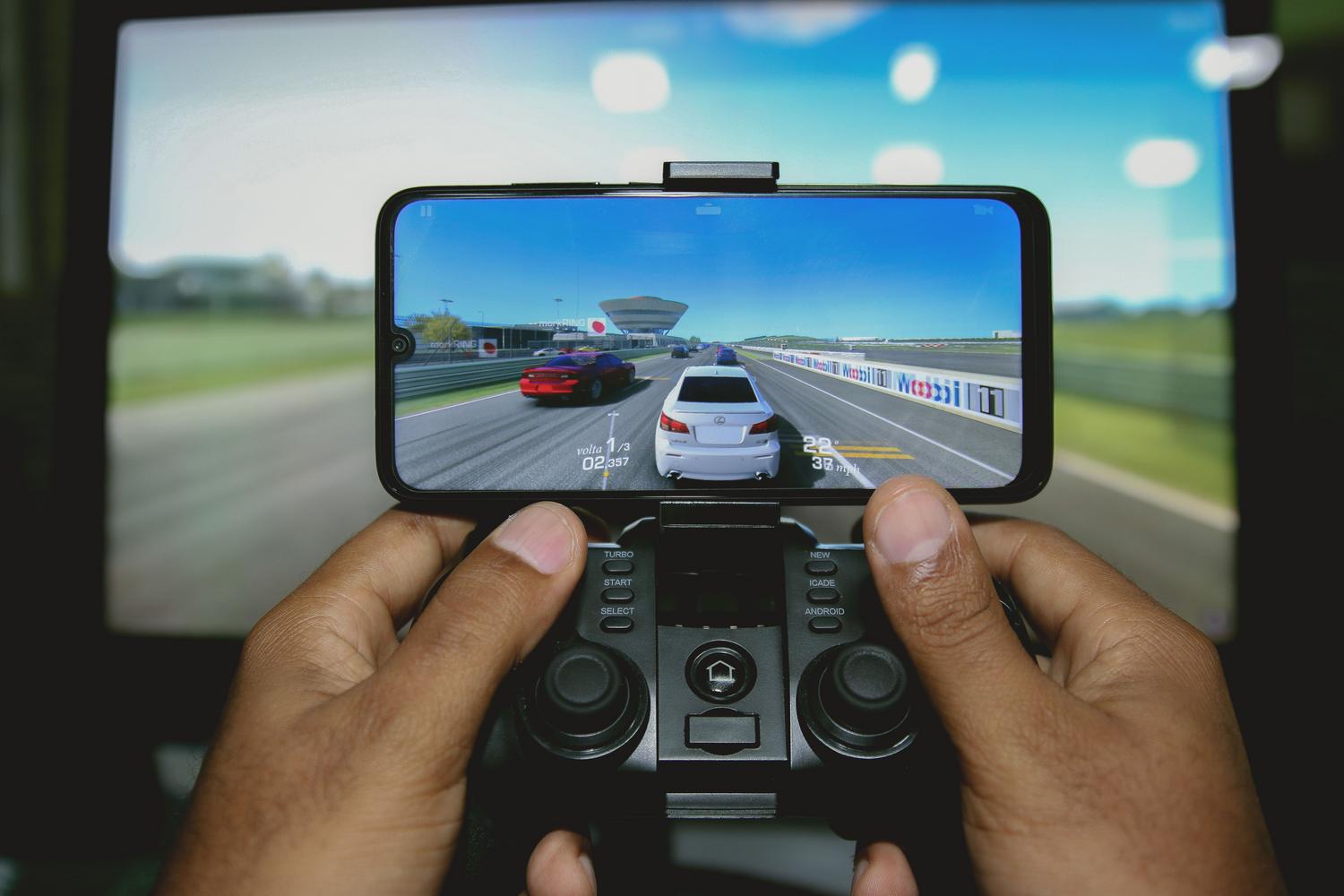
If you've ever wondered how to get your phone to notify you instantly of any updates, you've come to the right place. Push notifications are those alerts that pop up on your screen to keep you informed without you having to constantly open apps or websites, acting as a direct link between the service and the user.
Whether you're setting up a gaming controller app, a complex home automation system, or simply want to manage your browser alerts, understanding how these messages work is key. It's not just about pressing a button, but about customizing the experience so your phone doesn't become a machine gun of notifications that ends up overwhelming you.

What exactly are push messages and what are they used for?
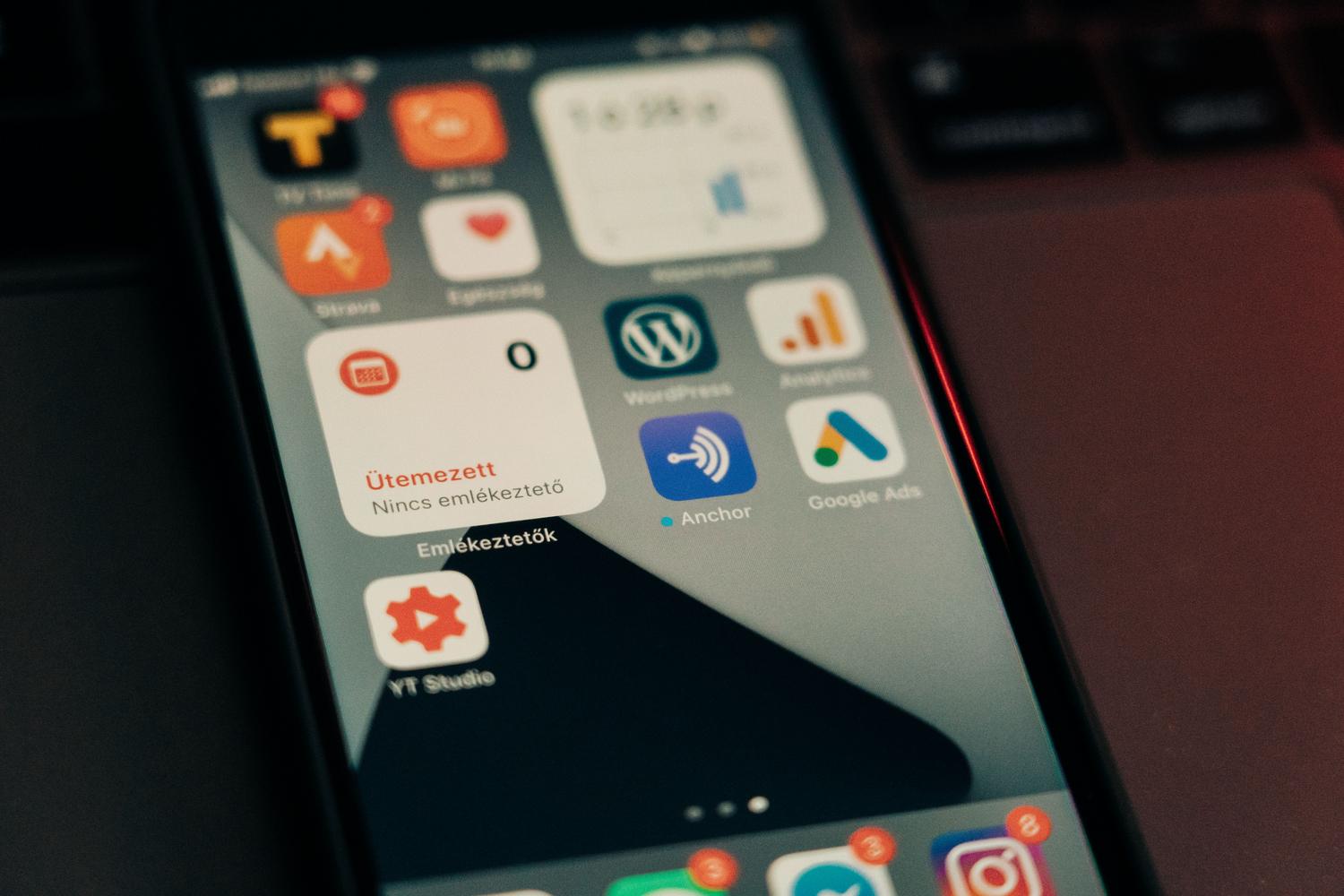
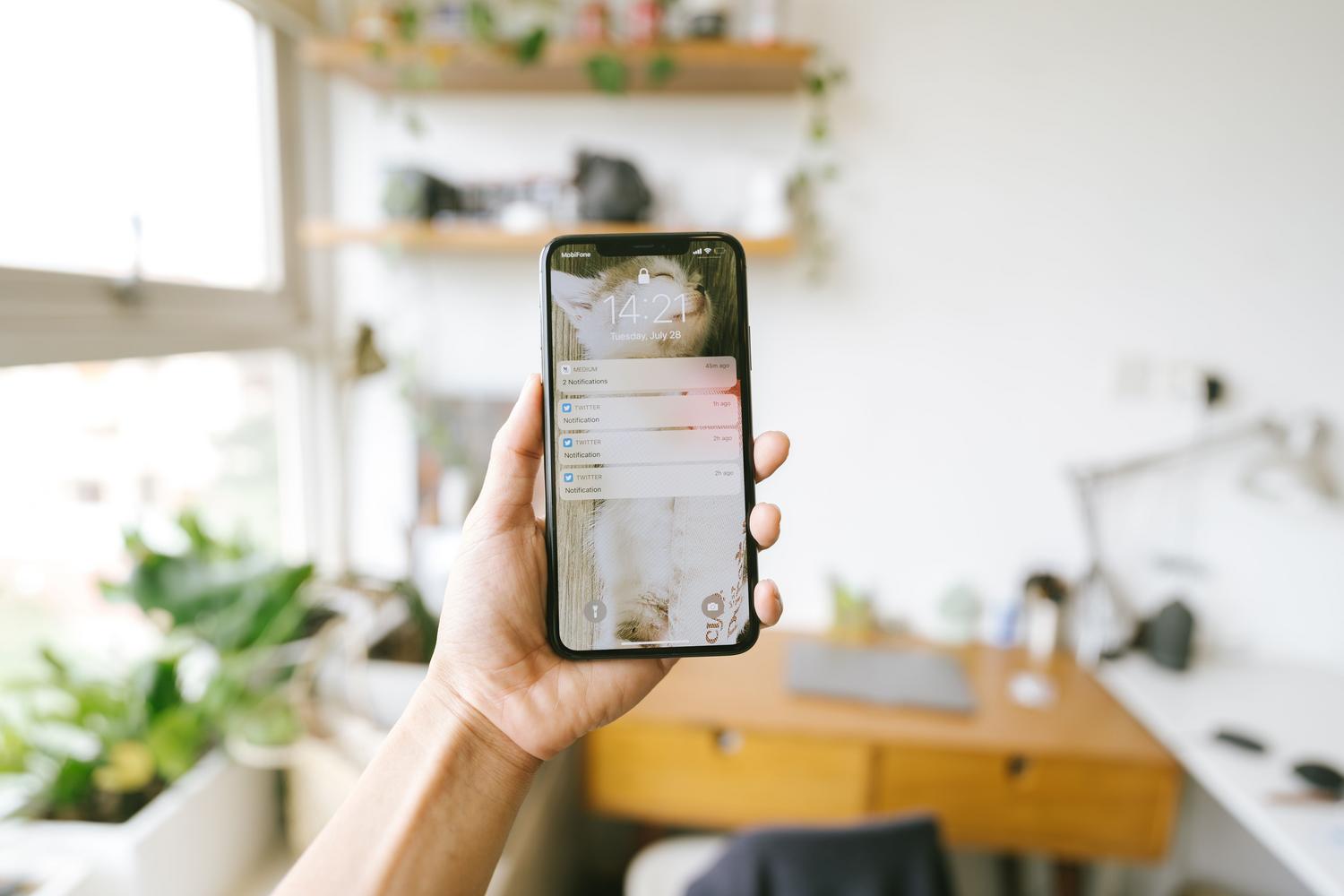
Basically, a push notification is a pop-up notification that arrives on your device via a sound or vibration. These can range from something very simple, like a new message alert , to much more complex data, such as real-time train delays or home security alerts. Their main advantage is that they appear in highly visible areas, like the lock screen , ensuring that you don't miss any important information.
For those who develop apps or manage marketing, these tools are pure gold, as they allow you to reactivate users at strategic moments in the application's life cycle, improving retention and brand engagement.
Step-by-step guide to enabling notifications depending on the device
Depending on where you want to receive notifications, the process varies slightly. Here's how to navigate the menus to get everything set up:
- In web browsers (Chrome, Firefox, Edge): Most often, when you visit a website, a notification appears requesting permission. If you rejected it or want to change it, go to the settings. Privacy & SecurityAccess your site settings and manage notifications. It's essential to have this enabled. JavaScript for this system to function correctly.
- On Android devices: Go to Settings, find the Applications section, and select the specific app. Within its settings, turn on the switch to... Enable notificationsIn modern versions, you can even choose which categories of alerts you want to receive and which you don't.
- On iPhone (iOS): The process is very similar. Go to Settings, find the Notifications menu, locate the desired app, and activate the option. Enable notificationsHere you can decide if you want the notification to appear in the notification center, in banner mode, or only on the lock screen.

Advanced settings for expert users and home automation
When we talk about more specific systems, such as smart home controls (for example, notifications with Home Assistant ) or security systems like Ajax, things get more technical. In these cases, operating system permission isn't enough; a persistent connection is required . To ensure alerts are delivered without fail, it's recommended to configure the connection to " Always" within the application settings.
In security systems, notifications are divided into channels based on severity: critical alerts (which sound even if the phone is on silent), home automation alerts, or malfunctions. This prevents a temperature notification from waking us up at three in the morning, but ensures that an intrusion alarm will.
The technical world: How messages arrive on your mobile phone

For those who want to know what happens behind the scenes, most Android apps use Google's Firebase Cloud Messaging (FCM) . The process is simple: the app requests permission from the user, a unique registration token (like a postal address) is generated, and the server sends the message through FCM for Google to deliver to the correct device.
For modern Huawei devices that lack Google services, the HMS Push Kit is used as an alternative . Without this integration, notifications cannot reach these specific devices.

Troubleshooting: Why am I not receiving notifications?
It's very common for your phone to remain silent even after you've enabled all the settings. Often, the culprit is battery saving mode . Manufacturers like Xiaomi, Samsung, and Huawei have very aggressive custom interfaces that kill background processes to conserve energy. To fix this, you should go to the battery settings in the app and select the " No restrictions" option , or consult how to fix notifications that aren't arriving on Android.
Other common causes include Android's Doze mode, which postpones messages if the phone has been inactive for a while, or an expired FCM token after an app reinstallation. If you use a VPN to access your command system, remember that you must be permanently connected to it so the server can locate your device.
Tips to avoid overwhelming the user
If you're the one sending the notifications, remember that too many alerts have the opposite effect: the user ends up uninstalling the app or muting everything. The key is segmentation. Don't send mass messages; use event-based triggers (like an order placed or a game level completed) and request notification permission only when the user has already grasped the value of your tool.
Using actionable notifications is another great idea. These allow the user to perform an action (such as closing the garage or accepting an order) directly from the alert, without needing to open the entire app, which dramatically improves conversion rates and usability.
Properly configuring push notifications involves balancing operating system permissions, manufacturer battery management, and a non-intrusive sending strategy. Whether adjusting priority channels on Android, managing permissions on iOS, or ensuring a persistent connection in smart home apps, the goal is to receive the right information at the right time, preventing the phone's power optimization from blocking the most critical notifications.


Passionate writer about the world of bytes and technology in general. I love sharing my knowledge through writing, and that's what I'll do on this blog, show you all the most interesting things about gadgets, software, hardware, tech trends, and more. My goal is to help you navigate the digital world in a simple and entertaining way.