- Implementation of a multi-layered defense ecosystem that combines advanced hardware such as TPM 2.0 and Microsoft Pluton with specialized software.
- Use of proactive tools such as Microsoft Defender, attack surface reduction rules, and application control to neutralize malware.
- Comprehensive protection of identity and data through BitLocker encryption, Windows Hello biometric authentication, and virtualization-based security.

These days, keeping your computer safe is no easy feat. With cybercriminals becoming increasingly adept at using technology, especially artificial intelligence, simply installing antivirus software and forgetting about it is no longer enough. The threat landscape has evolved to include sophisticated identity attacks and ransomware that seek out any vulnerability to infiltrate our devices and steal our data.
To combat this, Windows has deployed a security-by-design strategy , meaning the system is already protected right out of the box. It's not a single tool, but a series of layers that work together, from the processor's silicon to the cloud, so users can focus on their work without needing to be computer experts to avoid getting hacked.

The heart of the hardware: the root of trust
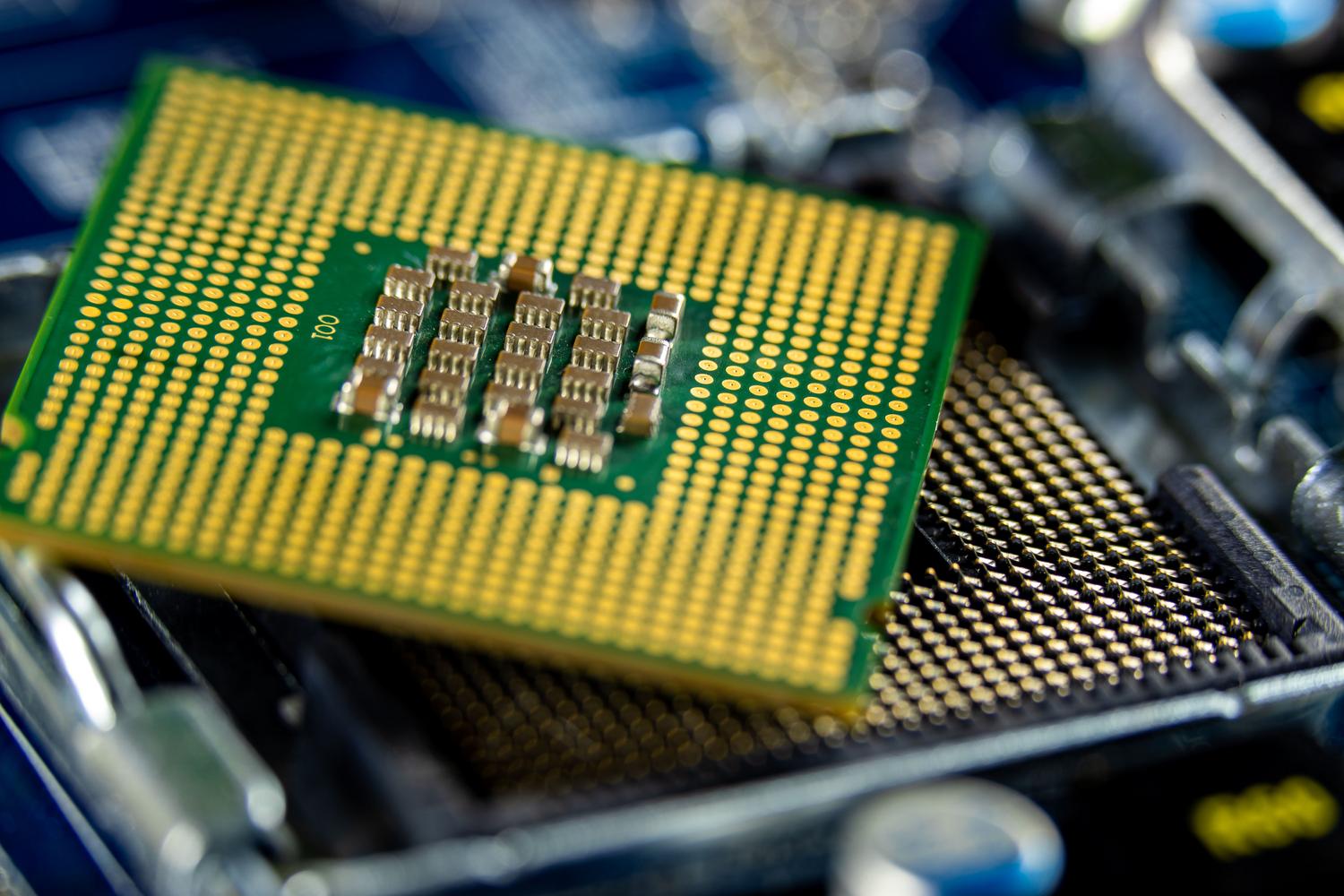
It all starts at the base. The Trusted Platform Module (TPM) 2.0 is fundamental, acting as a safe where cryptographic keys and system secrets are stored, isolating them from the rest of the software. To take this to another level, Microsoft has introduced Pluton , a security processor integrated directly into the CPU that eliminates the vulnerability of the communication path between the security chip and the processor, making it virtually impossible to extract confidential data even with physical access to the computer.
Furthermore, the system utilizes Virtualization-Based Security (VBS) , which creates an environment isolated from the main operating system. Thanks to this, critical processes such as the credential manager run in a space where malware cannot penetrate, even if it has managed to gain administrator privileges in the main kernel. This is complemented by Hypervisor-Protected Code Integrity (HVCI) , which ensures that only signed and validated code can execute in kernel mode, effectively halting attacks like WannaCry.

Protection against malware and ransomware

On the front line of defense is Microsoft Defender Antivirus . This solution not only scans files but also analyzes behavior in real time and uses heuristics to detect threats not yet in the databases, raising the question of whether Microsoft Defender is truly sufficient for your security . To prevent ransomware from disabling these protections, there is tamper protection , which prevents any malicious program from turning off the antivirus or changing security exclusions.
- SmartScreen: Filters suspicious websites and downloads, warning the user before they enter a phishing page.
- ASR RulesThe rules for reducing the attack surface block typical hacker behaviors, such as running obfuscated scripts or dangerous macros in Office.
- Controlled folder accessA key measure against ransomware that only allows trusted applications to modify files in sensitive folders such as Documents or Pictures.
For those seeking complete control, Smart App Control uses cloud-based AI to predict whether a process is safe before allowing it to start. If an application is unsigned or unknown, the system proactively blocks it, leveraging the security of Smart App Control in Windows to prevent the device from becoming vulnerable.

Identity protection and secure access

Traditional passwords are a burden and a risk. That's why Windows Hello proposes a passwordless future, relying on biometrics (face or fingerprint) and hardware-protected PINs. By linking identity to the physical device, the risk of remote phishing attacks stealing passwords is eliminated, since access requires either physical presence or a unique cryptographic token.
For businesses, Windows Hello for Business and passkeys enable much more robust identity management, integrating with Microsoft Entra ID. Furthermore, Local Security Authority ( LSA ) protection ensures that login tokens are not stolen from system memory, preventing attackers from moving laterally across the corporate network once they have gained access to a computer—a crucial feature when auditing accounts and permissions in Windows.

Data encryption and network security

If the computer falls into the wrong hands, encryption is the only protection. BitLocker uses 128-bit or 256-bit AES algorithms to make the data on the disk unreadable without the recovery key. For the most sensitive files, Personal Data Encryption allows you to protect specific folders using the Windows Hello container, ensuring that only the rightful owner can access them.
Regarding networking, Windows has implemented DNS over HTTPS (DoH) and TLS 1.3 so that name queries and data traffic travel encrypted, preventing anyone on the same network from spying on browsing. The Windows Firewall complements this by filtering incoming and outgoing traffic, reducing the attack surface, and blocking unused ports to prevent remote intrusions.

Advanced management and maintenance
To ensure everything runs smoothly, the system relies on management tools like Microsoft Intune , which allows administrators to apply security baselines to thousands of devices simultaneously. A brilliant new feature is Windows Hotpatching , which enables the installation of critical security updates without requiring a system restart, improving the Windows update experience , eliminating downtime, and ensuring patches are applied instantly.
Finally, the use of the Rust language in the Windows kernel marks a turning point in system stability. By eliminating common memory errors such as buffer overflows, it closes the door to a vast number of vulnerabilities that hackers used to exploit to gain complete control of the system.
Modern security is a complex system where the synergy between hardware and software determines who survives an attack. From UEFI Secure Boot, which ensures a clean boot, to remote cloud authentication, Windows has created an ecosystem where protection is invisible yet omnipresent, transforming the device into a fortress capable of withstanding everything from a simple virus to the most advanced ransomware.


Passionate writer about the world of bytes and technology in general. I love sharing my knowledge through writing, and that's what I'll do on this blog, show you all the most interesting things about gadgets, software, hardware, tech trends, and more. My goal is to help you navigate the digital world in a simple and entertaining way.