- Developer mode allows you to run internal distribution applications and access advanced debugging tools on iOS.
- Activation generally requires the use of Xcode on a Mac or the prior installation of a development build.
- It is essential to restart the device and confirm your identity using the access code to complete the process.
- For security reasons, it is recommended to disable these functions once the necessary tests have been completed.

If you're a programmer or simply enjoy tinkering with apps that aren't on the App Store, you know that Apple has made things a bit difficult. To run local development builds or internal versions on an iPhone or iPad, you absolutely must enable a hidden feature called Developer Mode, especially if you're using recent versions of iOS.
The truth is, while it's not rocket science, it can be a little confusing if it's your first time. This tool is the key that unlocks special Touch visualizers and trackers , allowing us to modify aspects of the system that are normally locked down by Apple for the average user.

Requirements before starting
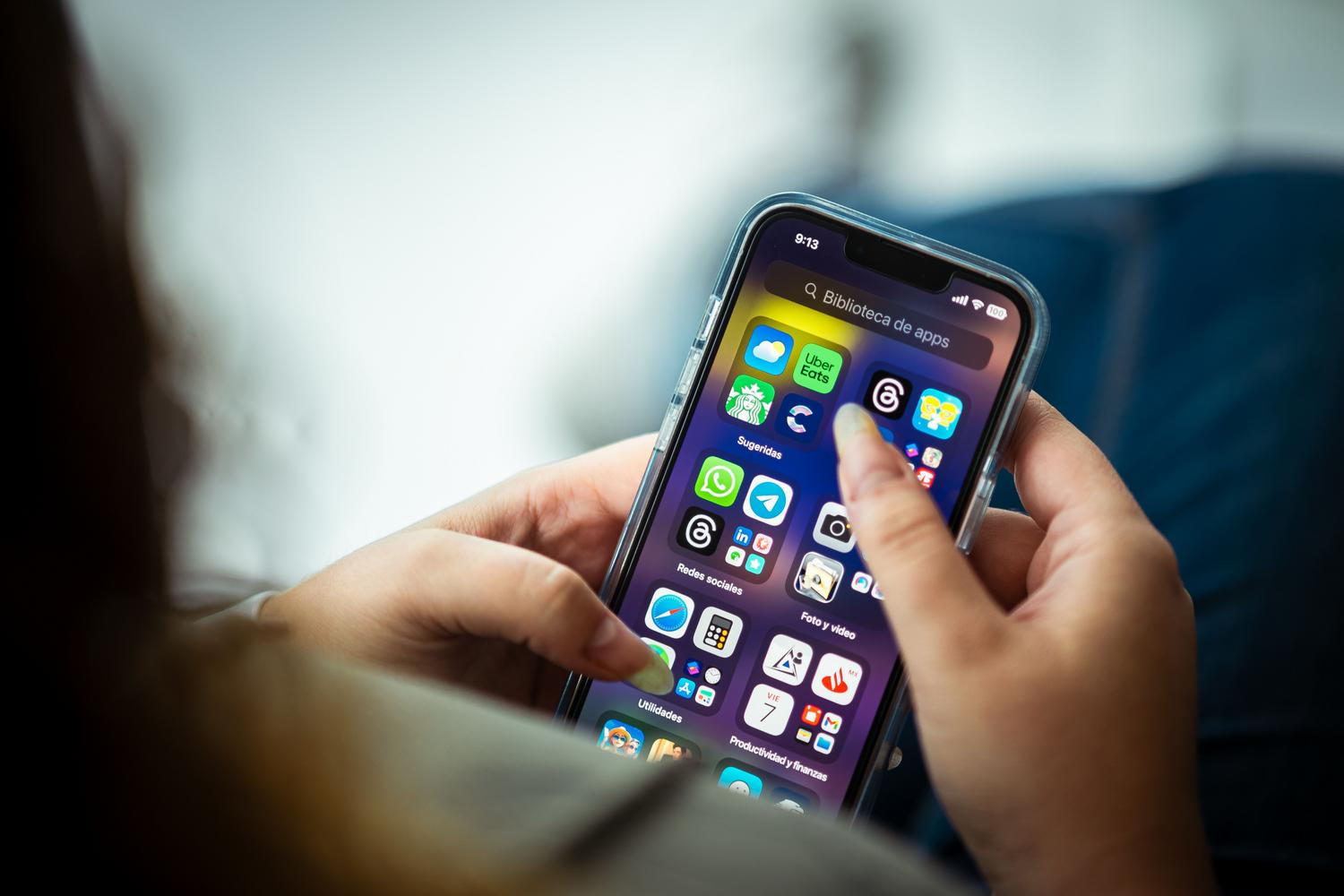
Don't jump in blindly; for the menu to appear on your phone, you must first have installed a developer build on the device. Keep in mind that this process only needs to be done once per device.
Steps to enable Developer Mode

To activate this option, the most common method involves following a series of steps coordinated between the software and hardware. Here's the detailed process:
- Unlocking the alert: Once you've installed the trial app, tap its icon. The system will then display a message asking if you want to enable Developer Mode. Tap "OK."
- Configuration path: Now go to the Settings app on your iPhone. You need to go to the section for Privacy & Security And if you scroll down to the bottom, you'll see that the Developer Mode option has appeared.
- Activation and restart: Activate the corresponding switch. The system will notify you when it is necessary. reboot the device For the change to take effect correctly, confirm the restart.
- final validation: After turning on and unlocking your phone, a final system notification will appear. Tap Activate and Enter the access code from your iPhone to close the process.

Alternatives if the standard method fails

Sometimes things don't work out the first time, or perhaps you'd prefer a different approach. If you have a Mac handy, the official and most robust method is to use Xcode . This software is essentially an extension that allows you to send the activation signal to your iPhone. Simply download Xcode, install the developer tools from Apple's website, and connect your device; your phone will receive a message to automatically activate the mode.
For those looking for something simpler or who don't have a Mac, there are third-party tools like iCareFone . This manager lets you enable the feature by connecting your phone to your PC via USB cable, clicking on the Developer Mode option, and following a guided wizard that does virtually all the work for you, making it a very useful option for managing backups and data simultaneously.
How to get back to normal

Be aware that leaving developer mode permanently enabled can create security vulnerabilities. The wisest course of action is to disable it when you no longer need to test apps. To do this, simply go back to Privacy and Security in your settings and turn off the switch. Keep in mind, however, that if you ever decide to reactivate it, you'll have to repeat the entire process from the beginning.
Gaining complete control over your iOS device is possible through the official Xcode workflow, internal privacy settings, or third-party software. Once code validation and system restart are complete, you'll have access to all the necessary internal debugging and distribution tools to optimize your apps.


Passionate writer about the world of bytes and technology in general. I love sharing my knowledge through writing, and that's what I'll do on this blog, show you all the most interesting things about gadgets, software, hardware, tech trends, and more. My goal is to help you navigate the digital world in a simple and entertaining way.