- Ditto Clipboard Manager expands the clipboard de Windows with a complete and persistent history of texts, images, and other formats.
- It is free, open source and can be installed from the Microsoft Store, classic installer, portable version, Chocolatey or Winget.
- It uses an SQLite database, offers encrypted synchronization between computers, is translated into Spanish, and is actively maintained.
- It increases productivity by preventing the loss of copied information and facilitating the intensive use of copy and paste in professional environments.
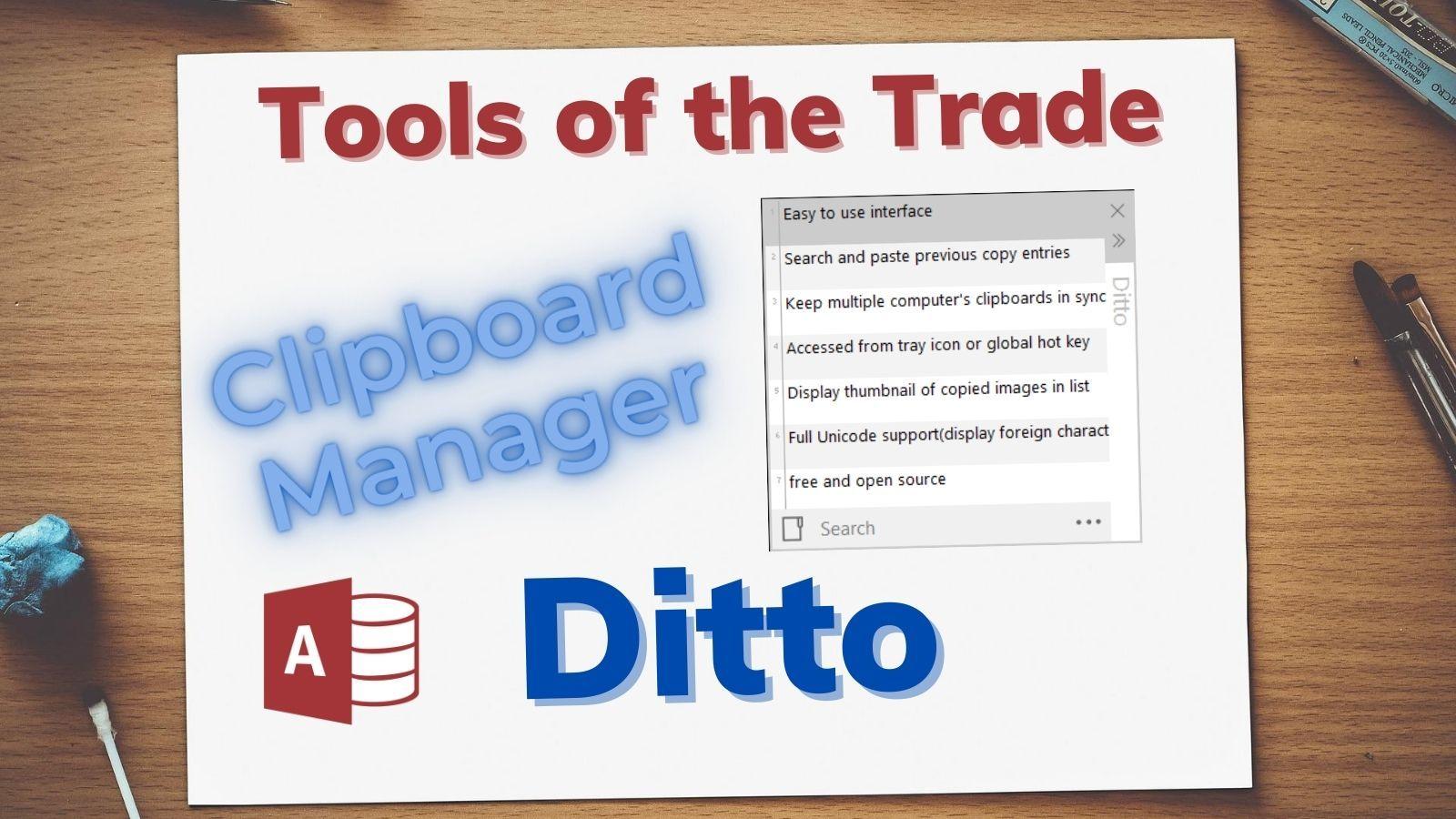
Ditto Clipboard Manager has become one of those essential tools For anyone who spends their day copying and pasting text, images, passwords, or code snippets, Ditto is a lifesaver. If you've ever lost something important from your clipboard because you copied something else right after, you know how frustrating it can be. With Ditto, that problem almost completely disappears: every item that passes through the clipboard is saved, and you can retrieve it whenever you want.
Unlike the standard Windows clipboard, which only retains the last copied item, Ditto acts as a historical memory of your clipboard history in Windows 11Furthermore, it's free, open source, has both installable and portable versions, and offers advanced features such as cross-device synchronization and support for multiple formats (text, HTML, images, and custom formats). All this comes with a very gentle learning curve and user-friendly interface that will hook you after just a couple of days of use.
What is Ditto Clipboard Manager and what is it used for?
Ditto Clipboard Manager is an extender for the native Windows clipboard.Developed as an open-source project and distributed free of charge, its main purpose is to permanently store all the elements you copy (plain text, HTML snippets, images, data in custom formats, etc.) so you can easily retrieve them later.
While the Windows clipboard only retains the last copied content, Ditto manages a complete history listThis organized and accessible list of backups is stored in a local database, allowing you to shut down your computer or restart Windows without losing your previous backups.
A key feature is that Ditto is not limited to simple text.It also handles images (such as screenshots), HTML snippets (preserving styles, links, and basic formatting), and other special formats used by some applications. This makes it very useful for office environments. programminggraphic design, password management, or any activity involving a lot of copy/paste.
What's more, Ditto allows you to synchronize clipboard contents between different computers through the network or the internet, encrypting the information during transmission to maintain privacy. This allows you to copy something from your work PC and paste it onto your personal computer without using email or external services.
Main ways to download and install Ditto
One of the advantages of Ditto is the number of options it offers for installing it. or run it, adapting to both end users and system administrators who deploy software on multiple computers. You're not limited to the classic installer: it also has a portable version and installation via package managers that are very popular in the Windows environment.
If you want the simplest option, You can download Ditto from the Microsoft Store for Windows. and so Improve the clipboard in Windows 11This version installs like a modern app, updates automatically from the store itself, and is ideal for users who don't want to deal with traditional installers or extra configurations.
For those who prefer the classic route, Ditto has a standard installer for Windows (with support for 32-bit and 64-bit architectures, Win32 and Win64). Simply run the file, follow the installation wizard, and in just a few clicks, the program will be integrated into the system with its icon in the system tray and its shortcut.
Also available is a portable version of DittoThis version is downloaded as a set of files that you can place in any folder, on a USB drive, or on an external hard drive and run without installing anything on your system. It's perfect for use on computers where you don't have installation permissions, for carrying your clipboard manager with you, or for keeping the entire program isolated from other applications.
More advanced users, and especially system administrators, will appreciate that Ditto can be installed using package managers such as Chocolatey and WingetIn the case of Chocolatey, you can use commands , the choco install ditto o choco install ditto.portable to deploy the normal or portable version in a matter of seconds. With Winget, the command winget install -e –id Ditto.Ditto It allows you to install it from the command line following the official Microsoft ecosystem.
How to use Ditto in your daily life
Getting started with Ditto is very easyEven if you've never used a clipboard manager before. The basic workflow is almost identical to the usual copy and paste function in Windows, but with the added benefit of history and a very convenient selection panel.
The first step is to Run Ditto to make it resident in the system trayOnce it's running, it "listens" to everything that passes through the Windows clipboard. In other words, every time you use the classic Ctrl + C combination (or cut with Ctrl + X) on text, an image, or other content, Ditto saves a copy to its internal database without you having to do anything else.
To access the history, You can click on the Ditto icon in the notification area (next to the Windows clock) or use the default shortcut key: Ctrl + ` (that is, hold down Ctrl and press the tilde or grave accent key, the same one where the ~ symbol is usually located). Pressing this shortcut opens a window with all the items you previously copied.
Inside that window, You just have to find the item you want to reuse.You can navigate with your mouse, scroll up and down with your keyboard, or use a search box to filter by text, which is very useful when your history is long. When you find the item you're looking for, simply double-click it or press Enter to have Ditto send it to the current clipboard and automatically paste it into the application you were working on before opening Ditto. If you are ever unable to paste the content, consult [link to relevant documentation]. What to do if you can't paste external content.
With continued use, it becomes clear that Ditto is designed to improve productivity without disrupting your work habits.You still use Ctrl+C and Ctrl+V as always, but you have a safety "cushion": even if you overwrite the clipboard with something new, the previous text is still available in Ditto's list, ready to be retrieved instantly.
Internal architecture: SQLite database and performance
One of the most interesting technical aspects of Ditto is its use of an SQLite database to store the entire clipboard history. Instead of saving loose files or complex structures, the program centralizes almost all the information in a single lightweight database that facilitates both data management and persistence.
Choosing SQLite offers several clear advantages: It simplifies the program code and facilitates read and write operations.It allows for the relatively efficient handling of hundreds or thousands of elements without the need for an external database system. SQLite is very stable, thoroughly tested, and specifically designed for this type of desktop application.
However, this choice also has its nuances. As history items are added and deleted, the database can become fragmented.This can lead to some performance degradation in certain scenarios. This behavior isn't unique to Ditto: other programs that rely on SQLite, such as some feed readers (for example, FeedDemon back in the day), can also suffer when the database grows uncontrollably and isn't maintained.
In actual use, some users have observed that when handling many medium or large-sized images (For example, continuous screenshots), access to the history may become somewhat slower. This makes sense considering the volume of data that needs to be stored and retrieved from the database, as well as how SQLite internally manages those graphic logs.
One possible mitigation of this behavior consists of Keep the SQLite engine used by Ditto up to dateIt has been noted that upgrading to more recent versions, such as 3.7.9, results in significant improvements in the management of storage and performance. In addition, the program's own configuration options allow you to limit the number of saved items, reduce the size of the history, or clean up old records, helping to keep the database lighter.
Advanced functions and outstanding features
Beyond simply keeping a backup history, Ditto stands out for its set of advanced features. that differentiate it from other clipboard managers. Some of these features can make all the difference in professional environments or in tasks that demand high productivity.
On one hand, Ditto supports a wide variety of input and output formatsIt's not limited to typical plain text; it can work with HTML (preserving links, bolding, lists, etc.), images in various formats, and other types of data that certain applications send to the clipboard using custom formatting. This makes it very useful, for example, when you copy styled text from a browser or document editor and want to preserve that formatting when pasting.
Another highly valued function is the clipboard synchronization between different computersDitto can be configured to share history with other computers, either over the local network or the internet, and also offers data encryption to prevent unencrypted transmission. This is a very powerful feature if you work with multiple PCs simultaneously, if you have a desktop and a laptop, or if you collaborate with others and need to quickly share text snippets or data.
Regarding user interaction, Ditto allows customization keyboard shortcutsappearance and even visual themesand other useful combinations for select all text using shortcutsThe theme support allows you to change colors and some aesthetic elements of the interface, giving it a look more in line with your personal tastes. While the visual design may not be the most minimalist or modern, it is functional and customizable, and importantly, the history window is clear and quick to use.
It should also be mentioned that Ditto is translated into multiple languages, including Spanish.This makes it easier for users who prefer to work in Spanish to adopt. Furthermore, the capture of standard Windows keyboard shortcuts (Ctrl + C, Ctrl + V, etc.) generally works reliably, without significant conflicts with other applications, provided no other programs attempt to capture the same keys simultaneously.
Performance, limitations, and user experience
In day-to-day use, Ditto offers a fairly solid and reliable experience.However, it's worth knowing its strengths and potential drawbacks to understand what to expect and how to get the most out of it. It is, after all, a tool that's constantly in use while the system is running, so any improvements or problems are quite noticeable.
Many users who came from other solutions, such as the veteran ClipX, point out that Ditto offers more features and improved compatibility with modern versions of Windowsespecially with the clipboard extensions introduced from Vista onwards and Windows 7It's true that it may not be as ultra-lightweight or as fast as some very minimalist alternatives, but it compensates with a much wider range of options and stable integration into current systems.
Visually, Ditto does the job without much fanfareIt's not the most spectacular or polished interface you'll find, but it's pleasant and clear enough to work with. The use of themes and color changes helps to liven it up, although some people would prefer an even more minimalist approach, without relying on XML for themes and settings, or on certain libraries (like MFC) that increase the program's size.
As for stability, Ditto is being actively maintained by its developerThis translates into continuous bug fixes, improvements, and adjustments. Details such as the incorporation of specific manifests for x64 or the optimization of the link with Visual C++ runtimes refine the program's behavior on modern systems and reduce potential compatibility issues.
It must be taken into account, however, that when copying very large images is abused or when the history is allowed to grow without limitPerformance may be slightly affected. The database has to handle more information, and loading the history may be slower. Adjusting the maximum number of items, database size, and cleanup frequency settings is a good practice to keep it running smoothly.
Use cases: productivity, passwords, and intensive work
Ditto shines especially in environments where copy/paste is a central part of daily work.We're talking about activities like customer service, data management, programming, digital marketing, systems administration, intensive office work, and many other office tasks where you're constantly moving information from one place to another.
For example, if you spend the day copying usernames, passwords, URLs from open tabs, verification codes or repetitive text fragmentsHaving an instantly accessible history saves you countless minutes throughout the week. Instead of having to search repeatedly for the same information in emails, documents, or applications, simply open Ditto, locate the relevant entry, and paste it instantly.
It is also very useful when Do you work with extensive documentation, reports, or web content? And you need to recover paragraphs you copied a while ago and then overwrote with something else. The typical case of "I just copied something important and accidentally deleted it" is no longer dramatic, because Ditto keeps previous versions in its history.
In the more technical field, developers and administrators value that Ditto lets you organize code snippets, console commands, file paths, or configurations and retrieve them as needed. It's like having a small personal library of "snippets" that is created automatically as you work, without having to paste everything manually into a separate document.
Even on a personal level, Any user who frequently uses the clipboard benefits from this small safety net.The mere fact of not losing the copied information and being able to review what you have used throughout the day makes you feel freer to experiment, cut and paste without fear.
Security, privacy, and code signing
Since it is a tool that records everything that passes through the clipboardIt's logical to consider security and privacy issues. Passwords, sensitive data, account numbers, internal company information… all of that may have been accessed via Ctrl+C at some point (for example, use password managers like KeePass and key file (for added security).
In this context, Ditto offers encryption options when synchronizing information between different devicesThis ensures that the data travels securely and is unreadable to third parties during transmission. It's important to configure these options correctly if you plan to share your browsing history over the internet or networks that are not fully controlled.
From the perspective of software integrity, The Windows versions of Ditto feature code signing Provided free of charge by SignPath.io, with a certificate issued by the SignPath Foundation. This signature helps the operating system recognize the executable as trusted, reduces unnecessary security warnings, and ensures that the file has not been modified by the developer since its release.
In daily use, it's also advisable to apply some common sense: if you work with highly sensitive dataYou might be interested in configuring Ditto to not save certain types of content or to limit There Certain elements are retained in the history. The balance between convenience and security will depend on the work environment of each individual or company.


Passionate writer about the world of bytes and technology in general. I love sharing my knowledge through writing, and that's what I'll do on this blog, show you all the most interesting things about gadgets, software, hardware, tech trends, and more. My goal is to help you navigate the digital world in a simple and entertaining way.