- Use official power supplies to avoid voltage drops and restarts.
- Importance of using operating system images compatible with the specific model's ARM architecture.
- EEPROM memory recovery procedures using recovery files on FAT cards.
- Diagnosis through peripheral isolation and processor temperature control.
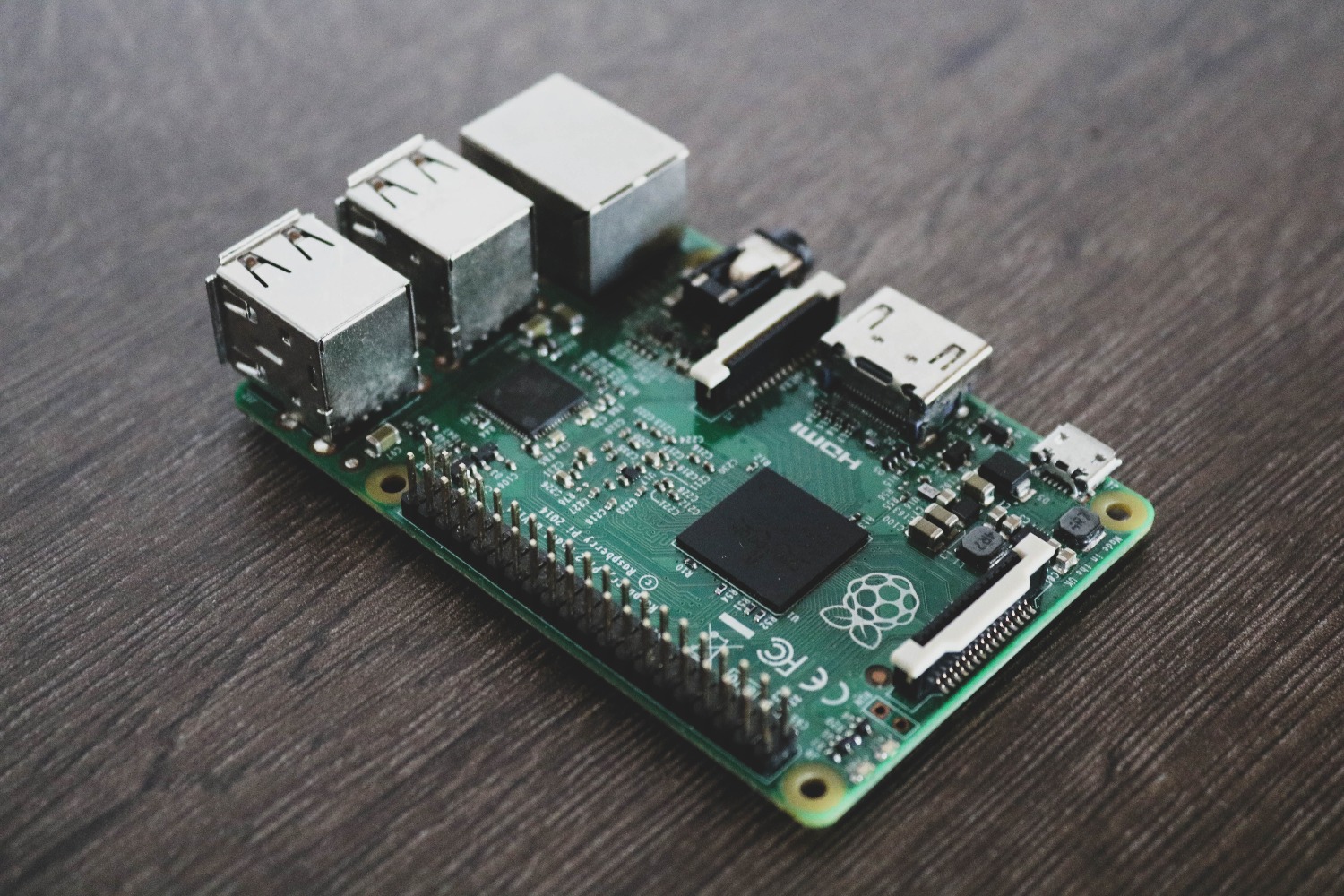
Booting up a Raspberry Pi for the first time is exciting, but it can be a real headache when the system refuses to power on or gets stuck in an infinite loop. It's more common than you might think that, even with new hardware, you'll encounter black screens or constant restarts that leave you completely bewildered.
There's no need to panic if your motherboard isn't responding; most of the time the problem isn't that the console is broken, but rather a configuration, power, or software issue . We'll thoroughly analyze all the possible causes and how to fix them so your project can come back to life.
The dilemma of energy and voltage
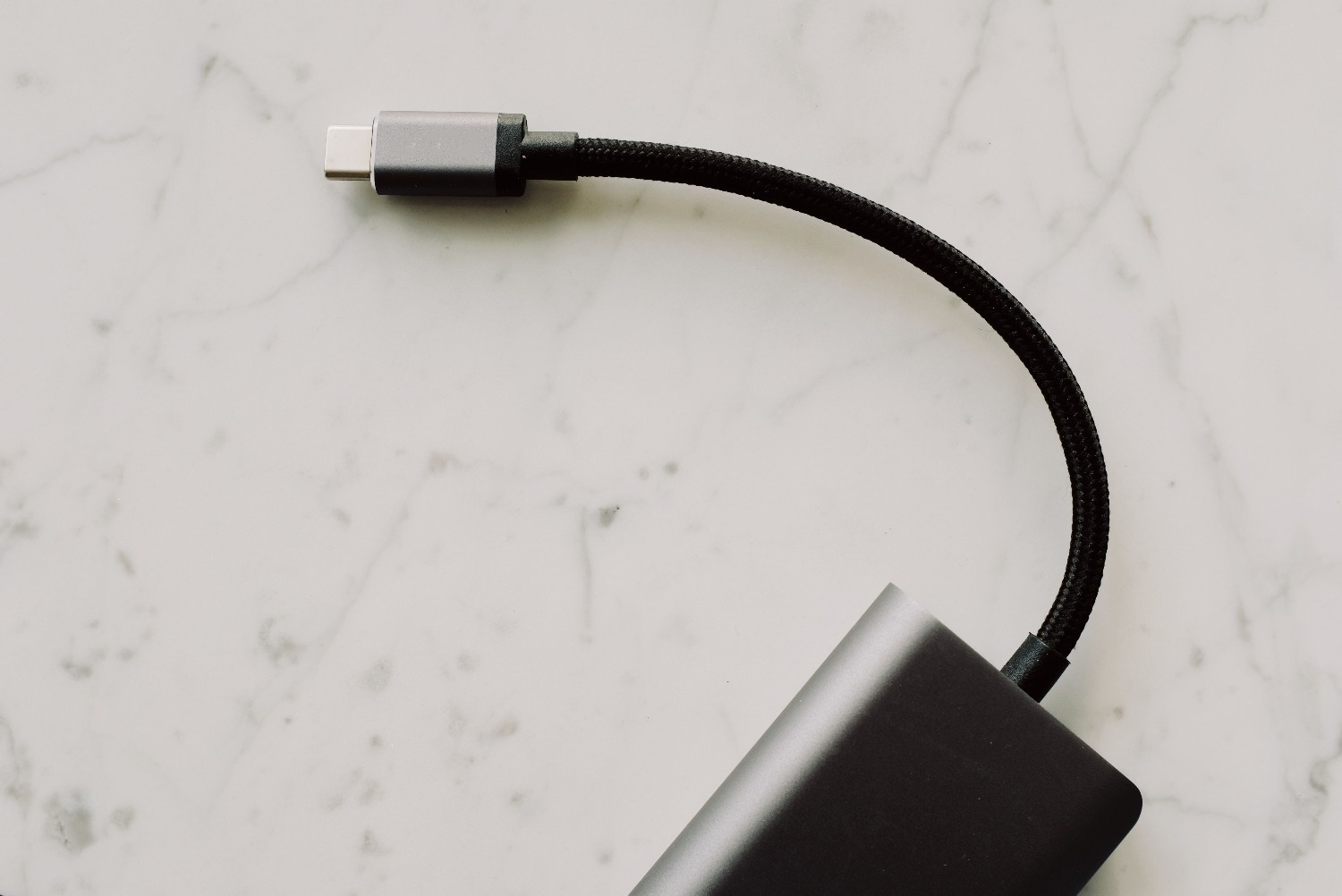
One of the most common mistakes is not giving the board the power it needs. The Raspberry Pi, especially the newer models like the Pi 4 and Pi 5, is very demanding in terms of power. If you use an old mobile phone charger or a poor-quality cable, you're likely to experience voltage drops that cause sudden shutdowns or prevent the system from even booting.
To avoid problems, it's best to use the official power supply , which guarantees the correct amperage. If you notice the power LED blinking or the system restarting when you connect peripherals, you might have a power issue. When using external hard drives, remember that USB ports have a current limit; to address this on systems like Ubuntu, you can add the line `usb_max_current_enable=1` to the `config.txt` file to allow more power to be sent to the ports.
Problems with the microSD card and the operating system
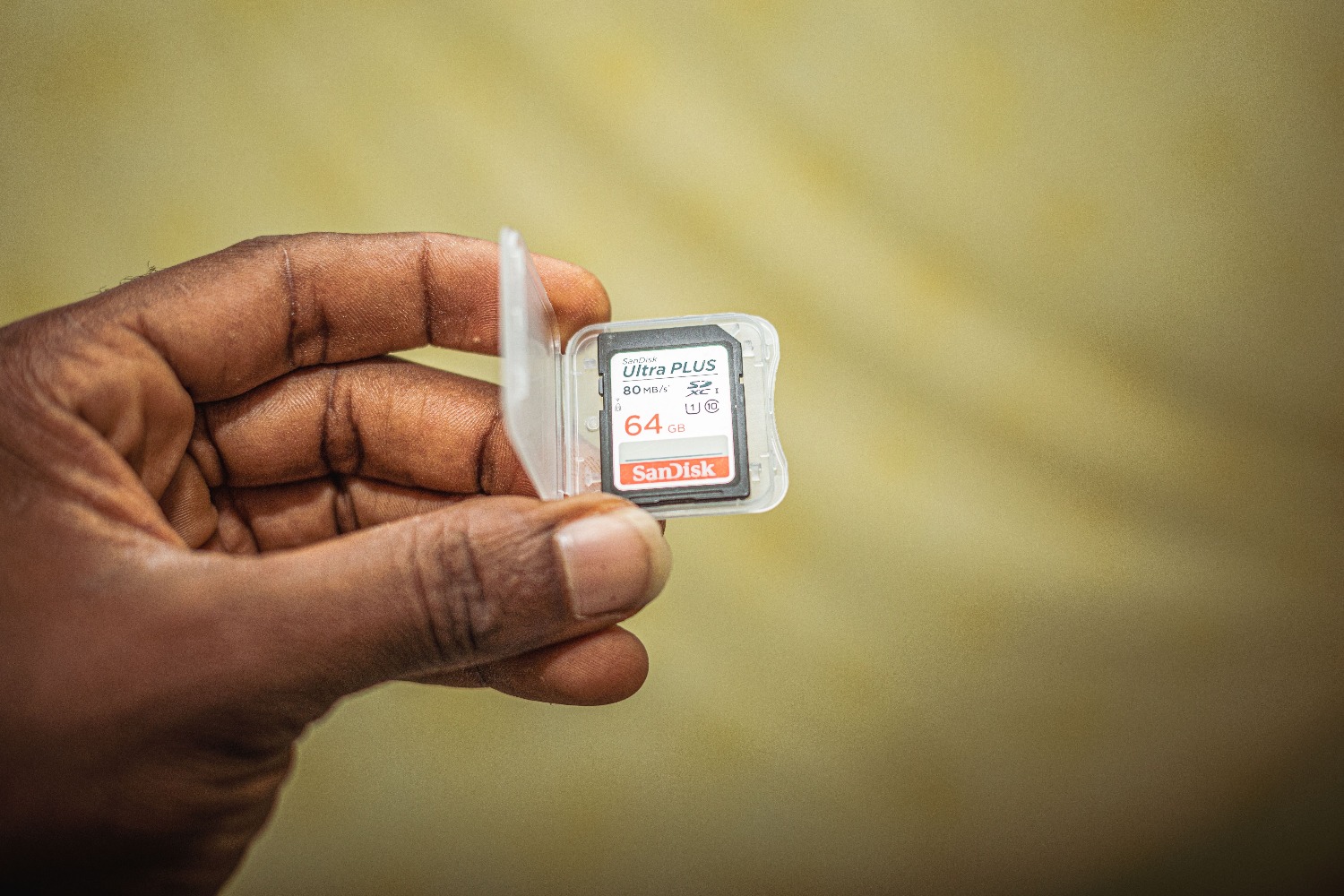
The SD card is the heart of the system, and if it fails, there's no way to boot. Not all cards are created equal; using generic or cheap brands often results in corrupted files or read errors. It's best to opt for high-end memory cards, such as Samsung Evo or SanDisk, which handle constant writing better.
Sometimes, the problem is that we've flashed an incompatible image . For example, trying to boot an older version of Raspbian on a Pi 4 or 5 will result in complete failure. If you get stuck on the infamous rainbow screen , it's a clear sign that the software isn't compatible with the hardware. Always make sure you use Raspberry Pi Imager and select the exact version for your model and architecture (32-bit or 64-bit ARM).
The EEPROM and the boot manager
Unlike older models, modern boards have an EEPROM memory that acts as a kind of BIOS. If this memory becomes corrupted, the Raspberry Pi won't know how to start the boot process. You can check if the bootloader is working by removing the SD card and powering on the board; if the green LED blinks in a pattern , everything is fine, but if there's no light, you need to reinstall the firmware.
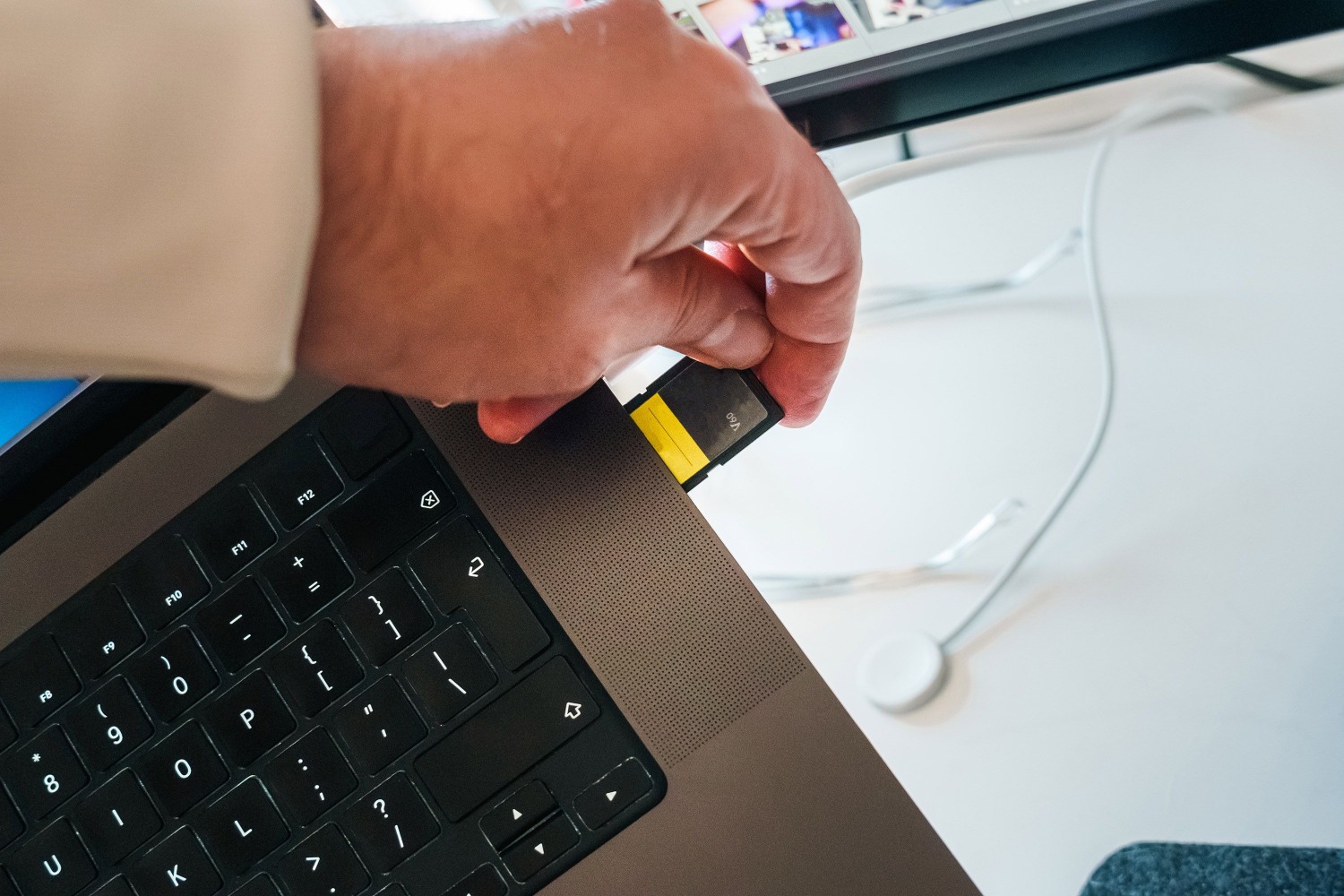
To repair the EEPROM, you must create a FAT-formatted SD card and place the recovery.bin file on it . When you insert the card and power on the board, the green LED will blink rapidly, indicating that the recovery was successful. This step is crucial when the system is stuck in a boot loop or fails to recognize the SD card's boot partition.
Hardware and peripheral interference
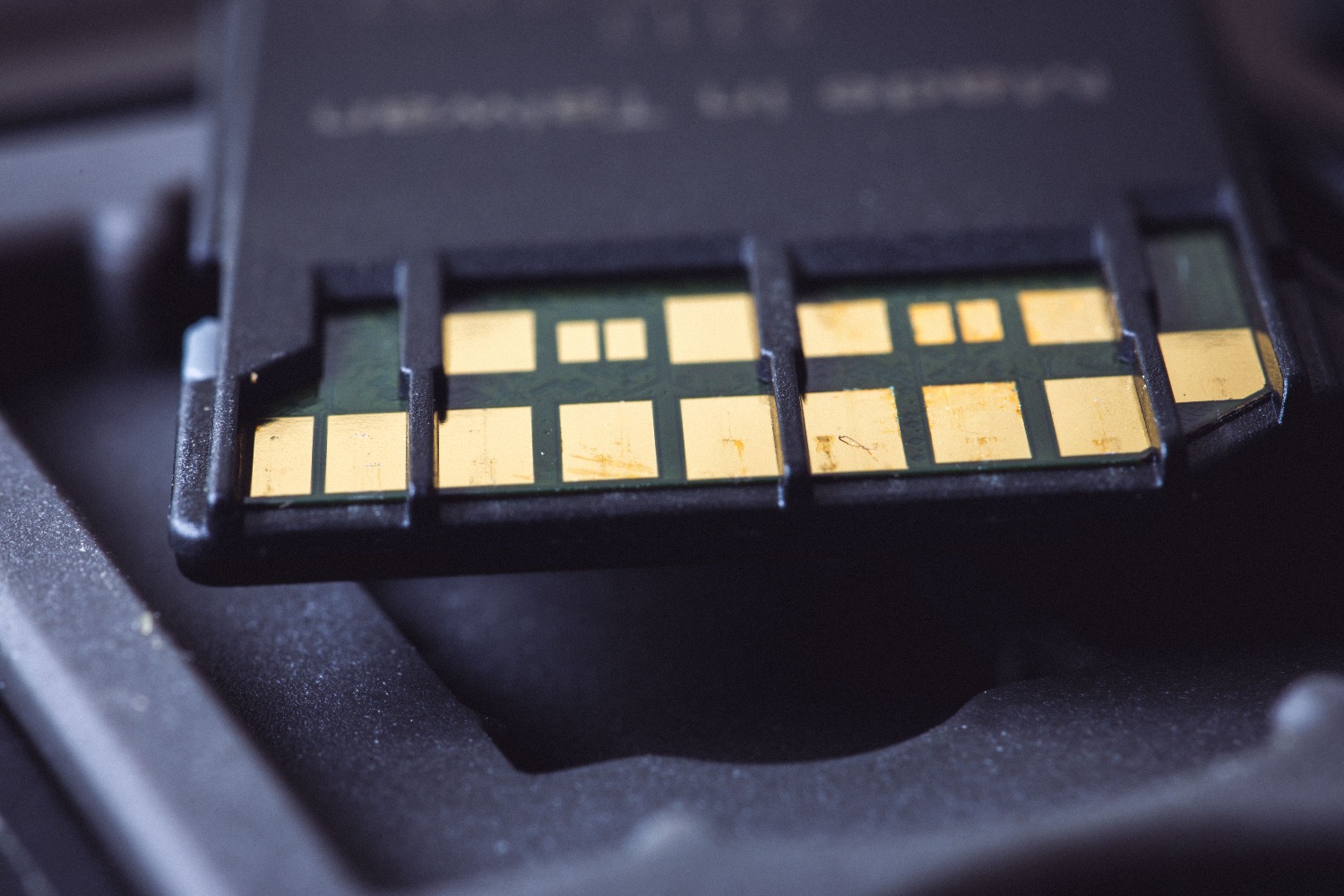
Sometimes, the culprit is a loosely connected accessory or a faulty component creating an electrical conflict. If you have HATs, NVMe drives, or many USB peripherals, try a minimal boot : disconnect everything except the power supply and the display. If it boots up, connect the devices one by one until you find the one causing the problem.
An important detail concerns USB-SATA drives. Some UAS controllers can cause stability issues. In these cases, adding a kernel quirk to the cmdline.txt file can prevent the drive from disconnecting randomly. Also, if the system shuts down on its own after a few minutes, check that you have an adequate heatsink , as overheating triggers thermal protection and cuts power to prevent the processor from overheating.
Software errors and corrupted files
Turning off the Raspberry Pi by unplugging the cable is the fastest way to corrupt the system. It's always preferable to use commands like `sudo shutdown` to ensure all data is written correctly to the SD card. If the system fails to boot for this reason, you can try to recover your files by connecting the card to a Linux computer before formatting it.
If you suspect the image you flashed is corrupted, check the MD5 hash of the downloaded file. Even a minor error during download or flashing with the software can cause the system to hang at boot time. In extreme cases, if Home Assistant or another specific OS fails to boot but Raspberry Pi OS does, the stability of that particular version is likely not optimal for your hardware setup.
To bring order to the chaos, it's best to first check the power supply and the quality of the microSD card, ensuring that the EEPROM firmware is up to date and that the operating system is correct for the motherboard model. Removing unnecessary peripherals and avoiding abrupt shutdowns will ensure that the machine runs smoothly and without unexpected restarts.
FAQ
What does it mean when the Raspberry Pi gets stuck on the rainbow screen?
This symptom generally indicates that the installed operating system is not compatible with the hardware model or that the SD card image is corrupted.
How can I tell if the power supply is the problem?
You can identify if the power LED is blinking, if the board restarts when peripherals are connected, or by using the vcgencmd get_throttled command to detect voltage drops.
Is it possible to repair the EEPROM if the Raspberry Pi won't boot?
Yes, it can be fixed by flashing a microSD card in FAT format with the official recovery.bin file to reinstall the bootloader.
Why does my external hard drive keep disconnecting from my Raspberry Pi?
This is usually due to the USB port not supplying enough current or to incompatibilities with the UAS protocol, which can be solved by enabling usb_max_current_enable=1.
What should I do if the board turns off a few seconds after being turned on?
It is necessary to check if there is an immediate overheating that activates the thermal protection or if there is a short circuit caused by a poorly connected peripheral.
How to prevent SD card files from becoming corrupted?
The best course of action is to avoid turning off the device by unplugging the cable and always use the operating system's safe shutdown commands.
